




New Trade Zone
Trade Zone is now live
Use the new Trade Zone for auctions and instant-price trades so Pokemon and item offers are easy to find.

Toshiro910
Registered User
-
Joined
-
Last visited
-
5.2m
-
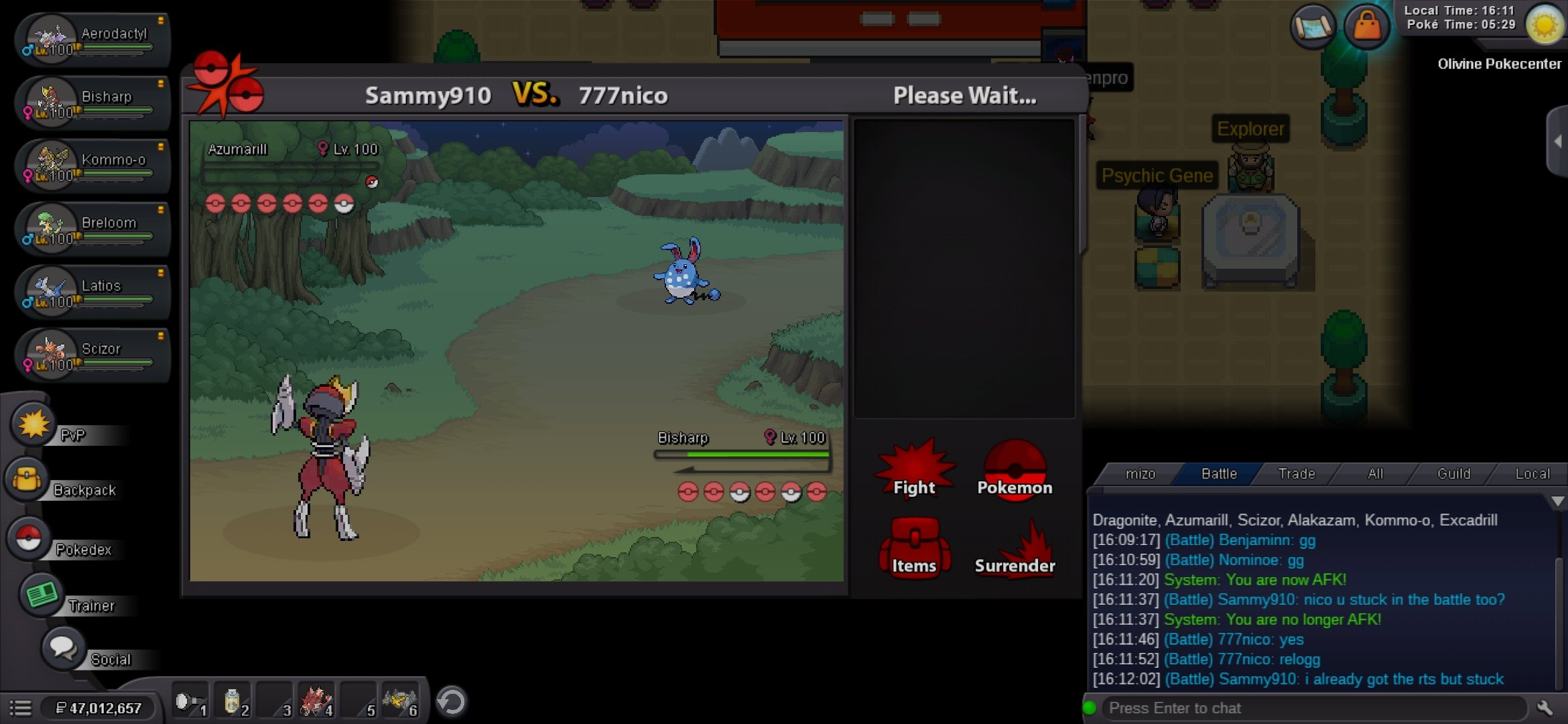
Hi, i think this needs to be reported cuz after i won pvp i am stuck like this and my oppo also stuck aswell but got the rts from the win...after i relog its back to normal but im reporting it anyway...ty
-
6m
-
5.74m
-
5.5m
-
4.62m
-
4m
-
3.24m
-
3m
-
I dont know bout others but works fine for me now
-
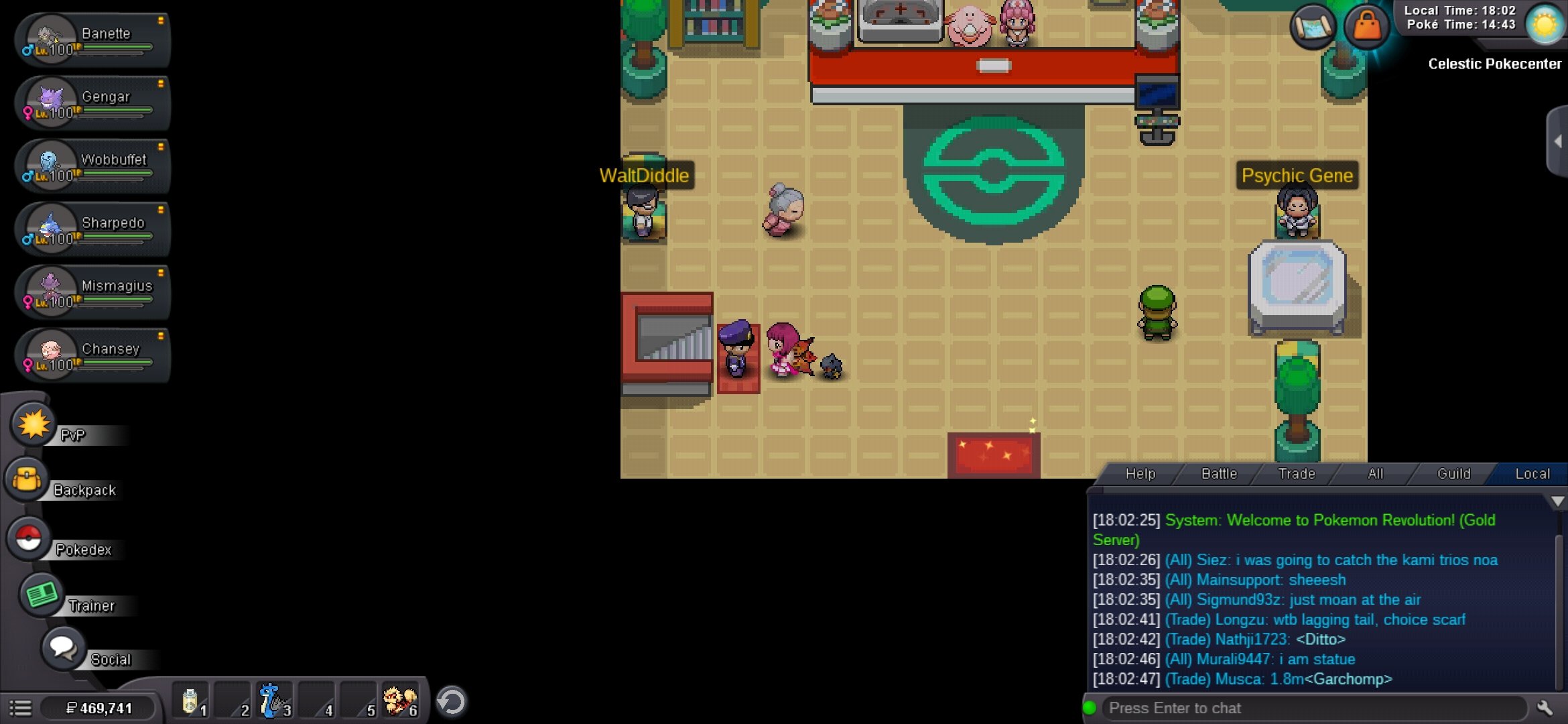
Hi, whenever i speak to npc i cant move anymore after the last server restart, when i relog i can move again but i get stuck again when i talk to npc...pls fix this...thank you😁
-
Let me know when you are online
-
Noted
-
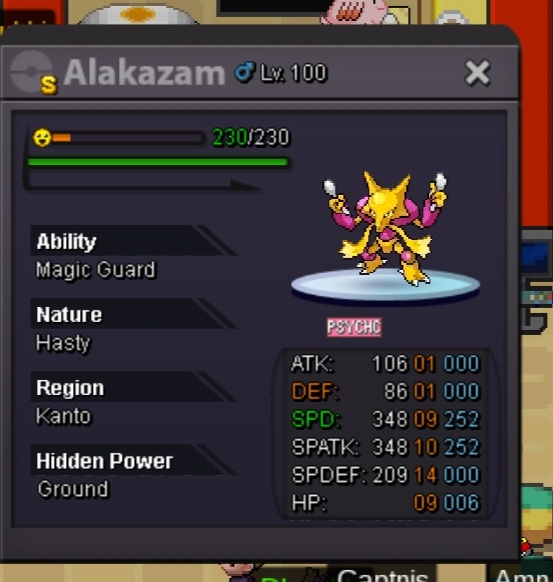
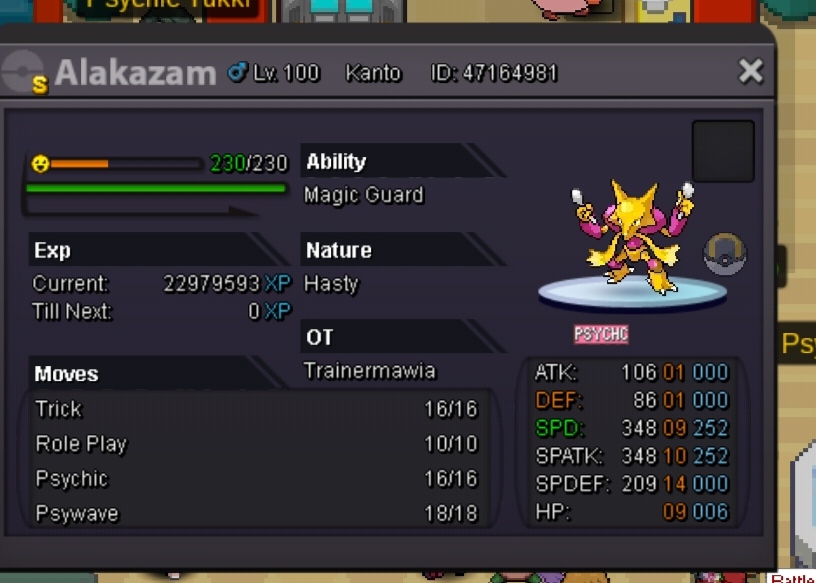
Selling from Gold server Selling it for a friend of mine S.o - 2m Min raise - 100k No insta Ends after 48hrs after the first bid Payment accpted: Pokedollar$ Cc- 350k Rr- 750k Good luck
-
2m

