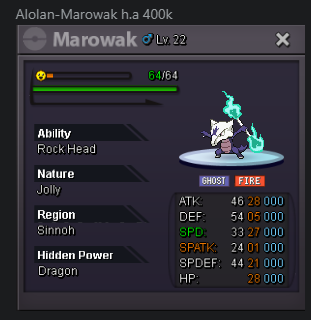
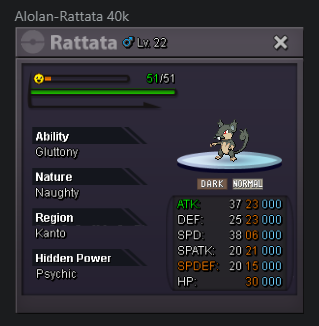
New Trade Zone
Trade Zone is now live
Use the new Trade Zone for auctions and instant-price trades so Pokemon and item offers are easy to find.

Randaleralle
Registered User
-
Joined
-
Last visited
-
Holy Sh*t i like tha Idea! Bc of 1 example: I pretty much Like Water Pokes like Piplup or Staryu. To catch them in a Ball that looks Like a WaterBall will be insane 🙂 Maybe a Idea: What is, with that example, u have PokeBalls like for each Element and the balls maybe have a slightly , bit higher chance (like 2-5%) to catch a poke with the same Type? That i will say, will be awesome! But im pretty much like that Idea for Custom PokeBalls! +1 for that, hopefully it will be implemented !
-
Hello ! I was doing the 1st part of the Quest, The things with the Revival Herbs etc. After that i was logged out and they tell me i need to do that again, but i cant do that anymore. Is that why i relog or is that a bug? I have no clue or idea, why that is. Maybe u can help me. Thx for ur time and i really appreciate it, when u can help me! EDIT: After the Restart i was needing to pickup 1 of the items again.... now i have to wait maybe that is now fixed
-
Thx for ur buy !
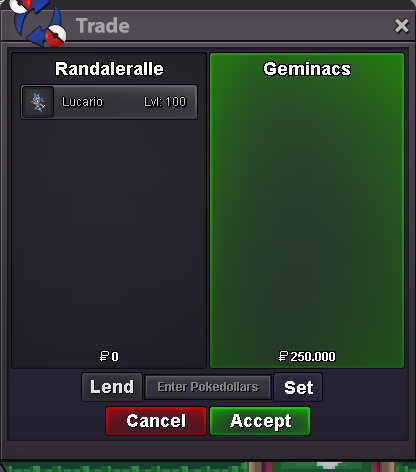
-
Thx for the buy ( negio the price to a fair deal!)

-
up
-
thx for ur buy !
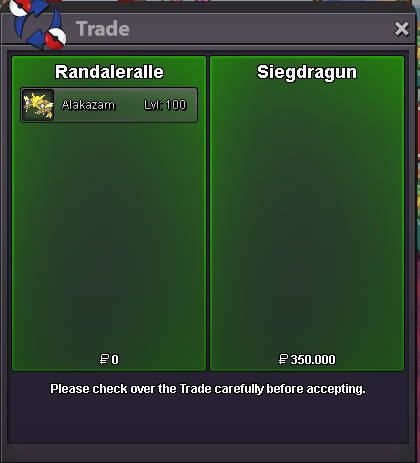 Thx for ur buy !
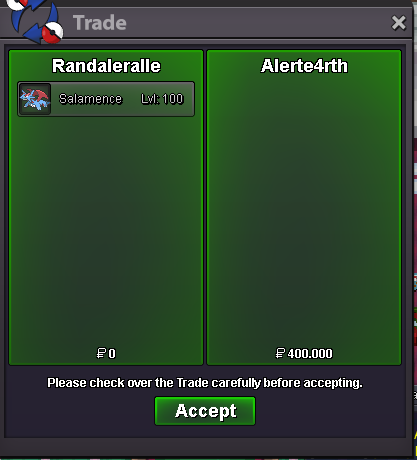 added some items to the shop 🙂The Auction winner get the Altaria ! Thanks for all in the Auction for ur Interest !
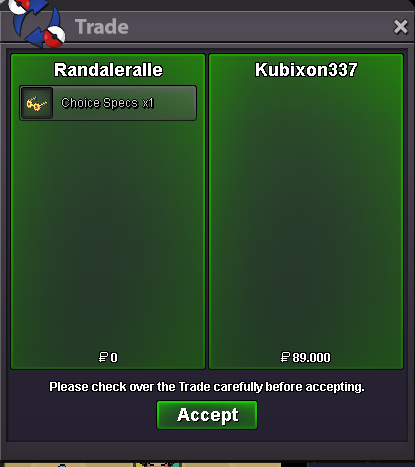
 tanks for ur buy !
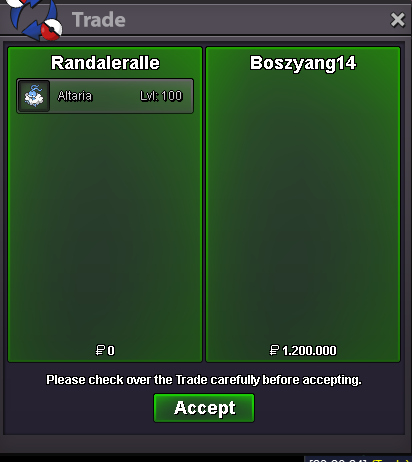
 The winner for this weekly Auction is @boszyang14. U have 24hours to contact me, to get ur price from that auction.Tomorrow at 07:37 am Is the Auction over. Highest Bid Currently is 1m.thx for ur buy !