New Trade Zone
Trade Zone is now live
Use the new Trade Zone for auctions and instant-price trades so Pokemon and item offers are easy to find.

Mugialis
Suspended
-
Joined
-
Last visited
-
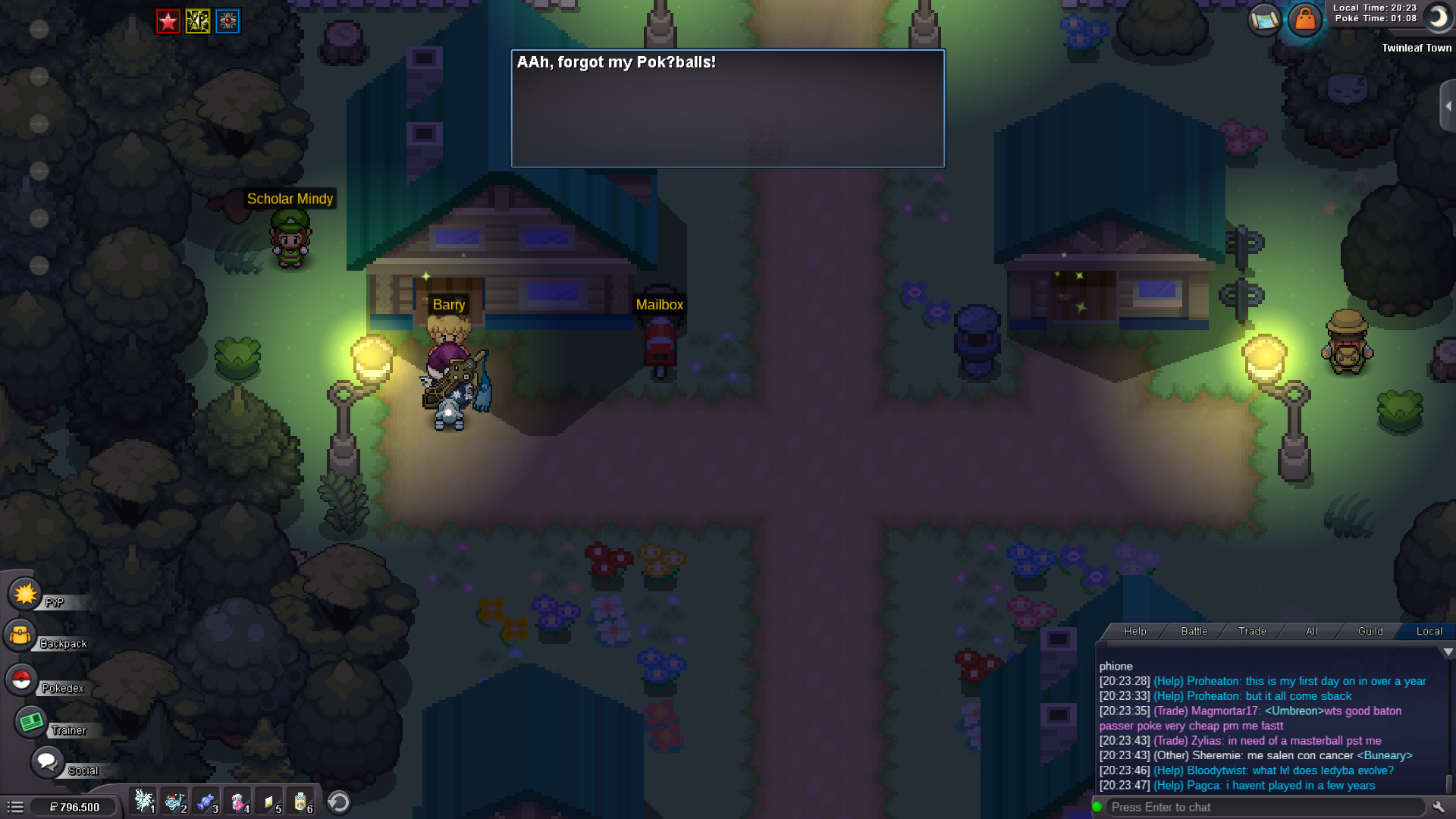
Sinnoh starting dialogues..
-
I am mad now
-
Hey I have mistakenly bought mini ms and exp boost potion on my 2nd account and activated them. Can I get these items deactivated again and get the coins back refunded in my shop? Name: mug1tv Server: gold thanks
-
In Goldenrod Underground there is one more chikorita in the boxes which you did not circled in your screens. Thanks 🙂
-
Mugialis changed their profile photo
-
push, help pls
-
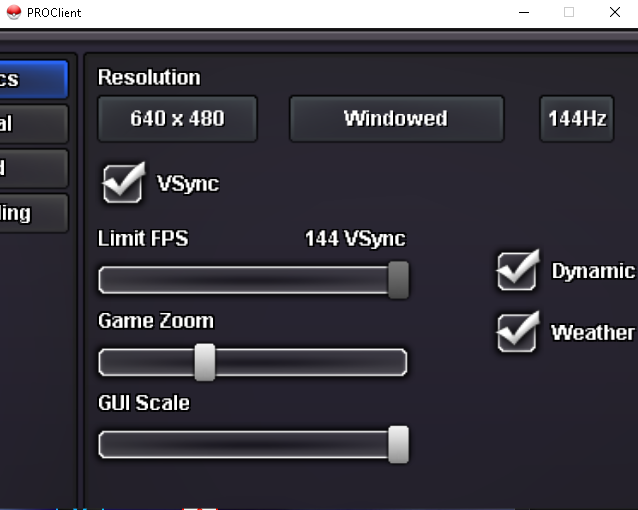
Hey, I made a big mistake while playing around in my settings. I changed the resolution to 640*480 and my gui scale was very high. I stuck now in this weird small window and cant reach the accept button. Is there any method to change the resolution somewhere else?