New Trade Zone
Trade Zone is now live
Use the new Trade Zone for auctions and instant-price trades so Pokemon and item offers are easy to find.

Daniel4949
Registered User
-
Joined
-
Last visited
Everything posted by Daniel4949
-
-
-
-
Start clefable and togekiss
-
Bought banette. Trade was fast and the seller polite.
-
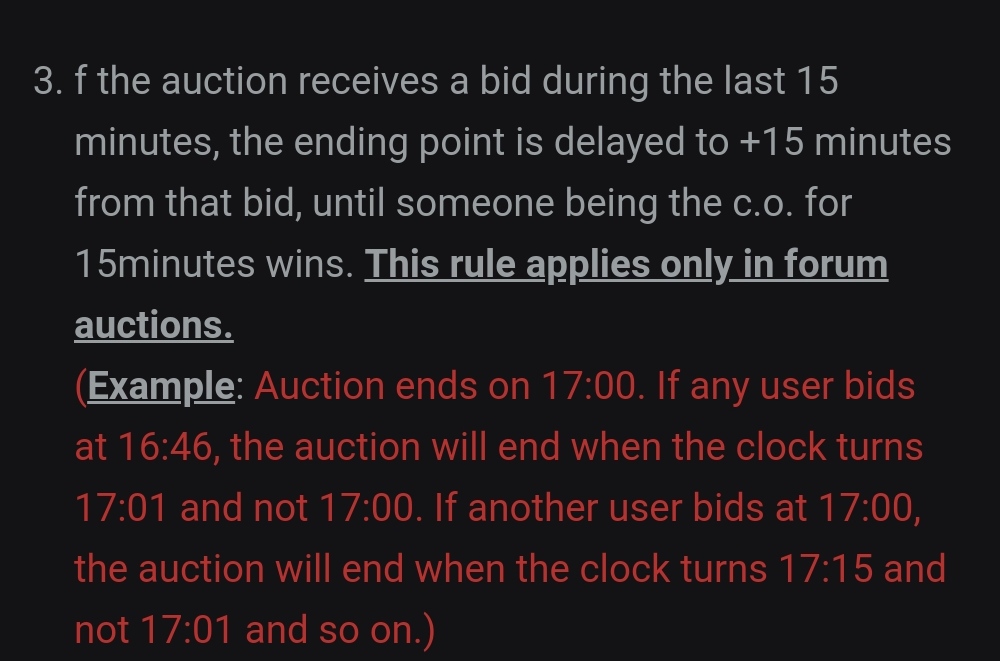
Here is the rule with an example but feel free to contact one.
-
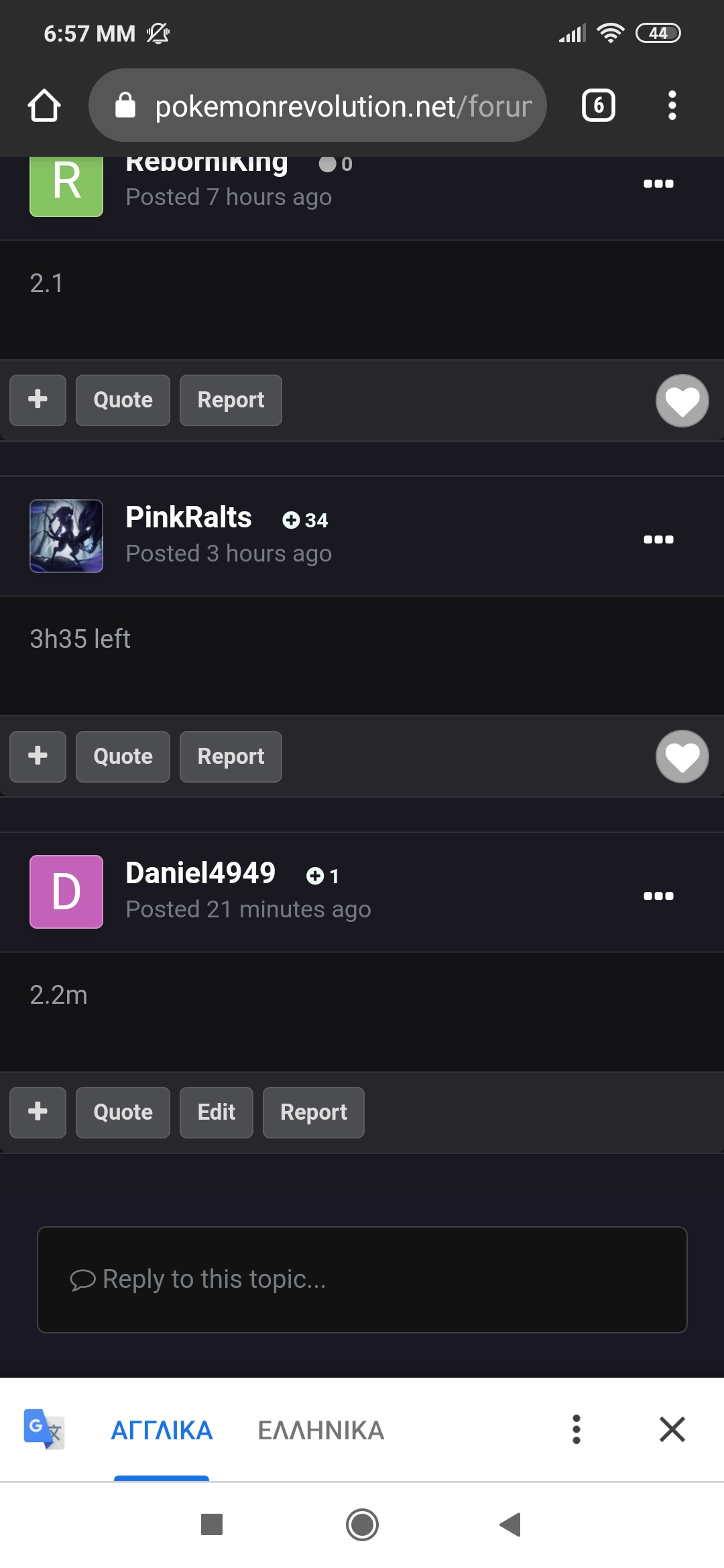
My bid was there for more than 21 minutes. The auction lasts 15 minutes extra from the last bidder.
-
2.2m
-
-
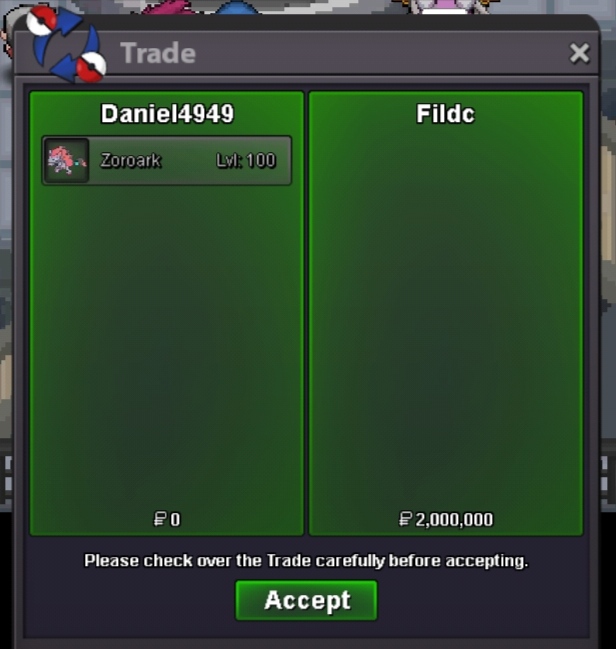
StartFilDC is the winner. Auction ended. Pm me in game or here for trade when you are online.Server is down. I bump cause i cant announce in game. 8 mins left.BumpAuction starts 2m by FilDC. Ends 04/03/21 20:20 GMT +2.Starting Bid 2m Minimum Bid 200k Accept cc=400k, iv reroll=700k, nature reroll=350k Auction ends 48h after 1st bid.
 Trade done succesfully sorry for delay 🙂
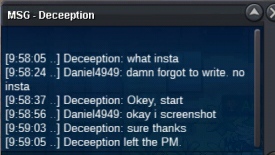
 Auction ended. Winner is deceeption. Trade will be done when servers are back.BumpAuction starts 10:00 pm. Ends 14/02/21 10pm GMT +2. +No insta price.
 Starting offer 300k Minimum bid 100k Accept cc=400k, reroll iv=700k, reroll nature=350k Auction ends 24h after first bidding
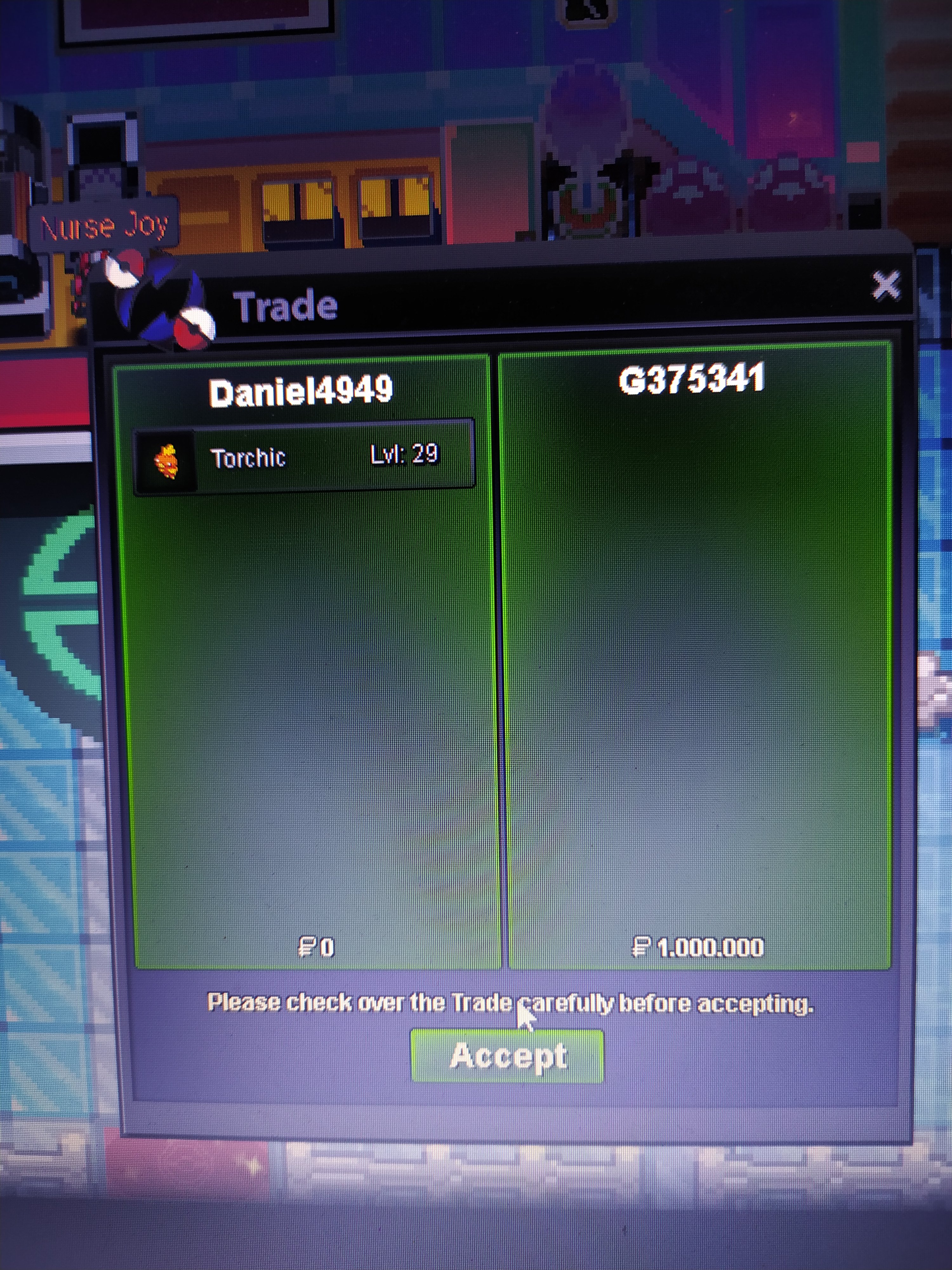
 Auction ended thanks to all participants. Winner: g375341 for 1m.
 Up 5,5 hours left