New Trade Zone
Trade Zone is now live
Use the new Trade Zone for auctions and instant-price trades so Pokemon and item offers are easy to find.

Lor3hcc
Registered User
-
Joined
-
Last visited
Everything posted by Lor3hcc
-
Selled Wooper + Wooper Pald. + Teddiursa at Saipraneeth

-
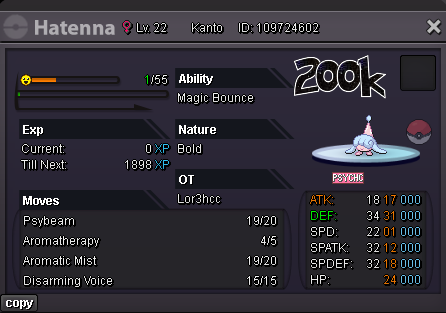
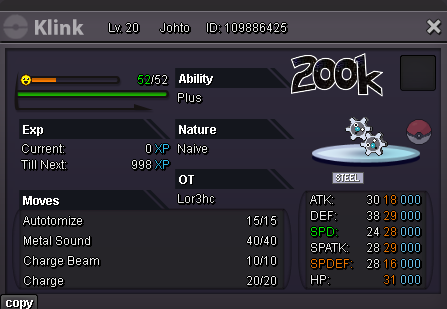
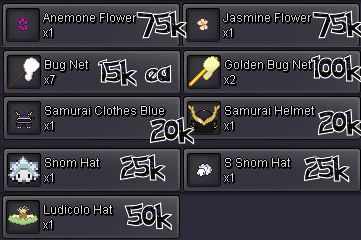
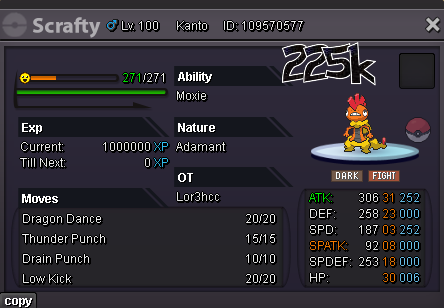
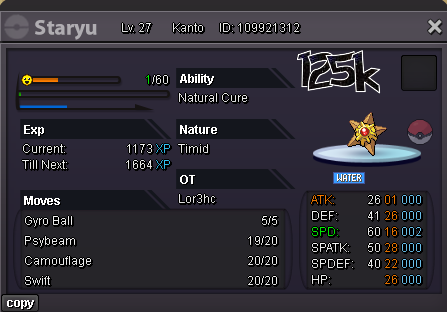
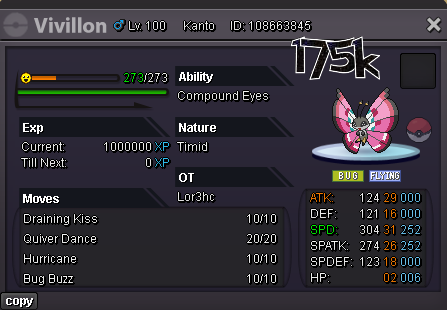
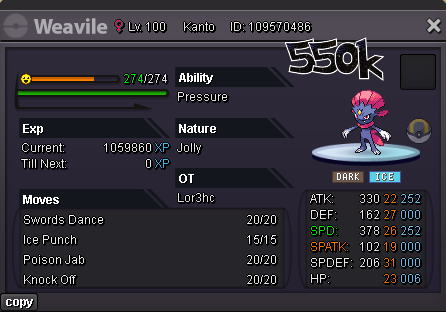
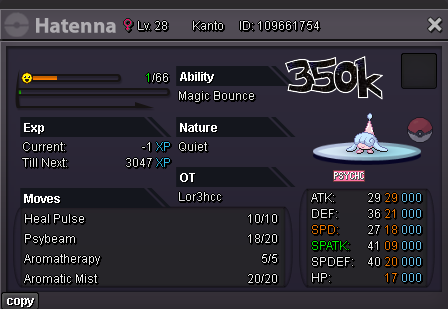
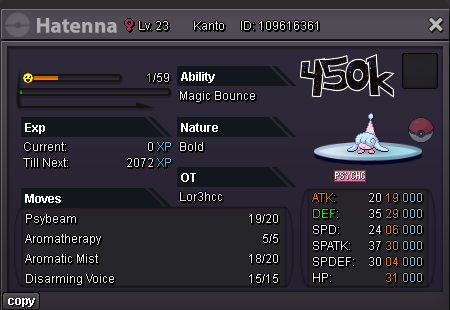
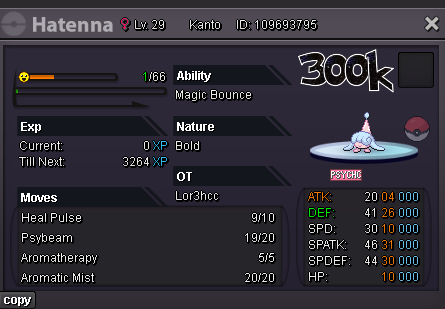
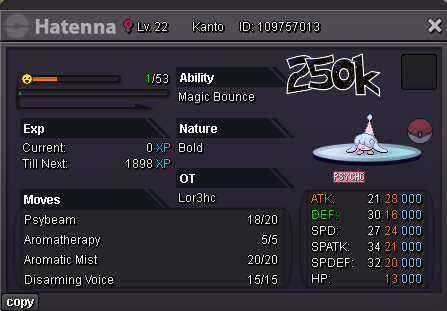
Daily new mons (27/12) On list • Hatenna (Bold/Magic Bounce) • Klink (Naive/Plus) • Staryu (Timid/Natural Cure) Fully Trained • Scrafty (Adamant/Moxie) • Vivillon (Timid/Compound Eyes) • Weavile (Jolly/Pressure) Cosmetics
-
-
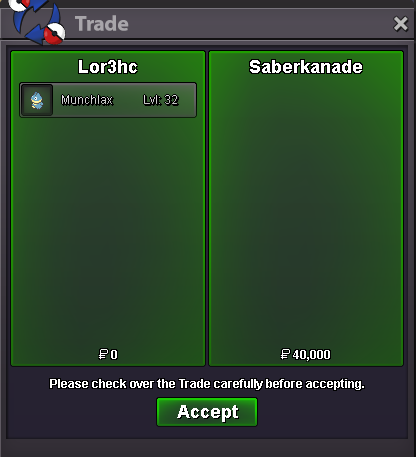
Selled Munchlax at Saberkanade
-
10.5m
-
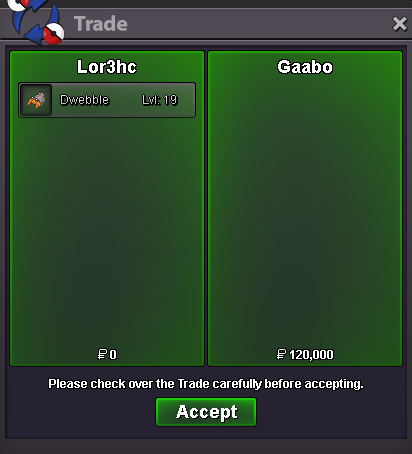
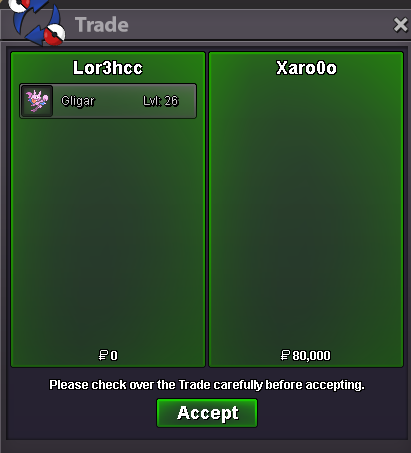
Selled Gligar at Xaro0o
-
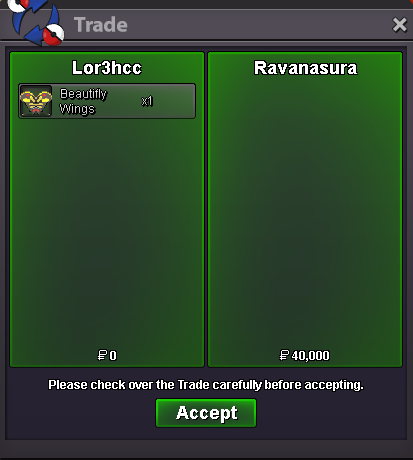
Selled Beautifly Wings at Ravanasura
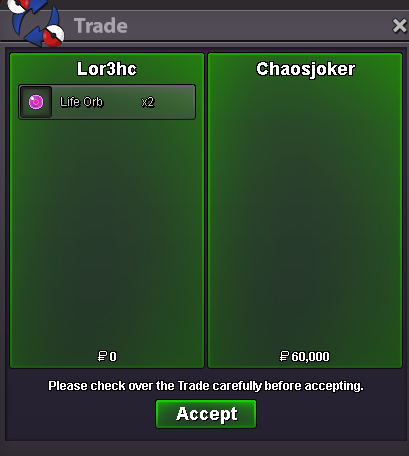
 Selled x2 Life Orb at Chaosjoker
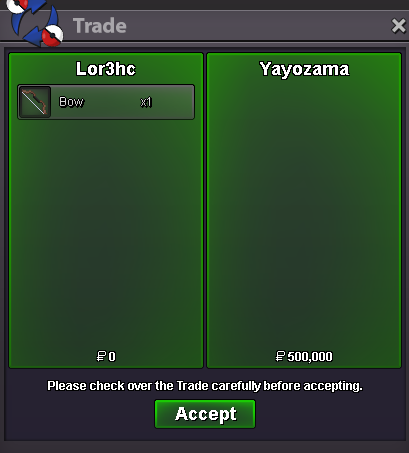
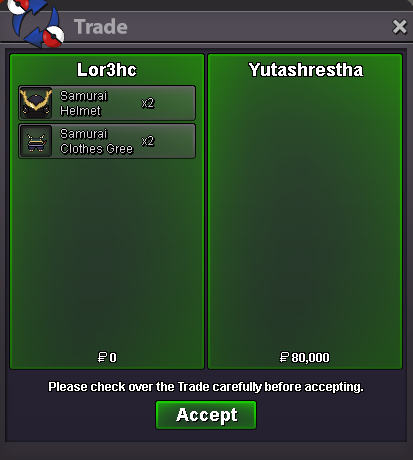
 Selled Samurai set x2 at Yutashrestha
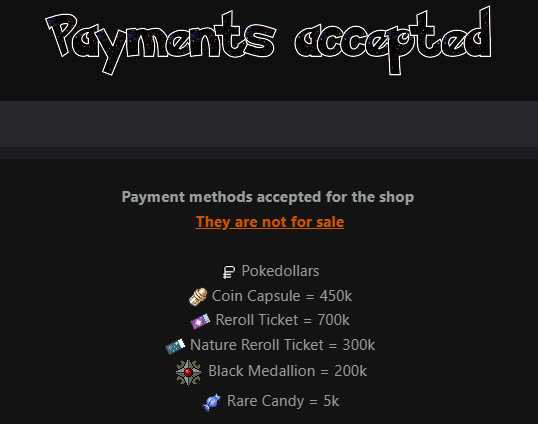
 hey, im not selling cc.. These re the payment methods for the purchaser in simply words if you want to buy something in my shop worth 450k.. you can pay with a cc dm me in game or in discord for the samurai set
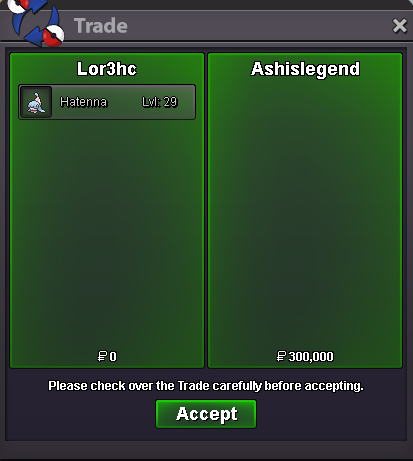
 Selled Hatenna at Ashislegend
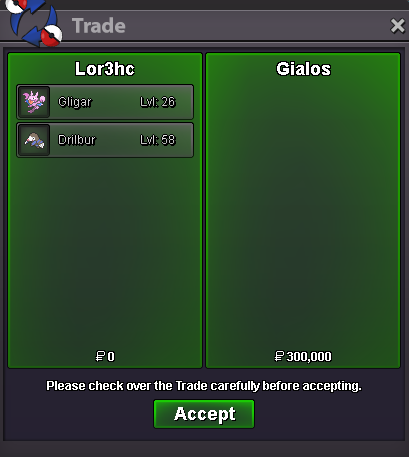
 Selled Drilbur + Gligar at Gialos
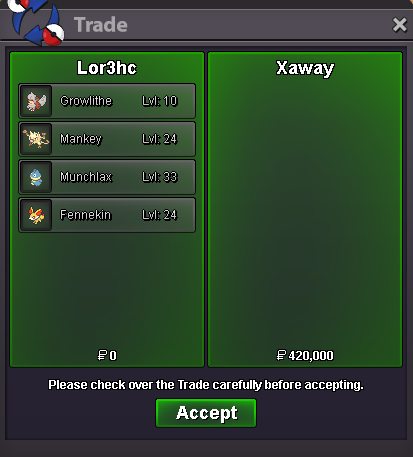
 Selled Growlithe Hisui + Mankey + Munchlax + Fennekin at Xaway
 startFixed all Hatenna's prices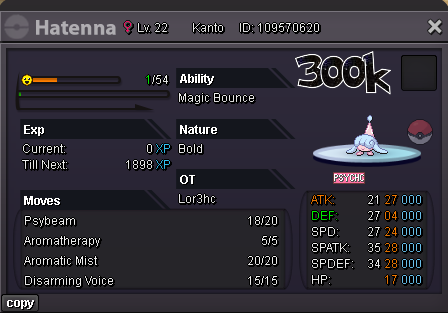
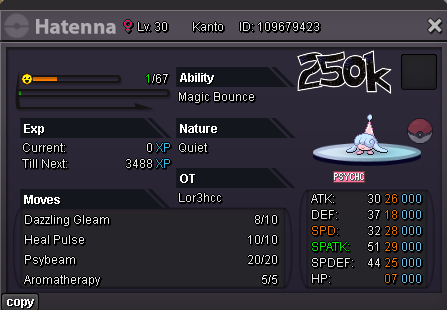
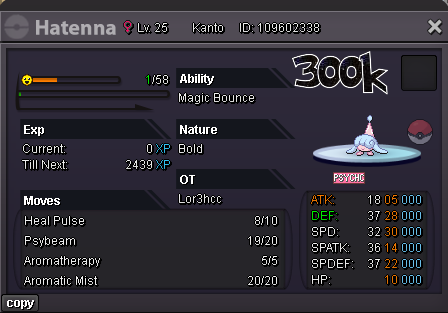
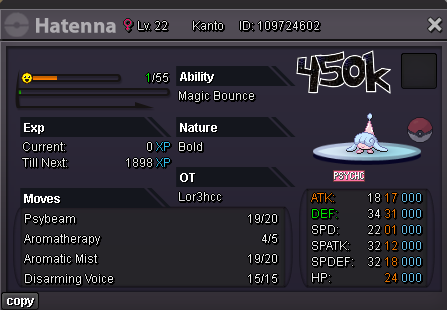
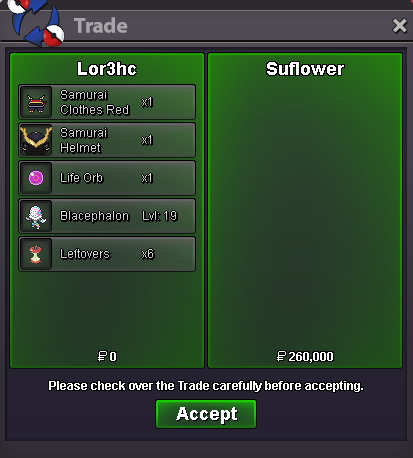
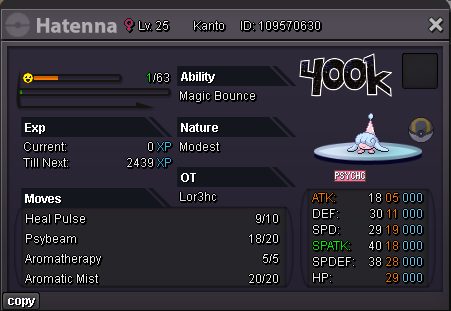 Selled Samurai Set + Life Orb + Blacephalon + x6 Leftovers at Suflower
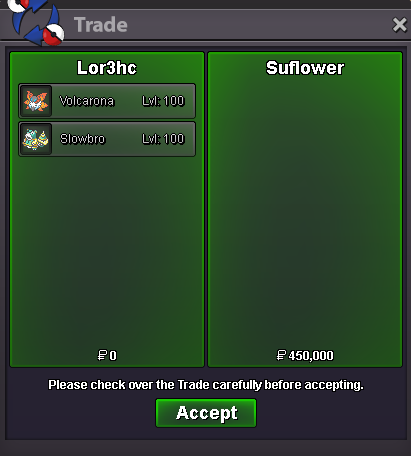
 Selled Volcarona + Slowbro at Suflower
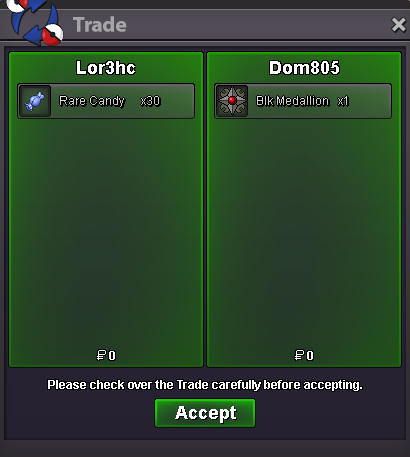
 Selled 30 Rare Candy at Dom805
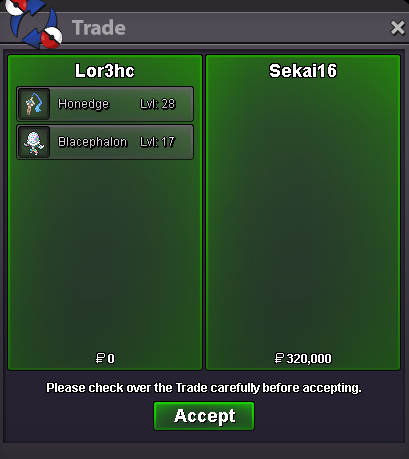
 Selled Honedge + Blacephalon at Sekai16