




New Trade Zone
Trade Zone is now live
Use the new Trade Zone for auctions and instant-price trades so Pokemon and item offers are easy to find.

Lor3hcc
Registered User
-
Joined
-
Last visited
Everything posted by Lor3hcc
-
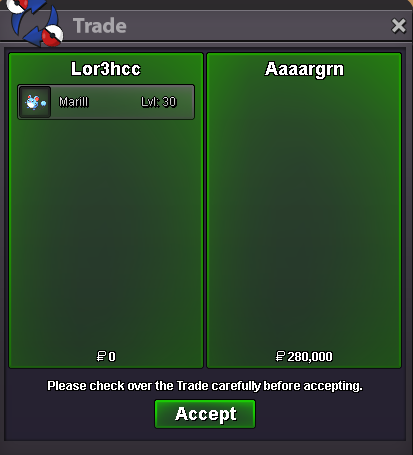
Selled Marill at Aaaargnrn
-
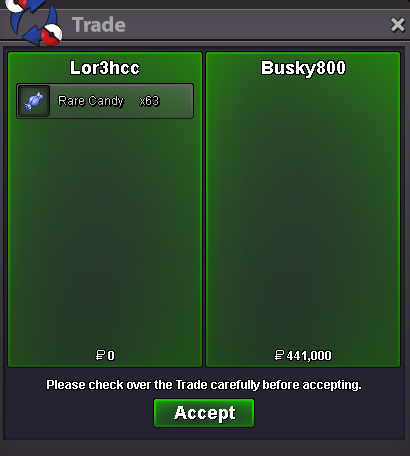
Selled 63 Rare Candy at Busky800
-
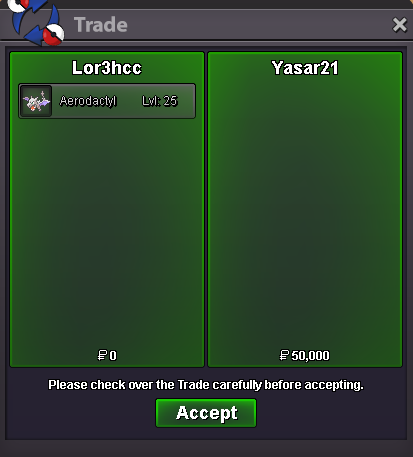
Selled Aerodactyl at Yasar21
-
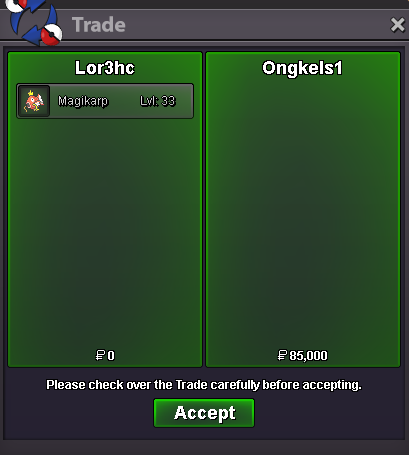
Selled Magikarp at Ongkels1
-
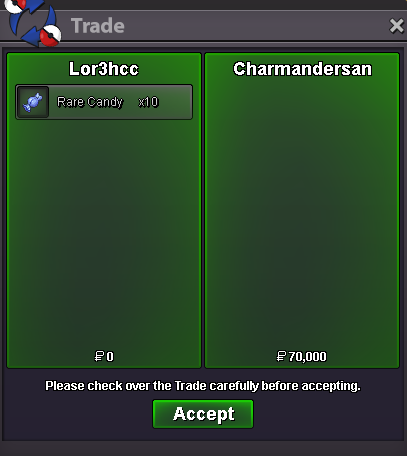
Selled 10 Rare Candy at Charmandersan
-
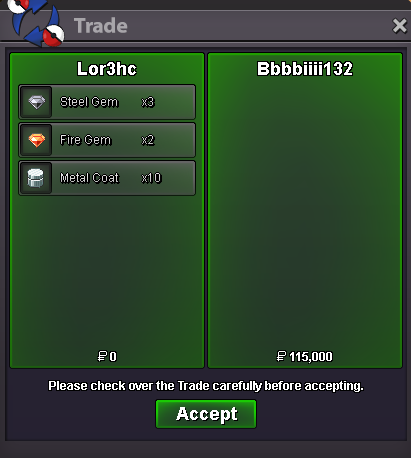
Selled Metal coat and gems at Bbbbiiii132
-
1m
-
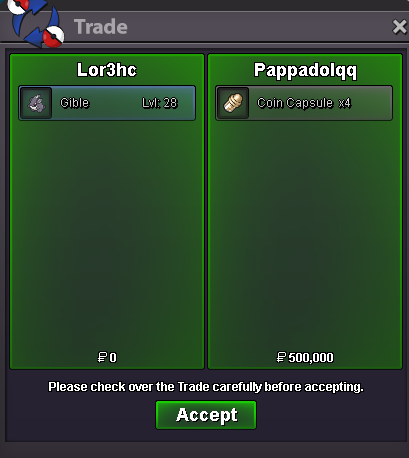
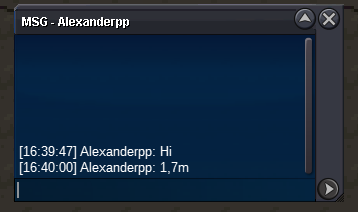
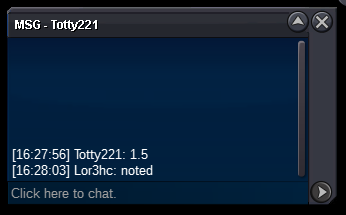
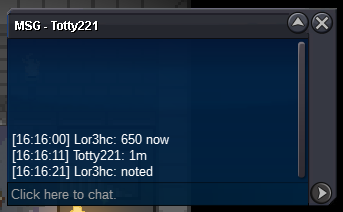
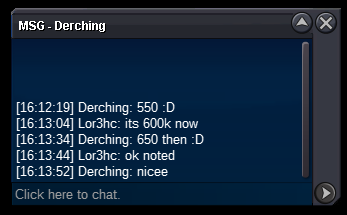
Congratz u won the auction , dm me in game to trade Can be closed
-
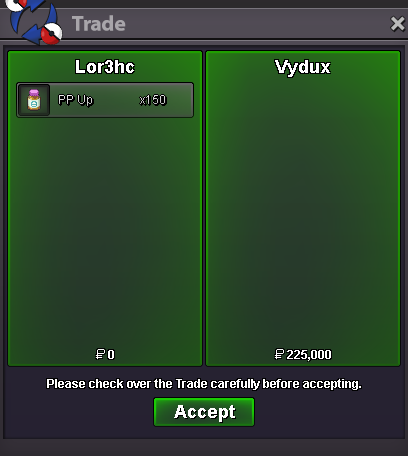
Selled 150 PP Up at Vydux
-
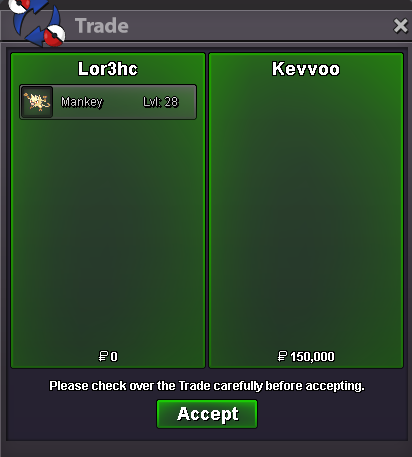
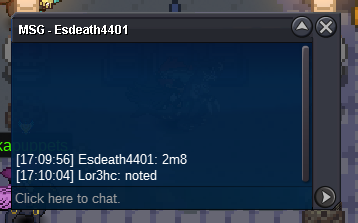
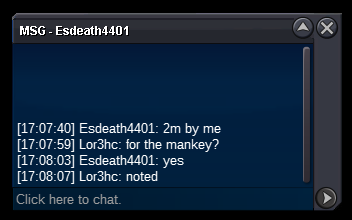
Selled Mankey at Kevvo
-
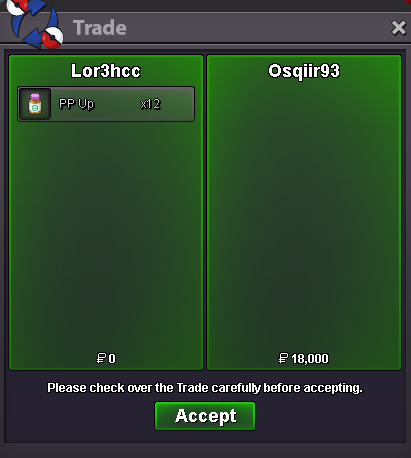
Selled x12 PP Up at Osqiir93
-
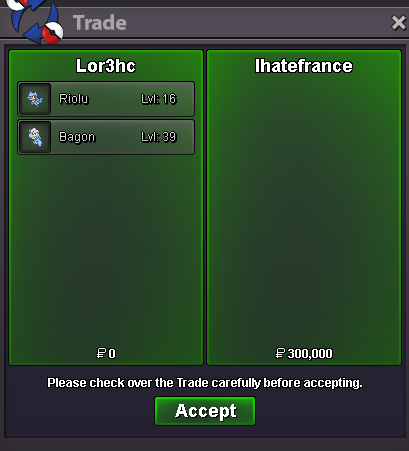
Selled Bagon + Riolu at Ihatefrance
-
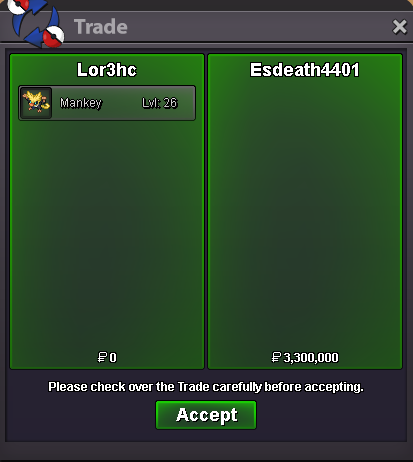
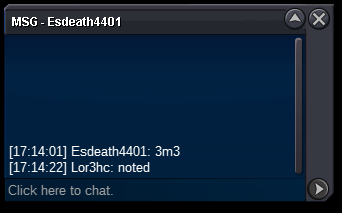
Esdeath4401 won the auction also trade completed , can be closed
-
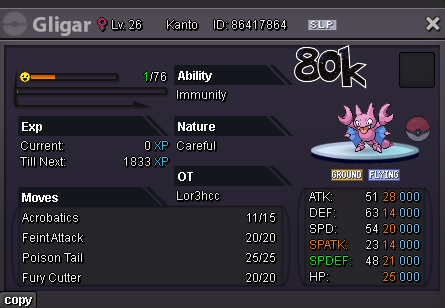
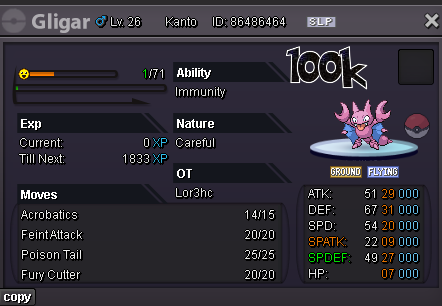
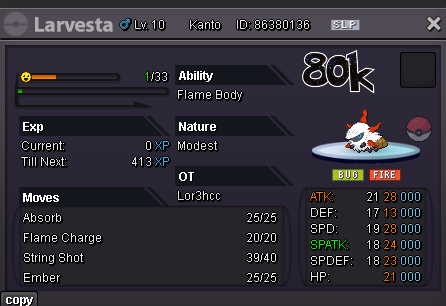
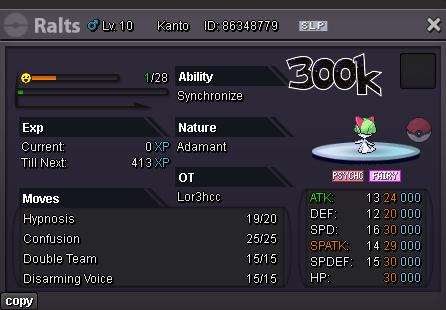
Daily new mons (06/11) On list • Blacephalon (Timid/Beast Boost) • Gible (Careful/Sand Veil) • Gligar (Careful/Immunity) • Larvesta (Modest/Flame Body) • Ralts (Adamant/Synchronize) • Sneasel (Jolly/Keen Eye) • Teddiursa (Jolly-Adamant/Pickup) • Wooper (Careful/WA-Unaware) Fully Trained • Gardevoir (Timid/Trace) • Ribombee (Timid/Shield Dust) Clothes
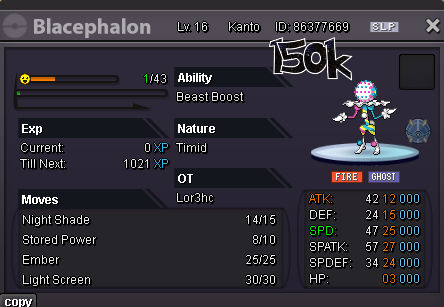
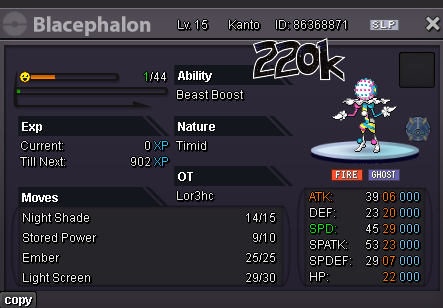
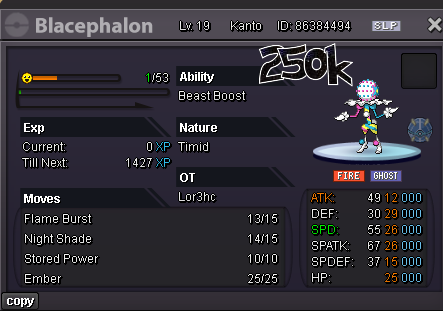
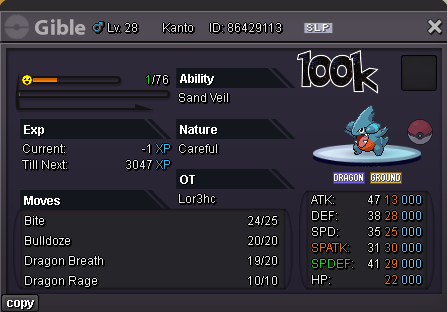
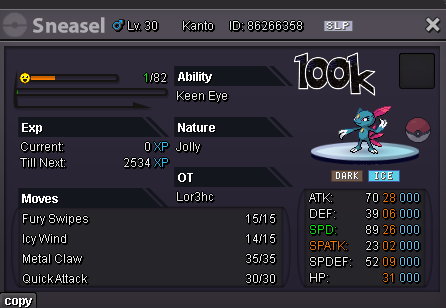
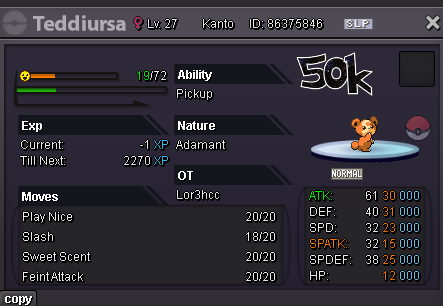
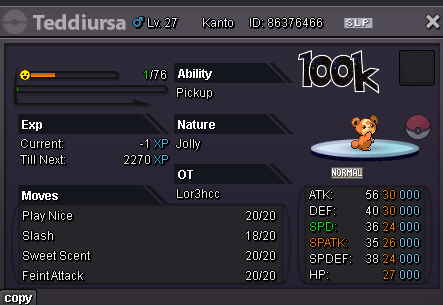
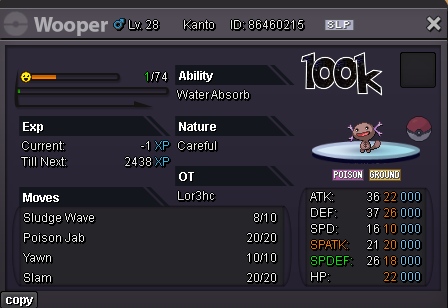
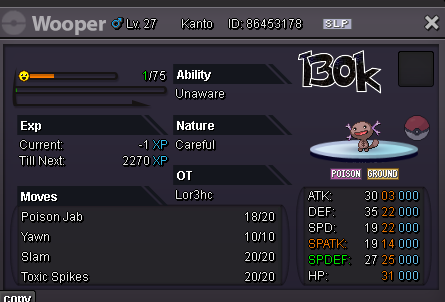
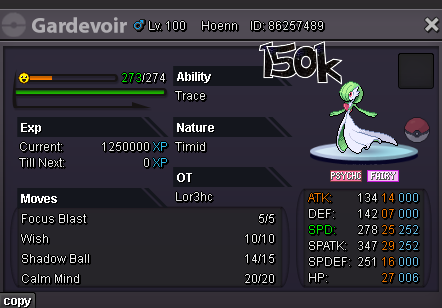
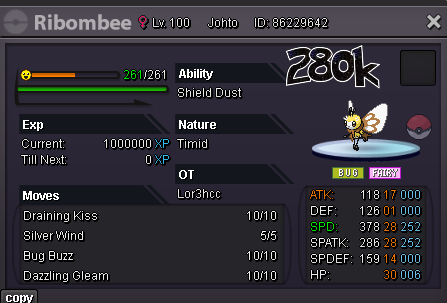
 Trade completed , can be closed
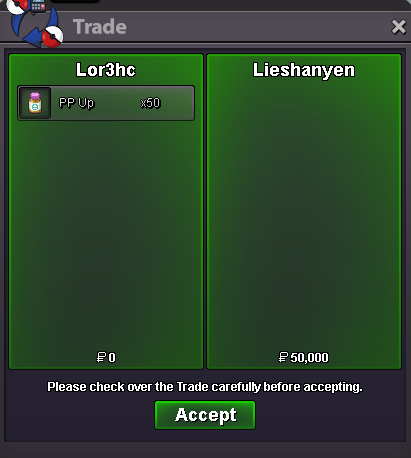
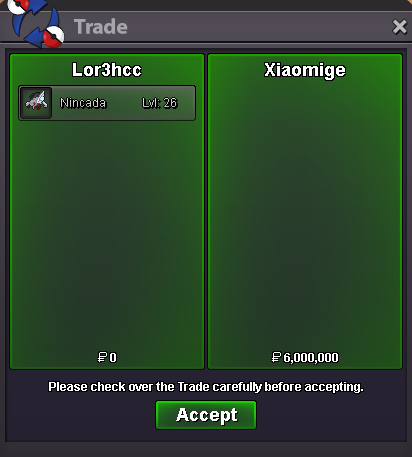 Gratz u won the auction , tell me when u on to trade itSelled PP Up at Lieshanyen
Account
Navigation
Search
Configure browser push notifications
Chrome (Android)
- Tap the lock icon next to the address bar.
- Tap Permissions → Notifications.
- Adjust your preference.
Chrome (Desktop)
- Click the padlock icon in the address bar.
- Select Site settings.
- Find Notifications and adjust your preference.
Safari (iOS 16.4+)
- Ensure the site is installed via Add to Home Screen.
- Open Settings App → Notifications.
- Find your app name and adjust your preference.
Safari (macOS)
- Go to Safari → Preferences.
- Click the Websites tab.
- Select Notifications in the sidebar.
- Find this website and adjust your preference.
Edge (Android)
- Tap the lock icon next to the address bar.
- Tap Permissions.
- Find Notifications and adjust your preference.
Edge (Desktop)
- Click the padlock icon in the address bar.
- Click Permissions for this site.
- Find Notifications and adjust your preference.
Firefox (Android)
- Go to Settings → Site permissions.
- Tap Notifications.
- Find this site in the list and adjust your preference.
Firefox (Desktop)
- Open Firefox Settings.
- Search for Notifications.
- Find this site in the list and adjust your preference.