New Trade Zone
Trade Zone is now live
Use the new Trade Zone for auctions and instant-price trades so Pokemon and item offers are easy to find.

Mryesido
Registered User
-
Joined
-
Last visited
Everything posted by Mryesido
-
-
-
-
-
2,620,000 skar
-
2470000 skar
-
2,470,000
-
2.420.000 skar
-
2,380,000 skar
-
2,340,000 skar
-
2m240k skar
-
-
-
-
hi im Mryesido ign, i would like to report a bug that happened to me earlier this morning, i bought a iv reroll ticket using my pvp points then i reroll the iv of my manaphy then i put it on my pc before logging out. when i log in again after like 2-3hrs, i checked my manaphy and its back to its previous iv. please help me get the ivs that i got on my manaphy. thank you.
-
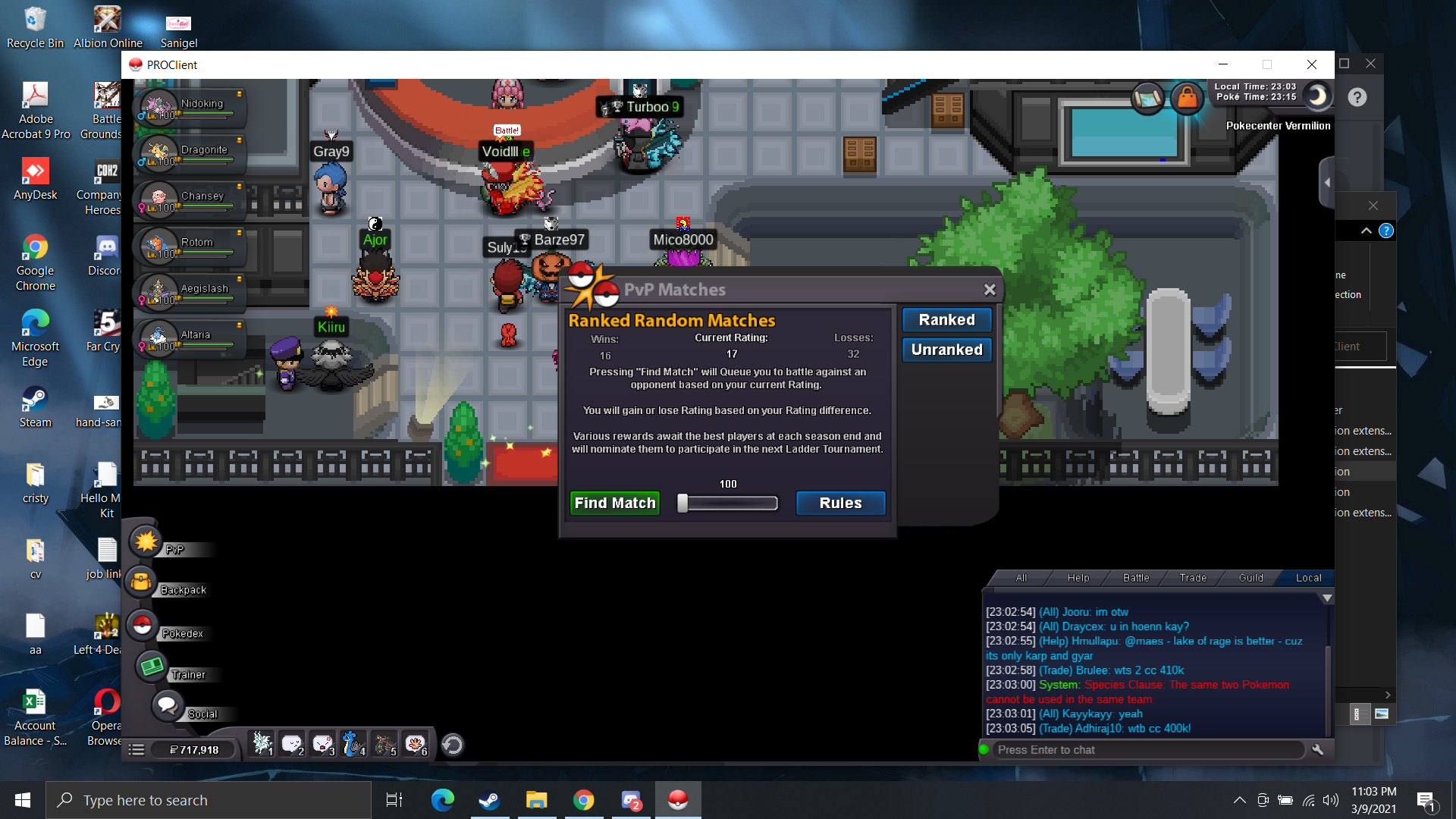
kindly see the below attachment for more info, its saying that im using a same pokemon in my team thats why i cant go pvp but it shows that im using 6 diff kind of pokemon . kindly do the needful

-
when i go pvp there's a system error saying that i cannot use a 2 same pokemon in the same team, but i dont have a same pokemon. kindly see the below image for more info