New Trade Zone
Trade Zone is now live
Use the new Trade Zone for auctions and instant-price trades so Pokemon and item offers are easy to find.

Zazelion
Registered User
-
Joined
-
Last visited
Everything posted by Zazelion
-
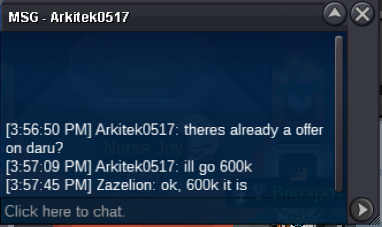
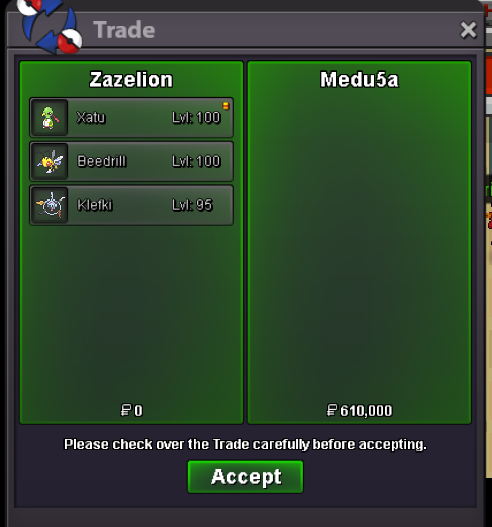
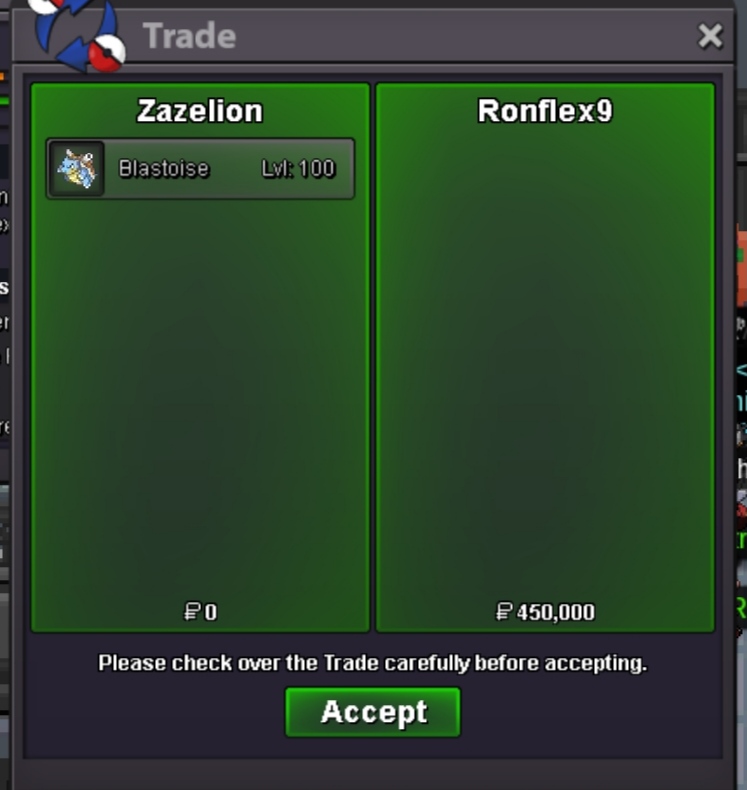
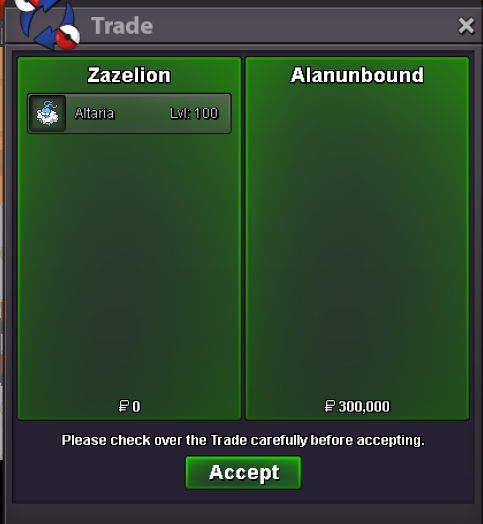
S.o: 2m C.o: Min Bid: 200k Duration: 48 hours after the start Insta Price: 4.5mS.o: 500k C.o: 600k by @Arkitek0517 Min Bid: 50k Duration: 48 hours after the start (Countdown: https://countingdownto.com/?c=4605114) Insta Price: -Lmk when u available, add me on discord for faster response when u available to onlinei can online now, im at vermi@Aomineakashi yes, its still available, pm me in game @Medu5a yes the total is 620k, lemme know when u can online to trade @Julian199918 yeah sure. lemme know when u can onlineyeah sure thats fine by me, lemme know when u online@Ahmedsaied7 Sure, im online now and at Vermi @Aomineakashi Sorry, that ferro just got sold
Account
Navigation
Search
Configure browser push notifications
Chrome (Android)
- Tap the lock icon next to the address bar.
- Tap Permissions → Notifications.
- Adjust your preference.
Chrome (Desktop)
- Click the padlock icon in the address bar.
- Select Site settings.
- Find Notifications and adjust your preference.
Safari (iOS 16.4+)
- Ensure the site is installed via Add to Home Screen.
- Open Settings App → Notifications.
- Find your app name and adjust your preference.
Safari (macOS)
- Go to Safari → Preferences.
- Click the Websites tab.
- Select Notifications in the sidebar.
- Find this website and adjust your preference.
Edge (Android)
- Tap the lock icon next to the address bar.
- Tap Permissions.
- Find Notifications and adjust your preference.
Edge (Desktop)
- Click the padlock icon in the address bar.
- Click Permissions for this site.
- Find Notifications and adjust your preference.
Firefox (Android)
- Go to Settings → Site permissions.
- Tap Notifications.
- Find this site in the list and adjust your preference.
Firefox (Desktop)
- Open Firefox Settings.
- Search for Notifications.
- Find this site in the list and adjust your preference.