




New Trade Zone
Trade Zone is now live
Use the new Trade Zone for auctions and instant-price trades so Pokemon and item offers are easy to find.

Zazelion
Registered User
-
Joined
-
Last visited
Everything posted by Zazelion
-
Thank You!Hey, ill be able to online in 2 hrsAh, edited it, thanks a lot ^^Sold these. Thank you!
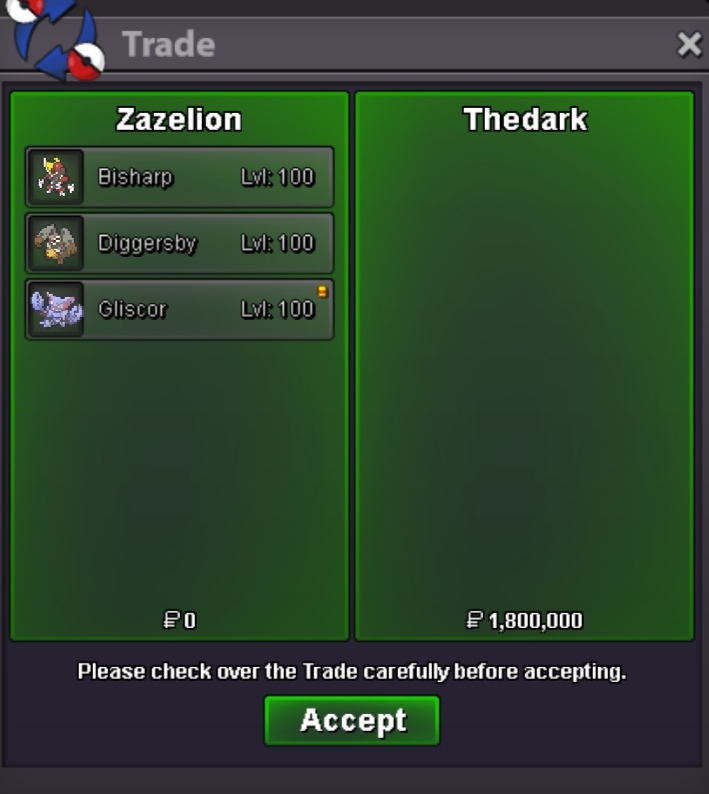
 Yeah sure, pm in discord for faster reply. Ty. ZazeLioN#0506Greninja - 600k Dragonite - 600k Lopunny - 500k250k𝘡𝘢𝘻𝘦𝘓𝘪𝘰𝘕'𝘴 𝘗𝘰𝘬𝘦𝘴𝘩𝘰𝘱 OPENING NOW!!!! Contact Details: - Silver Server IGN: ZazeLioN Discord: zazelion Accepted Currencies: Pokedollars Reroll Ticket - 530k Nature Reroll - 275k Coin Capsule - 380k Rare Candy - 7k Rules!!! 1. Please leave a contact when buying/offering (Discord/IGN) 2. Fake offerings will be reported. 3. Some prices can be negotiated. 4. If you are from Gold server, you need to transfer to Silver to collect your pokemons. Feel Free To Comment Below If You are Interested In Any Pokes. Open to any relevant trade. Trained Pokemon A B C D E F G H I (NONE) J K L M N O (None) P Q R S T U V W X (NONE) Y Z (NONE)
 DONE! Thank you
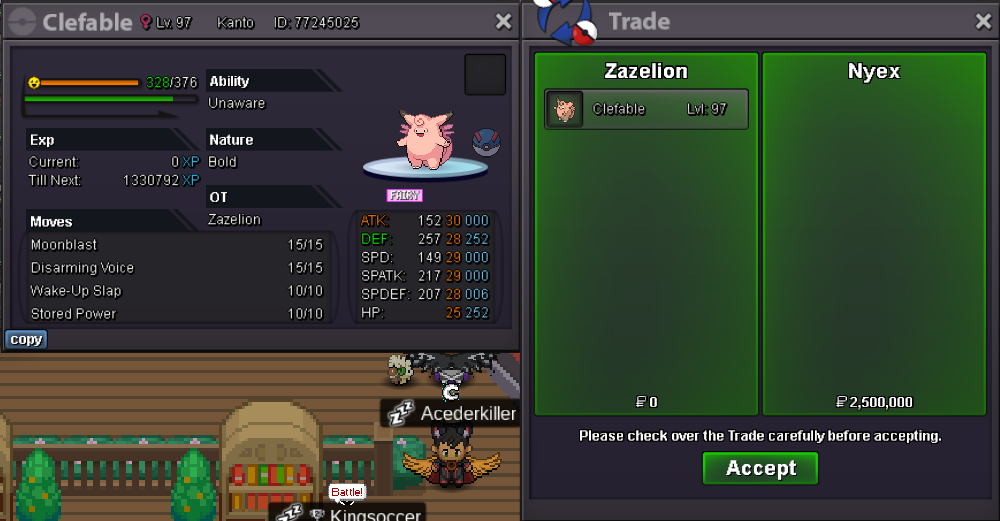 nyex for 2.5mDONE! Thank you
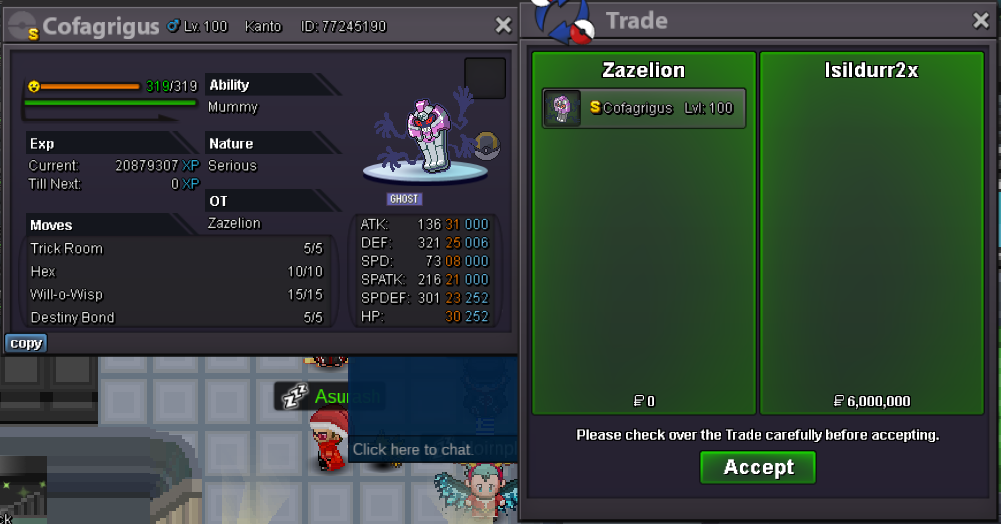 hereI did before edited the post for first time after bid. Anyway u already won......Anyway, congrats to @Isildurr2xDid u see the count down? LolAuction ended! Won by @Nyex Congratz! pm me in game in abt 5 mins or dm my discord5 mins left5 mins left15 mins addedLast 25 mins13 mins left15 mins more


Account
Navigation
Search
Configure browser push notifications
Chrome (Android)
- Tap the lock icon next to the address bar.
- Tap Permissions → Notifications.
- Adjust your preference.
Chrome (Desktop)
- Click the padlock icon in the address bar.
- Select Site settings.
- Find Notifications and adjust your preference.
Safari (iOS 16.4+)
- Ensure the site is installed via Add to Home Screen.
- Open Settings App → Notifications.
- Find your app name and adjust your preference.
Safari (macOS)
- Go to Safari → Preferences.
- Click the Websites tab.
- Select Notifications in the sidebar.
- Find this website and adjust your preference.
Edge (Android)
- Tap the lock icon next to the address bar.
- Tap Permissions.
- Find Notifications and adjust your preference.
Edge (Desktop)
- Click the padlock icon in the address bar.
- Click Permissions for this site.
- Find Notifications and adjust your preference.
Firefox (Android)
- Go to Settings → Site permissions.
- Tap Notifications.
- Find this site in the list and adjust your preference.
Firefox (Desktop)
- Open Firefox Settings.
- Search for Notifications.
- Find this site in the list and adjust your preference.