New Trade Zone
Trade Zone is now live
Use the new Trade Zone for auctions and instant-price trades so Pokemon and item offers are easy to find.

101thomas
Registered User
-
Joined
-
Last visited
-
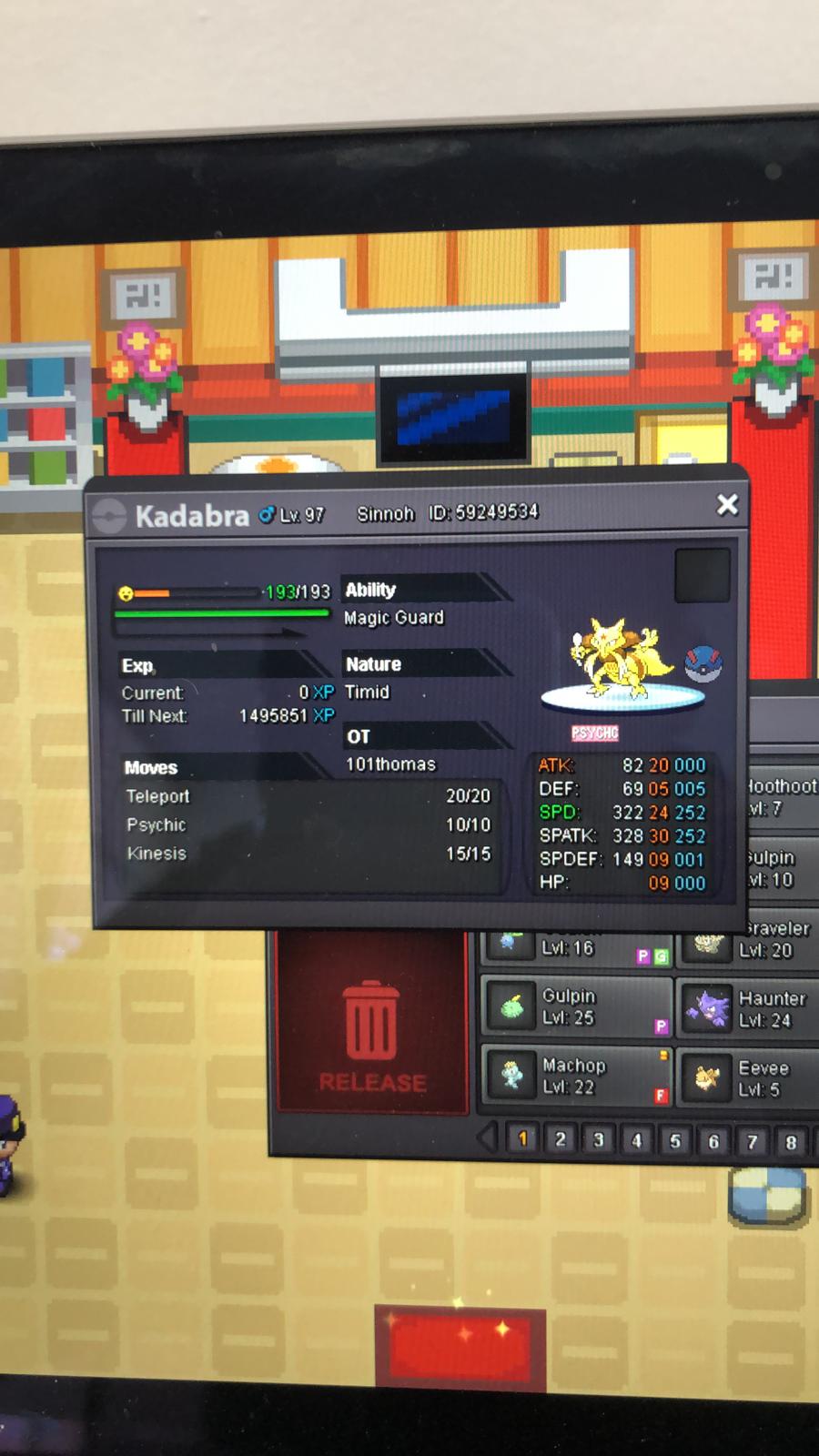
I hunted for an OP abra, and trained it to lvl 97 and evolved it to a kadabra. Then i wanted to evolve it to an Alakazam, which needs a trade with another player. I proceeded to ask one of my friends (IRL) to quickly trade the kadabra to evolve it. However, what i forgot is that I caught my abra in Sinnoh, and my friend does not have access to Sinnoh yet, as he doesnt play as frequent as me. Now the kadabra is locked in his pc and we cant trade it anymore :(, and since he does not play much he probably wont reach Sinnoh anytime soon. Is there a possibilty that I could get the Pokemon back somehow, because I spent quite some time training and hunting it, and it would be a shame if it goes to waste. Ofcource I should have known better and It was my mistake, but still :(. Is it possible? The kadabra has me as OT, 101Thomas and is lvl 97 with ID: 59249534 (I attached a photo of the kadabra in Kushimuto's pc) The friend that has the pokemon is Kushimuto I dont have a picture of the chat because we know eachother in real life and thats how we talked about it sadly We are both in silver server (apologies for the many post on different locations, I dont know how to delete the other posts sorry)