




New Trade Zone
Trade Zone is now live
Use the new Trade Zone for auctions and instant-price trades so Pokemon and item offers are easy to find.
.jpeg.b59449ec70459036f281b9643aeb56ad.jpeg)

Johannes22
Registered User
-
Joined
-
Last visited
Everything posted by Johannes22
-
S.O 500k min. bid 100k no insta Auction ends 48 hours after s.o is met [15 min. rule applied] S.O 200k min. bid 50k no insta Auction ends 48 hours after s.o is met [15 min. rule applied] Accepting pokedollars/cc=500k/rr ticket=750k/nat rr=360k This is a GOLD server auction, silver players must transfer id they win. gl everyone!<3
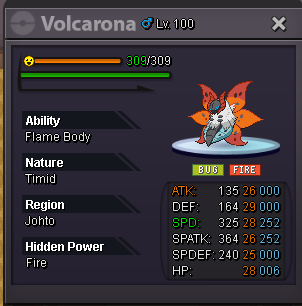
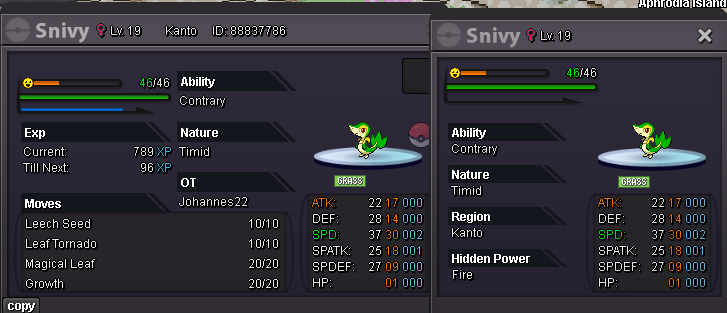
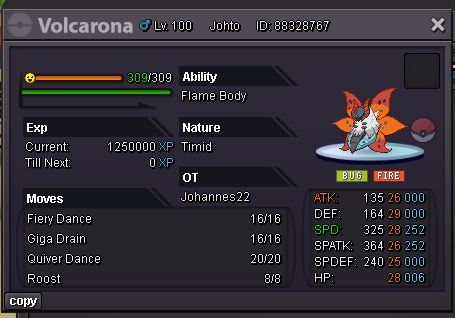
-
600k servine
-
start vulpix
-
1.3m
-
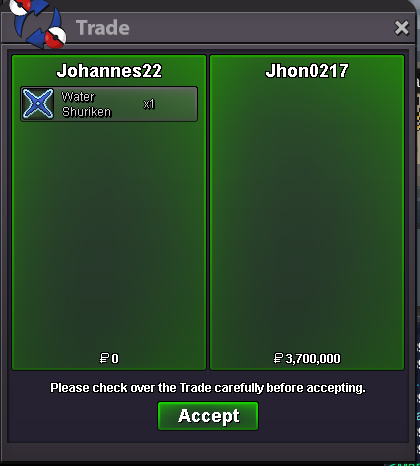
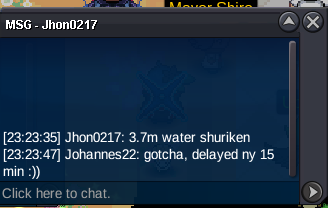
auction won by @Jhon0217bump, approx. 4 hrs left!c.o 3.5m, around 11 hrs left!
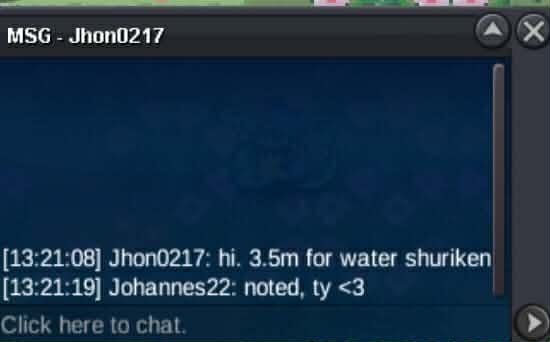 S.O 2.5m Min. Bid 100k Insta 6m Auction Ends 24hrs after the s.o is met [15 min. rule applied] (UTC +8 11:34PM March 1) Accepting pokedollars/cc=500k/rr ticket=750k This is a GOLD server auction, silver players must transfer if they win GL Everyone! ❤️

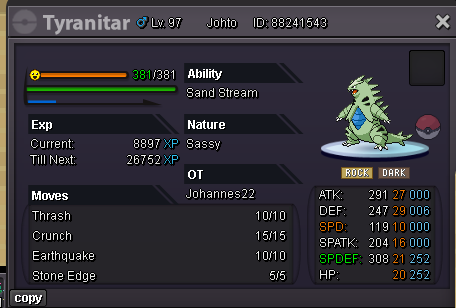
 start larvitartyra claimed
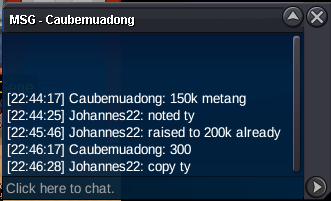
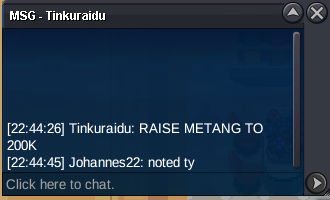
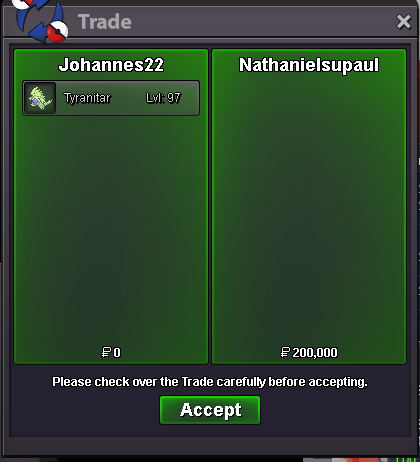 Congratulations @Marky700 and @Nathanielsupaul! You may DM me ingame or in dc @stzsennah to claim your mons :))bump 1.5hrs lefttyranitar raised to 200k
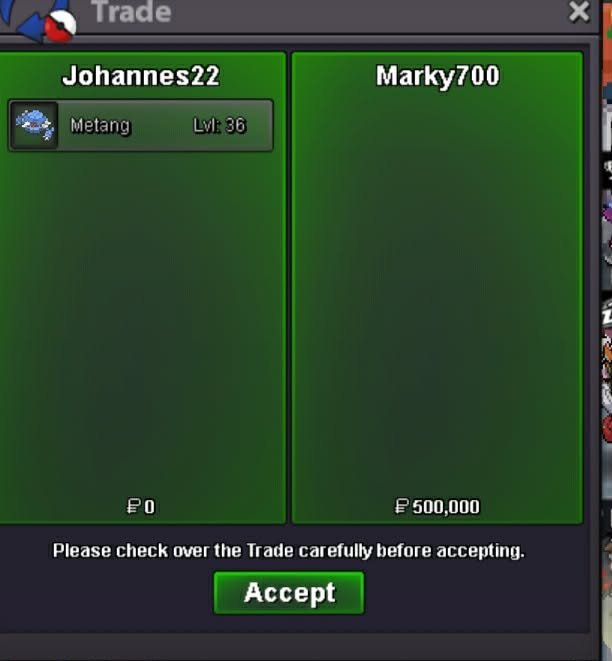
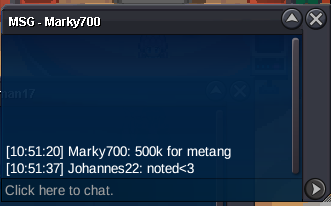
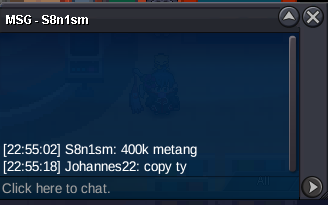
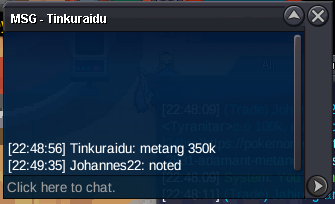
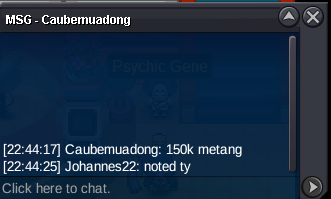
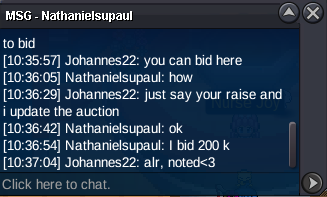 metang started
 S.O 100k Min. Bid 50k no insta Auction ends 24hrs after the s.o is met [15 min. rule applied] Auction ends tomorrow 10:38 PM UTC+8:00 S.O 100k Min. Bid 50k no insta Auction ends 24hrs after the s.o is met [15 min. rule applied] Auction ends tomorrow 10:36 PM UTC+8:00 Accepting pokedollars//cc=500k//rr ticket=750k This is a GOLD Server auction, silver players must transfer in Gold if they win. GL everyone!<3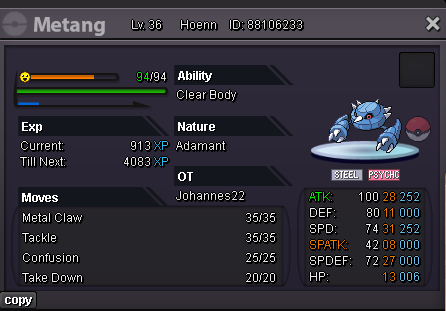


Account
Navigation
Search
Configure browser push notifications
Chrome (Android)
- Tap the lock icon next to the address bar.
- Tap Permissions → Notifications.
- Adjust your preference.
Chrome (Desktop)
- Click the padlock icon in the address bar.
- Select Site settings.
- Find Notifications and adjust your preference.
Safari (iOS 16.4+)
- Ensure the site is installed via Add to Home Screen.
- Open Settings App → Notifications.
- Find your app name and adjust your preference.
Safari (macOS)
- Go to Safari → Preferences.
- Click the Websites tab.
- Select Notifications in the sidebar.
- Find this website and adjust your preference.
Edge (Android)
- Tap the lock icon next to the address bar.
- Tap Permissions.
- Find Notifications and adjust your preference.
Edge (Desktop)
- Click the padlock icon in the address bar.
- Click Permissions for this site.
- Find Notifications and adjust your preference.
Firefox (Android)
- Go to Settings → Site permissions.
- Tap Notifications.
- Find this site in the list and adjust your preference.
Firefox (Desktop)
- Open Firefox Settings.
- Search for Notifications.
- Find this site in the list and adjust your preference.