




New Trade Zone
Trade Zone is now live
Use the new Trade Zone for auctions and instant-price trades so Pokemon and item offers are easy to find.

86adrian86
Registered User
-
Joined
-
Last visited
Everything posted by 86adrian86
-
trade is complete, please upload the proof.
-
Is the auction over?
-
tbh if player had know there was no current bid. do you think he would of started and not bid himself up, lets ask him.. @Dragon73 im just saying here. we like to get mons as cheap as possible, we dont bid our self up..
-
@Beng1002 i dont see the start of. no proof here, how are we supposed to know when it ends?
-
+1trade successful
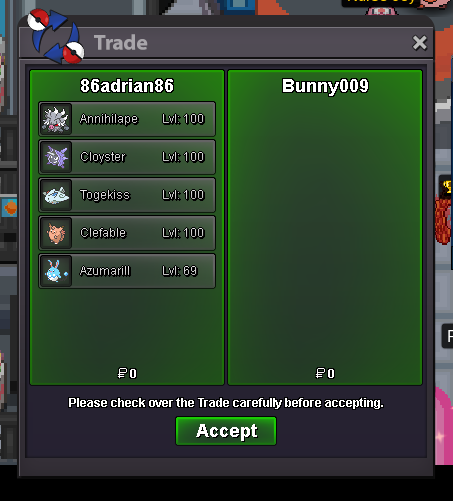
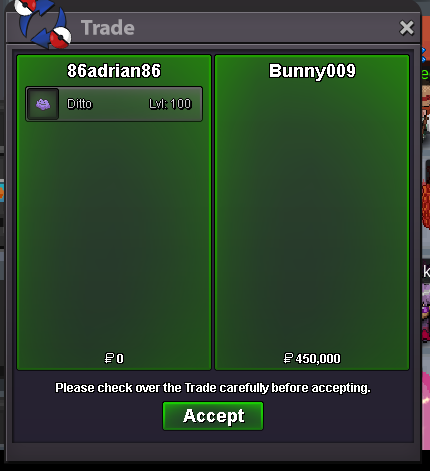 @Vikram567 / @Bunny009 im logged on please. please feel free to dm when available. if im not online just react here and i will pop on.@Gun01 I believe aution has passed. Winner @Bunny009. Apologies for confusion. Did not see the next page of winners. I will logg on in next 30 min..C.o 300k bumpSuccessful trade.
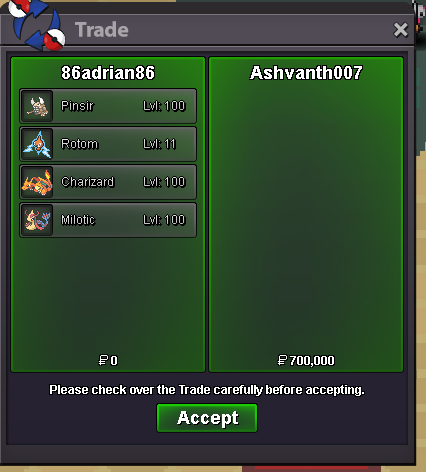 Auction complete, trade successful. GOOD LUCK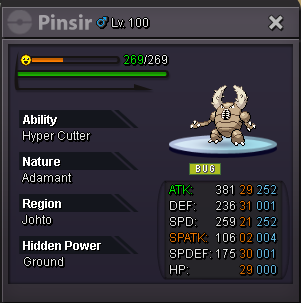
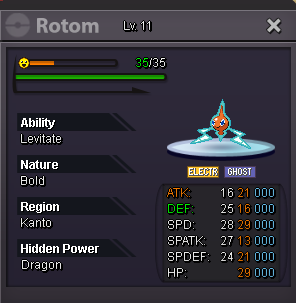
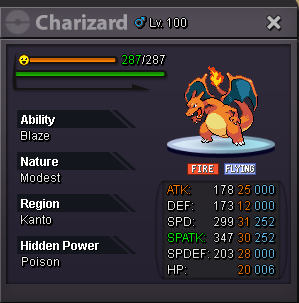
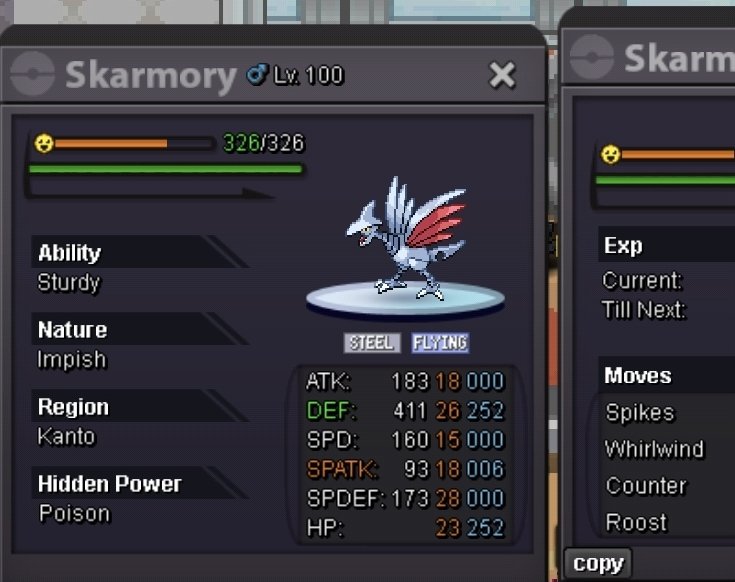
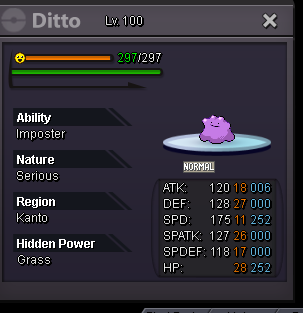
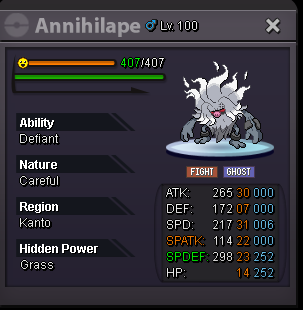
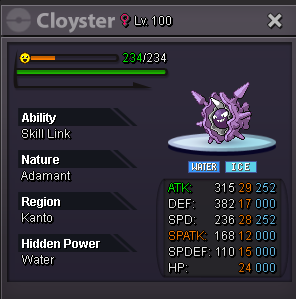
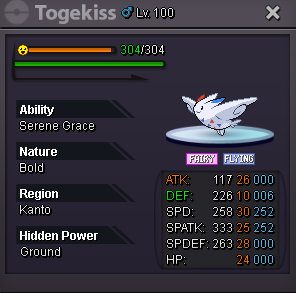
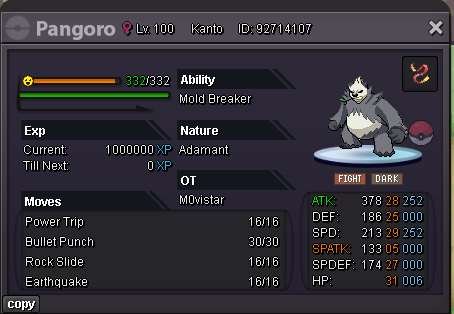
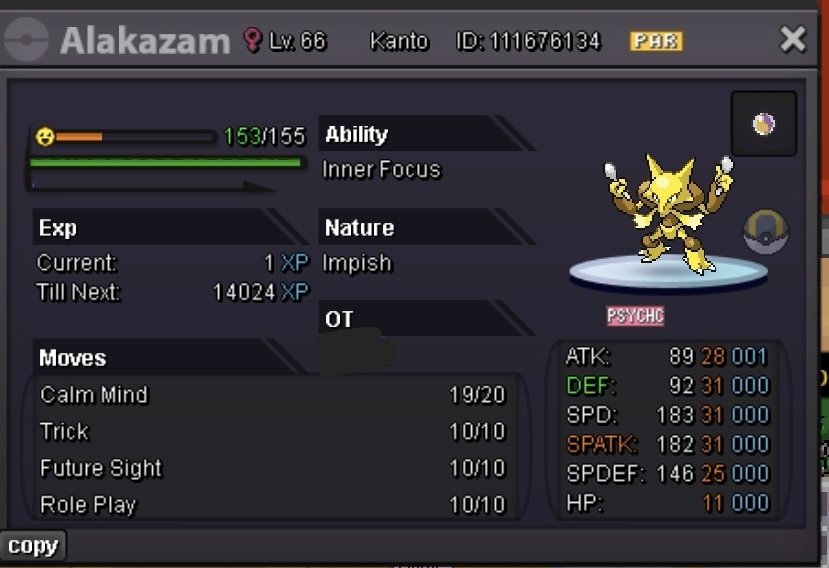
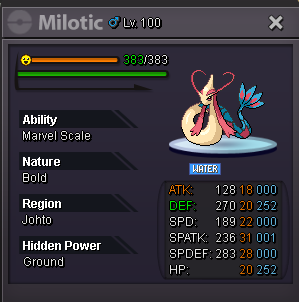 Hi im online.300kskarmory S.o : 800k Min bid : 50k Insta 3m Last Bid 24H from start. Accepted currency CC/Poke$ CC @ 450k Bestbof luck!
 use tags, Proclient 2026.03.08 - 15.07.46.05.mp4next one im wining!! 🙂


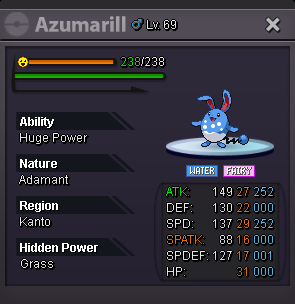
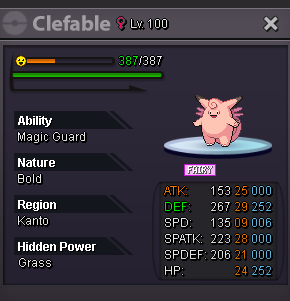
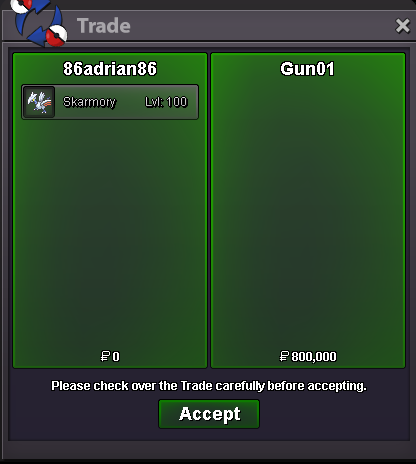
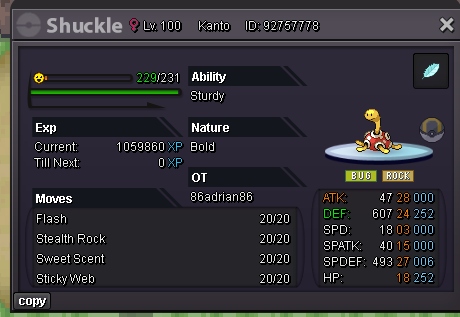
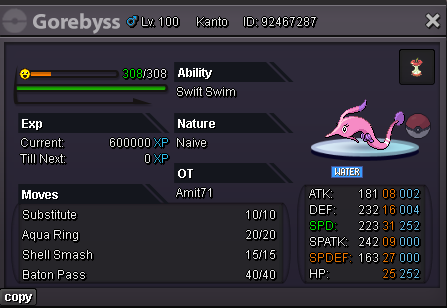
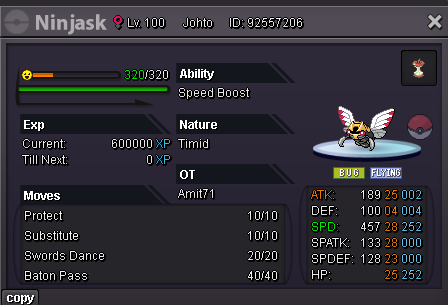
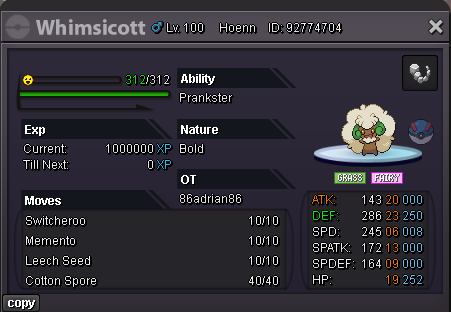
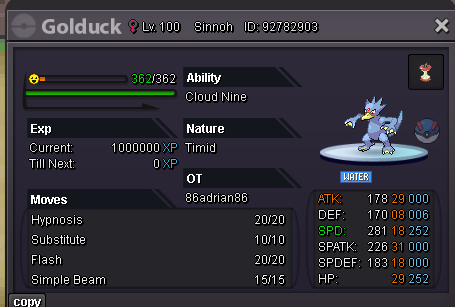
Account
Navigation
Search
Configure browser push notifications
Chrome (Android)
- Tap the lock icon next to the address bar.
- Tap Permissions → Notifications.
- Adjust your preference.
Chrome (Desktop)
- Click the padlock icon in the address bar.
- Select Site settings.
- Find Notifications and adjust your preference.
Safari (iOS 16.4+)
- Ensure the site is installed via Add to Home Screen.
- Open Settings App → Notifications.
- Find your app name and adjust your preference.
Safari (macOS)
- Go to Safari → Preferences.
- Click the Websites tab.
- Select Notifications in the sidebar.
- Find this website and adjust your preference.
Edge (Android)
- Tap the lock icon next to the address bar.
- Tap Permissions.
- Find Notifications and adjust your preference.
Edge (Desktop)
- Click the padlock icon in the address bar.
- Click Permissions for this site.
- Find Notifications and adjust your preference.
Firefox (Android)
- Go to Settings → Site permissions.
- Tap Notifications.
- Find this site in the list and adjust your preference.
Firefox (Desktop)
- Open Firefox Settings.
- Search for Notifications.
- Find this site in the list and adjust your preference.