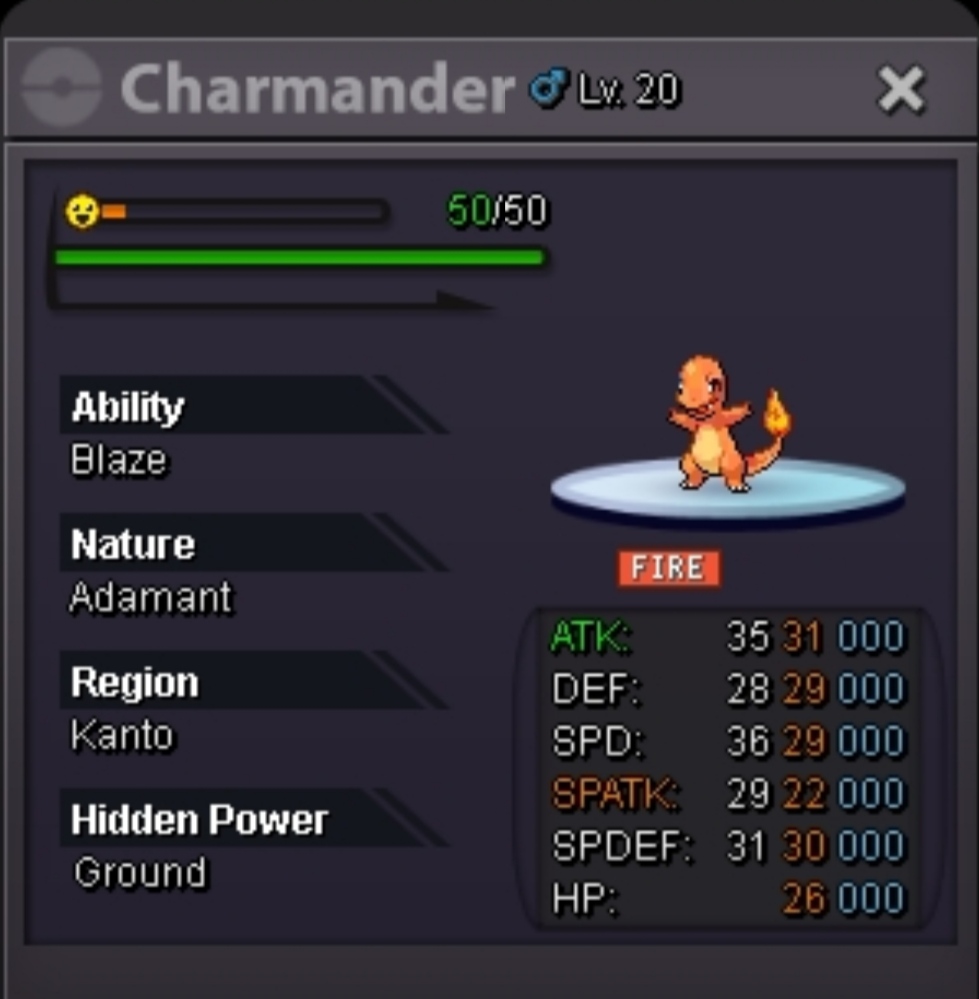
New Trade Zone
Trade Zone is now live
Use the new Trade Zone for auctions and instant-price trades so Pokemon and item offers are easy to find.


Eetaachee
Registered User
-
Joined
-
Last visited
Everything posted by Eetaachee
-
1m
-
Pm me here or in discord at Eetaachee#6113
-
Pm me here or in discord at Eetaachee#6113
-
5m
-
Min raise is 50k,so this ain't valid xD
-
350k
-
Sold.
.png.74763fcd2933b44db8cea5c480cd8273.png)
-
C.o. 5m. Got bid on last minute. So it got extended 15mins.
.png.4ede17254faa94f680877661aa53ec58.png)
-
Bump 10mins left
-
He didn't know he can't bid without having it. He is sure he can get the money tomorrow. Is there any way it can be considered as this is his first time?
-
u are a few seconds late. C.o. is already 3.7m by @Chillaui
-
C.O. 3.7m
(1).png.8b38984aa4d323acbde7bcdba0f5fc6c.png)
-
C.O. 3.6m
.png.094803f851c24f615d036f4ba2390fb9.png)
-
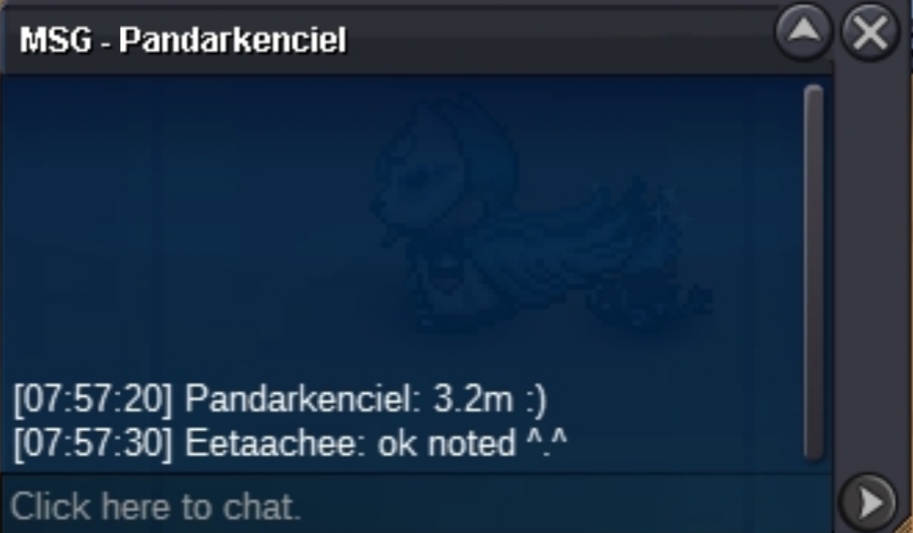
C.O. 3.2m
-
Hello dear folks of PRO. I hope you are having a good time. I am writing here to let you know that I observed a bug recently. It is not a big deal but a bug is a bug. When someone sends battle request,the first pokemon shows as a shiny one with S. But in reality,it is not the case. This is the 3rd time it is happening,so I am pasting here. The other player showed me his Breloom,it was not shiny but in display,it is showing as shiny. Yes,that's it,that's the bug. I thought of letting you guys know if you do not know by now. Rest is up to you guys. Take care.
.png.8854211f7c40628dbc5b7d435d8a6355.png)
-
Bump
-
C.o. 2.5m
.png.8cb92034b57158097222510510421ad8.png)
-
C.o. 2.2m
.png.7ae29b4cbbdc58f5b085a222f372a9ec.png)
-
C.o. 2.1m
.png.4572e5799f04f7eef7f3334dd55e2254.png)
-
C.O. 2m
.png.17d4368709461d4a1d4b28ba2775c781.png)
-
C.o. 1m 769k
.png.d618c9a0bb1b44b863b4757bfc1dbd62.png)
-
C.O. 1.5m
.png.9071fe784df0b5375a5a9351ac1cbe89.png)
-
C.o. 1m 169k
.png.bb166203dc65cfaf8210ac186ba00a92.png)
-
Noted and started mate.
-
C.o. 4.5m by Pandarkenciel Min bid 100k No insta Ends- 12:30am 14/11/22 IST GMT +5.30 Accept cc(350k) and Pokedollars.