New Trade Zone
Trade Zone is now live
Use the new Trade Zone for auctions and instant-price trades so Pokemon and item offers are easy to find.

Chiragk
Registered User
-
Joined
-
Last visited
Everything posted by Chiragk
-
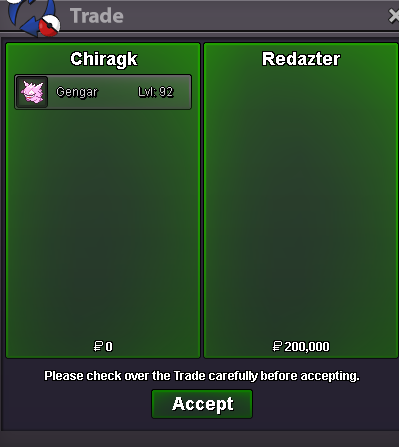
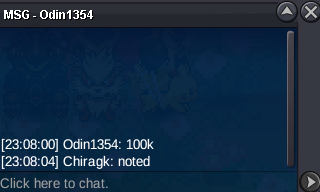
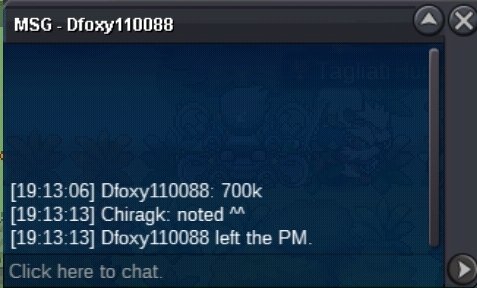
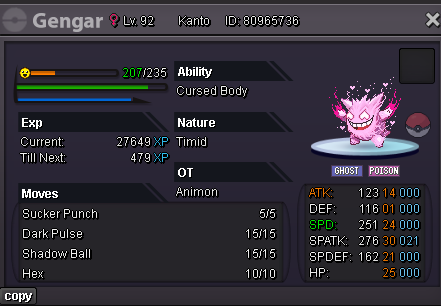
@Redaztercatch me online when u can ^^Start Point/Price: 100k End Point: 24hrs after 1st bid is made (will be updated) Update: - Min. Raise: 20k Insta: 700k Accepted Payment(s): CC- 550k and Pokedollars
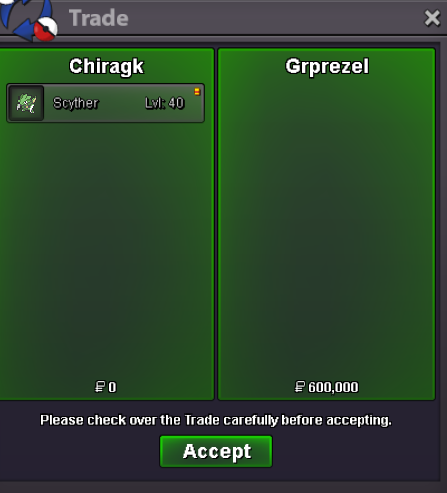
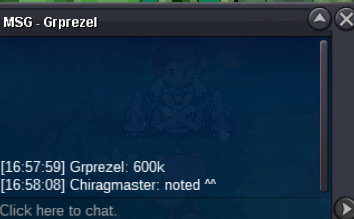
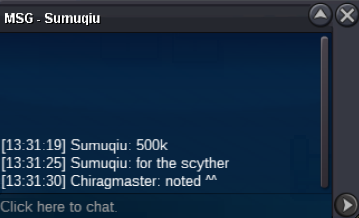
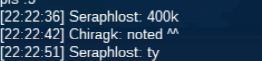
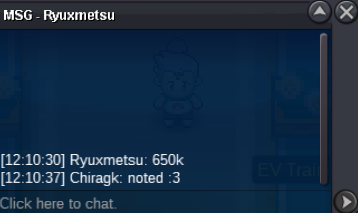
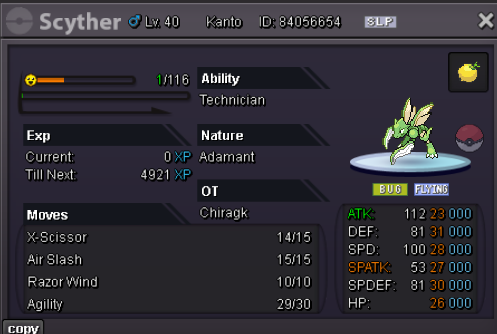
 +100k@Grprezel message me on my discord: _.j._.c._Need mod .. can we force trade for this auction? the scyther will be in @Chiragmaster account. i dont seem to catch grprezel online.. nor he is responding here. and the time he comes online is not possible for me to be online. but i would like grprezel to be informed about it somehow? if thats possible. its been over 2 days now.@Grprezelplease let me know when you are online.won by @Grprezel 600klast 10mins leftauction and screenshots will be shared from chiragmaster's account from now on.Start Point/Price: 200k (c.o. 600k) End Point: 48hrs after 1st bid is made (will be updated) Update: - 9:51pm ist, monday Min. Raise: 100k Accepted Payment(s): CC- 500k and Pokedollars (Silver players can bid but you will have to transfer to gold )
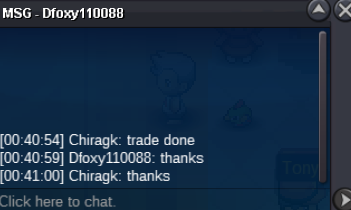
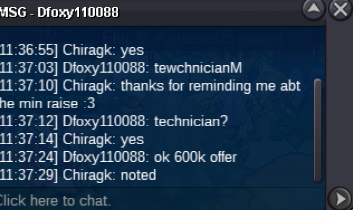
 won by @Dfoxy110088bump
Account
Navigation
Search
Configure browser push notifications
Chrome (Android)
- Tap the lock icon next to the address bar.
- Tap Permissions → Notifications.
- Adjust your preference.
Chrome (Desktop)
- Click the padlock icon in the address bar.
- Select Site settings.
- Find Notifications and adjust your preference.
Safari (iOS 16.4+)
- Ensure the site is installed via Add to Home Screen.
- Open Settings App → Notifications.
- Find your app name and adjust your preference.
Safari (macOS)
- Go to Safari → Preferences.
- Click the Websites tab.
- Select Notifications in the sidebar.
- Find this website and adjust your preference.
Edge (Android)
- Tap the lock icon next to the address bar.
- Tap Permissions.
- Find Notifications and adjust your preference.
Edge (Desktop)
- Click the padlock icon in the address bar.
- Click Permissions for this site.
- Find Notifications and adjust your preference.
Firefox (Android)
- Go to Settings → Site permissions.
- Tap Notifications.
- Find this site in the list and adjust your preference.
Firefox (Desktop)
- Open Firefox Settings.
- Search for Notifications.
- Find this site in the list and adjust your preference.