




New Trade Zone
Trade Zone is now live
Use the new Trade Zone for auctions and instant-price trades so Pokemon and item offers are easy to find.

Chiragk
Registered User
-
Joined
-
Last visited
Everything posted by Chiragk
-
can be closed now!
-
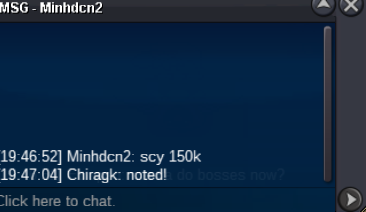
Scyther won by sh1nogekaiscyther 14mins leftbumpScyther : 225k
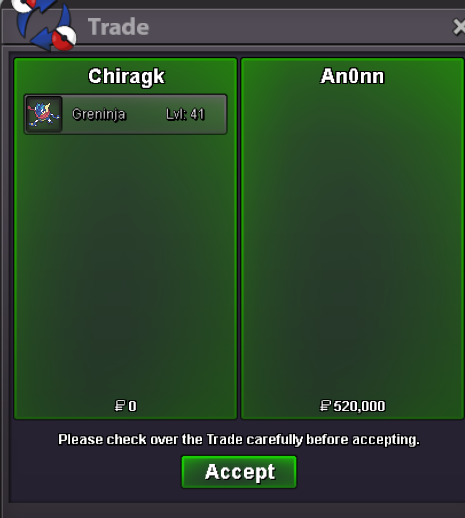
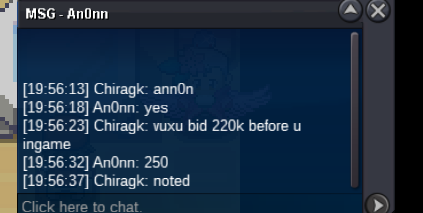
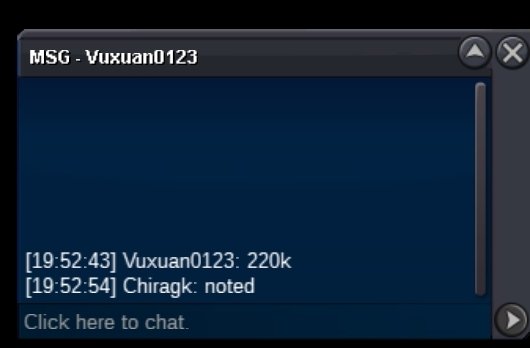
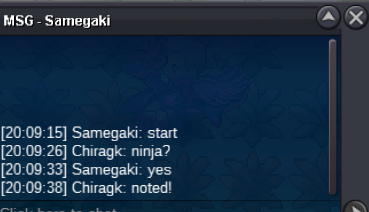
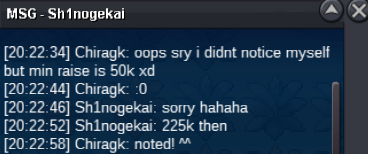 WON BY SH1NOGEKAI (225K) Start Point/Price: 150k End Point: 24hrs after 1st bid is made (will be updated) UPDATE:- 7:47PM IST (Thursday) Min. Raise: 50k Accepted Payment(s): CC- 400k, BMS- 200k WON BY AN0NN (520k) Start Point/Price: 100k End Point: 24hrs after 1st bid is made (will be updated) UPDATE:- 8:10PM IST (Thursday) Min. Raise: 30k Accepted Payment(s): CC- 400k, BMS- 200k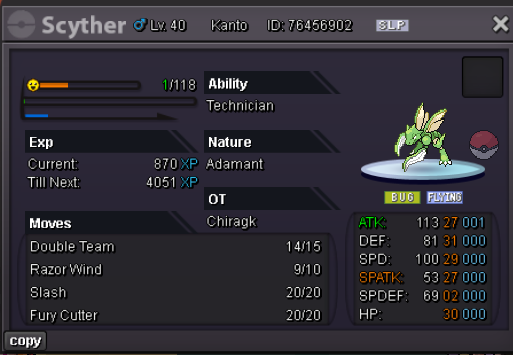
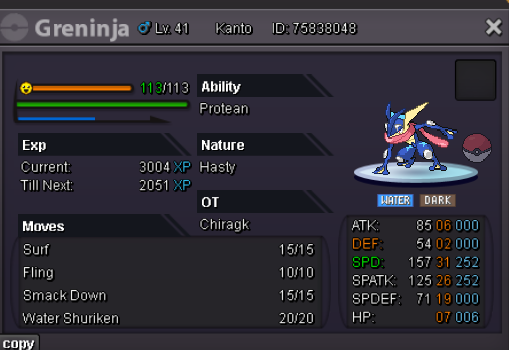 Thankssnice shop!! :3300kstart+1its sad no one is giving a f about xmas forms this yr :< xmas deserves btrjust passing bynoob y didnt u ask me ...475k returned back to pimpcio cz he already paid me 1.2m
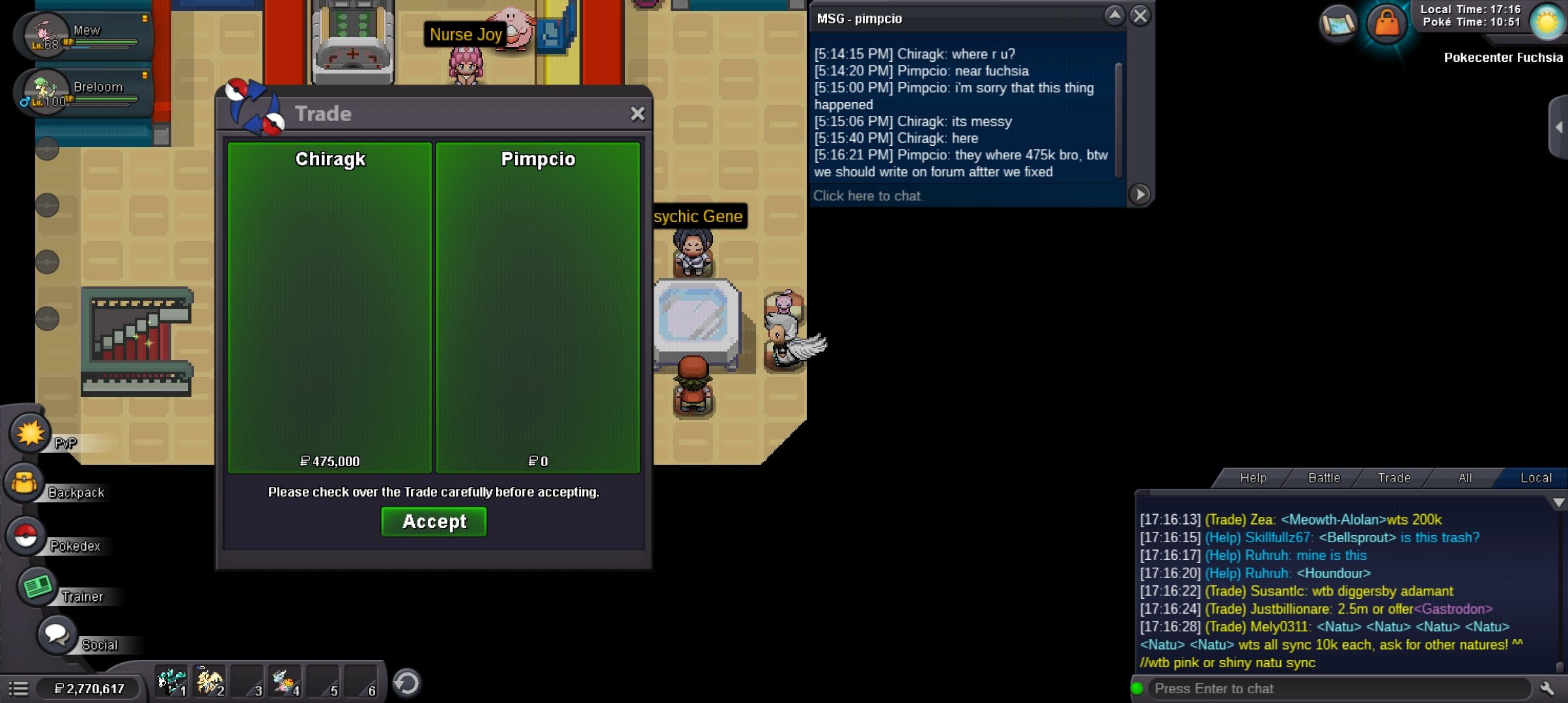 yes ofcourse. If moderator fails to revert back the money in a day or so, pm me here on forums and ill be reverting it back.Hey Mod! I kinda wanted to issue a report regarding timings displayed on the bids.. You know Drillbur started at around 12-1am here. And later when i checked it displayed 10:30pm Monday. So i believe the different timezones are really messing the timings displayed.correct.. the 21hr was wrong i assume... maybe i didnt refresh my page before checking the time acc to previous bid. But yeah @Pimpcio won.Thanks for bidding people !!
.png.da7588d98422b571ebaca8b7af222e69.png)



Account
Navigation
Search
Configure browser push notifications
Chrome (Android)
- Tap the lock icon next to the address bar.
- Tap Permissions → Notifications.
- Adjust your preference.
Chrome (Desktop)
- Click the padlock icon in the address bar.
- Select Site settings.
- Find Notifications and adjust your preference.
Safari (iOS 16.4+)
- Ensure the site is installed via Add to Home Screen.
- Open Settings App → Notifications.
- Find your app name and adjust your preference.
Safari (macOS)
- Go to Safari → Preferences.
- Click the Websites tab.
- Select Notifications in the sidebar.
- Find this website and adjust your preference.
Edge (Android)
- Tap the lock icon next to the address bar.
- Tap Permissions.
- Find Notifications and adjust your preference.
Edge (Desktop)
- Click the padlock icon in the address bar.
- Click Permissions for this site.
- Find Notifications and adjust your preference.
Firefox (Android)
- Go to Settings → Site permissions.
- Tap Notifications.
- Find this site in the list and adjust your preference.
Firefox (Desktop)
- Open Firefox Settings.
- Search for Notifications.
- Find this site in the list and adjust your preference.