New Trade Zone
Trade Zone is now live
Use the new Trade Zone for auctions and instant-price trades so Pokemon and item offers are easy to find.

Bluestay123
Registered User
-
Joined
-
Last visited
-
Oh no sorry Mango i forgot i made this topic :((((
-
I've accidenally denied my riolu from evolving earlier for which now he's hit the capped level of 100 with maxed friendship. I've fainting him several times before going back into fights during "daytime" for his evolution to prompt up onto my screen, however nothing came from this! So I've asked around in the discord server and people gave me various ideas to try such as the RC and Mystery Candy however none of these worked as well. As the final thing I attempted was to log out and close my client via task manager for a full reset + reinstallation and none of this changed the circumstance where as I really want to evolve my Riolu.
-
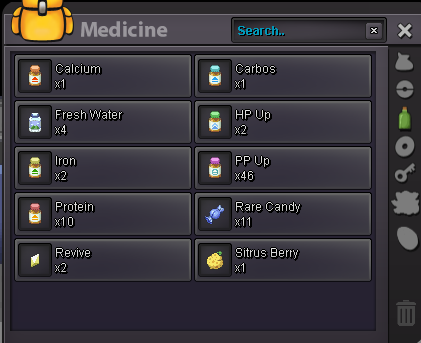
I just logged into the game and I still haven't received potions
-
@Ratedbeast when i entered the game this morning i was brought back to PC vermilion
-
Yesterday while I was doing the Zekrom capture event and my house lost power, I couldn't finish it and couldn't exit the tower. This morning when I entered the game I was on PC Vermilion and I lost all the potions I had. Is there any way to get my lost potions back?