Skip to content
View in the app

A better way to browse. Learn more.

Pokemon Revolution Online

A full-screen app on your home screen with push notifications, badges and more.

To install this app on iOS and iPadOS
  1. Tap the Share icon in Safari
  2. Scroll the menu and tap Add to Home Screen.
  3. Tap Add in the top-right corner.
To install this app on Android
  1. Tap the 3-dot menu (⋮) in the top-right corner of the browser.
  2. Tap Add to Home screen or Install app.
  3. Confirm by tapping Install.

Unfrosted

Registered User
  • Joined

  • Last visited

Everything posted by Unfrosted

  1. 1.5m will transfer
  2. wtb form mankey ada defiant 1.5m
  3. contact me in game please
  4. 900k flygon
  5. 4.5m karp
  6. 2.5m pink karp
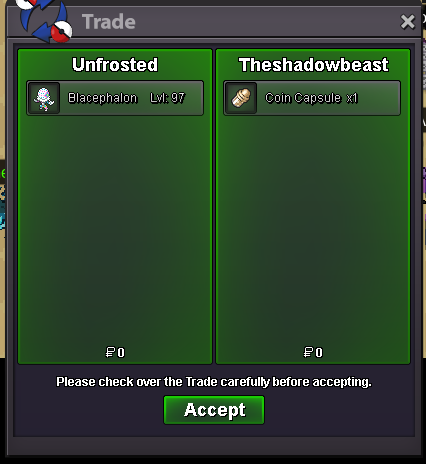
  7. 650k blace
  8. 800k gligar
  9. 500k gligar
  10. im online now lmk when availalbe
  11. 500k blace
  12. Almost every post I see you posting your opinion is negative, argumentative and simply doesn't benefit the community, you don't offer solutions or improvements and you do it in an unkind way. You should act the way I suggested since clearly you have the free time to comment on many different thread and clearly you are opinionated enough to put effort into your responses, if you do it in a different way and instead of saying why stuff are bad you will try to say how to improve I think you can make some valid points. anyway its your choice either way so I will cut it here as it will probably lead to a non productive unrelated discussion. have a nice day brother 🙂
  13. Do you have an alternative suggestion? I mean other people such as @Dorade are trying to give their opinions and suggestions id love to see you try that for once. Instead of saying why the idea is bad id love to see you trying to improve it or suggest an alternative solution, also you can be a little nicer while you are at it 🙂

Account

Navigation

Search

Search

Configure browser push notifications

Chrome (Android)
  1. Tap the lock icon next to the address bar.
  2. Tap Permissions → Notifications.
  3. Adjust your preference.
Chrome (Desktop)
  1. Click the padlock icon in the address bar.
  2. Select Site settings.
  3. Find Notifications and adjust your preference.