New Trade Zone
Trade Zone is now live
Use the new Trade Zone for auctions and instant-price trades so Pokemon and item offers are easy to find.

Katsukinonaki
Registered User
-
Joined
-
Last visited
-
Okay I can login now.... Thanks for your support 😇😇
-
How long usually this kind of problem to be solved? This being glitch for almost 2days and still can't login
-
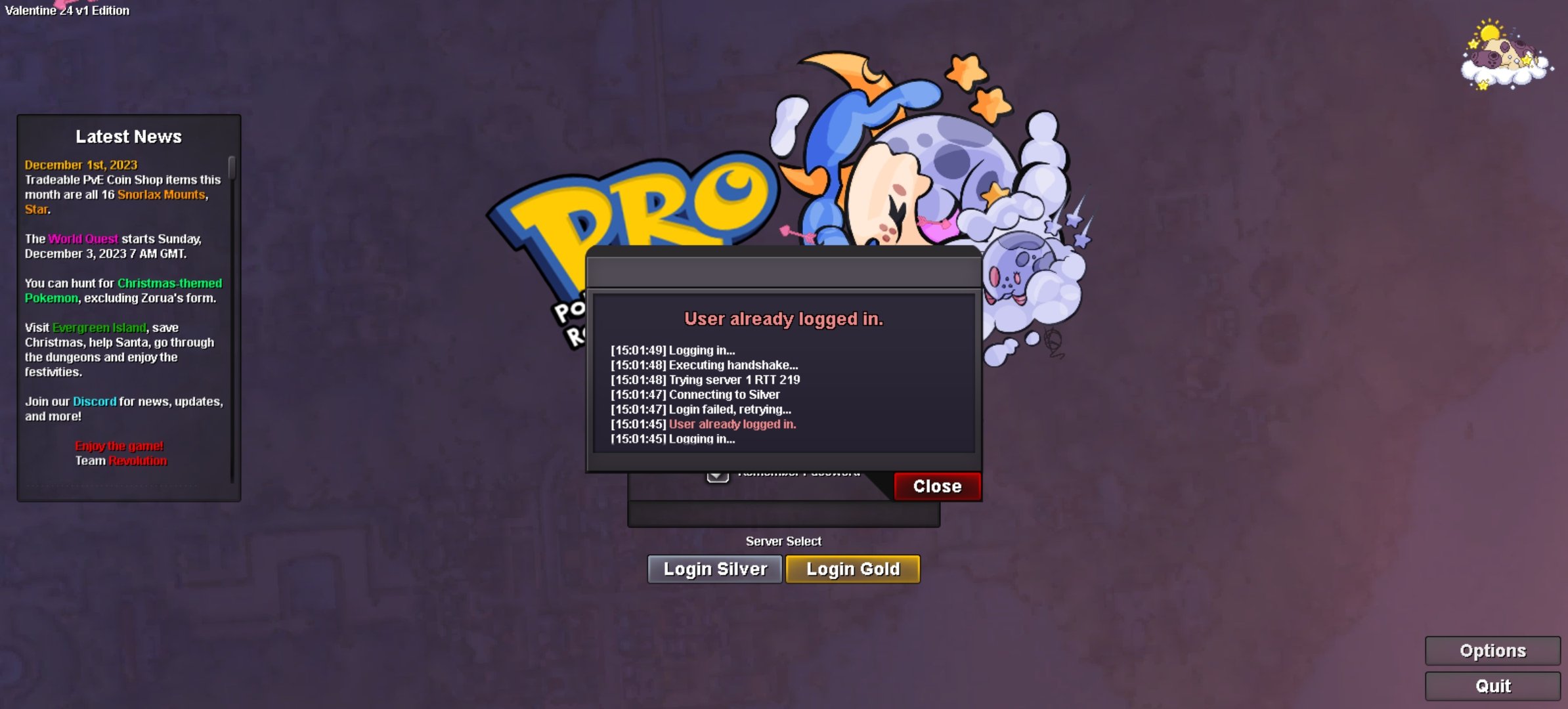
I can't login my account because it stuck ingame.. Even After delete and install again still cant. Before log-out, I stuck in the battle and cant click anything... And After log out it been like this
-
Up 70k
-
Before 3rd gym After 3rd gym
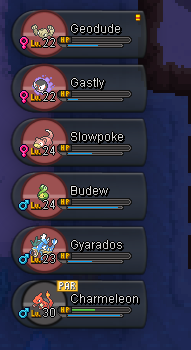
-
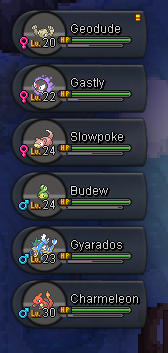
Before 2nd Gym After 2nd Gym

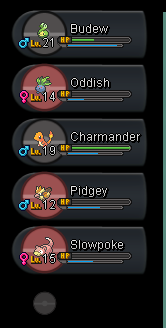
-
Before 1st Gym After 1st Gym
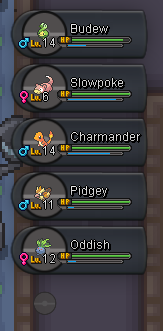
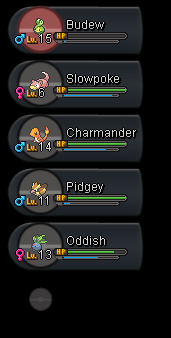
-
How long exactly for the restoration of poke take? This almost 2 days seen i make a poke restoration request... plz considered this because i know there a limit of time for poke to been restored...so i hope this dont take a long time.
-
Type of request: Restoration Username: KatsukiNoNaki Server: silver Pokemon: Mawile Pokemon ID: 68859867 Reason: Release by mistaken

-
Type of request: Restoration Username: KatsukiNoNaki Server: silver Pokemon: Mawile Pokemon ID: 68859867 Reason: Release by mistaken

-
Sold to Vnbodoi..by Instant pay 500k
-
current offer 320k by vnbodoi
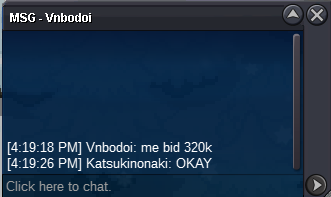
-
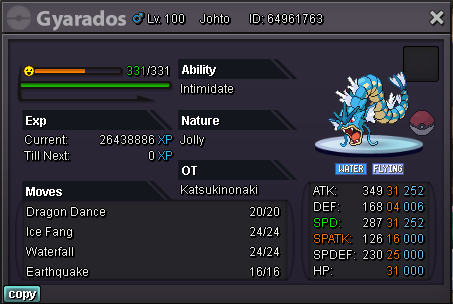
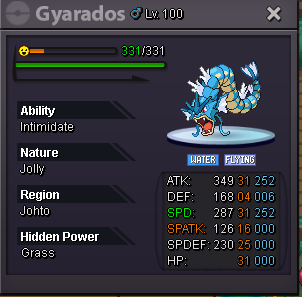
Start offer : 300k Minimum bid : 20k Instant : 500k End on 20/12/2021 10.30pm gmt+8 for 1days Accept offer : cc 440k nature reroll 350k