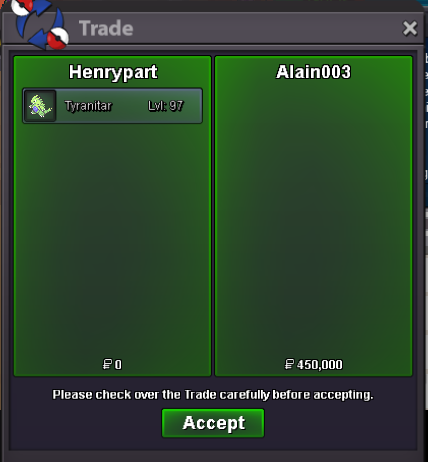
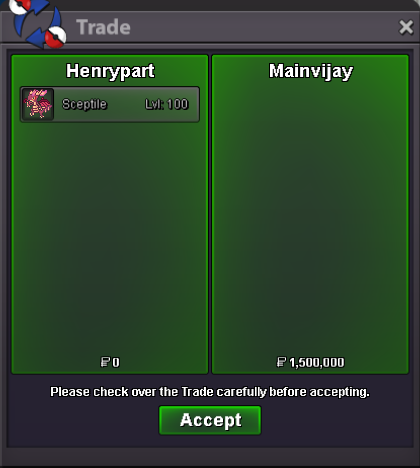
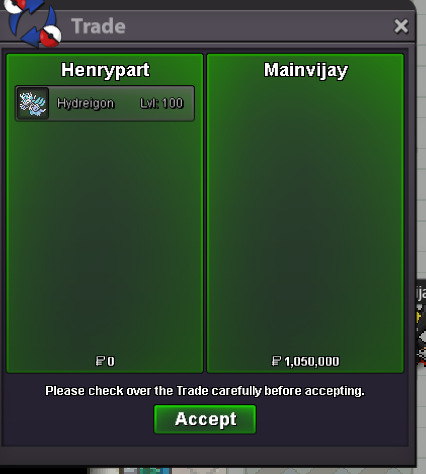
New Trade Zone
Trade Zone is now live
Use the new Trade Zone for auctions and instant-price trades so Pokemon and item offers are easy to find.

Henrypart2
Registered User
-
Joined
-
Last visited
Everything posted by Henrypart2
-
NOT A BUNDLE C.O 600K BY @Eldoroty98 S.O : 200K MIN BID : 100K NO INSTA ACCEPTED PAYMENT METHODS : CASH ENDS 24H AFTER STARTING BID C.O2m6 BY @Benjiemager S.O : 200K MIN BID : 100K NO INSTA ACCEPTED PAYMENT METHODS : CASH ENDS 24H AFTER STARTING BID
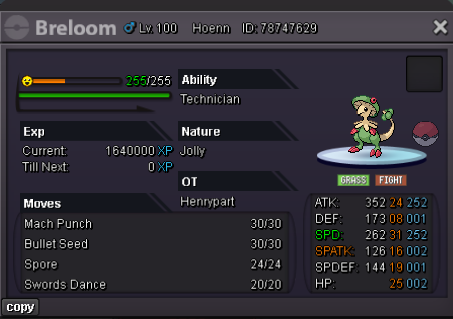
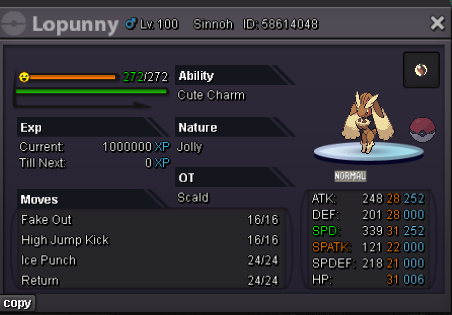
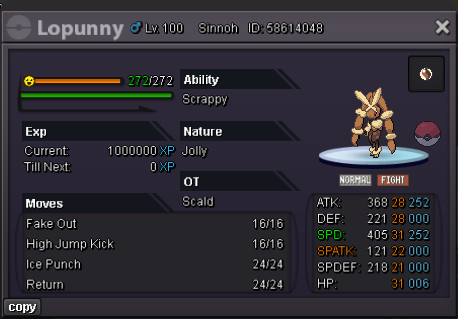
-
auction finished.the winner is @Unbannedme with the bid of 4m6 . Thank you all for participating . let me know when we can trade
-
thats lower than the current offer mate 😄4h leftno its hp poisonC.o :4m6 by @Unbannedme S.O : 250K MIN BID : 100K INSTA 7M ACCEPTED PAYMENT METHOD : CASH,CC(360K EACH) AUCTION ENDS 24H AFTER STARTING BID
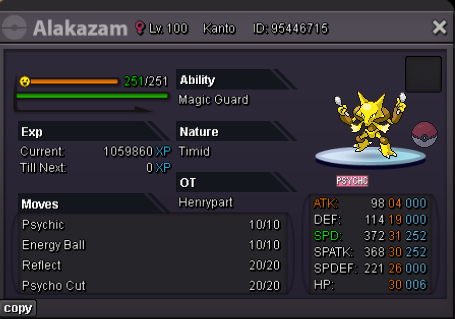 1m5bump new pokemons added
Account
Navigation
Search
Configure browser push notifications
Chrome (Android)
- Tap the lock icon next to the address bar.
- Tap Permissions → Notifications.
- Adjust your preference.
Chrome (Desktop)
- Click the padlock icon in the address bar.
- Select Site settings.
- Find Notifications and adjust your preference.
Safari (iOS 16.4+)
- Ensure the site is installed via Add to Home Screen.
- Open Settings App → Notifications.
- Find your app name and adjust your preference.
Safari (macOS)
- Go to Safari → Preferences.
- Click the Websites tab.
- Select Notifications in the sidebar.
- Find this website and adjust your preference.
Edge (Android)
- Tap the lock icon next to the address bar.
- Tap Permissions.
- Find Notifications and adjust your preference.
Edge (Desktop)
- Click the padlock icon in the address bar.
- Click Permissions for this site.
- Find Notifications and adjust your preference.
Firefox (Android)
- Go to Settings → Site permissions.
- Tap Notifications.
- Find this site in the list and adjust your preference.
Firefox (Desktop)
- Open Firefox Settings.
- Search for Notifications.
- Find this site in the list and adjust your preference.