New Trade Zone
Trade Zone is now live
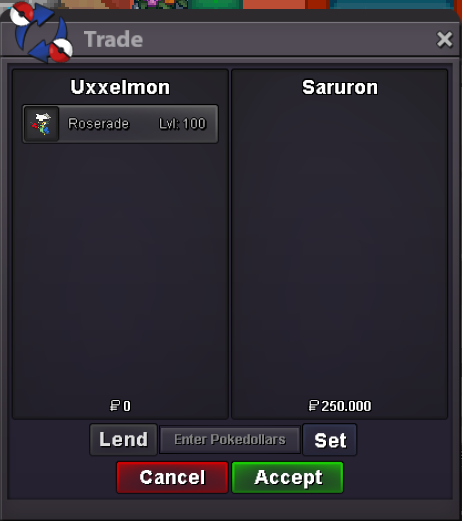
Use the new Trade Zone for auctions and instant-price trades so Pokemon and item offers are easy to find.

Uxxelmon
Registered User
-
Joined
-
Last visited
Everything posted by Uxxelmon
-
i´ll give you 1,5m on gold server
-
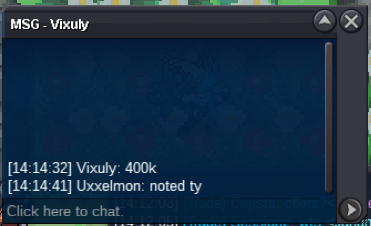
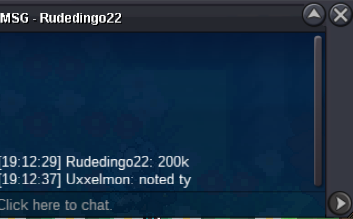
400k
-
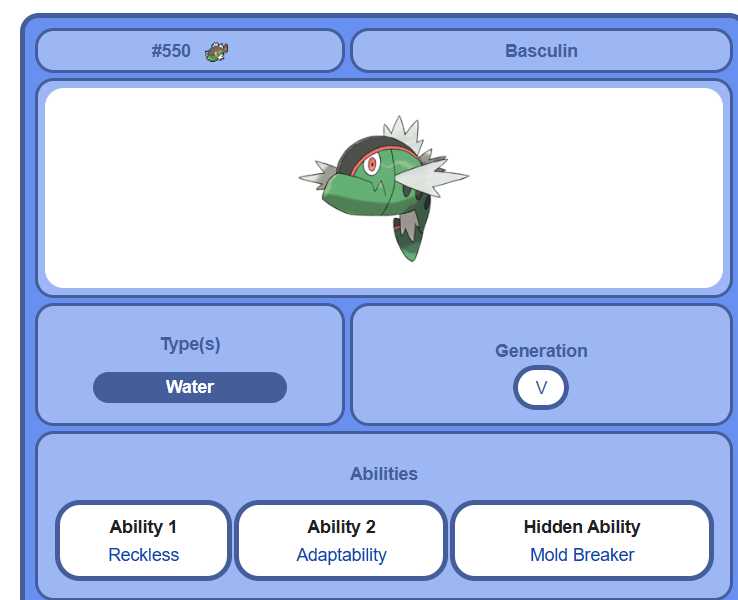
up101k🥵@Vixuly you won pls contact me her or on discord: Fck Off I´m SALTY#3063Basculin cant have rock head as an ability, maybe you confuse the pokemon with relicanth? Also a fish xD
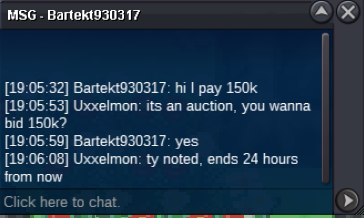
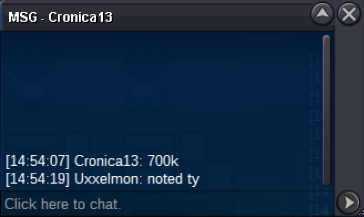
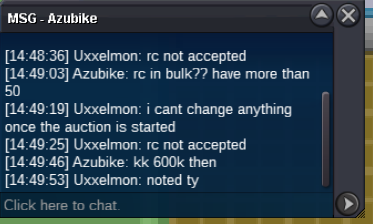
 you have a few options here: - ghost types are not affected by extreme speed (ist a normal type move) - use a boss team (guides on youtube), if your attacking pokemon is in a substitute you can tank the extreme speed and kill arceus - use a tanky pokemon like slowbro, umbreon etc. and stall it with toxic + healing GL!Start: 100k min bid: 50k insta: 700k accept cash only 24 hours after first bid GL!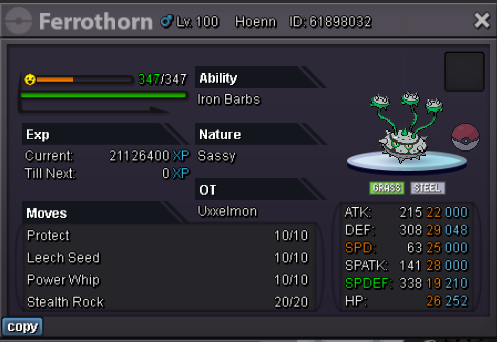
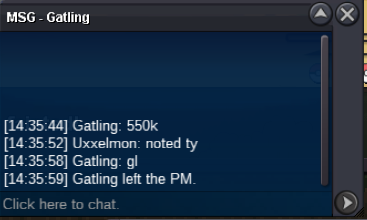
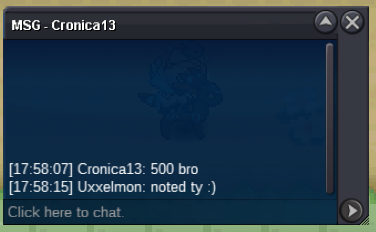
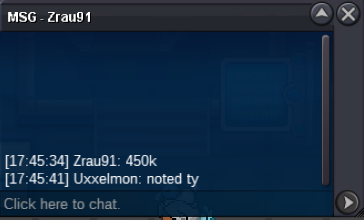
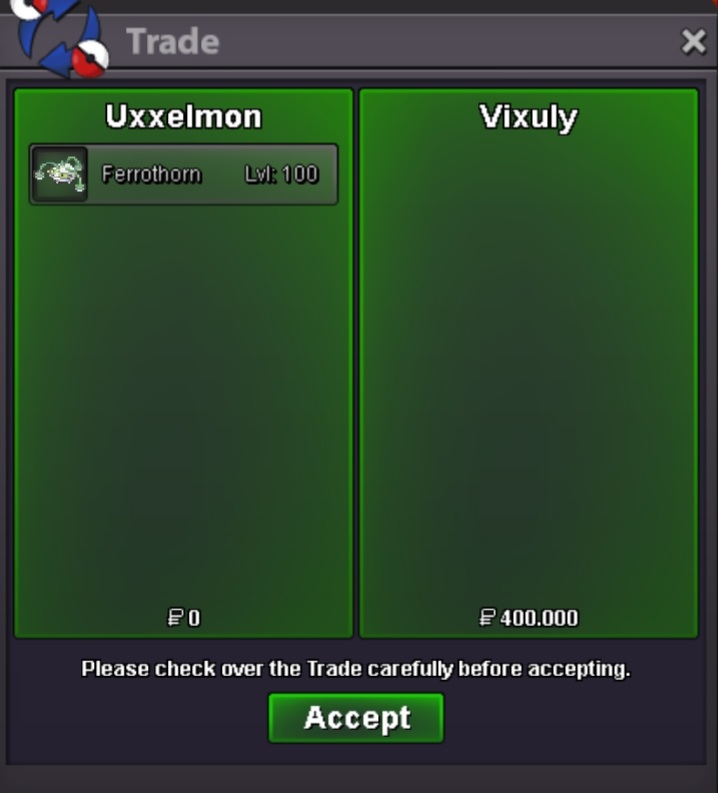 upCurrent offer 500k mate, around 3 hours left...Removed as nobody started.2.5m1.5 m
Account
Navigation
Search
Configure browser push notifications
Chrome (Android)
- Tap the lock icon next to the address bar.
- Tap Permissions → Notifications.
- Adjust your preference.
Chrome (Desktop)
- Click the padlock icon in the address bar.
- Select Site settings.
- Find Notifications and adjust your preference.
Safari (iOS 16.4+)
- Ensure the site is installed via Add to Home Screen.
- Open Settings App → Notifications.
- Find your app name and adjust your preference.
Safari (macOS)
- Go to Safari → Preferences.
- Click the Websites tab.
- Select Notifications in the sidebar.
- Find this website and adjust your preference.
Edge (Android)
- Tap the lock icon next to the address bar.
- Tap Permissions.
- Find Notifications and adjust your preference.
Edge (Desktop)
- Click the padlock icon in the address bar.
- Click Permissions for this site.
- Find Notifications and adjust your preference.
Firefox (Android)
- Go to Settings → Site permissions.
- Tap Notifications.
- Find this site in the list and adjust your preference.
Firefox (Desktop)
- Open Firefox Settings.
- Search for Notifications.
- Find this site in the list and adjust your preference.