




New Trade Zone
Trade Zone is now live
Use the new Trade Zone for auctions and instant-price trades so Pokemon and item offers are easy to find.

Uxxelmon
Registered User
-
Joined
-
Last visited
Everything posted by Uxxelmon
-
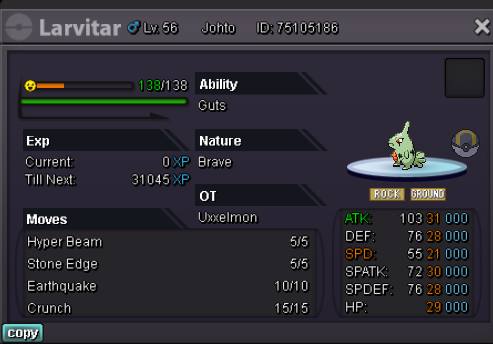
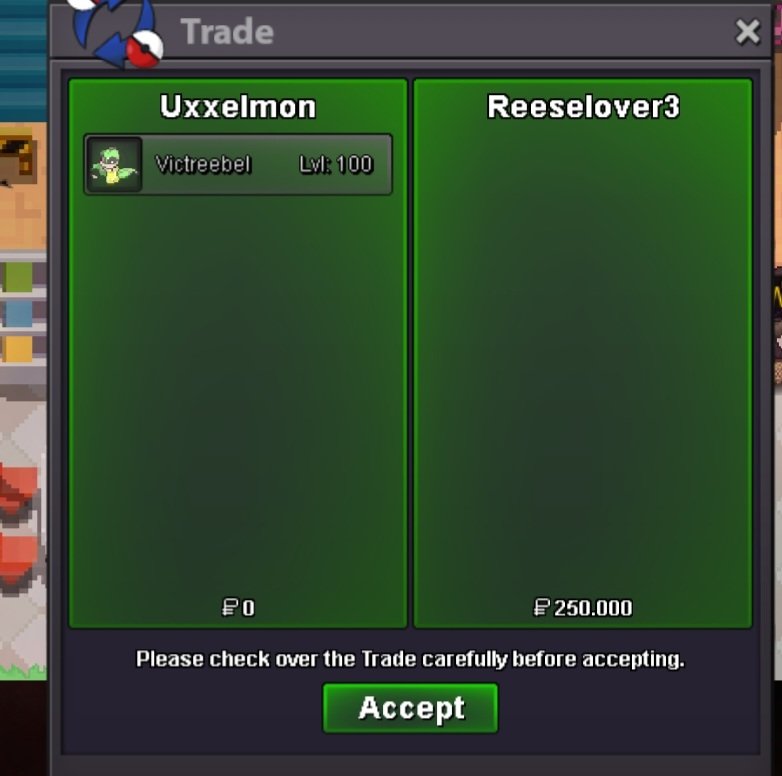
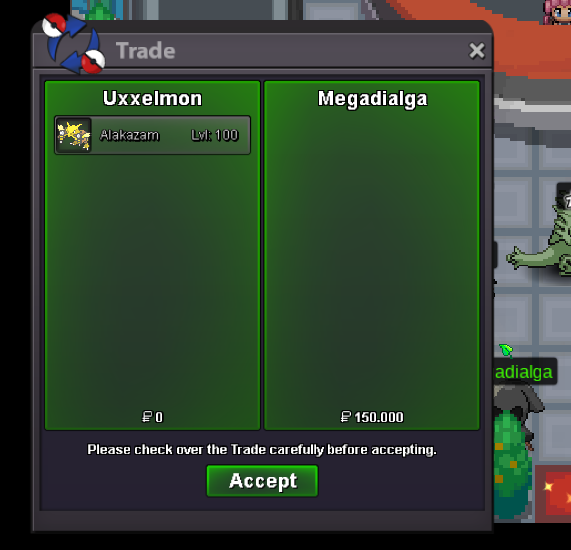
Hello, wanna auction this fresh rat: Start offer: 500k min bid: 100k duration: 48 hours after first bid accept cash only GL!
-
2m
-
The dungeon was part of the summer quest and is permanent now. There are several guides on youtube about unlocking it.
-
You can change it to baby lugia by using the time flute (reward from the new dungeon).
-
750k
-
It would help if you post a picture of the mon. Depends if its pvpable or just for collection.
-
start🥵
-
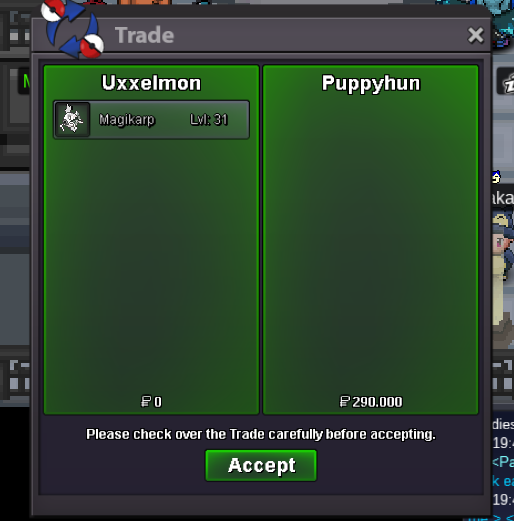
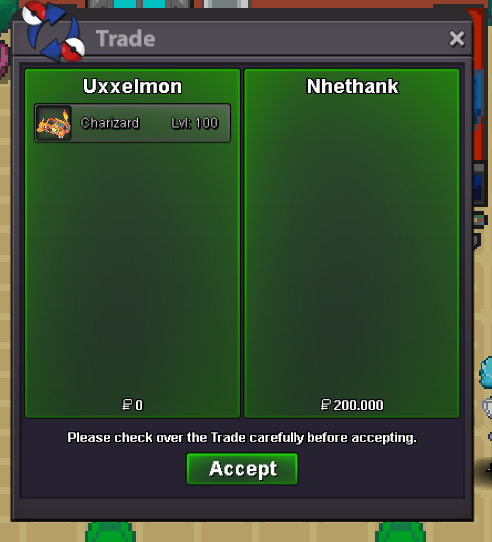
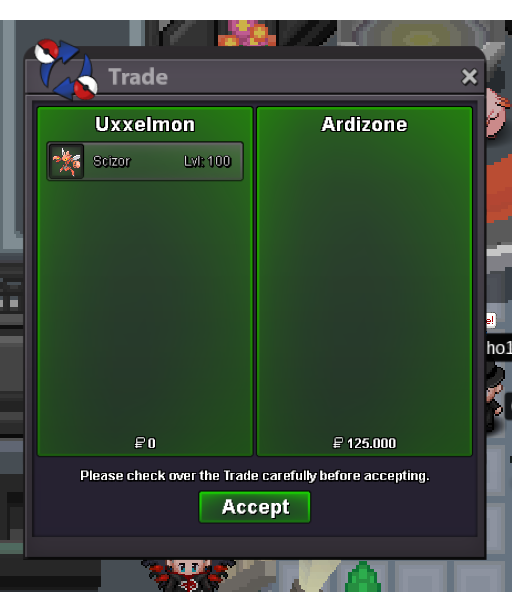
great sprite +1Around 1.5h left+1, dont get any kekwSelling this rat as i dont need it: Start: 10k min bid: 10k no insta accept only pokedollar 24 hours after first bid gl
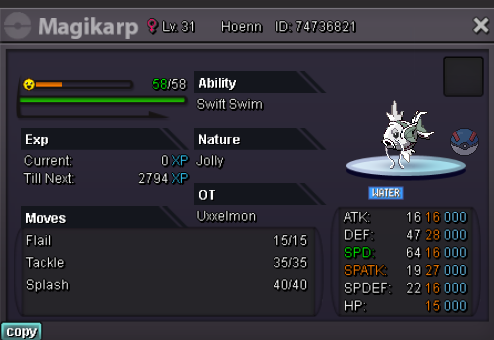 Insta by simodelmaz
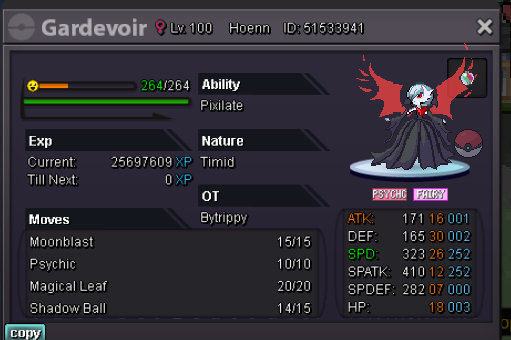
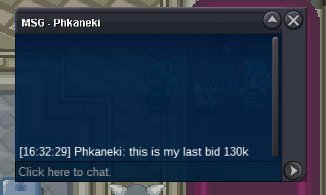
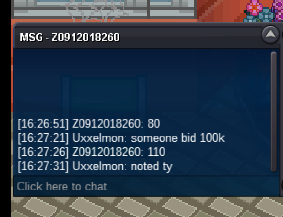
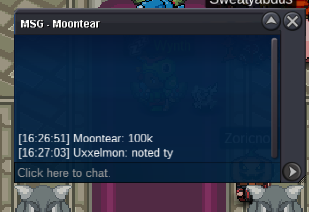
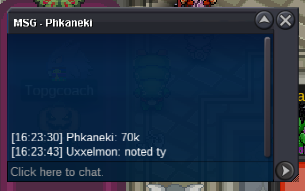
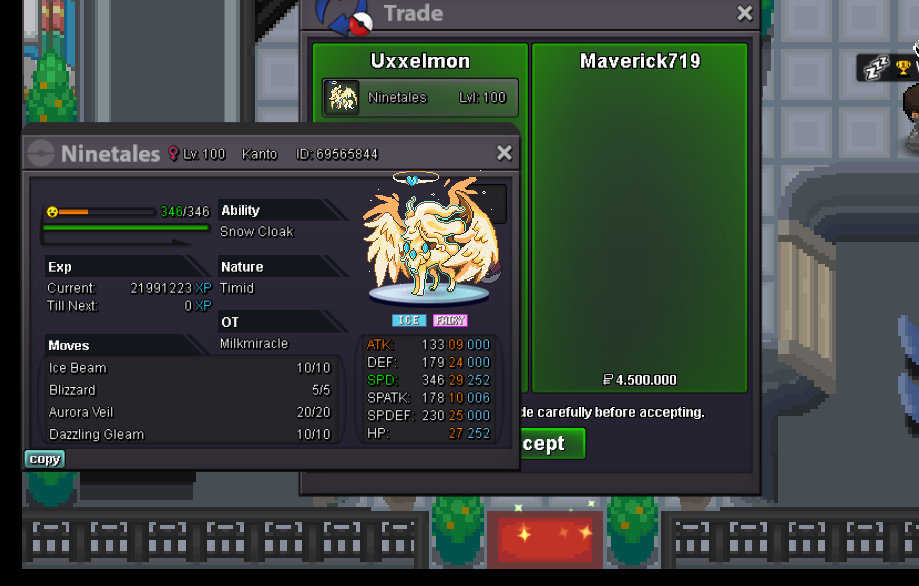
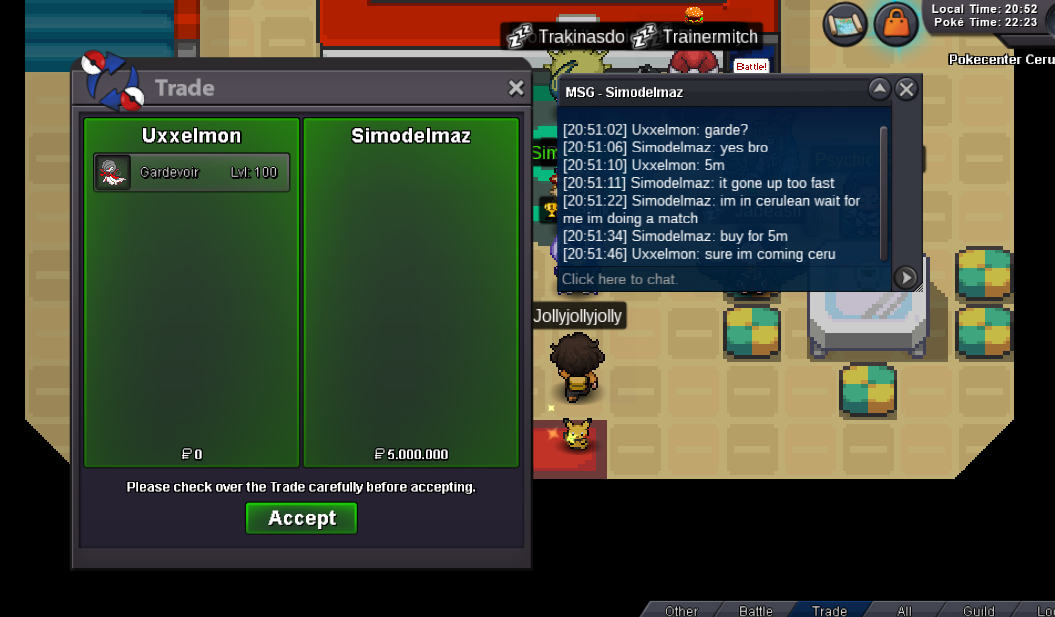 less than 24 hours leftHi, wanna sell this HLW Garde: Start: 3m min. bid: 200k Insta: 5m Duration: 48 hours after first bid Accept Pokedollars, cc (370k), iv reroll (670k)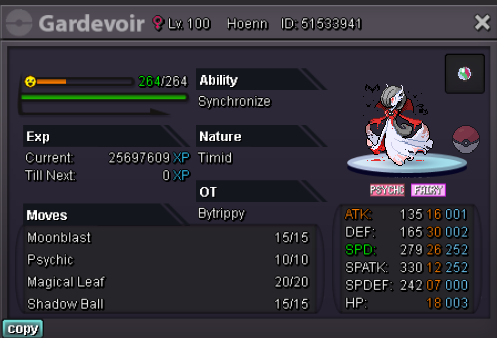


Account
Navigation
Search
Configure browser push notifications
Chrome (Android)
- Tap the lock icon next to the address bar.
- Tap Permissions → Notifications.
- Adjust your preference.
Chrome (Desktop)
- Click the padlock icon in the address bar.
- Select Site settings.
- Find Notifications and adjust your preference.
Safari (iOS 16.4+)
- Ensure the site is installed via Add to Home Screen.
- Open Settings App → Notifications.
- Find your app name and adjust your preference.
Safari (macOS)
- Go to Safari → Preferences.
- Click the Websites tab.
- Select Notifications in the sidebar.
- Find this website and adjust your preference.
Edge (Android)
- Tap the lock icon next to the address bar.
- Tap Permissions.
- Find Notifications and adjust your preference.
Edge (Desktop)
- Click the padlock icon in the address bar.
- Click Permissions for this site.
- Find Notifications and adjust your preference.
Firefox (Android)
- Go to Settings → Site permissions.
- Tap Notifications.
- Find this site in the list and adjust your preference.
Firefox (Desktop)
- Open Firefox Settings.
- Search for Notifications.
- Find this site in the list and adjust your preference.