




New Trade Zone
Trade Zone is now live
Use the new Trade Zone for auctions and instant-price trades so Pokemon and item offers are easy to find.

Blunthound
Registered User
-
Joined
-
Last visited
Everything posted by Blunthound
-
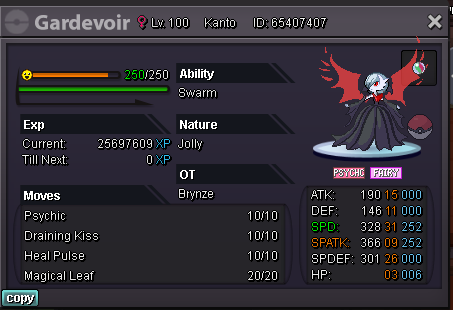
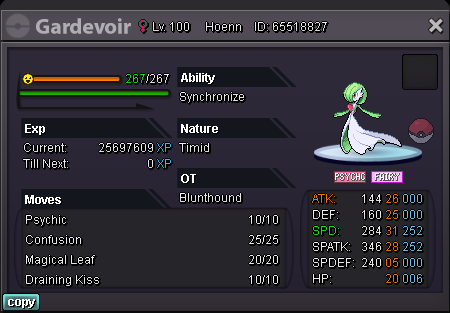
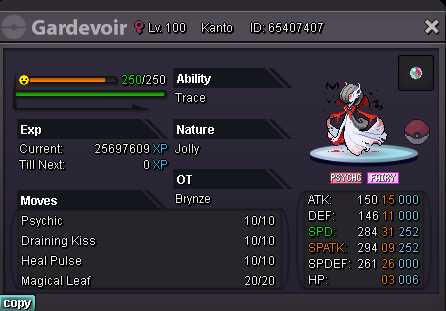
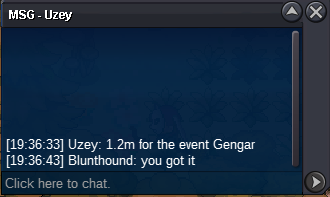
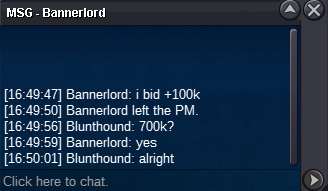
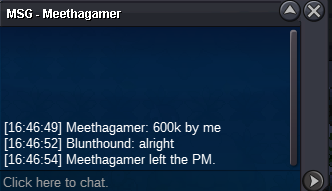
1,2m bid
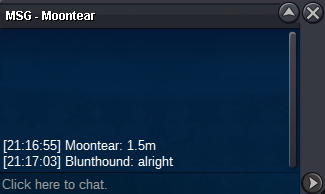
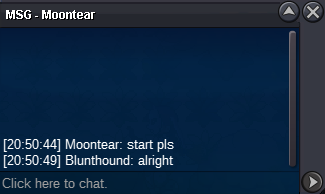
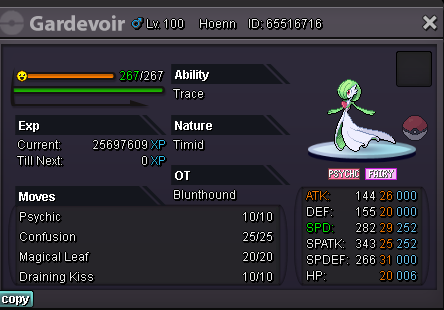
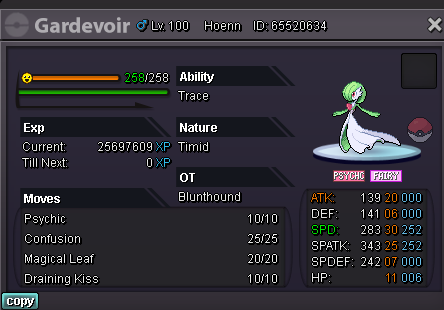
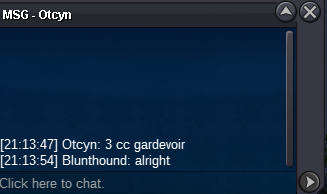 Starting offer: 1m Minimum bid: 100k Insta price: no insta Auction ends: 48h after 1st bid https://countingdownto.com/?c=3869982 Accepted payment: cc=400k; iv reroll 700k; nat reroll=350k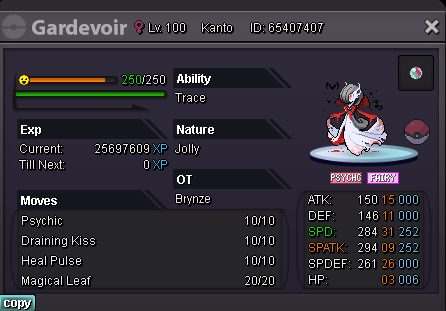
 CONTACT: - Blunthound in game - Johnny Weakside#2261 discord - or just tell me which one you want in the comments below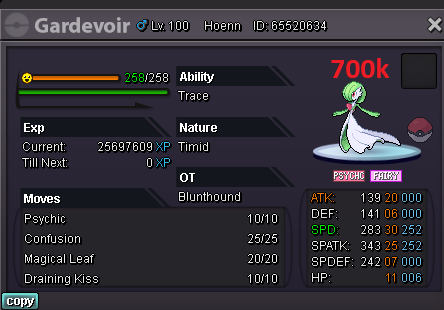
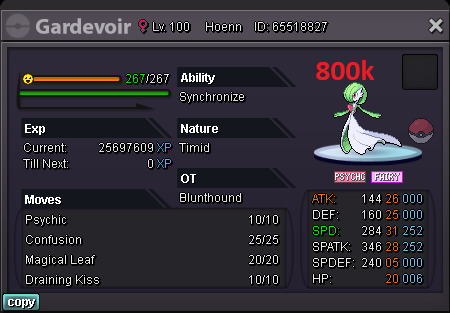
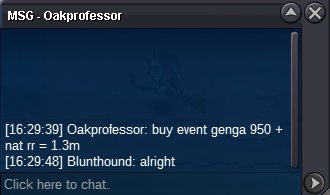
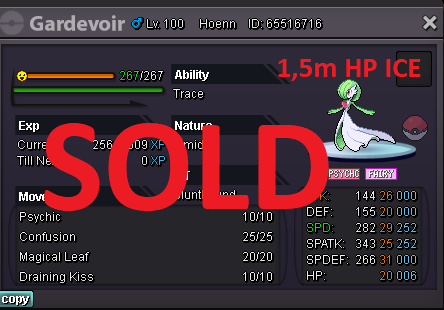 SOLD to Oakprofessor
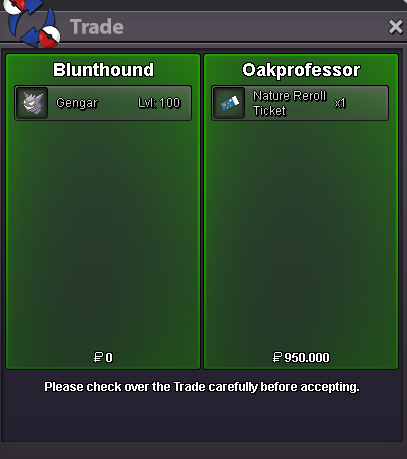 Current offer: 1,3m by Oakprofessor Minimum bid: 100k Insta price: 4m Auction ends: 24h after 1st bid (4:30pm GMT+2 11/10/21) Accepted payment: cc=400k; iv reroll 700k; nat reroll=350k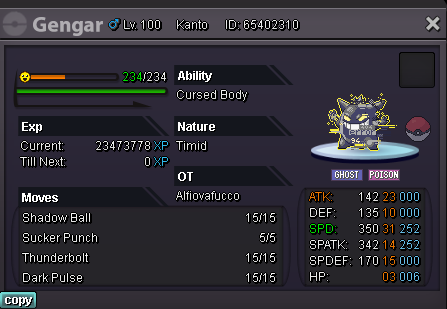
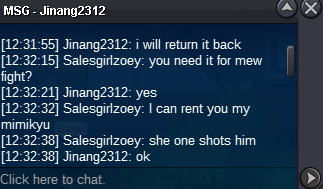
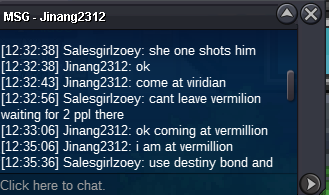
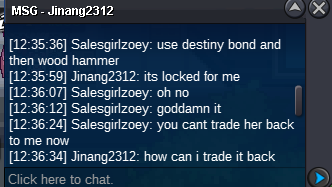
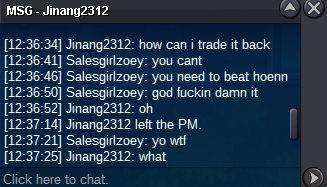
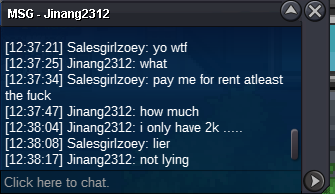
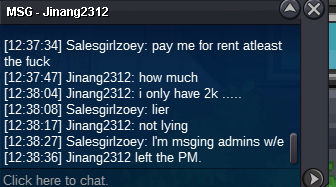
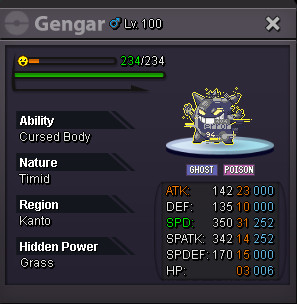 300k 😄Hi guys, I rented my mimikyu to one guy and he can't trade her back and refuses to pay for her. Could you help me get her back?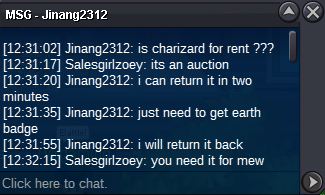
 Hey guys, so I've just finished the 2nd part of the Halloween quest, where you catch Darkrai, successfully. Before I finished it, I asked on discord if the items I got would stay on me after I left dark realm and the answer I got was they would. Right after I left dark realm I immediately checked if items were still on me and they all disappeared. Is this a bug or was this intentional?
Account
Navigation
Search
Configure browser push notifications
Chrome (Android)
- Tap the lock icon next to the address bar.
- Tap Permissions → Notifications.
- Adjust your preference.
Chrome (Desktop)
- Click the padlock icon in the address bar.
- Select Site settings.
- Find Notifications and adjust your preference.
Safari (iOS 16.4+)
- Ensure the site is installed via Add to Home Screen.
- Open Settings App → Notifications.
- Find your app name and adjust your preference.
Safari (macOS)
- Go to Safari → Preferences.
- Click the Websites tab.
- Select Notifications in the sidebar.
- Find this website and adjust your preference.
Edge (Android)
- Tap the lock icon next to the address bar.
- Tap Permissions.
- Find Notifications and adjust your preference.
Edge (Desktop)
- Click the padlock icon in the address bar.
- Click Permissions for this site.
- Find Notifications and adjust your preference.
Firefox (Android)
- Go to Settings → Site permissions.
- Tap Notifications.
- Find this site in the list and adjust your preference.
Firefox (Desktop)
- Open Firefox Settings.
- Search for Notifications.
- Find this site in the list and adjust your preference.