




New Trade Zone
Trade Zone is now live
Use the new Trade Zone for auctions and instant-price trades so Pokemon and item offers are easy to find.


Krub
Registered User
-
Joined
-
Last visited
Everything posted by Krub
-
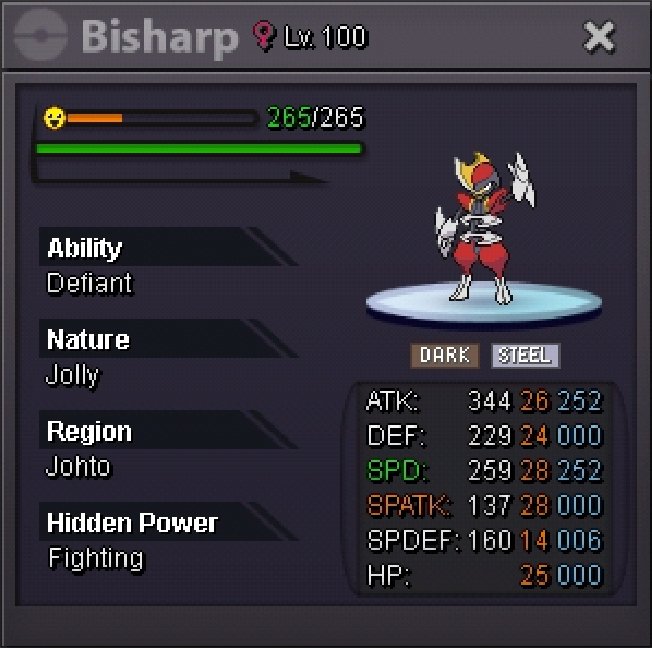
Jolly Bisharp Auction Informations: Starting bid: 400K Minimum bid: 100K Instant price: 1M Time: 42 hours after start Time left: https://www.tickcounter.com/countdown/5726824/jolly-bisharp-time-left Important note: This is a silver server auction. So if you're bidding from gold, please include that with your bid. Also If you're bidding with an alt please include the name of the account you're going to use for trade. If any bid received at final 15 minutes of the auction, the end time will be delayed to 15 minutes from that bid. And delayed 15 minutes from each new bid thereafter. Until the current bid is held for a full 15 minutes.


-
Hello congratulations I'm currently online. My ign is "krubsiu"3 hour 25 minutes left400K by @Hyrulehero94
 519K by @Deathstock
 1.5m200K by @Hakaishin123456
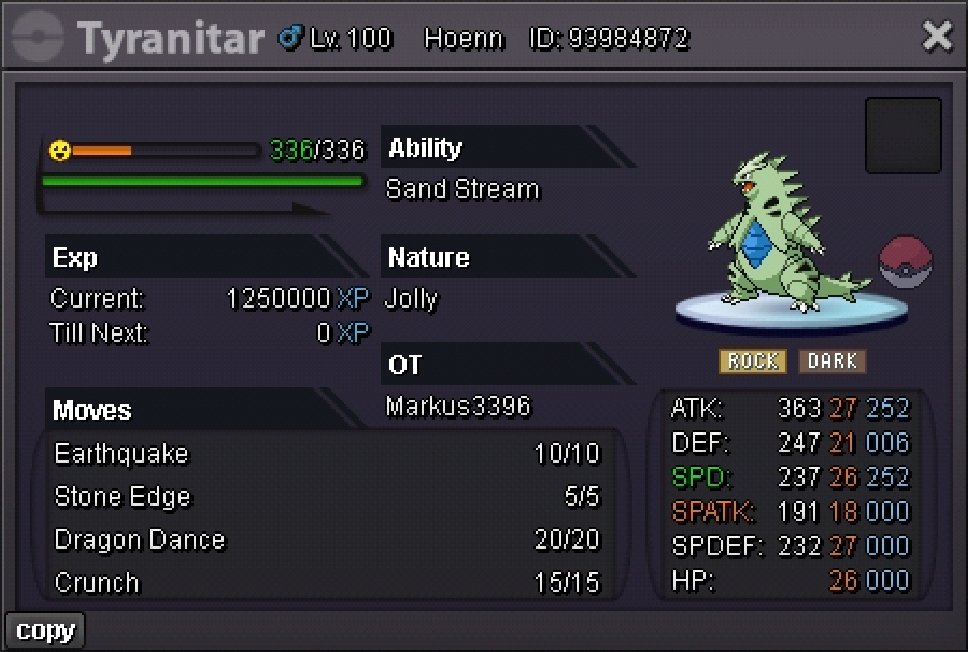
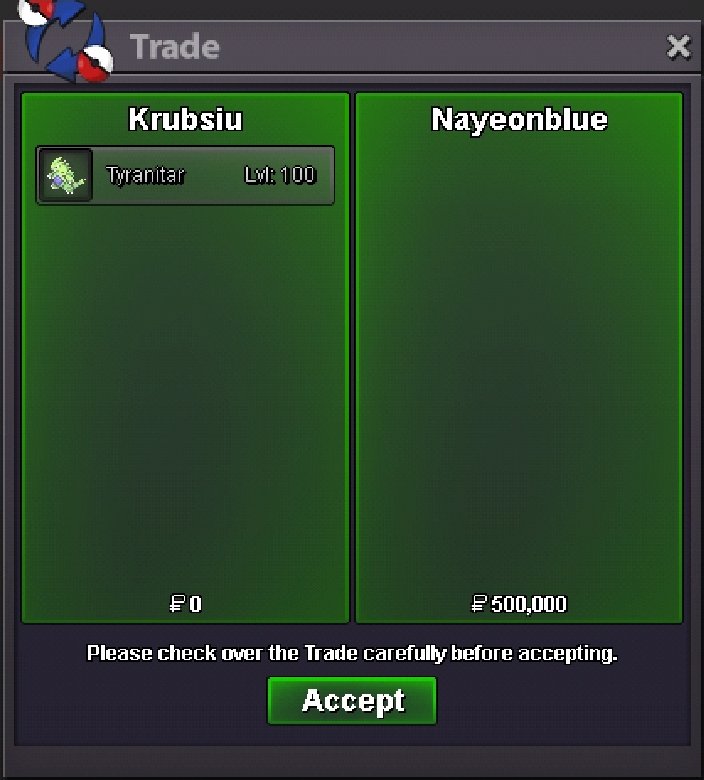
 1m399kI was ev training tangrowth so accidentally wrote that xD Thanks for correctingJolly Tyranitar Informations: Starting bid: 100K Minimum bid: 50K Insta: 800K Time: 2 days after start Time left: https://www.tickcounter.com/countdown/5694800/jolly-tyranitar Important notes: This is a silver server auction. So if you're bidding from gold, please include that with your bid. Also If you're bidding with an alt please include the name of the account you're going to use for trade. If any bid received at final 15 minutes of the auction, the end time will be delayed to 15 minutes from that bid. And delayed 15 minutes from each new bid thereafter. Until the current bid is held for a full 15 minutes. Goodluck guys


 Started by @Babasti
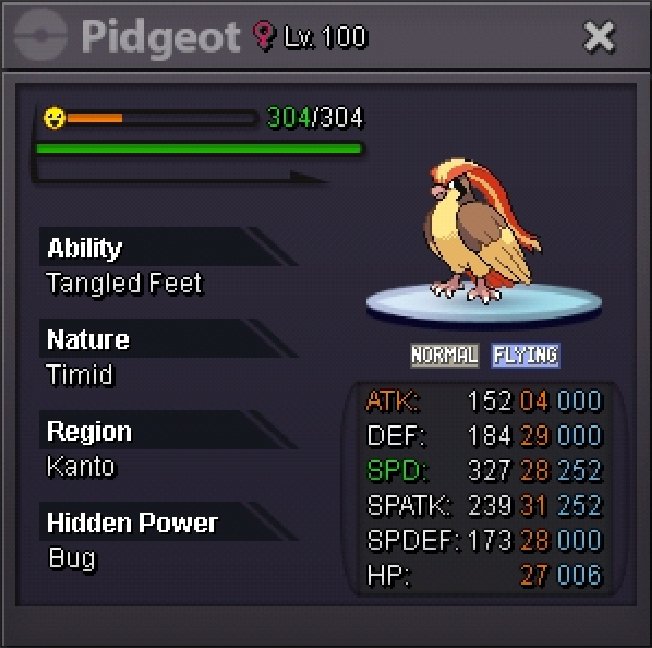
 Start27+ Almost Godly Pidgeot Auction Informations: Starting bid: 100K Minimum bid: 50K Insta: 1.5M Time: 3 days after start Time left: https://www.tickcounter.com/countdown/5698389/pidgeot-auction-time-left Important notes: This is a silver server auction. So if you're bidding from gold, please include that with your bid. Also If you're bidding with an alt please include the name of the account you're going to use for trade. If any bid received at final 15 minutes of the auction, the end time will be delayed to 15 minutes from that bid. And delayed 15 minutes from each new bid thereafter. Until the current bid is held for a full 15 minutes. Good luck guys ^^


 Shroomish braviary 60k each450K300K850K on shroomish

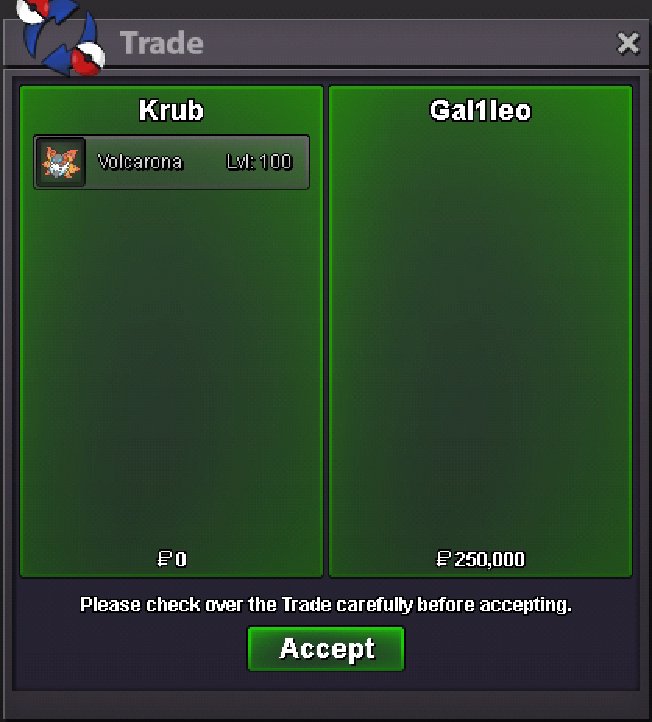
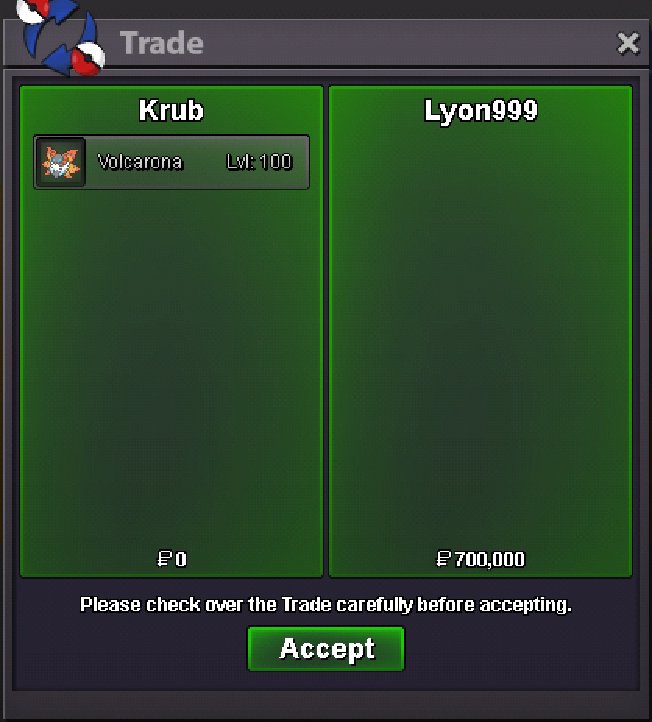
 @Blazerr001 congratulations You won the Volca 1 Can you pm me in game600k shroomish



Account
Navigation
Search
Configure browser push notifications
Chrome (Android)
- Tap the lock icon next to the address bar.
- Tap Permissions → Notifications.
- Adjust your preference.
Chrome (Desktop)
- Click the padlock icon in the address bar.
- Select Site settings.
- Find Notifications and adjust your preference.
Safari (iOS 16.4+)
- Ensure the site is installed via Add to Home Screen.
- Open Settings App → Notifications.
- Find your app name and adjust your preference.
Safari (macOS)
- Go to Safari → Preferences.
- Click the Websites tab.
- Select Notifications in the sidebar.
- Find this website and adjust your preference.
Edge (Android)
- Tap the lock icon next to the address bar.
- Tap Permissions.
- Find Notifications and adjust your preference.
Edge (Desktop)
- Click the padlock icon in the address bar.
- Click Permissions for this site.
- Find Notifications and adjust your preference.
Firefox (Android)
- Go to Settings → Site permissions.
- Tap Notifications.
- Find this site in the list and adjust your preference.
Firefox (Desktop)
- Open Firefox Settings.
- Search for Notifications.
- Find this site in the list and adjust your preference.