




New Trade Zone
Trade Zone is now live
Use the new Trade Zone for auctions and instant-price trades so Pokemon and item offers are easy to find.


Krub
Registered User
-
Joined
-
Last visited
Everything posted by Krub
-
-
11k
-
1m 300k drifloon
-
-
-
-
-
‑ ɪᴍᴘᴏʀᴛᴀɴᴛ ɪɴꜰᴏʀᴍᴀᴛɪᴏɴꜱ ‑ ‑ ᴀᴄᴄᴇᴘᴛᴇᴅ ᴘᴀʏᴍᴇɴᴛꜱ ‑ Items In pokedollars Rare candy 5,000 Coin capsules 500,000 IV reroll ticket 650,000 ‑ ᴄᴏɴᴛᴀᴄᴛꜱ ‑ ‑ ᴛʀᴀɪɴᴇᴅ ᴘᴏᴋᴇᴍᴏɴꜱ ‑ ‑ ᴜɴᴛʀᴀɪɴᴇᴅ ᴘᴏᴋᴇᴍᴏɴꜱ ‑










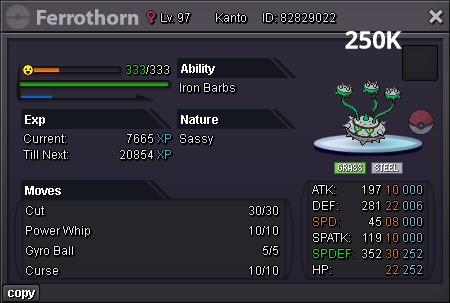
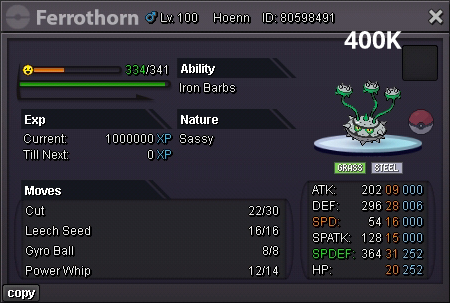


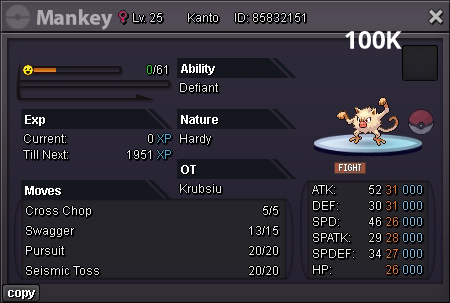
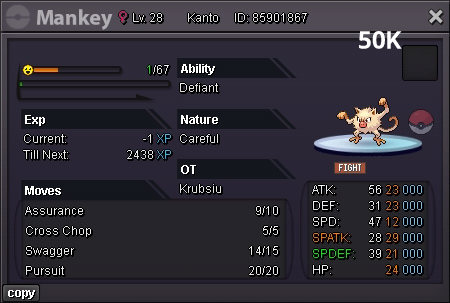
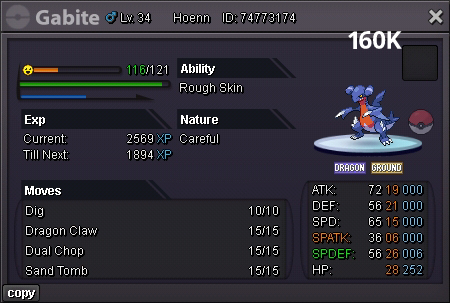
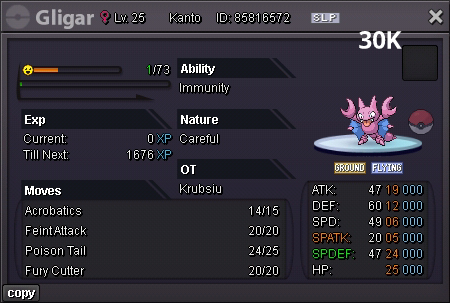
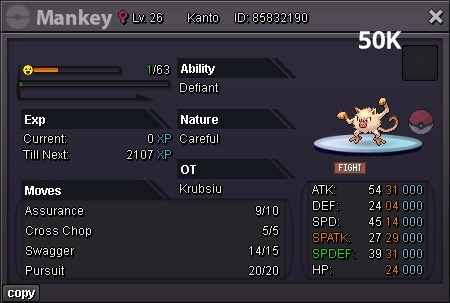
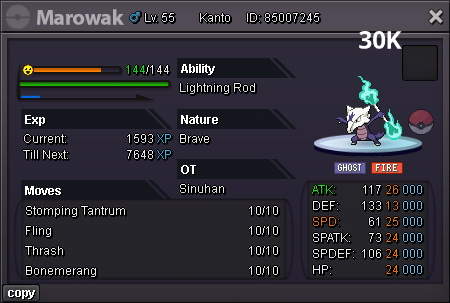
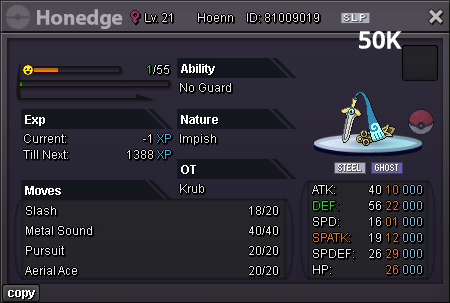
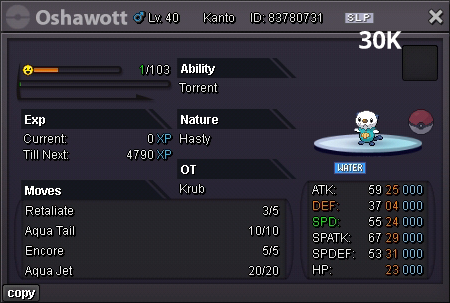
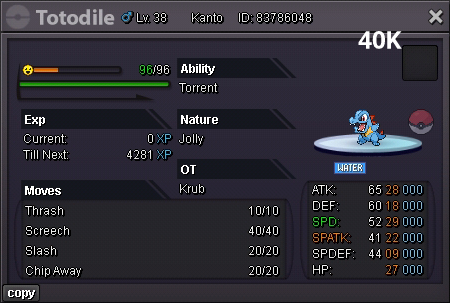
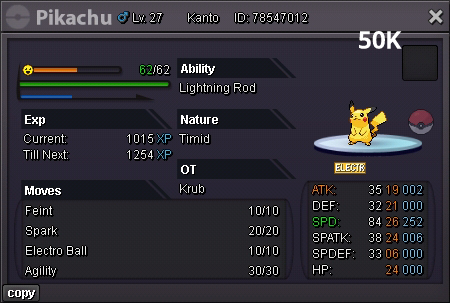

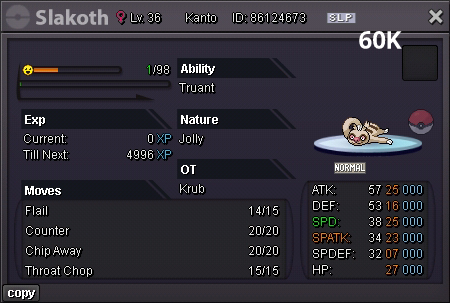


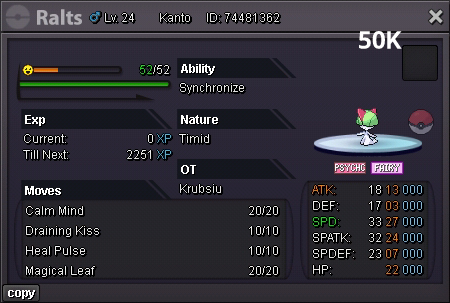
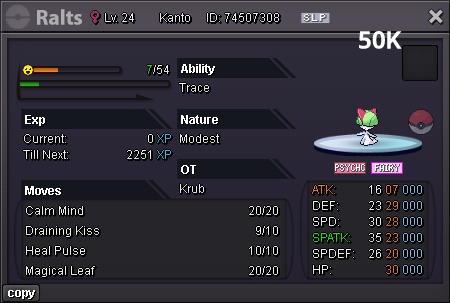
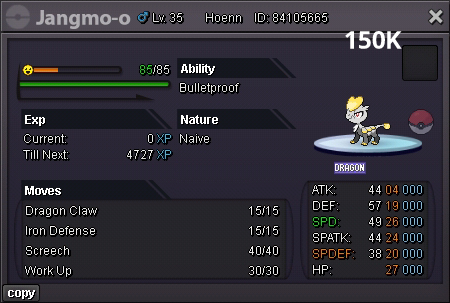
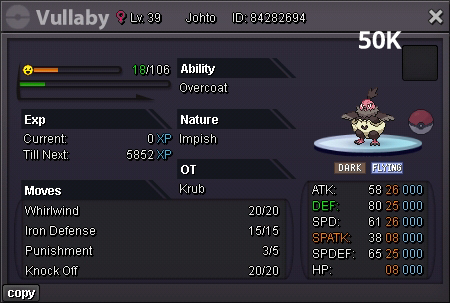
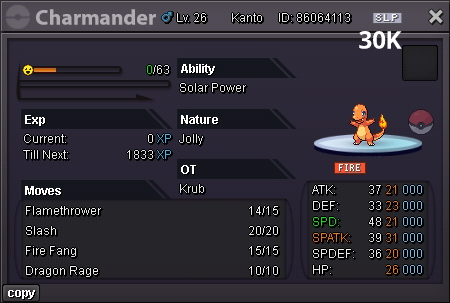

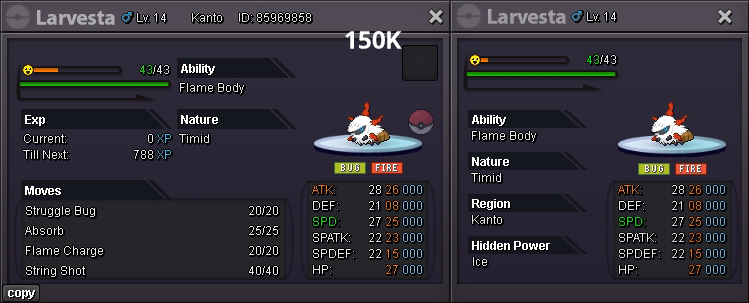
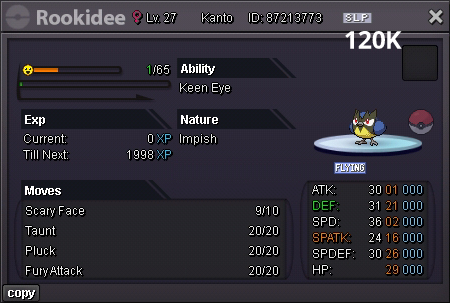
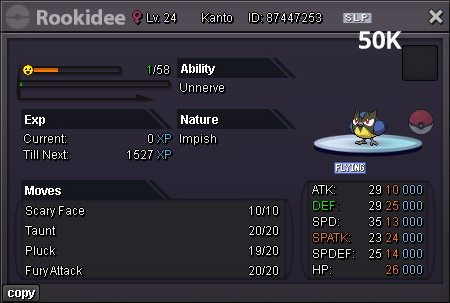
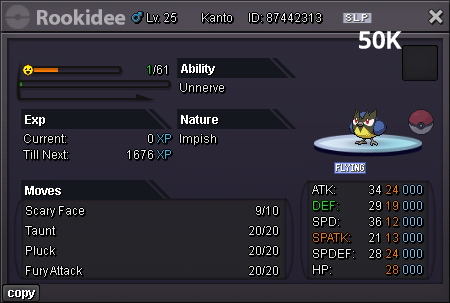
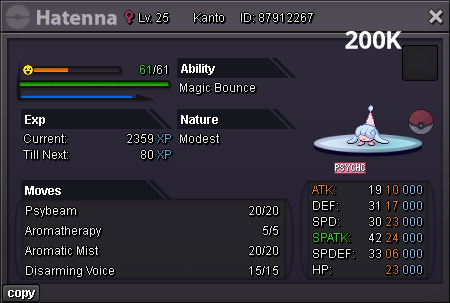
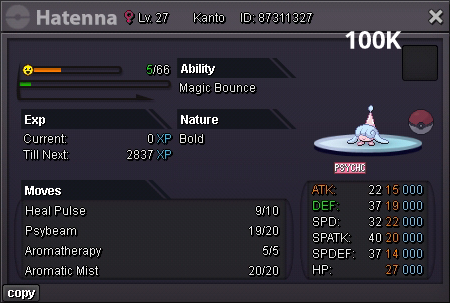


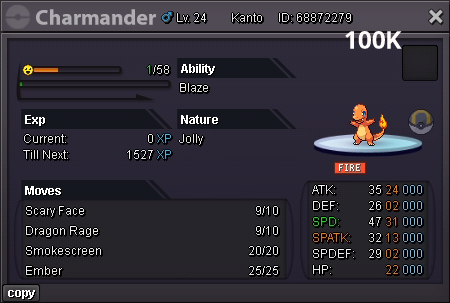



-
Event form season: Valentines Day Event form name: Cream Dwebble and Pastry Crustle Graphic:
.png.157ca175eb60cceea3a72e8fc984a867.png)
.png.26e41f583914ad126d4a0ad2cbbf3a78.png)
-
Hello I'd like to buy shiny steelix, form nidoran M, form nidoqueen. I've contacted you in discord (Krub#1135)
-
pm me ingame or contact me via discord to make the trade, thanksMe, Krub and Bike231 traded and accidently we didn't notice the notification. I'm in Kanto with 5 badges and Bike231 is in johto. We both tried to help eachother on trade evolution without acknowledging the issue. I traded my kanto onix and he traded his johto kingdra. But his kingdra is locked in pc, I cannot drag it to return him. I'd like to return his pokemon. Here are our convos in game:
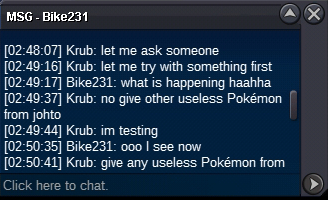
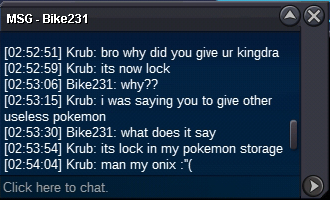

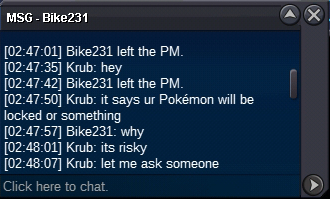 Nice
Nice

