




New Trade Zone
Trade Zone is now live
Use the new Trade Zone for auctions and instant-price trades so Pokemon and item offers are easy to find.


Master100
Registered User
-
Joined
-
Last visited
Everything posted by Master100
-
53.2k
-
52k
-
50.2k
-
15.2k
-
In game name : master100 Playtime: 220 hrs Fav Pokemon: Charizard Start playing at : 2021 Activity in pro: hunting and pve
-
-
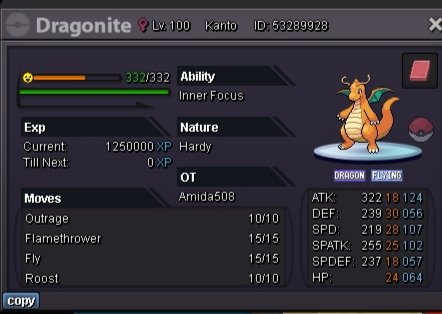
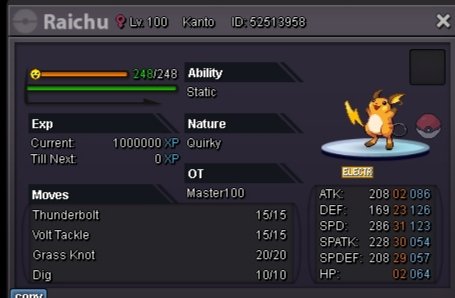
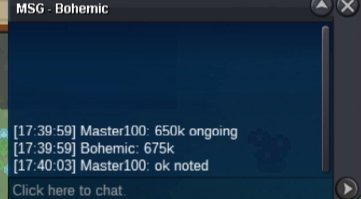
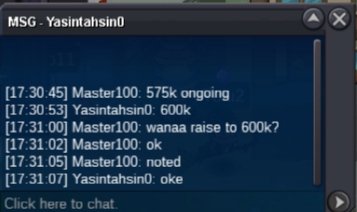
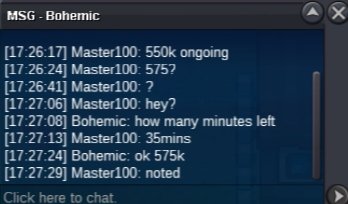
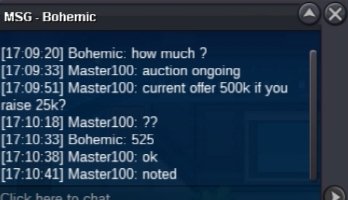
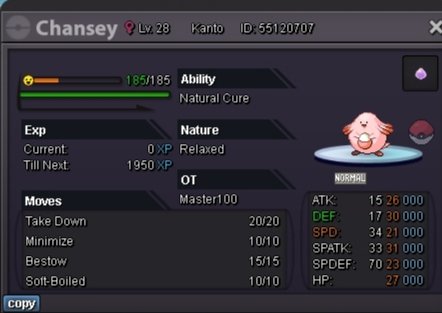
Current offer: 675k by bohemic Min raise 25k Insta 2m End point 19mins left Acceptable payment: cc 400k, rr 500k
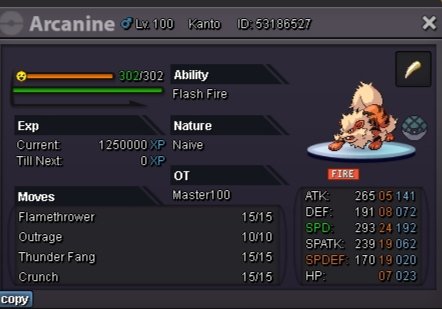
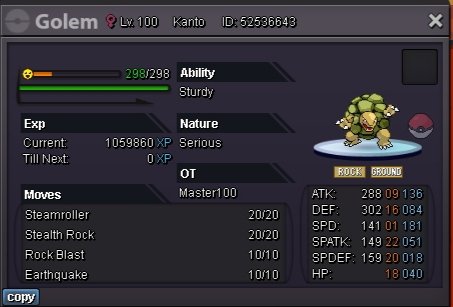
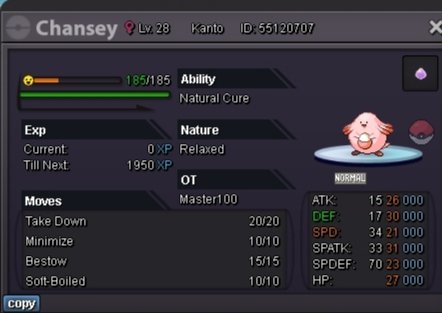
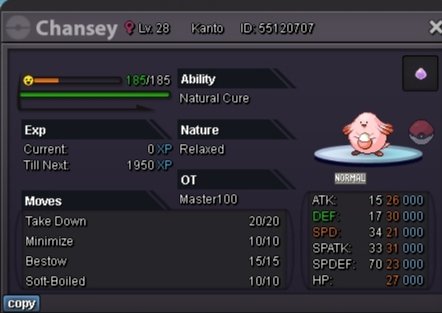 Epic chansey 31 IVsHi I got five pokemons I need them at lvl 97 Discord: master1000370 In game : master10010K per day 10k per day 20k per day 10k per day 20k per day 10k per day 20k per day 10k per day 10k per day 10k per day Iam new to here so plz support me 🙏 In game name : master100 Discord : master1000370 Sometimes Pokemon can be lending for free if you buy two or three pokes ⚡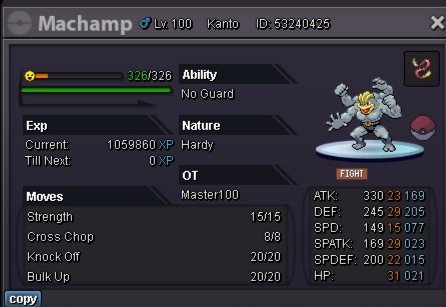

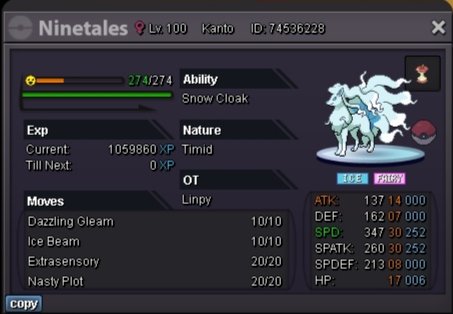
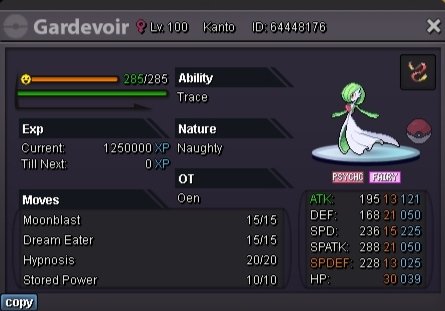
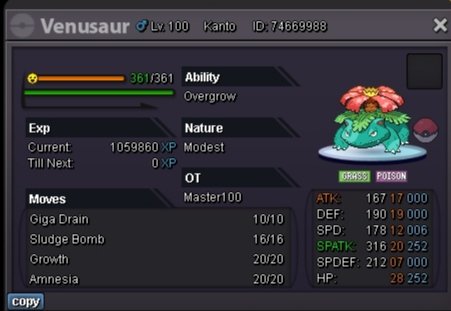
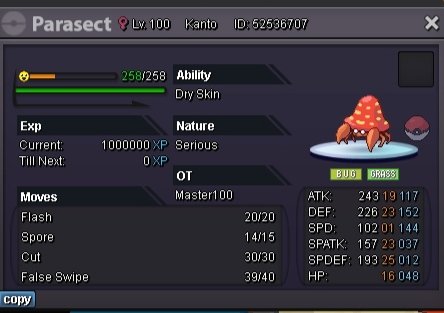
 I have six pokemons for lvl service how much it takes i have squritle,onix,vulpix,oddish,magnimite,natu Discord: Mr.lw#4588I have six pokemons at lvl 60-70 that's all in the first stage i need that all at lvl 95 how much it takes ..I have six pokemons at lvl 60-70 that's all are at stage 1 how much it takes msg me on discord Mr.lw#4588 we can discuss the priceI have six pokemons at first stage that's are in level 60-70 i need my all six Pokemon at lvl 95 how much it takes1. USER NAME: master100 2. PLAYTIME: 104HRS 3. FAVORITE POKEMON: ALAKAZAM 4. AGE: 17 5. Love to hunt Pokemon and bug catching 💖💖




Account
Navigation
Search
Configure browser push notifications
Chrome (Android)
- Tap the lock icon next to the address bar.
- Tap Permissions → Notifications.
- Adjust your preference.
Chrome (Desktop)
- Click the padlock icon in the address bar.
- Select Site settings.
- Find Notifications and adjust your preference.
Safari (iOS 16.4+)
- Ensure the site is installed via Add to Home Screen.
- Open Settings App → Notifications.
- Find your app name and adjust your preference.
Safari (macOS)
- Go to Safari → Preferences.
- Click the Websites tab.
- Select Notifications in the sidebar.
- Find this website and adjust your preference.
Edge (Android)
- Tap the lock icon next to the address bar.
- Tap Permissions.
- Find Notifications and adjust your preference.
Edge (Desktop)
- Click the padlock icon in the address bar.
- Click Permissions for this site.
- Find Notifications and adjust your preference.
Firefox (Android)
- Go to Settings → Site permissions.
- Tap Notifications.
- Find this site in the list and adjust your preference.
Firefox (Desktop)
- Open Firefox Settings.
- Search for Notifications.
- Find this site in the list and adjust your preference.