




New Trade Zone
Trade Zone is now live
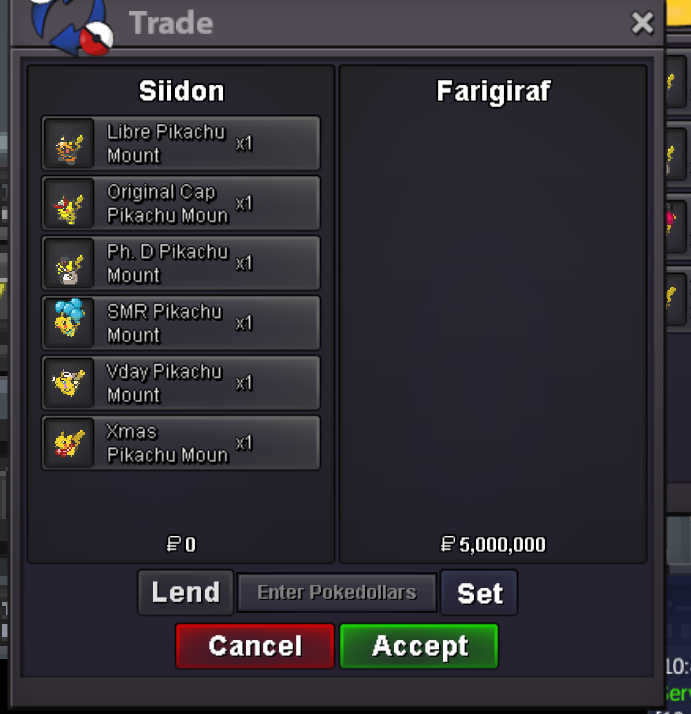
Use the new Trade Zone for auctions and instant-price trades so Pokemon and item offers are easy to find.

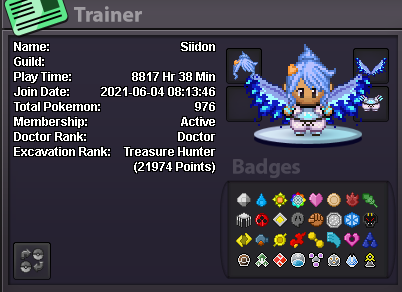
Siidon
Registered User
-
Joined
-
Last visited
-
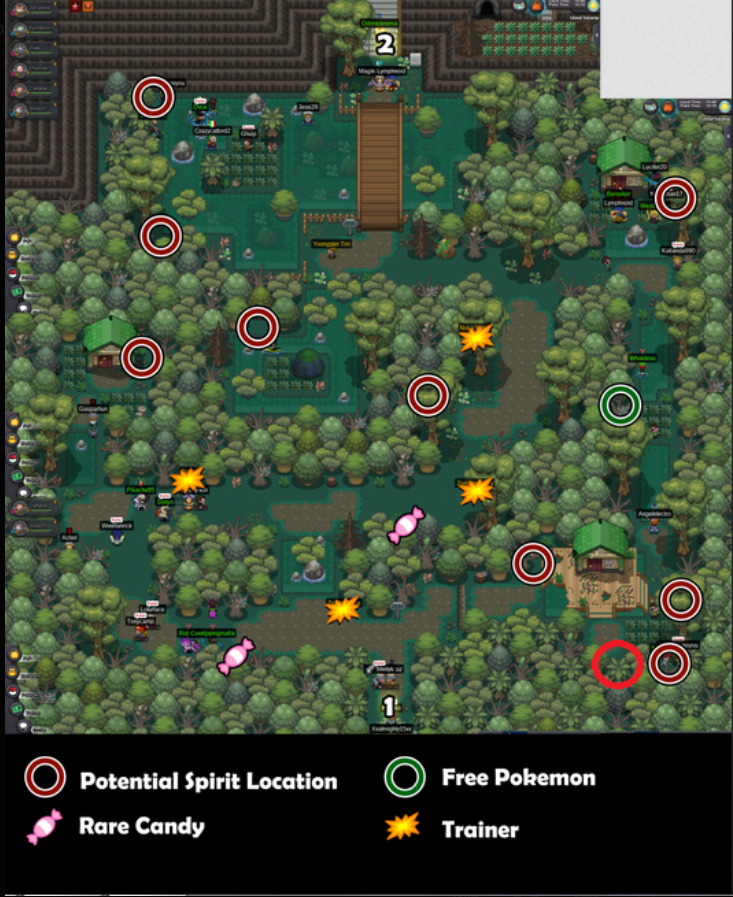
You most likely fainted too many times or left the Dark Realm, that's why you didn't get one.Hey everyone! I'm currently looking for a team or guild on Silver Server to unlock the Halloween Hunting Grounds and go for a 12-hour hunting session. My goal is to grind as efficiently as possible and achieve the highest score ever. I'm willing to commit the full 12 hours without a break and would love to team up with players who are equally motivated. If your team has a free spot or you're putting together a group with the same goal, feel free to DM me! Discord: not_siidon Disclaimer: This post was written by AI. Humanity has created artificial intelligence, yet finding four people to click on Pokémon for 12 hours remains an unsolved problem. Incredible progress.
 You can preview every available mount at this npc. Spoiler: Mega Sharpedo isn't there. This means it's not in the game!32m29.7m28.7m27.7m26.7m25.7m24.7m



Account
Navigation
Search
Configure browser push notifications
Chrome (Android)
- Tap the lock icon next to the address bar.
- Tap Permissions → Notifications.
- Adjust your preference.
Chrome (Desktop)
- Click the padlock icon in the address bar.
- Select Site settings.
- Find Notifications and adjust your preference.
Safari (iOS 16.4+)
- Ensure the site is installed via Add to Home Screen.
- Open Settings App → Notifications.
- Find your app name and adjust your preference.
Safari (macOS)
- Go to Safari → Preferences.
- Click the Websites tab.
- Select Notifications in the sidebar.
- Find this website and adjust your preference.
Edge (Android)
- Tap the lock icon next to the address bar.
- Tap Permissions.
- Find Notifications and adjust your preference.
Edge (Desktop)
- Click the padlock icon in the address bar.
- Click Permissions for this site.
- Find Notifications and adjust your preference.
Firefox (Android)
- Go to Settings → Site permissions.
- Tap Notifications.
- Find this site in the list and adjust your preference.
Firefox (Desktop)
- Open Firefox Settings.
- Search for Notifications.
- Find this site in the list and adjust your preference.