New Trade Zone
Trade Zone is now live
Use the new Trade Zone for auctions and instant-price trades so Pokemon and item offers are easy to find.

Theophidom
Registered User
-
Joined
-
Last visited
Everything posted by Theophidom
-
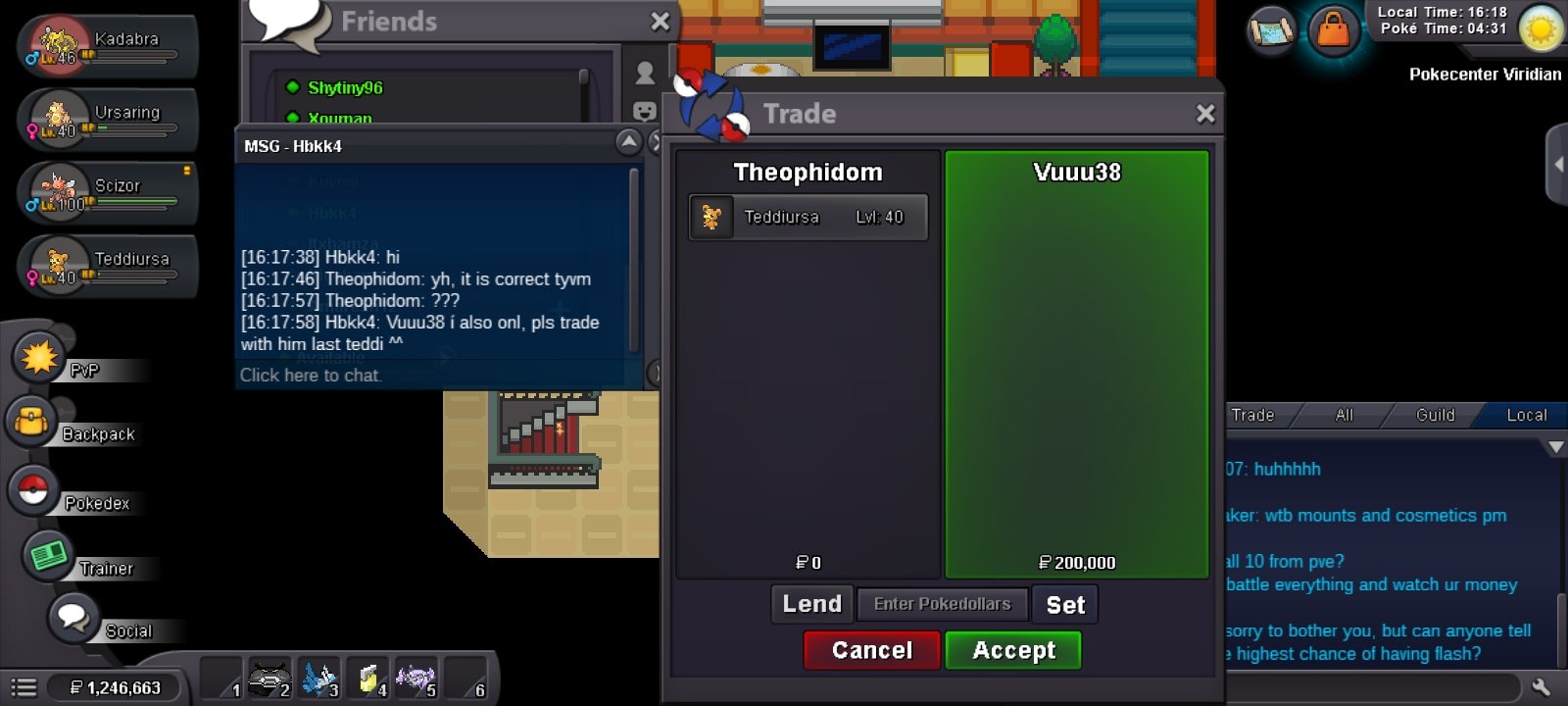
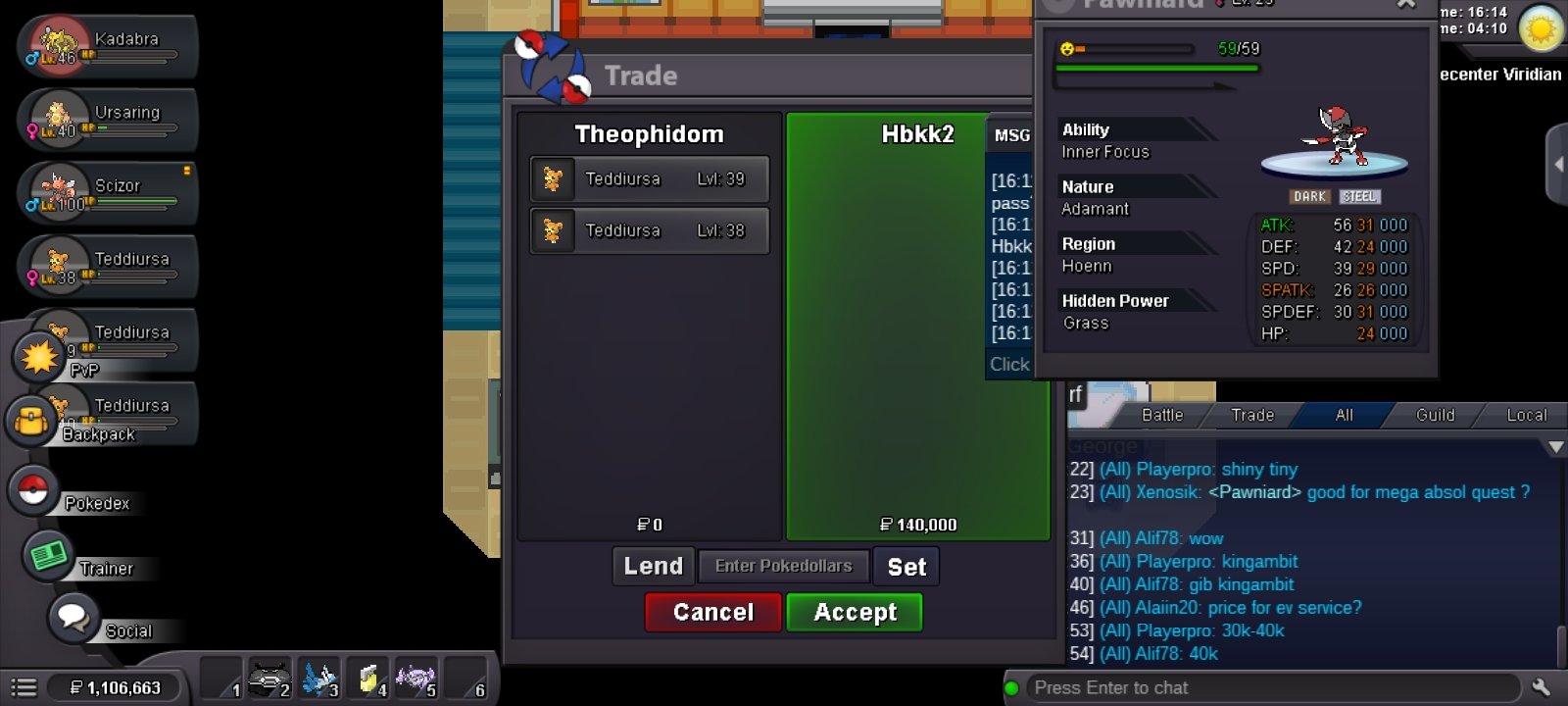
@Hbkk4 @Vuuu38 am available@Hbbk Sure and sorry for the miss up! Will message you when am available Thank you very much @LarfleezeDon't think you made it for 7...however I will wait for modAuction already ended...you were a bit late @Hbkk4 @Yumeko77 pm you won...not available right nowBout 6hrs left for 7Auction ended for 4 @Vuuu38 win. Am available to tradeThe 15min rule still applies @Yumeko77. With each new bid within the last 15mins. 15mins from that time until 15min overTrade Mods. Please, i still need help with teddi 6 😞Trade done for the no 2
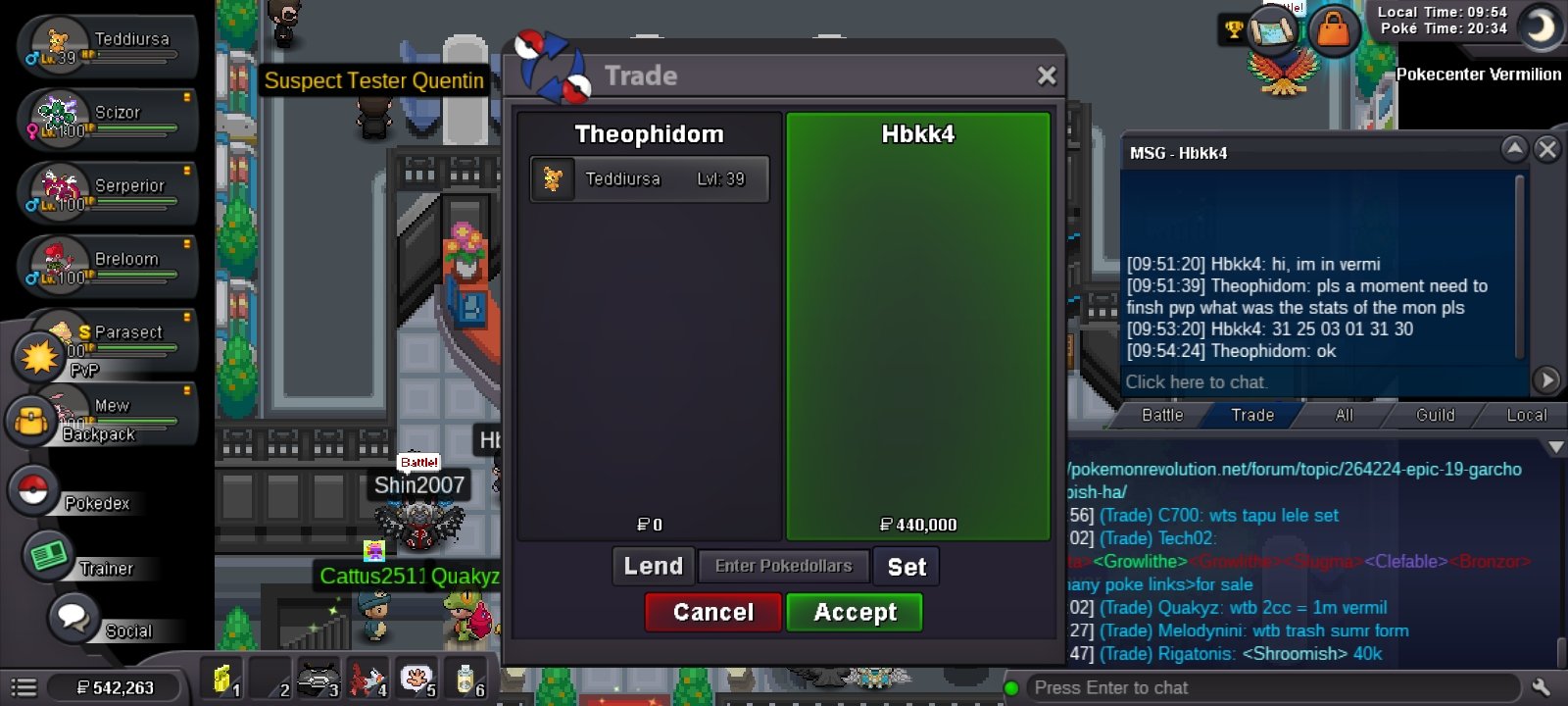 @Hbkk4 I am available now7 is ending in hrs4 will be ending in less than 2 hrs...if no one bids in last 15mins4 still ongoingYou were a bit late @Hasanchucha @Bntz@Hbkk4 yh no 2 auction ended already. Yh you won. Will message when available to tradeTrade done for no 3 teddi
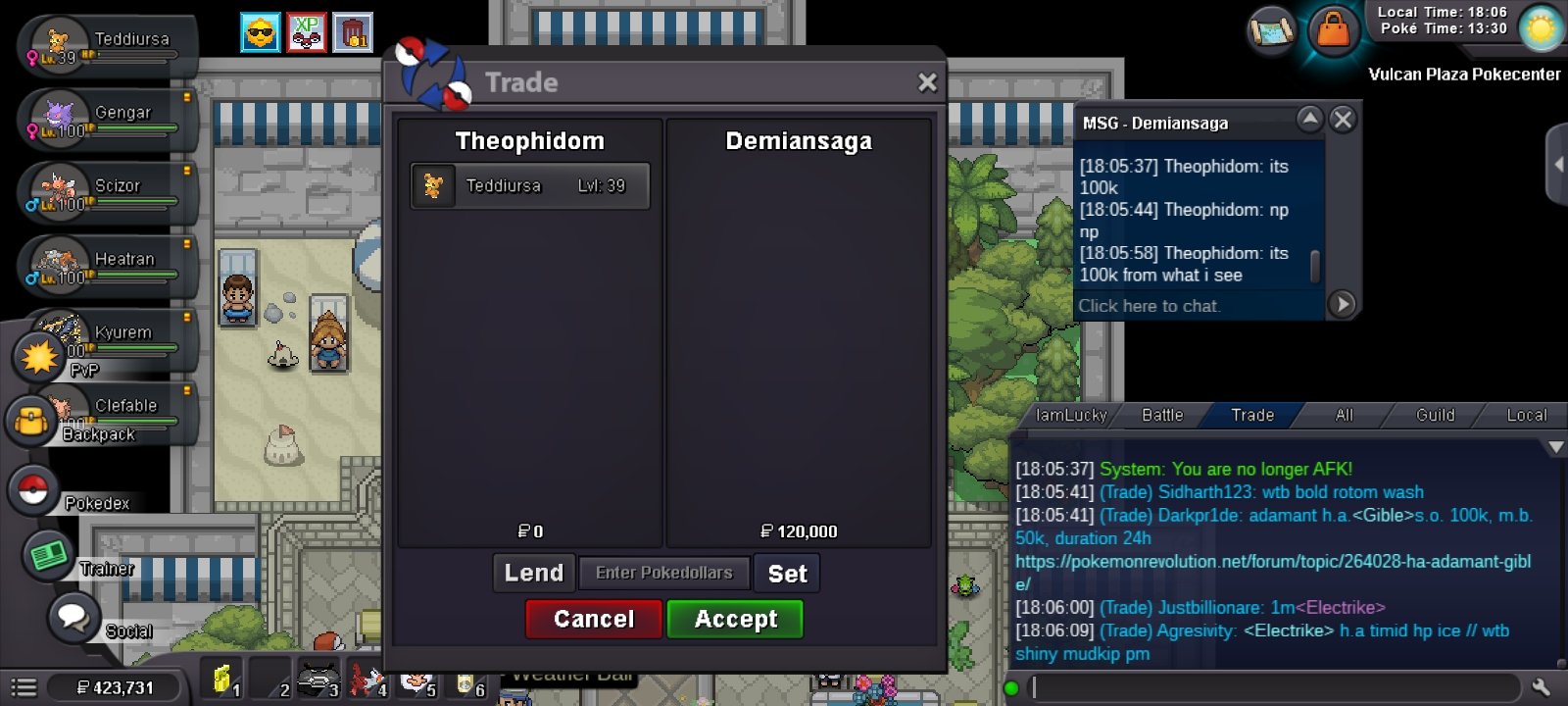 Am available nowFor the 6 none till mod comes...for the others it should apply.2 4 and 7 ending Tommorow 10, 18 and 23 hrs respectively remaining for themStill waiting for trade moderator for 6Yh. Not available to trade right now thoughSorry for the inconveniencesI didn't mention it...the error is in my part...I have reported the trade. I lost track of the trade