New Trade Zone
Trade Zone is now live
Use the new Trade Zone for auctions and instant-price trades so Pokemon and item offers are easy to find.

Theophidom
Registered User
-
Joined
-
Last visited
Everything posted by Theophidom
-
+1
-
Bump!!!! Less than 4hrs left
-
Bump!!! Bump!!!
-
-
-
-
500k bid
-
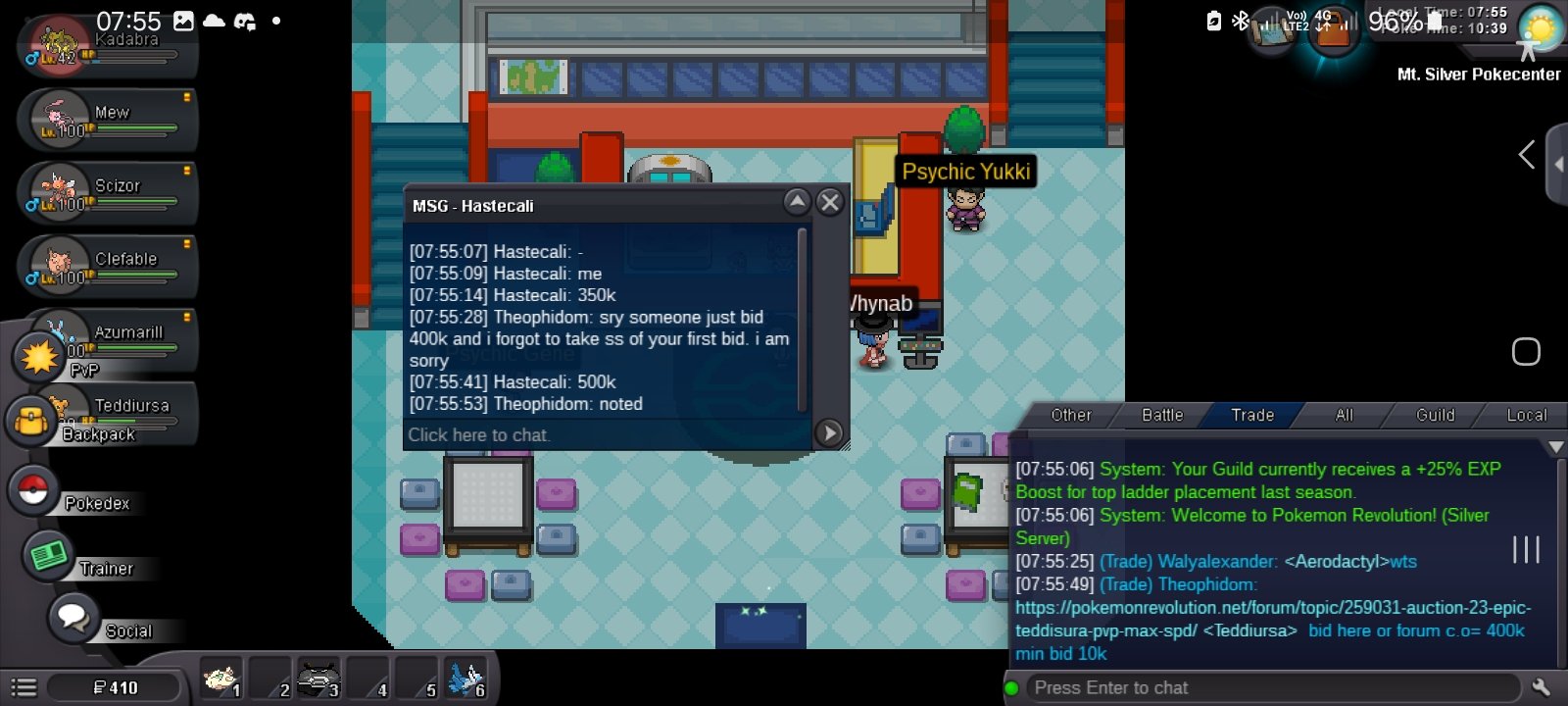
350k. Forgot to place bid earlier
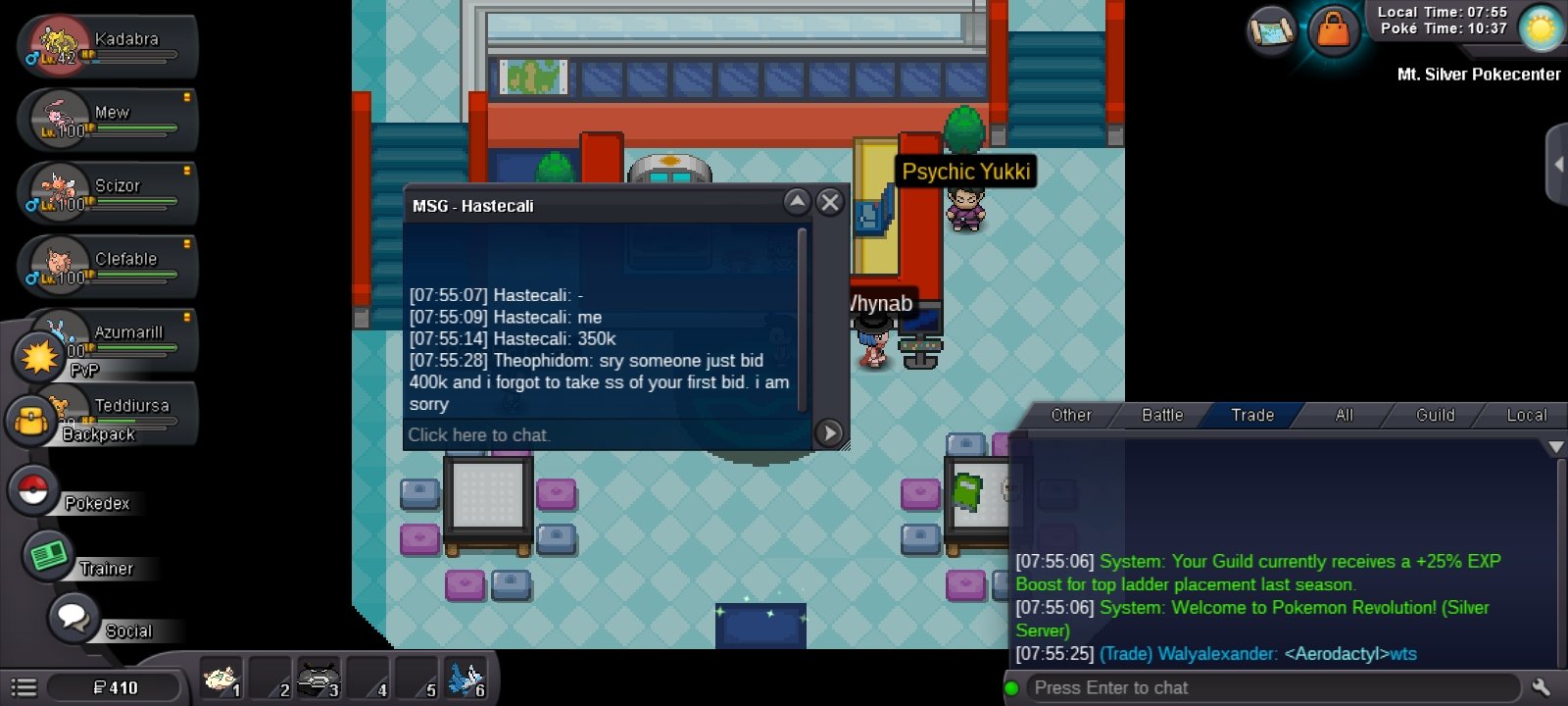
-
400k bid
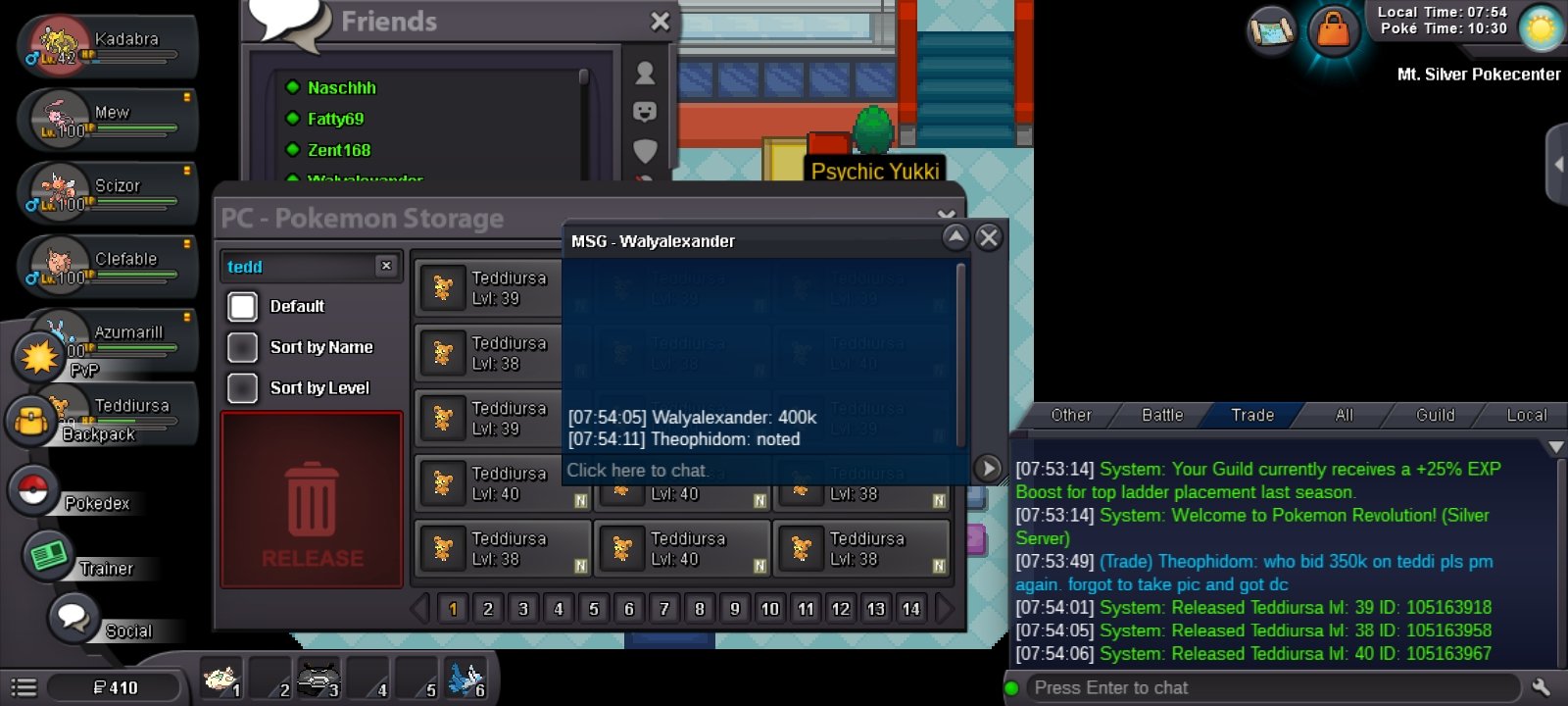
-
300k bid
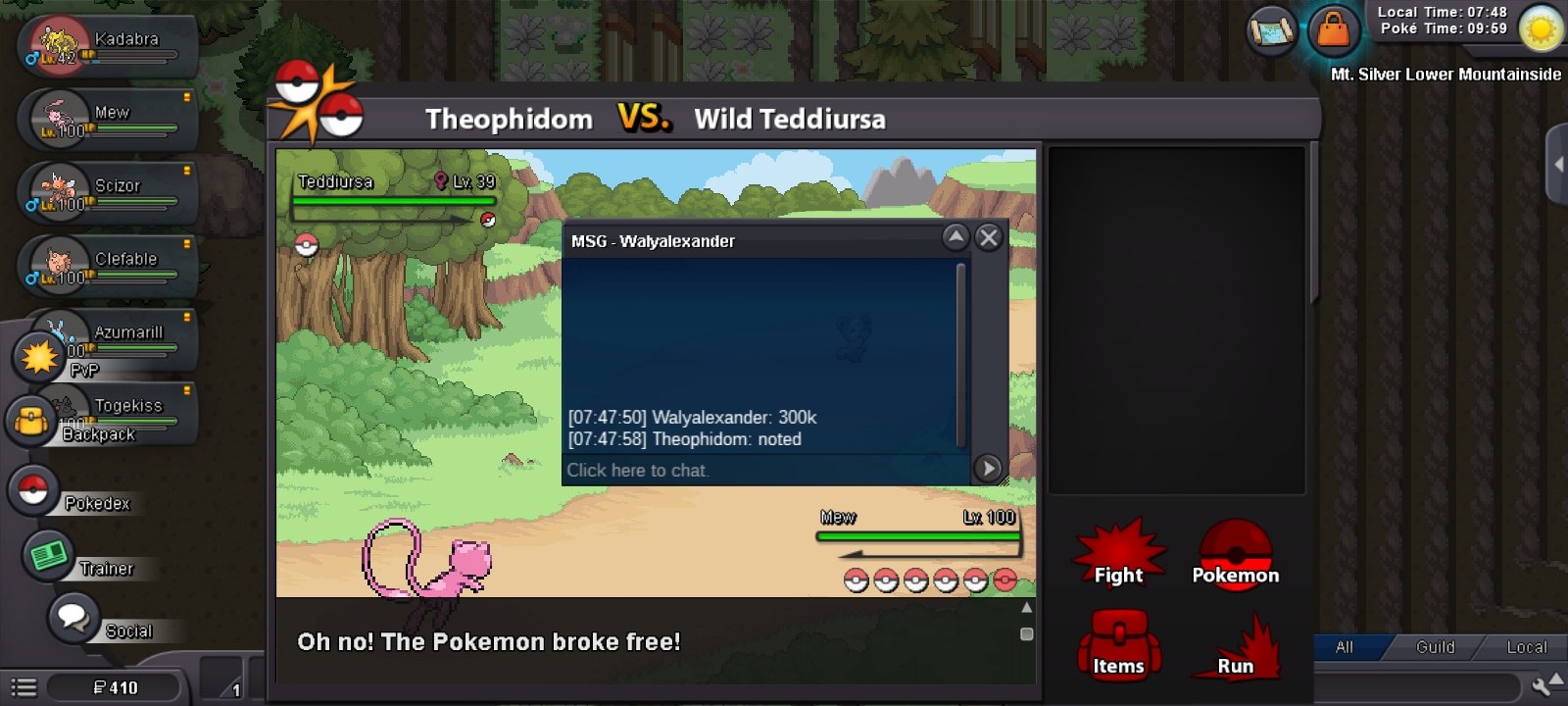
-
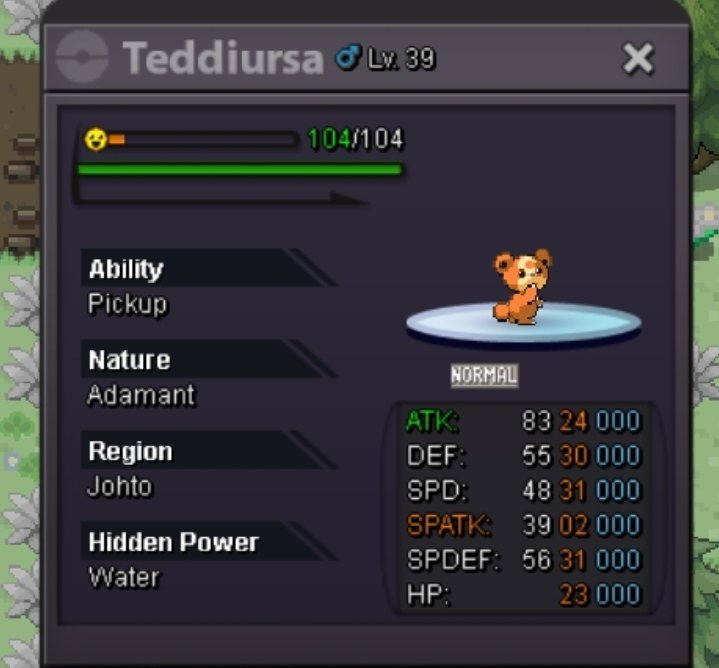
Start: 50k Min raise: 10k Ends: 72hr after start Accepted payments: Cash, CC(450k) Iv RR(650k) Insta: none 15mins rule applies If a bid is received in the final 15 minutes of the auction, the end point will be delayed by 15 minutes from that bid, and will be delayed by 15 minutes for each new bid thereafter, until the current offer has been held for a full 15 minutes. Must be accurate to the minute that the auction is set to end.
-
-
You got any trash xmas cottonee prankster or infiltrator?
-
Willing to take 120k for the cottonee?
-
You online now? What's your ingame name
-
Need the cotonee
-
+1
-
Bump!
-
Bump!!!
-
There could be no time limit for this quest, making every player limited to only one ticket, hence needs to be used wisely
-
Not really, it doesn't mean those conditions can be reduced, you do it unconsciously while playing the game as it records your progress automatically
-
Bump!!!
-
This makes me uncomfortable somehow lol
-
-1, at least we got the 1$ release system during event
-
That's the point, afterall I think it's worth it😅