New Trade Zone
Trade Zone is now live
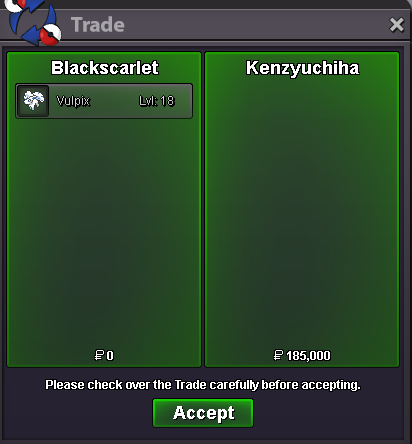
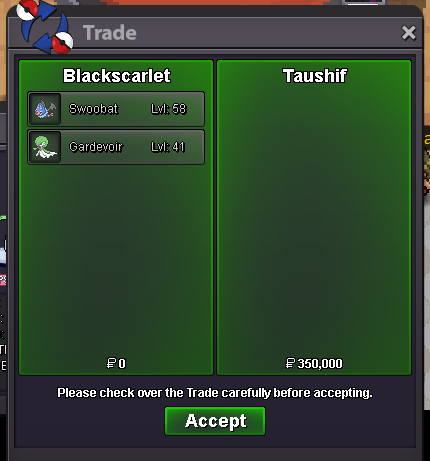
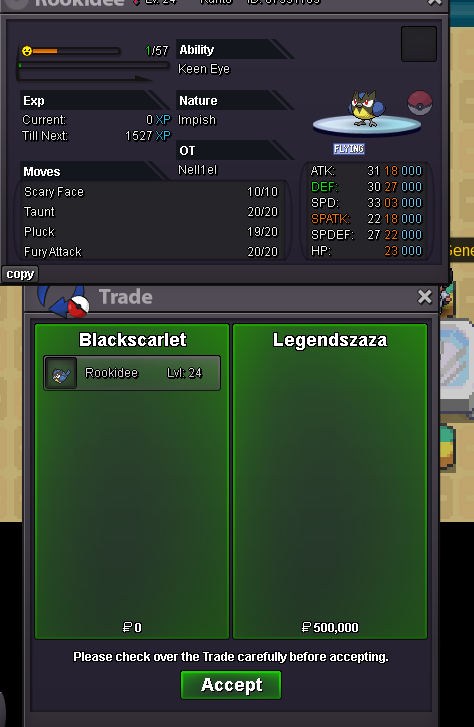
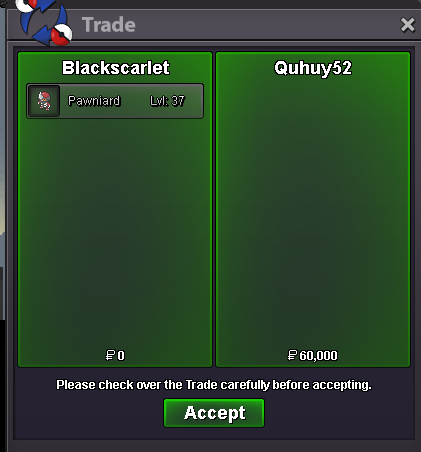
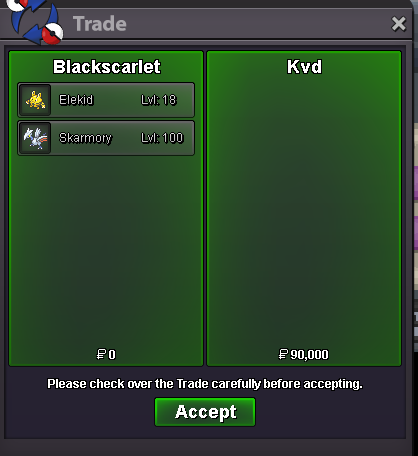
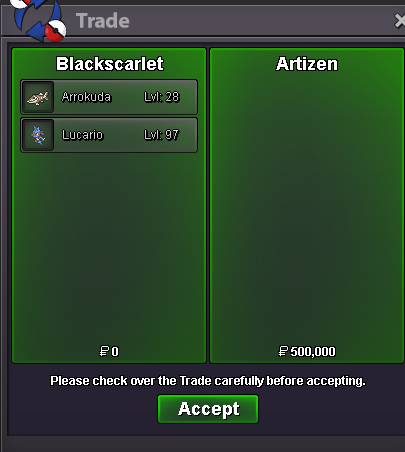
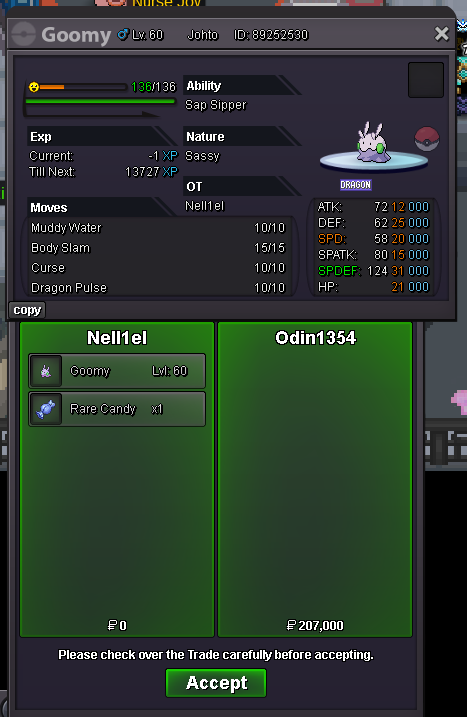
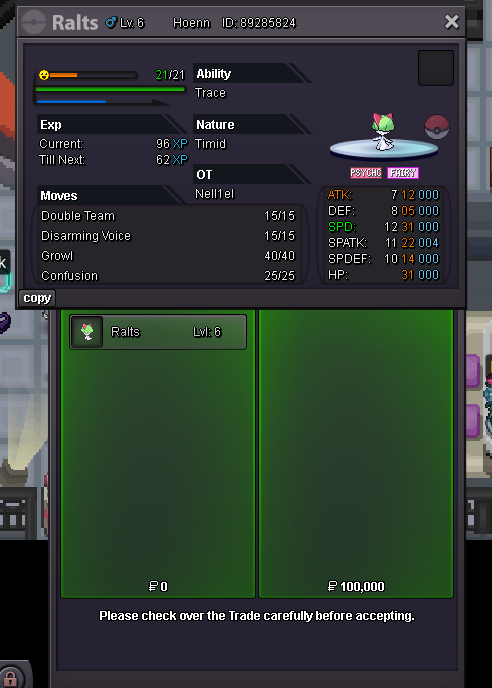
Use the new Trade Zone for auctions and instant-price trades so Pokemon and item offers are easy to find.

Nell1el
Registered User
-
Joined
-
Last visited
Everything posted by Nell1el
-
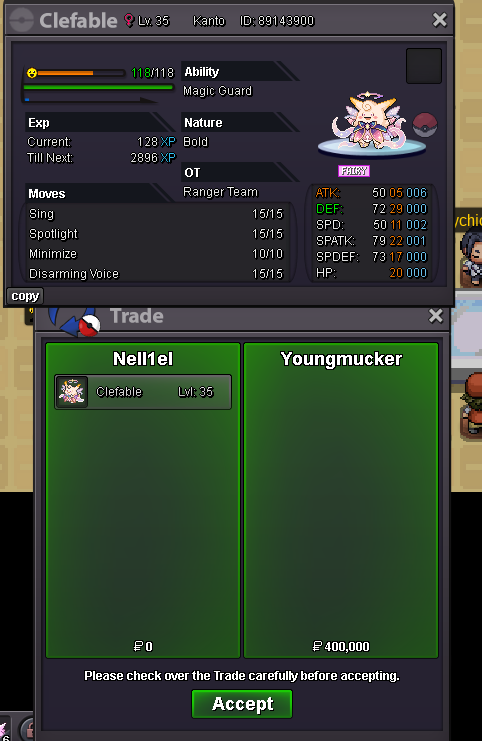
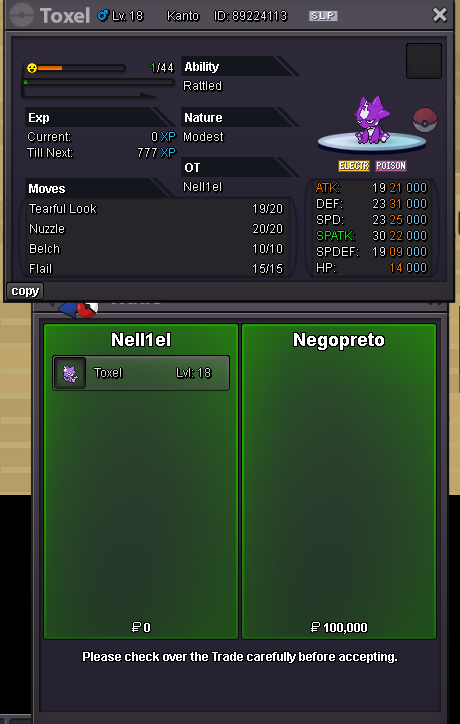
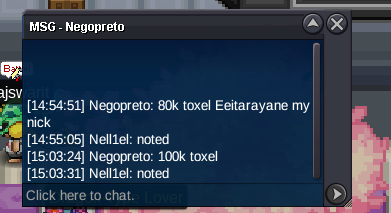
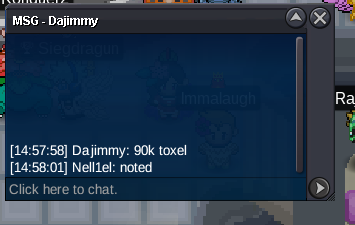
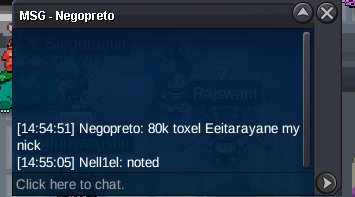
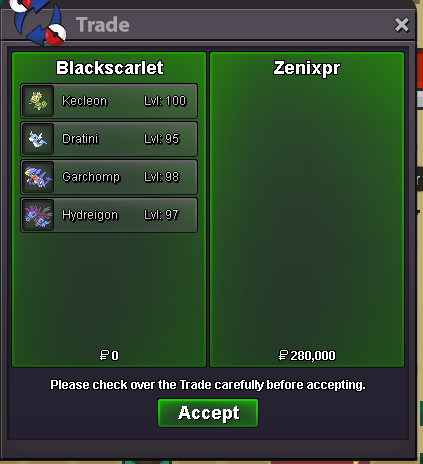
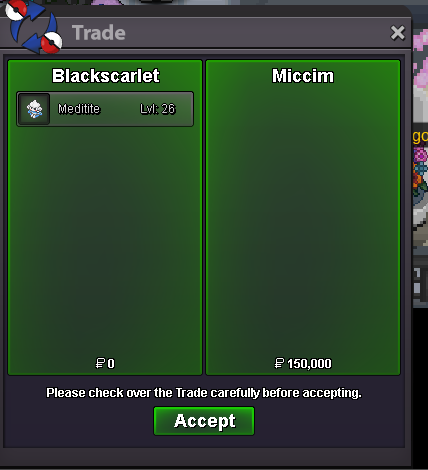
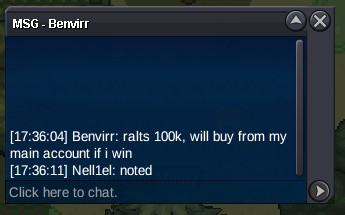
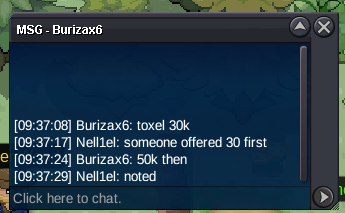
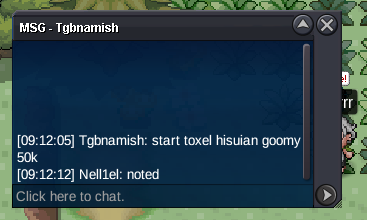
hi, kindly can u specify what u want ? u can contact me on discord as well if i am not online better for comminucation300k250k200kI would like to propose a system that allows players to catch high-tier Legendary Pokémon like Mewtwo and Rayquaza, but with a permanent "PvP-Banned" status. This would allow trainers to enjoy the thrill of catching and owning these icons without disrupting the competitive balance of the game. Key Features: • Hard-Coded Restriction: These specific Legendaries would be automatically blocked from entering any Ranked PvP queues or official Tournaments. • Endgame Requirements: To maintain their rarity, the quest to find them should be extremely difficult, requiring: • 150+ "Caught" Pokédex entries. • 300+ hours of total playtime. • Completion of all current regions (Kanto, Johto, Hoenn, Sinnoh). • PvE Utility: Players can use them for storyline exploration, boss battles, and completing their personal collection. Why this works for PRO: This system satisfies the long-standing desire of the community to own these legendary Pokémon while protecting the hard work the staff has put into balancing the PvP meta. It provides a massive new goal for veteran players to strive for.@Odin1354 and @Benvirr dm me discord nell1el99 or in gamearound 1h and 30 min left , bump!
Account
Navigation
Search
Configure browser push notifications
Chrome (Android)
- Tap the lock icon next to the address bar.
- Tap Permissions → Notifications.
- Adjust your preference.
Chrome (Desktop)
- Click the padlock icon in the address bar.
- Select Site settings.
- Find Notifications and adjust your preference.
Safari (iOS 16.4+)
- Ensure the site is installed via Add to Home Screen.
- Open Settings App → Notifications.
- Find your app name and adjust your preference.
Safari (macOS)
- Go to Safari → Preferences.
- Click the Websites tab.
- Select Notifications in the sidebar.
- Find this website and adjust your preference.
Edge (Android)
- Tap the lock icon next to the address bar.
- Tap Permissions.
- Find Notifications and adjust your preference.
Edge (Desktop)
- Click the padlock icon in the address bar.
- Click Permissions for this site.
- Find Notifications and adjust your preference.
Firefox (Android)
- Go to Settings → Site permissions.
- Tap Notifications.
- Find this site in the list and adjust your preference.
Firefox (Desktop)
- Open Firefox Settings.
- Search for Notifications.
- Find this site in the list and adjust your preference.