




New Trade Zone
Trade Zone is now live
Use the new Trade Zone for auctions and instant-price trades so Pokemon and item offers are easy to find.


Emptyhand
Registered User
-
Joined
-
Last visited
Everything posted by Emptyhand
-
+1 for first point -1 for the second point, because one player might have multiple accounts, with their pokedollars scattered across them. They might also transfer their pokedollars to their friends for safekeeping. These are definitely possible scenarios(I’m an example myself)
-
Hello, I have tried using VPN and it works. Thanks
-
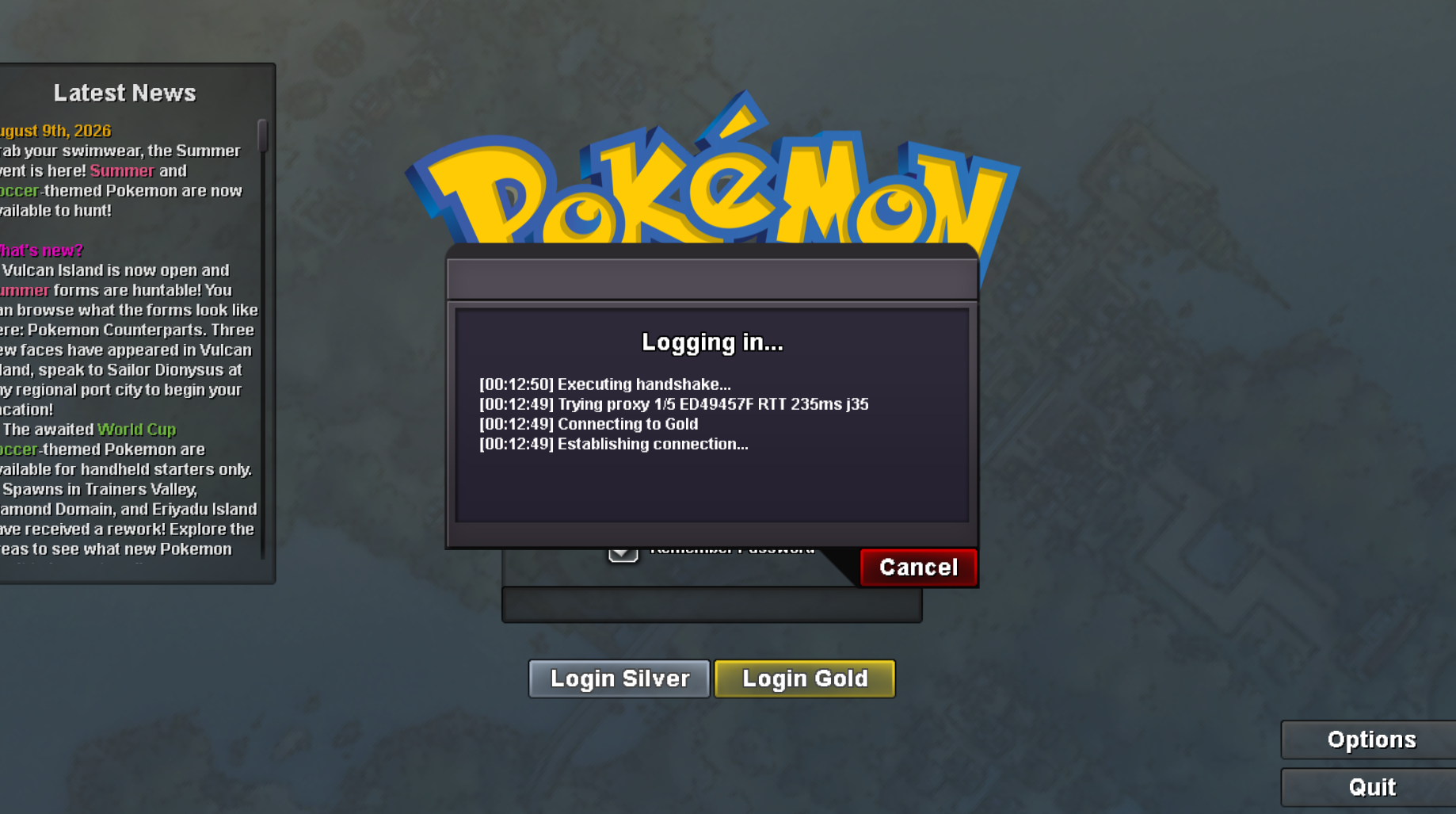
Sometimes when I try to log in to my account on the Gold server, it gets stuck at the login screen(as shown in the attached screenshot) and doesn't proceed. But when I log in to the Silver server using the same account at that time, it works fine. Could someone please help me resolve this?
-
-
530k gible
-
460 gible
-
360 gible
-
280k gible
-
-
imma win
-
v • IGN (In-Game Name):EmptyHand • Your age:20 • What type of player are you?-Moderately active,played around 250hrs • Have you completed the Kanto region? (Yes/No)-Yes,completed all regions.Currently working on PvP team • Do you use Discord frequently and have it installed?-Yes Discord:_grifter_ • Why do you want to join this guild?-To get EXP boost,also need supportive friends with whom i can complete quests • What is your favorite Pokémon?-Sawk Lemme join pleaseee
-
IGN:EmptyHand Discord:_grifter_ Playtime:around 250 hours,story mode completed Server:Gold Need a friendly guild :3

