




New Trade Zone
Trade Zone is now live
Use the new Trade Zone for auctions and instant-price trades so Pokemon and item offers are easy to find.

Immortalx
Suspended
-
Joined
-
Last visited
Everything posted by Immortalx
-
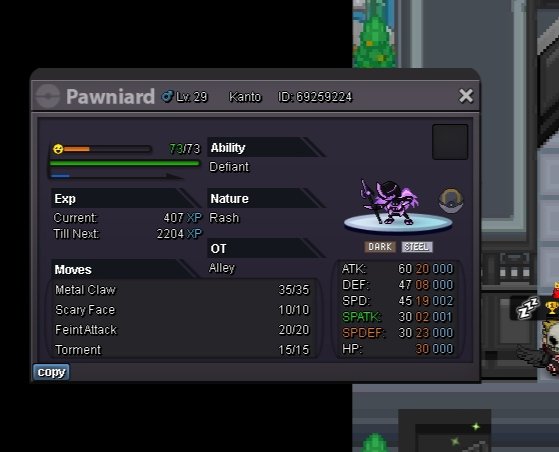
Hw pawniard define ability so.200k / min bid.50k/ no insta ends 24 hrs from start . Accept cc-380k / rr 490k /rc 6k
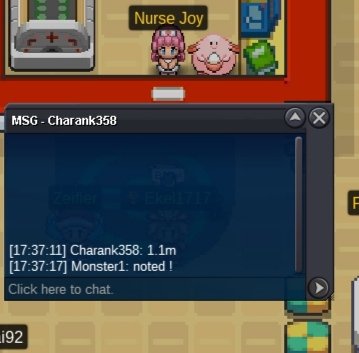
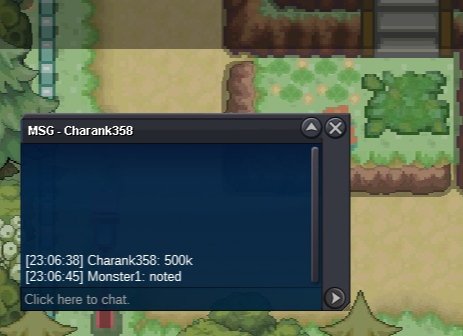
 670k2.1mOh I see my bid was after his 24 he's maybe sorry@Darksoul56what was his bidI will on in 3hrs@Dasnowmandid I won larvitar?I waited 5+ days u dident replayed so plz trade mod I would like to cancel this offer @trademod I am cancelled the offer he dident replay me I need use my money soBro i preffer my money to use if ur not gonna come online so1.5m larvitar@Swer4412tell me when me onlineChimeco sold1m larvitar@1legend1fine 80k each I am on now in vermiCongratulations come vermillion now I am online @Swer4412@1legend1take them 90k each 🙂Sold ferroseed
 @MhtsolasokBro are u gonna come online?? I wtb that bisharp@Bhimososee
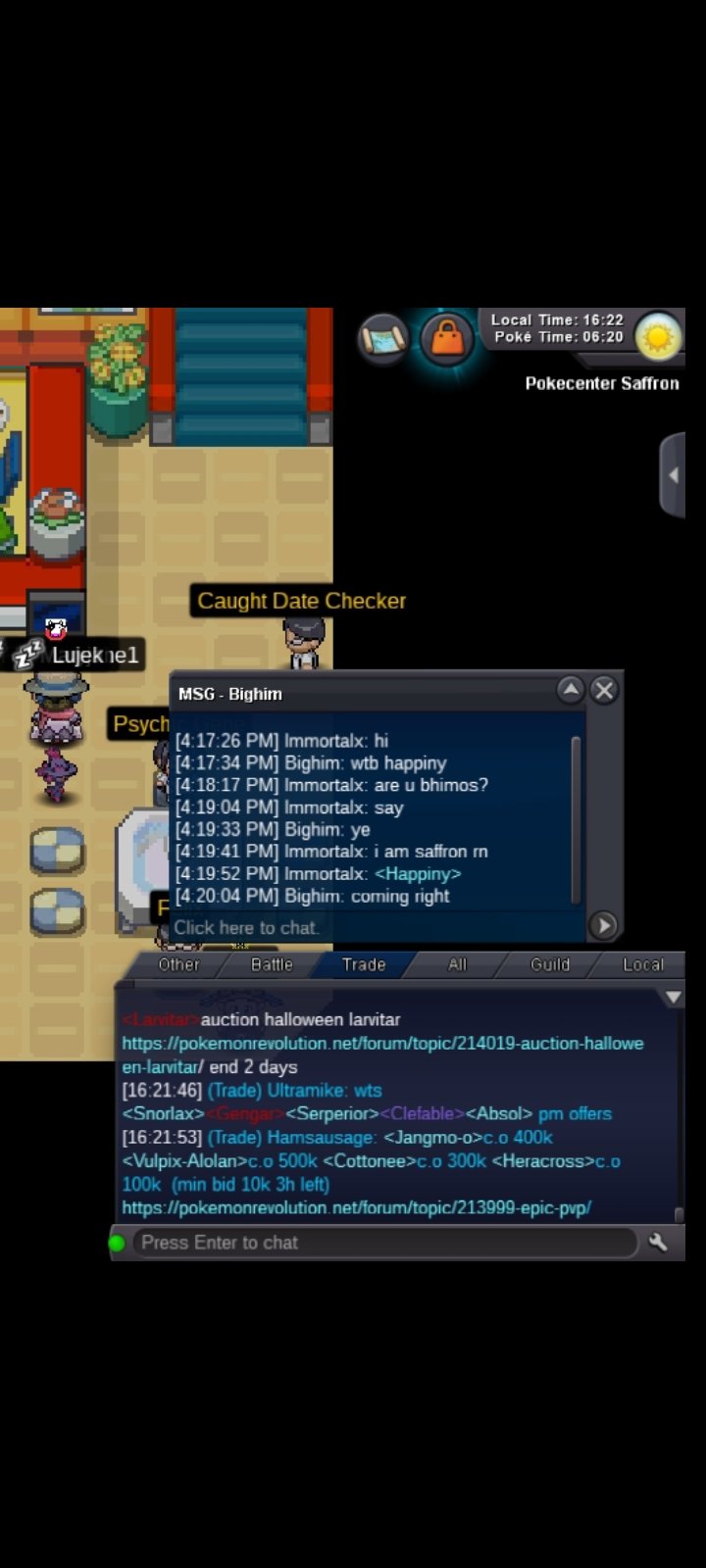 It was ur sec acc xD i have ss



Account
Navigation
Search
Configure browser push notifications
Chrome (Android)
- Tap the lock icon next to the address bar.
- Tap Permissions → Notifications.
- Adjust your preference.
Chrome (Desktop)
- Click the padlock icon in the address bar.
- Select Site settings.
- Find Notifications and adjust your preference.
Safari (iOS 16.4+)
- Ensure the site is installed via Add to Home Screen.
- Open Settings App → Notifications.
- Find your app name and adjust your preference.
Safari (macOS)
- Go to Safari → Preferences.
- Click the Websites tab.
- Select Notifications in the sidebar.
- Find this website and adjust your preference.
Edge (Android)
- Tap the lock icon next to the address bar.
- Tap Permissions.
- Find Notifications and adjust your preference.
Edge (Desktop)
- Click the padlock icon in the address bar.
- Click Permissions for this site.
- Find Notifications and adjust your preference.
Firefox (Android)
- Go to Settings → Site permissions.
- Tap Notifications.
- Find this site in the list and adjust your preference.
Firefox (Desktop)
- Open Firefox Settings.
- Search for Notifications.
- Find this site in the list and adjust your preference.