New Trade Zone
Trade Zone is now live
Use the new Trade Zone for auctions and instant-price trades so Pokemon and item offers are easy to find.

Lyzbeth666
Registered User
-
Joined
-
Last visited
-
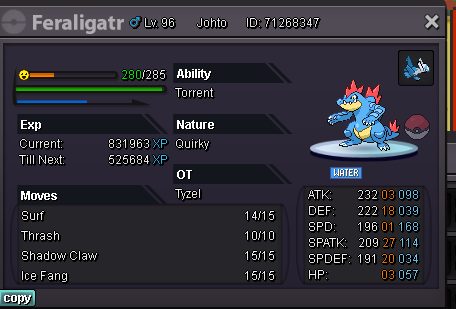
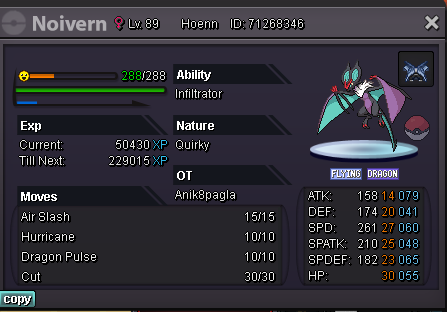
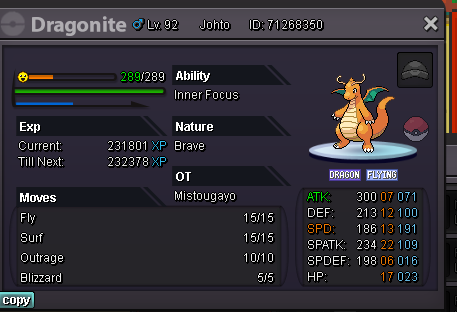
Hey ! I'm from Silver server and i started a new game on PRO days ago. I won the 4th badge to make some trade with my old account and sent pkmn from johto by accident instead of kanto. Some of those pkmn were holding items (outfits and mounts) and they are now locked cause they are coming from another region. Is there a way to take items on they or a way to send back to my old account (where i finished sinnoh) ? i saw after that we can just send items instead of sending pkmn holding items but in my memories it wasn't possible years ago so that's why i didn't simply send those items. My new account (where i do have now those pkmns) is Lyzbeth666 The old one is Tyzel Thx a lot for help and hope it's possible to bring back these items :3