




New Trade Zone
Trade Zone is now live
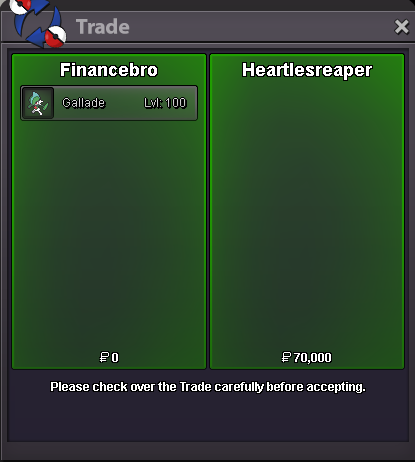
Use the new Trade Zone for auctions and instant-price trades so Pokemon and item offers are easy to find.

Financebro
Registered User
-
Joined
-
Last visited
Everything posted by Financebro
-
-
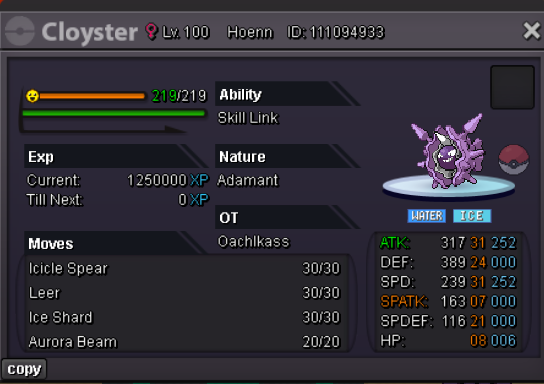
S.O. 300k Min. Bid: 50k Duration: 48 Hours after started Payment: Pokedollars, or rerolls (750k each)
-
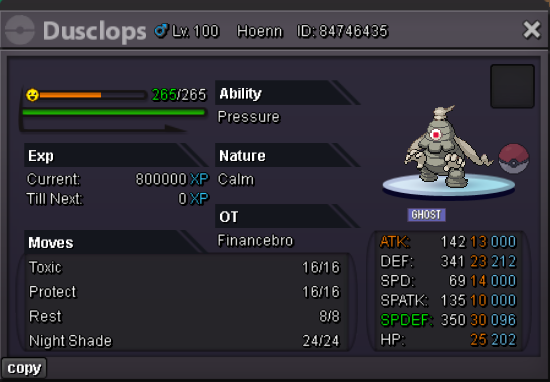
Hey man ☺️ I think 220k for dusclops and 640k for venu is fine ✌🏼 I would be back in 4 Hours because I am at Gym atm haha 😂 greetings
-
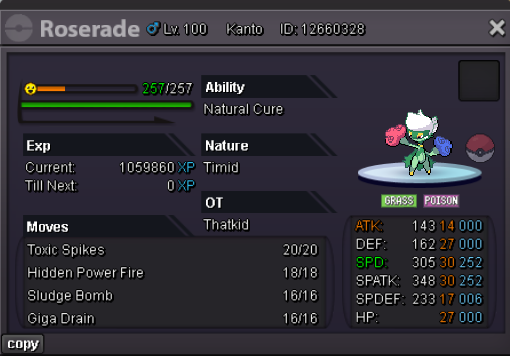
i though this might be of your interest:
-
got one. try to pm me when you are online. ign: financebro
-
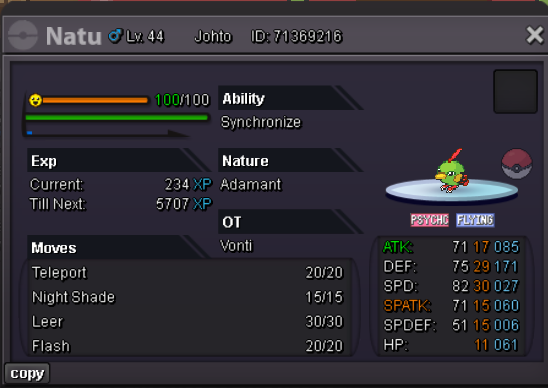
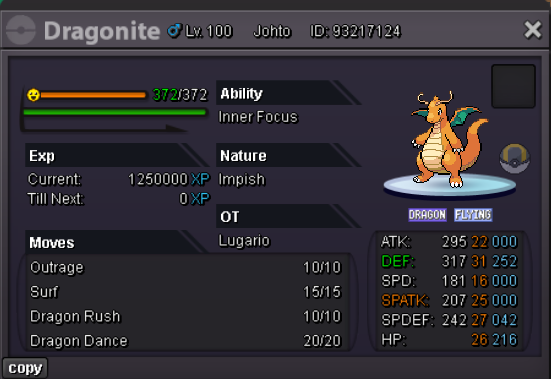
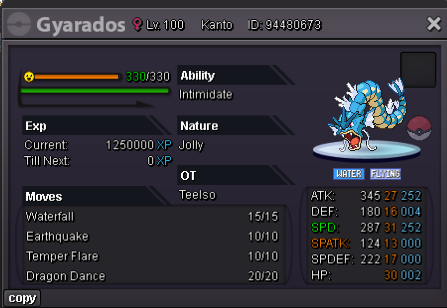
not care but impish and hidden ability but maybe you`d like it aswell curretnly training this one for offensive set if you are interested. also got this one for sale.
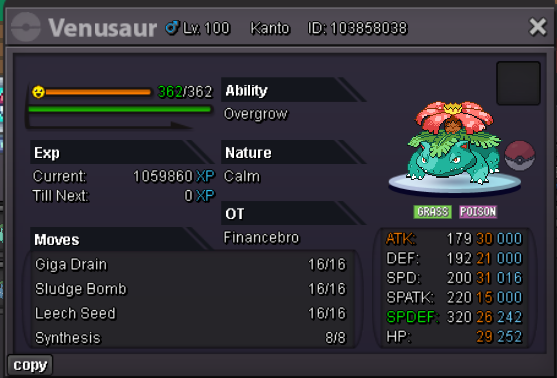
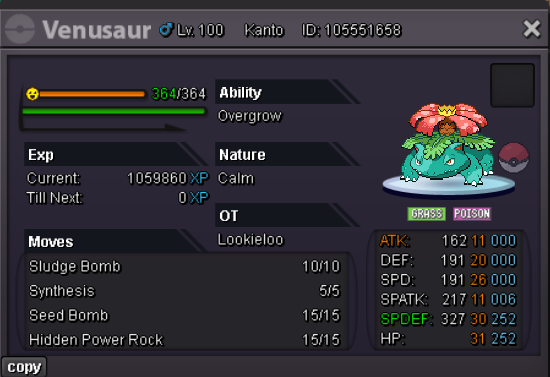
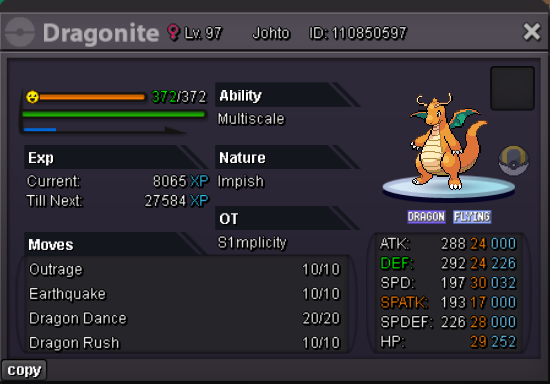
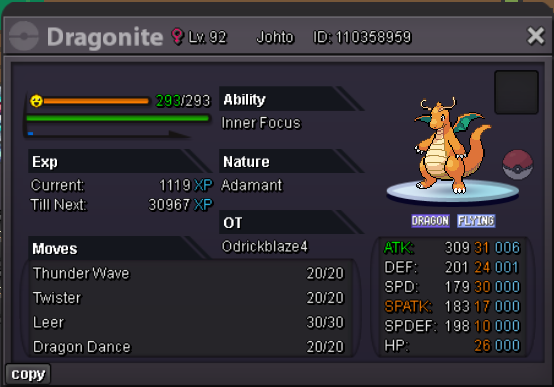
-
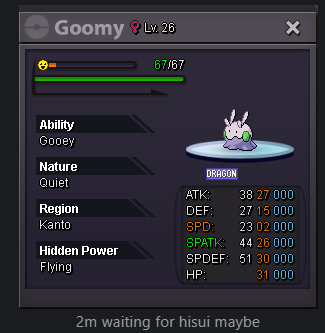
hello tinka 😄 i wrote you pm for goomy
-
Poggers
-
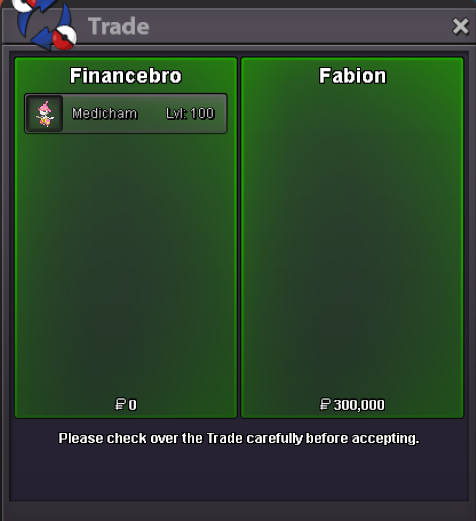
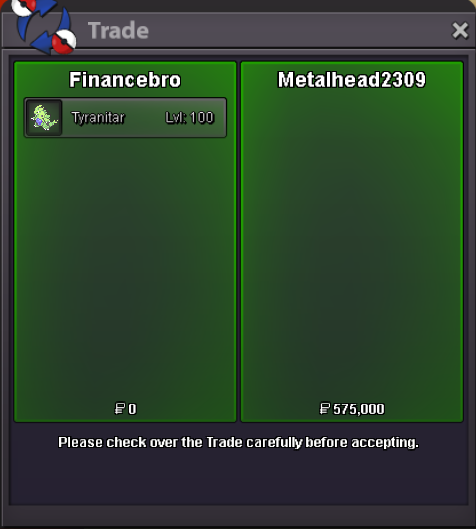
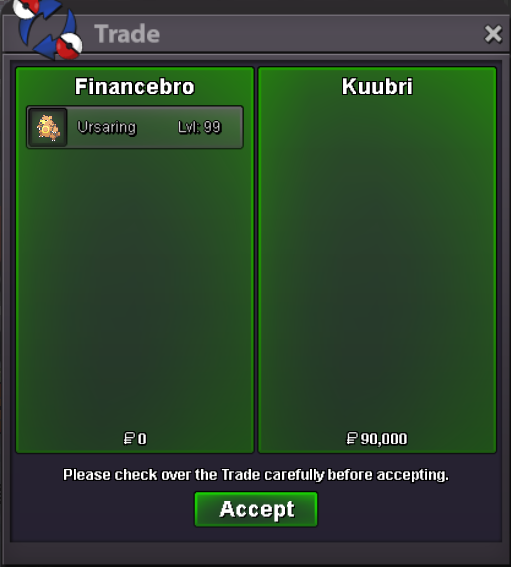
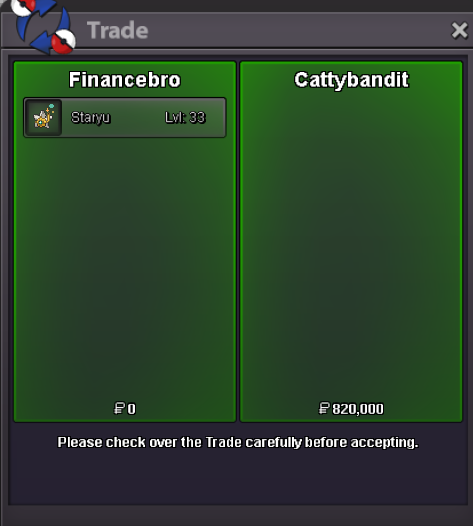
again online 😄i am online again, had to go to sleepyou won @Locuraa 😄 i am online atmHey everyone, I´d love the Iteam "Eject Button" to be added to the Artifact Maniac Hastor in the Historical Side. The iteam is overall just very hard to get for some reason, althought it can be really cool in pvp and maybe, if we make it easier to obtain, more people will use it. Also it would give the excavation a bit more purpose. After doing it for all mega stones and some fossils it does not provide any real value anymore.400kStarting Offer: 10k Min. Bid. 10k Ends 24 Hours after first Bid. Payment: Pokedollars. Have Fun 😄
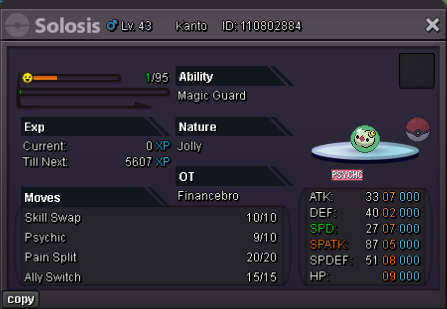 sure thing man 😄 i am online!i would also like to throw in the idea to boost the luck of the first chest each day because some people dont pla pro as a full time job like others and that way that get access to usable tms or rerolls aswell (doesnt have to increase mount chance)+1+1


Account
Navigation
Search
Configure browser push notifications
Chrome (Android)
- Tap the lock icon next to the address bar.
- Tap Permissions → Notifications.
- Adjust your preference.
Chrome (Desktop)
- Click the padlock icon in the address bar.
- Select Site settings.
- Find Notifications and adjust your preference.
Safari (iOS 16.4+)
- Ensure the site is installed via Add to Home Screen.
- Open Settings App → Notifications.
- Find your app name and adjust your preference.
Safari (macOS)
- Go to Safari → Preferences.
- Click the Websites tab.
- Select Notifications in the sidebar.
- Find this website and adjust your preference.
Edge (Android)
- Tap the lock icon next to the address bar.
- Tap Permissions.
- Find Notifications and adjust your preference.
Edge (Desktop)
- Click the padlock icon in the address bar.
- Click Permissions for this site.
- Find Notifications and adjust your preference.
Firefox (Android)
- Go to Settings → Site permissions.
- Tap Notifications.
- Find this site in the list and adjust your preference.
Firefox (Desktop)
- Open Firefox Settings.
- Search for Notifications.
- Find this site in the list and adjust your preference.