




New Trade Zone
Trade Zone is now live
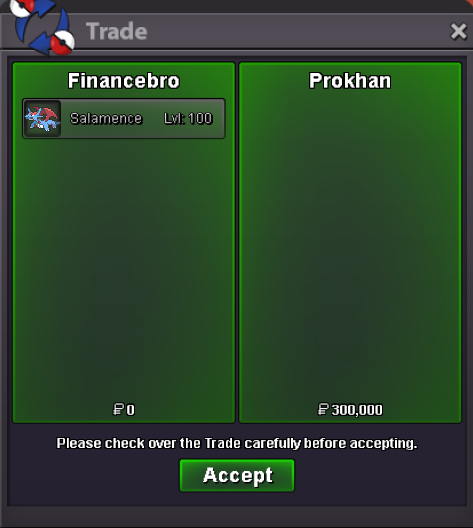
Use the new Trade Zone for auctions and instant-price trades so Pokemon and item offers are easy to find.

Everything posted by Financebro
-
1 mil timb
-
timburr 600k
-
100k larv
-
the user of this shop is currently busy irl. he will message you when he is back @Saberkanade and @Skillcapped❤️
-
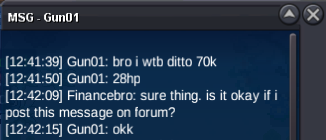
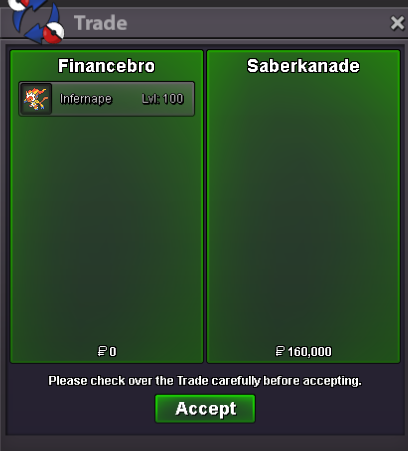
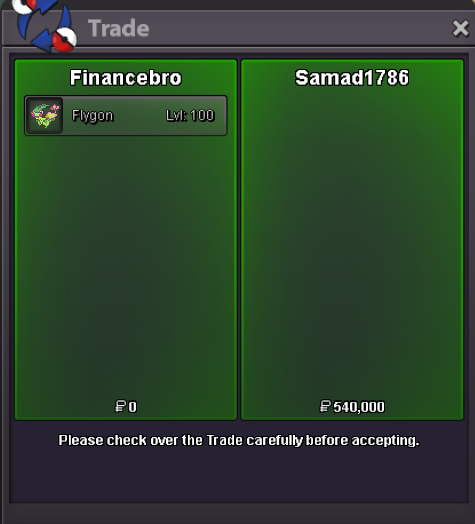
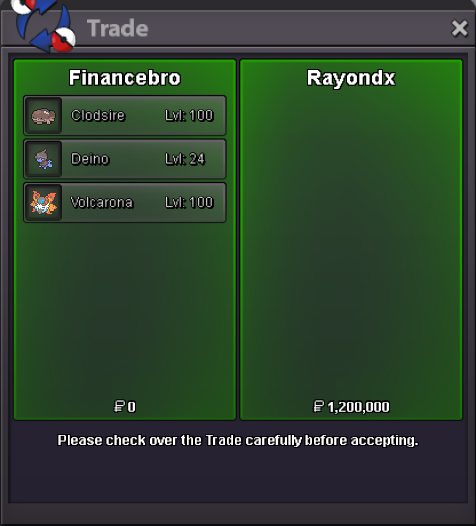
i gotta go now due to work in the morning 😕 will be back quite latesure thing! when are you online? i am online right now 😄can do that 😄 i am online if you are ready just pm me ingameSure thing. When Are you online and is your ign the Same as here?ah okay 😄 np. have a good day mategot this for sale
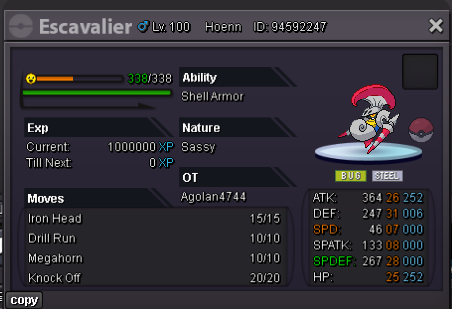
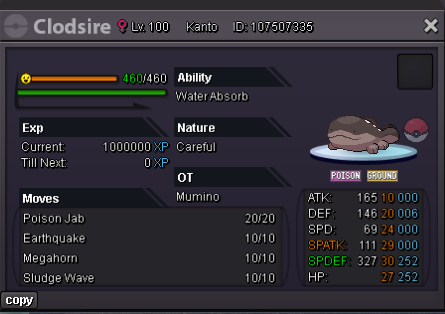 got this for sale. will be put in my shop tomorrow aswell
 if you are interested
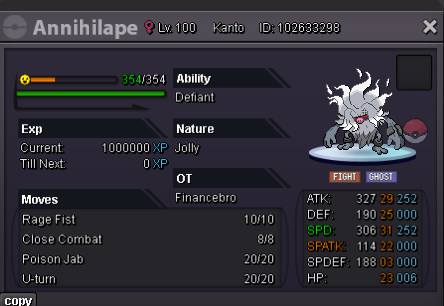 maybe you would want one of those 😄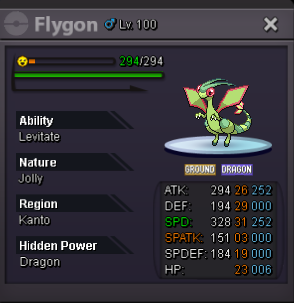
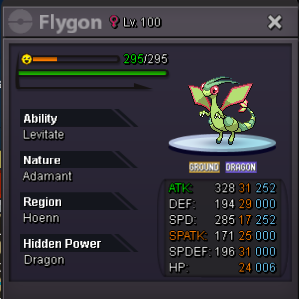
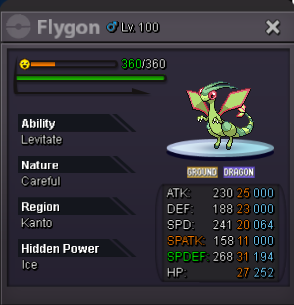 1 mil
1 mil


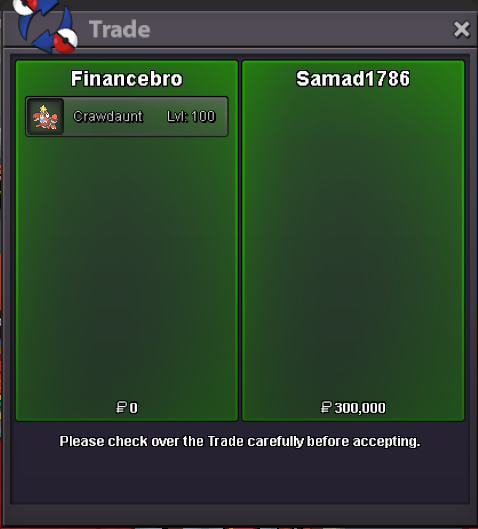
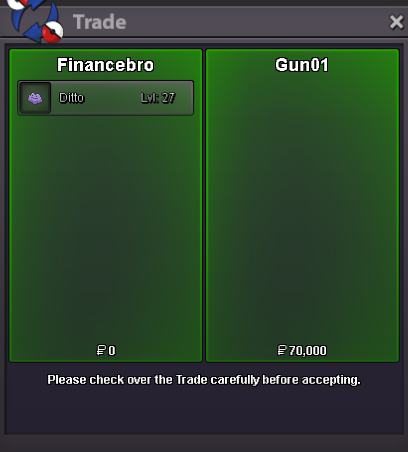
Account
Navigation
Search
Configure browser push notifications
Chrome (Android)
- Tap the lock icon next to the address bar.
- Tap Permissions → Notifications.
- Adjust your preference.
Chrome (Desktop)
- Click the padlock icon in the address bar.
- Select Site settings.
- Find Notifications and adjust your preference.
Safari (iOS 16.4+)
- Ensure the site is installed via Add to Home Screen.
- Open Settings App → Notifications.
- Find your app name and adjust your preference.
Safari (macOS)
- Go to Safari → Preferences.
- Click the Websites tab.
- Select Notifications in the sidebar.
- Find this website and adjust your preference.
Edge (Android)
- Tap the lock icon next to the address bar.
- Tap Permissions.
- Find Notifications and adjust your preference.
Edge (Desktop)
- Click the padlock icon in the address bar.
- Click Permissions for this site.
- Find Notifications and adjust your preference.
Firefox (Android)
- Go to Settings → Site permissions.
- Tap Notifications.
- Find this site in the list and adjust your preference.
Firefox (Desktop)
- Open Firefox Settings.
- Search for Notifications.
- Find this site in the list and adjust your preference.