




New Trade Zone
Trade Zone is now live
Use the new Trade Zone for auctions and instant-price trades so Pokemon and item offers are easy to find.

Financebro
Registered User
-
Joined
-
Last visited
Everything posted by Financebro
-
1.5 mil
-
by all respect and thanks for the answer but that is just not correct. even a younger player can optimize their farming strategies up to four acc, that is just a matter of input and if the money becomes less valuable for all people, because it is easier to get, people who earn the same will become more and more equal. in the real world we would say that the scizor would close between rich and poor. it is just economics.
-
Hey man, thanks for the answer and your ideas 😄 the first idea would kinda work aswell but i think that would just make big money players mad as hell for good reason, because it affects them directly and takes away their stuff. so i think a tax system wont work, because the backlash would be too crazy. when it comes to iteams and prices those would get affected in my idea aswell obv and rise in value, but that aint no problem if you get more from bosses aswell.
-
sorry but that is just not correct. if all get money faster, than current money loses its value. so the 900 million cash of some player atm will be worth, not as much as they are today. the prices of pokes will rise, that is true but with inflation on npc`s it is faster to catch up for younger players.
-
Hey man 😄 thanks for the answer. I would disagree on the argument that inflation would hurt the players younger players more, because also regular trainer fights (talking about hour 0-100 of gameplay) would give more money aswell. After that most already got a boss team and benefit from the inflation on those NPC`s. Yes, the prices would spiral, but that is the goal tbh. the faster the prices go up, the faster the gap between new players and old players closes, if the old players dont keep up with playing. It would work ingame. Adding more money sinks was also an idea but the last money sink, the trainer towers, are no real sinks, aswell as the train tickets for example, who are cheap for people with 4 acc. if you got another idea for a catch-up mechanic feel free to share 😄
-
i think that might be a bit tooo much tbh. and total time played doesnt always mean a lot of money. i would rather want to see a slow progress. But good idea!
-
Hey everyone, i came up with a simple idea to fix some of the money issues we have in the game nowadays and i would appreciate your thoughts about this. As we can see in latest auctions, prices for pokemon have skyrocket in the last few years, due to players putting up enourmous hours in this game and optimizing their economy simulator called "pokemon revolution online" as best as possible. Don`t get me wrong, it is obviously fine to do so, but we shouldnt denie the consequenzes of those actions aswell. One of those being that players who started recently, cannot afford any usable meta-pokemons. "okay but that is just fair because they played a lot for it like in any other game, where you have to grind" - Not really. Back in the days of pro it was way easier to get money and also good pokemon for the same ammounts of hours you put in as nowadays. We`ve also had more staff hosted events with big rewards such as summer reroll, getting epic iv`s on your legendarys so you don`t have to waste 40 rerolls, and many other things, than nowadays. So i came up with the idea of adding inflation to the game, to reduce the value of pokedollars and making pokemons more accessible for people who just started playing. How should that inflation be added? - Well mostly due to the game itself. increase the cost of transport and every npc stuff each week, make bosses give more money, etc. pp. Just to be clear, there is inflation happening atm, due to these economy simulator players, as we can see in auctions for example. I just want inflation added to the NPC`s, so the game itself. This way we make it easier for people starting nowadays to access good pokemon aswell and be part of the pro community. I am also thinking about a rather heavy inflation to the NPC´s, due to the state of the game atm. Maybe like 2.5% a week.
-
sure man 😄 i am online now
-
4 mil
-
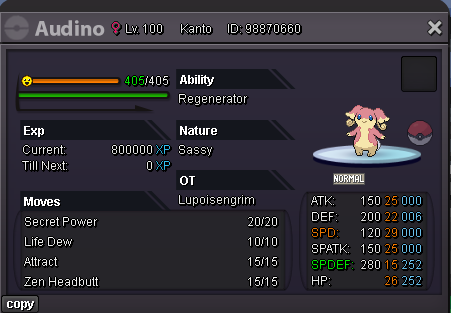
just so you know... we cant see the image of the venusaur you want to auctioncould become a boss audino. tbh i never used audino in boss teams but i know it works.
 I would like to buy chimchar
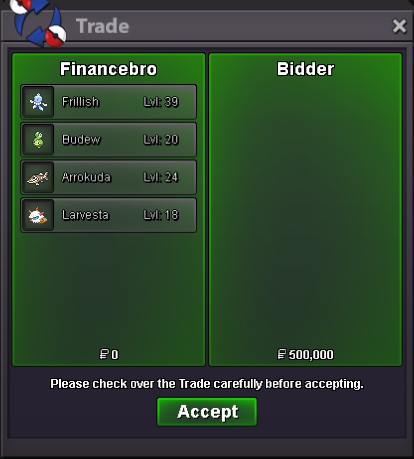
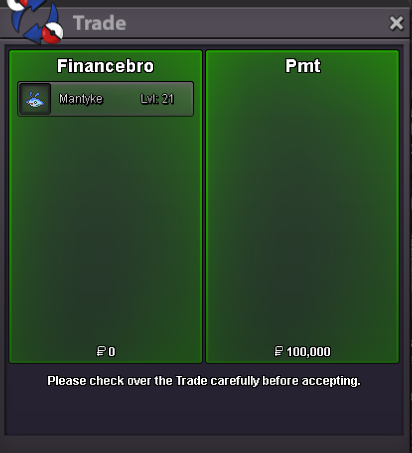
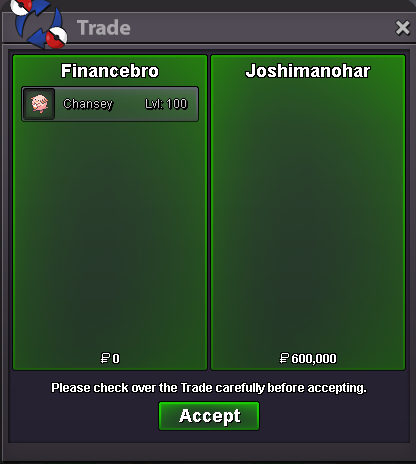
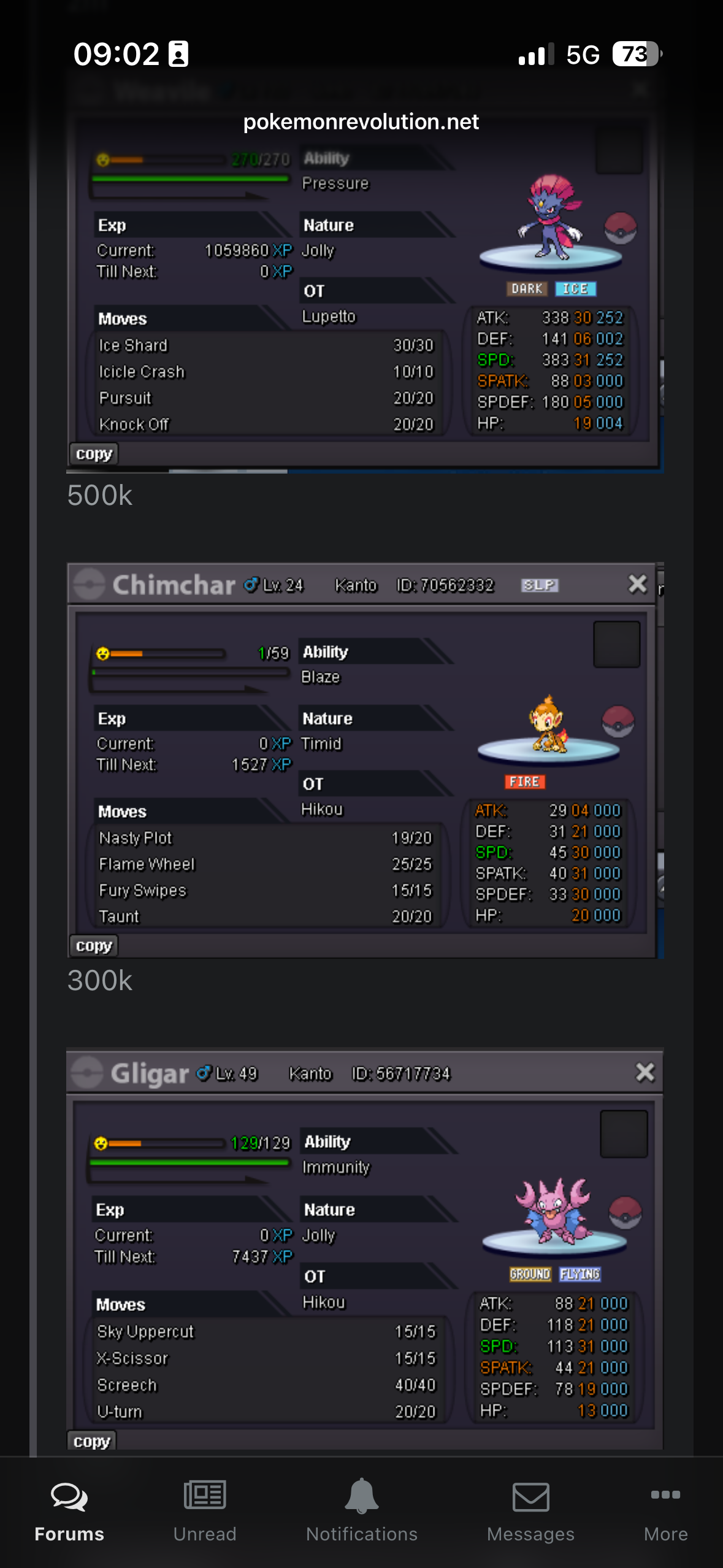 Bidder and Pmt you won 😄all have been started already by "bidder"Hello everyone and welcome to the Auction Each mon is getting sold seperatly Besides the starting offers, each rule listed below applies to every mon: Duration: 48 hours after first bid Payment: Pokedollars and cc (480k each) Minimum Bid: 50k 1. Starting Offer: 200k 2. Starting Offer: 150k 3. Starting Offer: 100k 4. Starting Offer: 50k 5. Starting Offer: 50k Have fun!starti buy all forms off swinub, all seedot, the seel, the marill, the quagsire/wooper, the pikachu, the starly, the snubul300kWtb Frilish or jellicent. Pref Bold Nature def, hp atleast above 25. special def above 20, aswell as special atk.


Account
Navigation
Search
Configure browser push notifications
Chrome (Android)
- Tap the lock icon next to the address bar.
- Tap Permissions → Notifications.
- Adjust your preference.
Chrome (Desktop)
- Click the padlock icon in the address bar.
- Select Site settings.
- Find Notifications and adjust your preference.
Safari (iOS 16.4+)
- Ensure the site is installed via Add to Home Screen.
- Open Settings App → Notifications.
- Find your app name and adjust your preference.
Safari (macOS)
- Go to Safari → Preferences.
- Click the Websites tab.
- Select Notifications in the sidebar.
- Find this website and adjust your preference.
Edge (Android)
- Tap the lock icon next to the address bar.
- Tap Permissions.
- Find Notifications and adjust your preference.
Edge (Desktop)
- Click the padlock icon in the address bar.
- Click Permissions for this site.
- Find Notifications and adjust your preference.
Firefox (Android)
- Go to Settings → Site permissions.
- Tap Notifications.
- Find this site in the list and adjust your preference.
Firefox (Desktop)
- Open Firefox Settings.
- Search for Notifications.
- Find this site in the list and adjust your preference.