




New Trade Zone
Trade Zone is now live
Use the new Trade Zone for auctions and instant-price trades so Pokemon and item offers are easy to find.

Malavar
Suspended
-
Joined
-
Last visited
Everything posted by Malavar
-
this solved my problem, thank you so much.
-
Hello, i leveled a larvesta to 95, then rare candied it, i did not receive the evolution prompt during the 5 levels. I then went and purchased a mysterious candy, and the larvesta will not take the mysterious candy. I am unsure of how to continue forward any support is appreciated
-
wtb bold rotom 200k
-
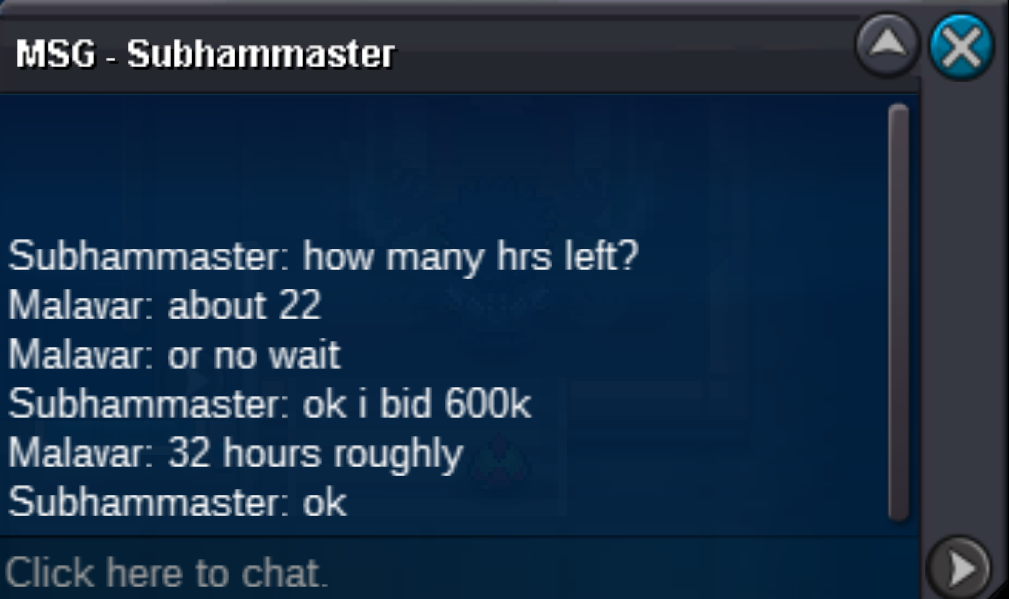
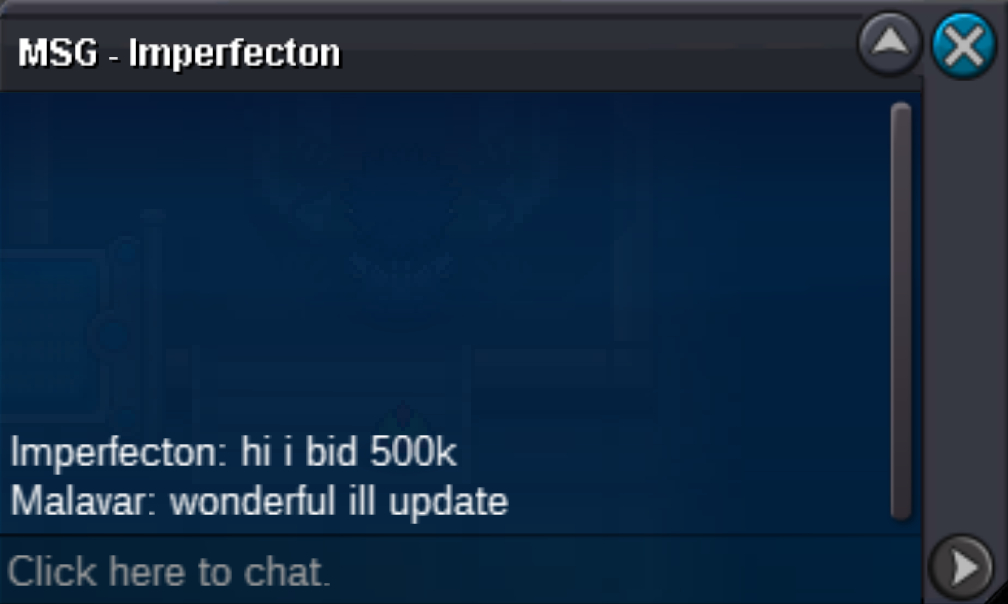
Auctioning Relaxed Ferrothorn Starting Bid: 500k Minimum Raise: 100k Insta: 2.5m Accepting Pokedollars, Equivalent Items cc = 400k iv reroll = 700k nat reroll = 350k Will start the auction when the 500k is met, will run for 48 Hours
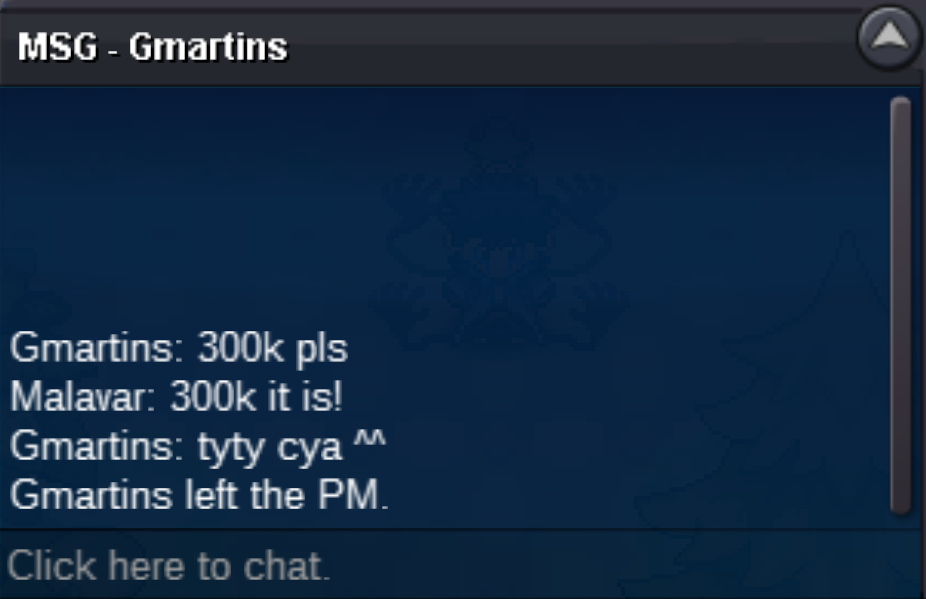
 ready when you are friendSOLDgreat, i'll update!kkhttps://gyazo.com/82e243ea96bc02deb0056af568a42047Auctioning Electrike, Hidden Power Ice/Lightning Rod Starting Bid: 100k Minimum Raise: 100k No insta Accepting Pokedollars, Equivalent Items cc = 400k iv reroll = 700k nat reroll = 350k rc = 8k Will start the auction when the 100k is met, will run for 48 Hours Auction Ends: 10:00PM EST 07/25
 1. What's your Player name (IGN)? Malavar 2. Number of hours played? 52 (started earlier this week) 3. What's your favorite Pokemon? ttar 4. What do you enjoy doing the most in PRO? (Hunting, PvP, trading, etc) i've always been a shiny hunter/competitive player in mainline pokemon games, i'm new here, but i'd imagine those same likes apply here 5. How old are you? (Optional) 21

Account
Navigation
Search
Configure browser push notifications
Chrome (Android)
- Tap the lock icon next to the address bar.
- Tap Permissions → Notifications.
- Adjust your preference.
Chrome (Desktop)
- Click the padlock icon in the address bar.
- Select Site settings.
- Find Notifications and adjust your preference.
Safari (iOS 16.4+)
- Ensure the site is installed via Add to Home Screen.
- Open Settings App → Notifications.
- Find your app name and adjust your preference.
Safari (macOS)
- Go to Safari → Preferences.
- Click the Websites tab.
- Select Notifications in the sidebar.
- Find this website and adjust your preference.
Edge (Android)
- Tap the lock icon next to the address bar.
- Tap Permissions.
- Find Notifications and adjust your preference.
Edge (Desktop)
- Click the padlock icon in the address bar.
- Click Permissions for this site.
- Find Notifications and adjust your preference.
Firefox (Android)
- Go to Settings → Site permissions.
- Tap Notifications.
- Find this site in the list and adjust your preference.
Firefox (Desktop)
- Open Firefox Settings.
- Search for Notifications.
- Find this site in the list and adjust your preference.