New Trade Zone
Trade Zone is now live
Use the new Trade Zone for auctions and instant-price trades so Pokemon and item offers are easy to find.

Megadialga
Registered User
-
Joined
-
Last visited
Everything posted by Megadialga
-
Hi, I just accidentally purchased a big ms medallion ( 60 day ms ) that costs 190 coins . i wanted to buy coin capsule but i misclicked and purchased that medallion instead. can i please get a refund of my coins. that 60 day ms is in my bag .
-
+1
-
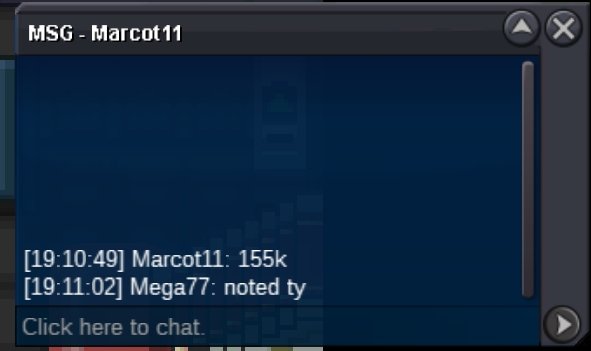
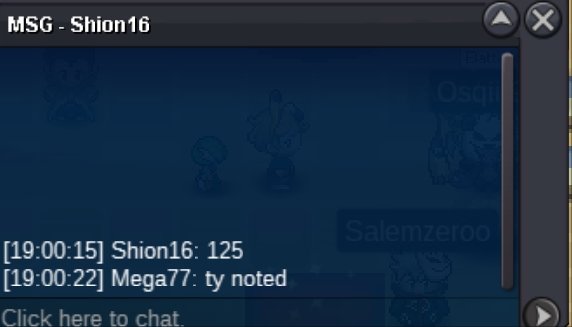
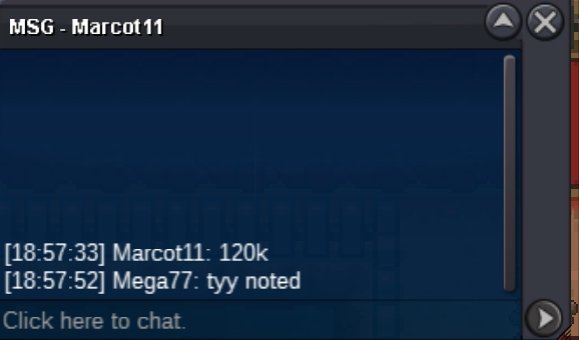
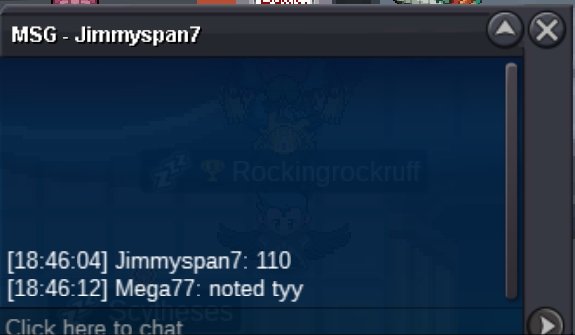
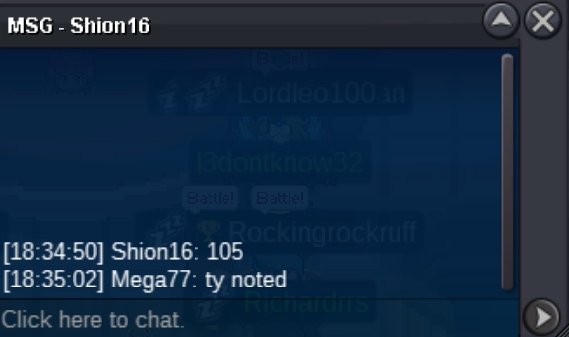
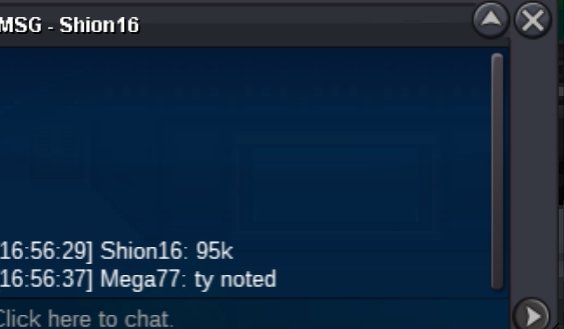
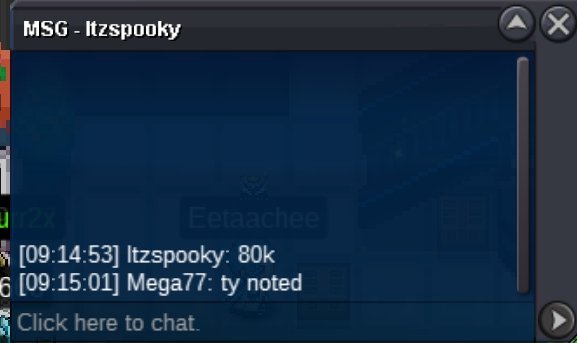
Start - 300k Min bid - 50k Insta - 1.5m Time - 48 hrs from 1st bid Accept iv reroll - 530k , cc - 370k
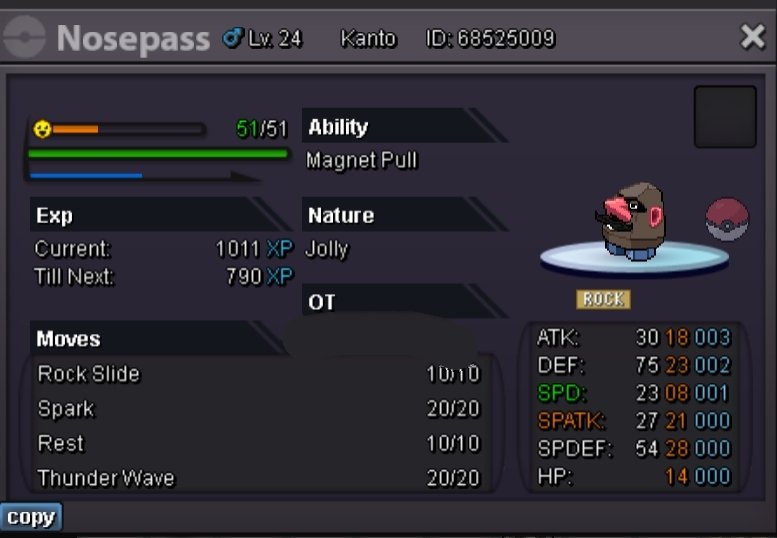 5.2m3.5m2.4m2mIt's ended broYess , u won all of them ^^ , pm me in-gameStart offer - 10k each Min bid - 10k each No Insta Time - 24 hrs from 1st bid Gl all (Not a bundle)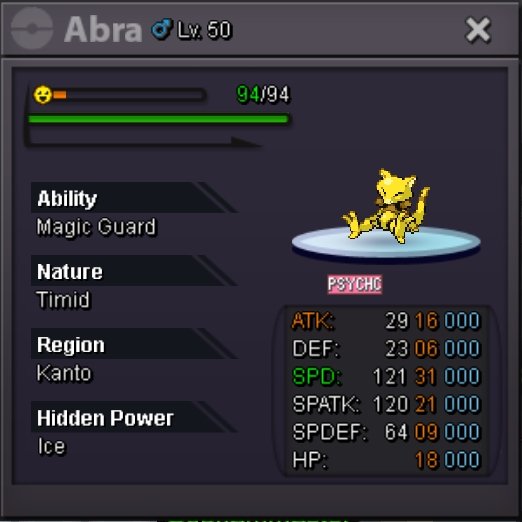
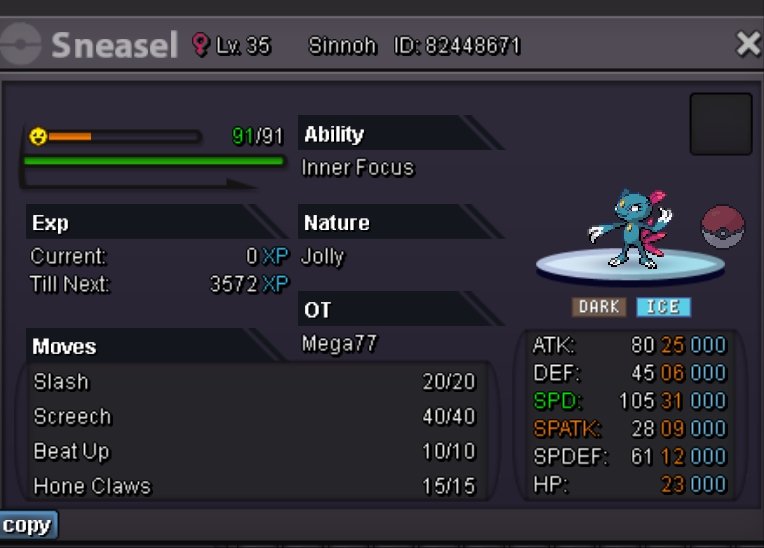
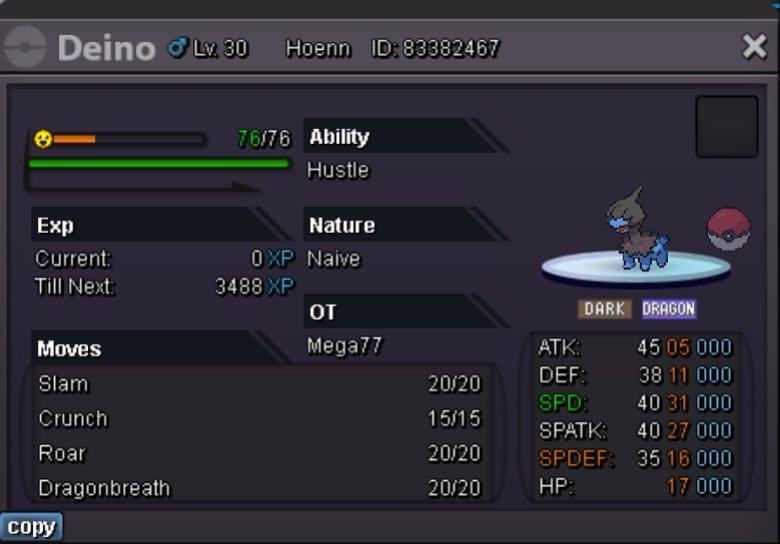 .Start offer - 1k Min bid - 1k No Insta Time - 24 hrs from 1st bid Gl all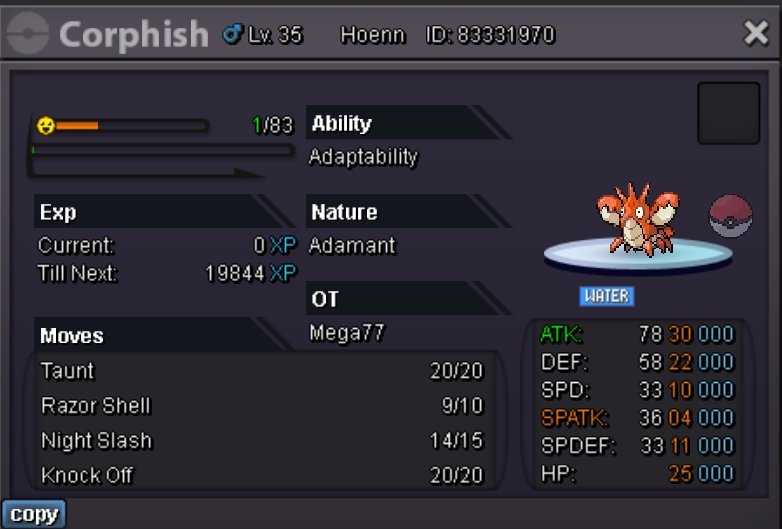
Account
Navigation
Search
Configure browser push notifications
Chrome (Android)
- Tap the lock icon next to the address bar.
- Tap Permissions → Notifications.
- Adjust your preference.
Chrome (Desktop)
- Click the padlock icon in the address bar.
- Select Site settings.
- Find Notifications and adjust your preference.
Safari (iOS 16.4+)
- Ensure the site is installed via Add to Home Screen.
- Open Settings App → Notifications.
- Find your app name and adjust your preference.
Safari (macOS)
- Go to Safari → Preferences.
- Click the Websites tab.
- Select Notifications in the sidebar.
- Find this website and adjust your preference.
Edge (Android)
- Tap the lock icon next to the address bar.
- Tap Permissions.
- Find Notifications and adjust your preference.
Edge (Desktop)
- Click the padlock icon in the address bar.
- Click Permissions for this site.
- Find Notifications and adjust your preference.
Firefox (Android)
- Go to Settings → Site permissions.
- Tap Notifications.
- Find this site in the list and adjust your preference.
Firefox (Desktop)
- Open Firefox Settings.
- Search for Notifications.
- Find this site in the list and adjust your preference.