




New Trade Zone
Trade Zone is now live
Use the new Trade Zone for auctions and instant-price trades so Pokemon and item offers are easy to find.

Megadialga
Registered User
-
Joined
-
Last visited
Everything posted by Megadialga
-
-
-
+1 will be really useful especially for new players
-
+1
-
400k
-
5m
-
550k
-
430k
-
280k
-
-
2m
-
1.8m
-
300k
-
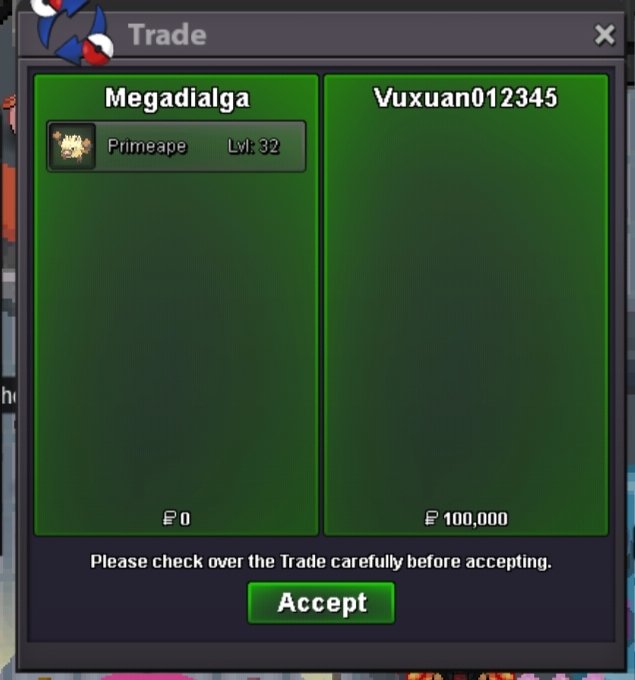
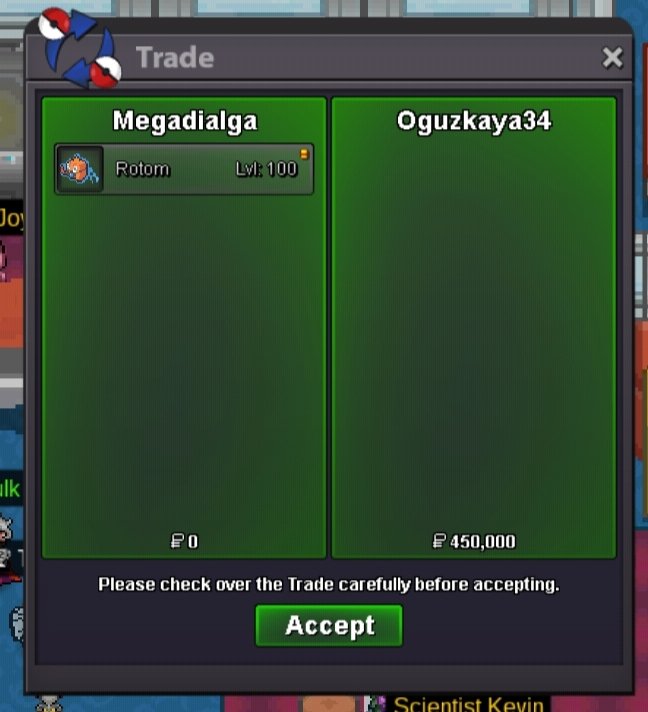
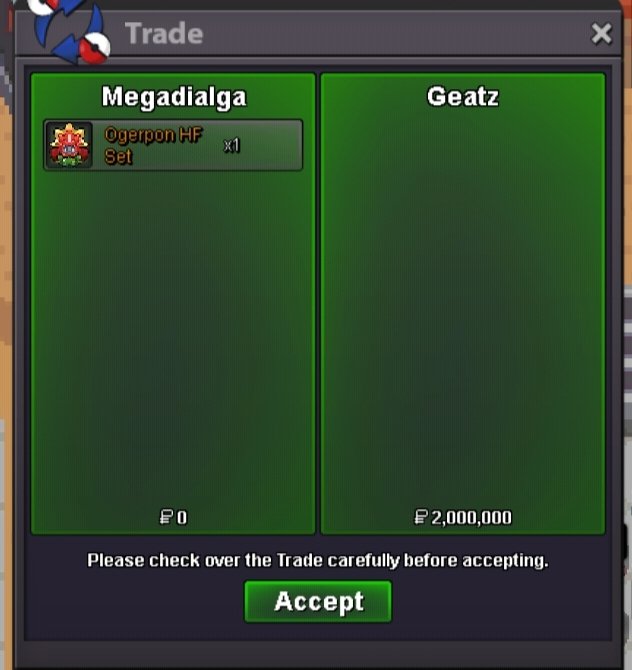
Yes lemme know when u onlineHello and welcome to my pokemon shop where u can find and buy awesome pokemons for a good price ^^ Shop Rules: 1) Fake offers will be reported 2) Some prices are negotiable, feel free to offer. 3) You can't take back your offer back . 4) If you are from gold server and want to buy something then you must transfer to silver. You can pm me in game , reply to this topic or message me in discord. Contact - In game -- Megadialga discord -- megadialga Payment methods :- pokedollars coin capsule - 450k iv reroll - 500k rare candy - 5k Untrained Trained Sold
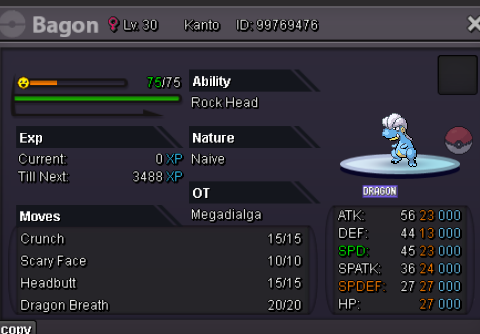


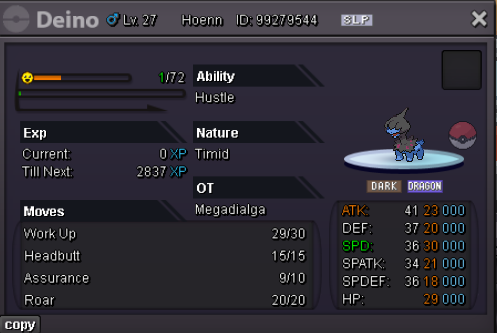

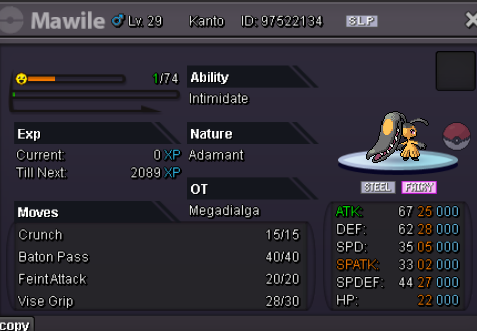
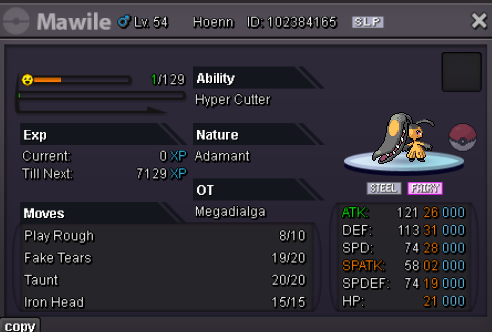
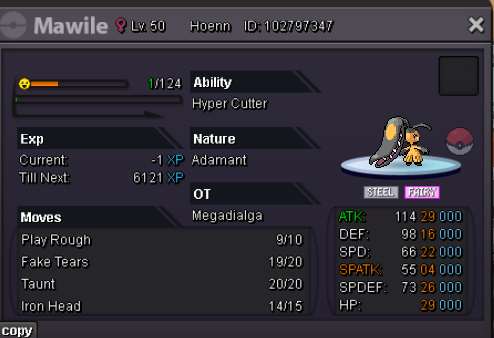
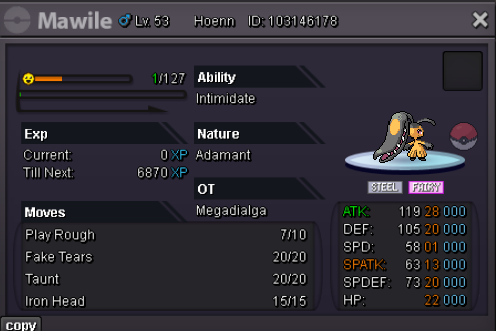


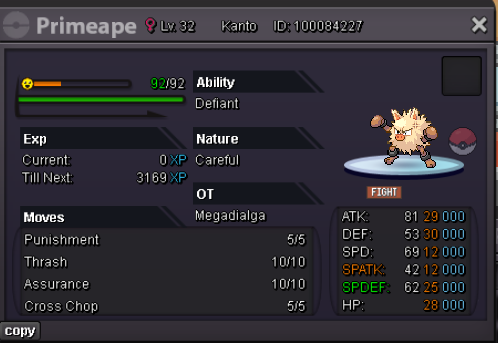
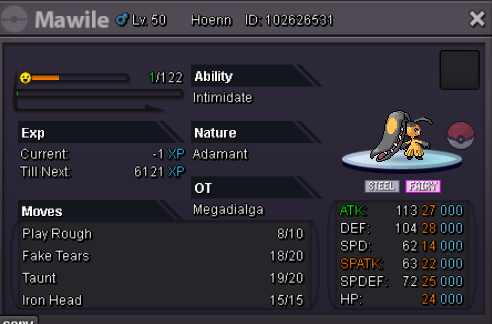
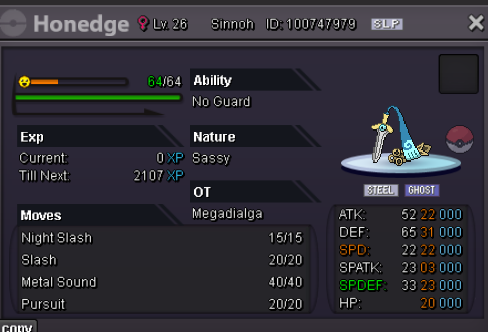
 750k dragoniteU won pm me when online for tradeUp


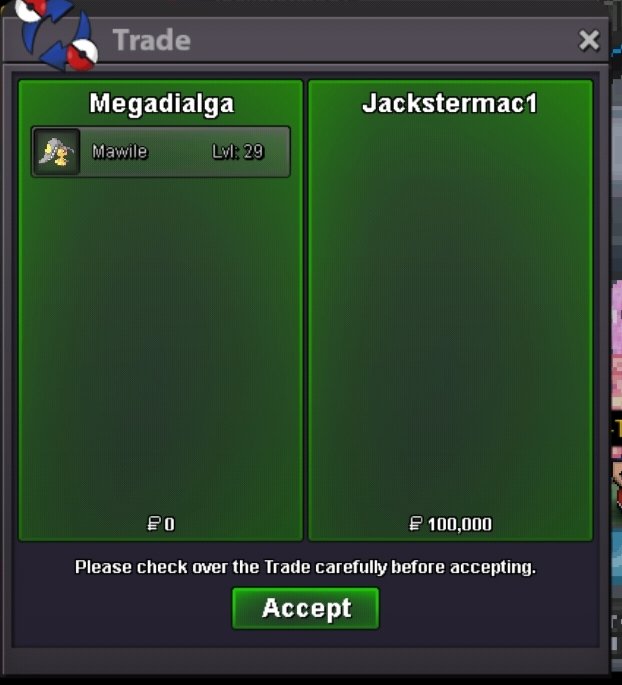

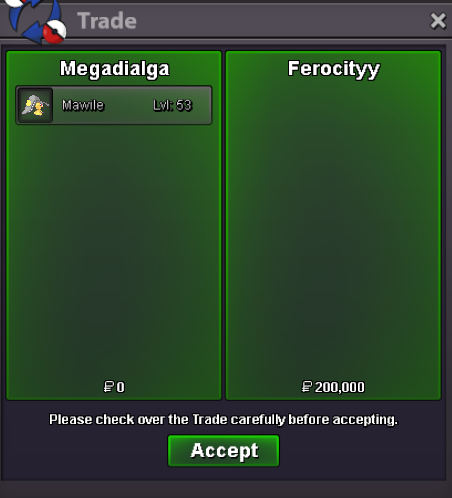
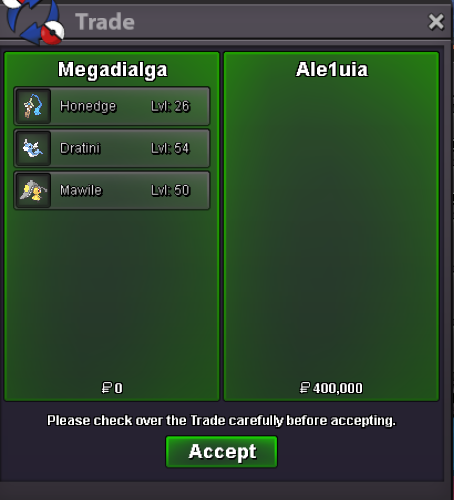
Account
Navigation
Search
Configure browser push notifications
Chrome (Android)
- Tap the lock icon next to the address bar.
- Tap Permissions → Notifications.
- Adjust your preference.
Chrome (Desktop)
- Click the padlock icon in the address bar.
- Select Site settings.
- Find Notifications and adjust your preference.
Safari (iOS 16.4+)
- Ensure the site is installed via Add to Home Screen.
- Open Settings App → Notifications.
- Find your app name and adjust your preference.
Safari (macOS)
- Go to Safari → Preferences.
- Click the Websites tab.
- Select Notifications in the sidebar.
- Find this website and adjust your preference.
Edge (Android)
- Tap the lock icon next to the address bar.
- Tap Permissions.
- Find Notifications and adjust your preference.
Edge (Desktop)
- Click the padlock icon in the address bar.
- Click Permissions for this site.
- Find Notifications and adjust your preference.
Firefox (Android)
- Go to Settings → Site permissions.
- Tap Notifications.
- Find this site in the list and adjust your preference.
Firefox (Desktop)
- Open Firefox Settings.
- Search for Notifications.
- Find this site in the list and adjust your preference.