New Trade Zone
Trade Zone is now live
Use the new Trade Zone for auctions and instant-price trades so Pokemon and item offers are easy to find.


Imcnasty
Registered User
-
Joined
-
Last visited
Everything posted by Imcnasty
-
Yeah. would be nice to be able to switch it up. Kinda weird that we can't to be honest. Please fix that. It's alot of work to get these mons/forms. we should at least be able to pick which form we want to look at.
-
https://www.youtube.com/watch?v=R37IfQg0eTQ
-
Thanks for running dungeon with the quickness! Much appreciated! Highly recommend services! @Lyn1311 is a professional!
-
-
Thanks a ton, @Kottontail!!
-
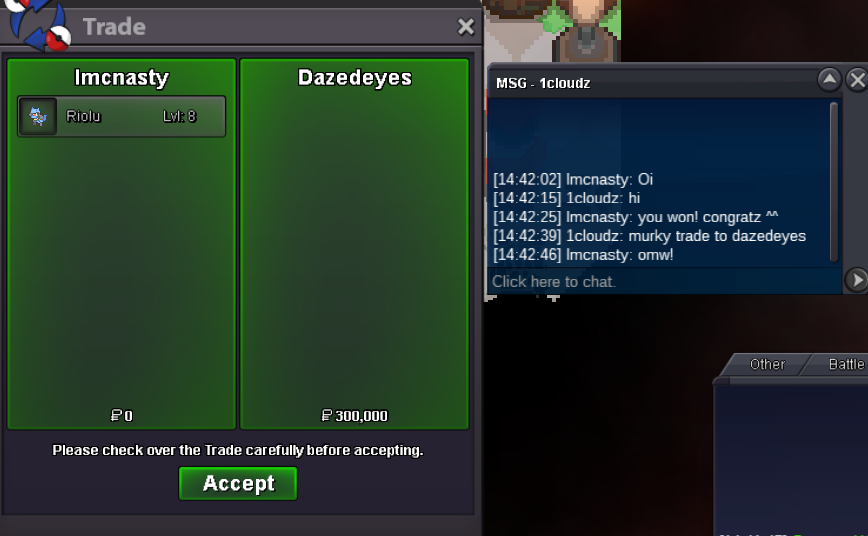
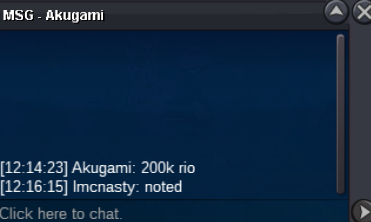
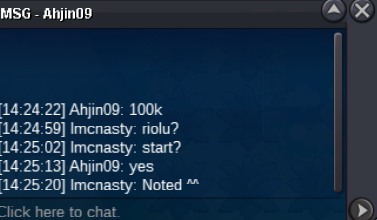
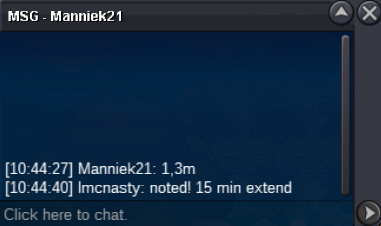
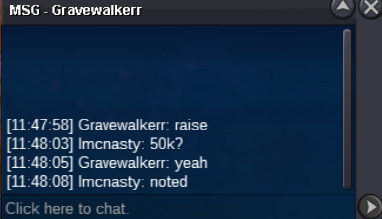
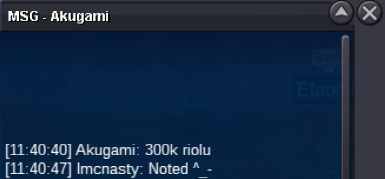
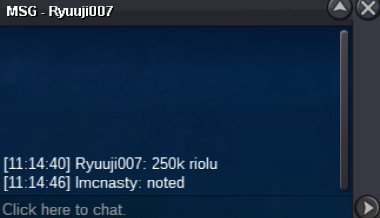
Auction end. @1cloudz won.15 min extendBumpStarting offer: 100k Min raise: 100k Auction end: 24h after first bid C/O: 300k by @1cloudz Accepted Payments: Iv reroll = 550k Nat reroll = 250k CC = 400k Goodluck to all!
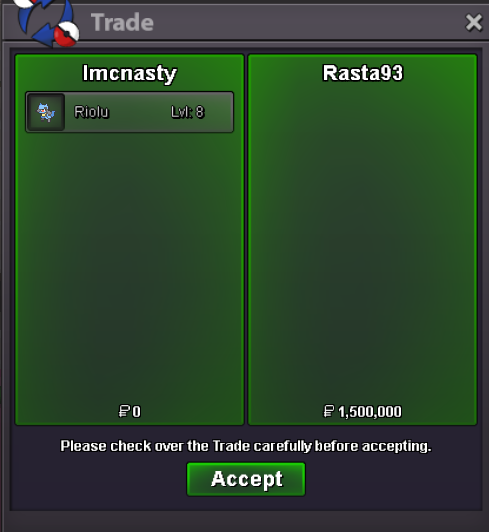
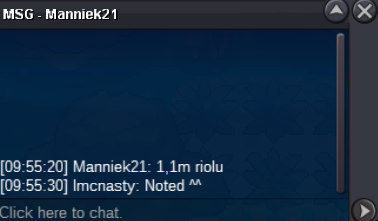
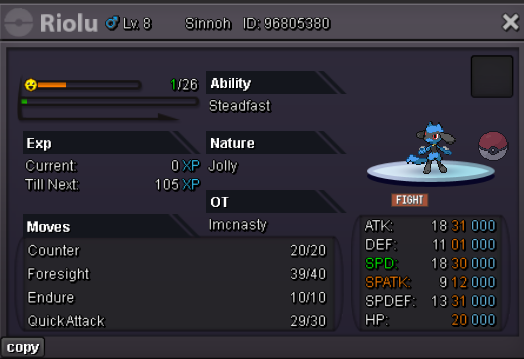 Auction end. @Rasta93 won.Starting offer: 100k Min raise: 50k Auction end: 24h after first bid C/O: 1.5m by @Rasta93 Accepted Payments: CC = 400k Iv reroll = 550k Nat reroll = 250k Goodluck to all.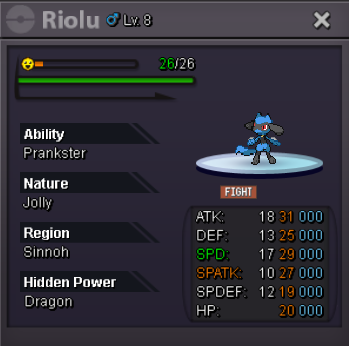
Account
Navigation
Search
Configure browser push notifications
Chrome (Android)
- Tap the lock icon next to the address bar.
- Tap Permissions → Notifications.
- Adjust your preference.
Chrome (Desktop)
- Click the padlock icon in the address bar.
- Select Site settings.
- Find Notifications and adjust your preference.
Safari (iOS 16.4+)
- Ensure the site is installed via Add to Home Screen.
- Open Settings App → Notifications.
- Find your app name and adjust your preference.
Safari (macOS)
- Go to Safari → Preferences.
- Click the Websites tab.
- Select Notifications in the sidebar.
- Find this website and adjust your preference.
Edge (Android)
- Tap the lock icon next to the address bar.
- Tap Permissions.
- Find Notifications and adjust your preference.
Edge (Desktop)
- Click the padlock icon in the address bar.
- Click Permissions for this site.
- Find Notifications and adjust your preference.
Firefox (Android)
- Go to Settings → Site permissions.
- Tap Notifications.
- Find this site in the list and adjust your preference.
Firefox (Desktop)
- Open Firefox Settings.
- Search for Notifications.
- Find this site in the list and adjust your preference.