




New Trade Zone
Trade Zone is now live
Use the new Trade Zone for auctions and instant-price trades so Pokemon and item offers are easy to find.

Parrilam
Registered User
-
Joined
-
Last visited
Everything posted by Parrilam
-
3.8m
-
3,5m
-
2m
-
1.5m
-
1m
-
-
-
-
2m
-
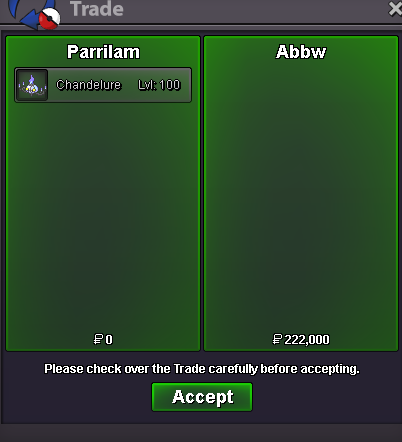
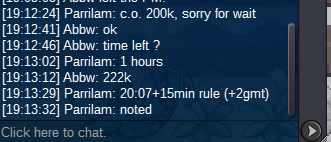
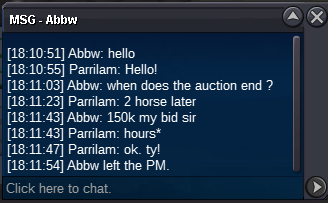
@Abbw you won auctionohh, i didn`t see, okey write me Parrilam in game or Parrila in discords.o. 100k m.b. 10k payment metod: rc 7k each\cc 380k 3 hours later no insta
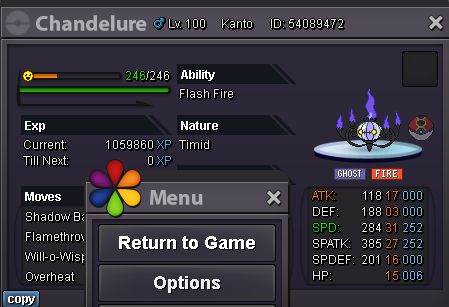
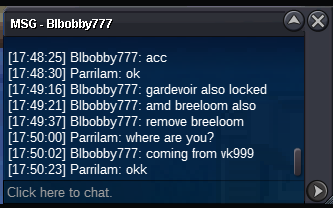
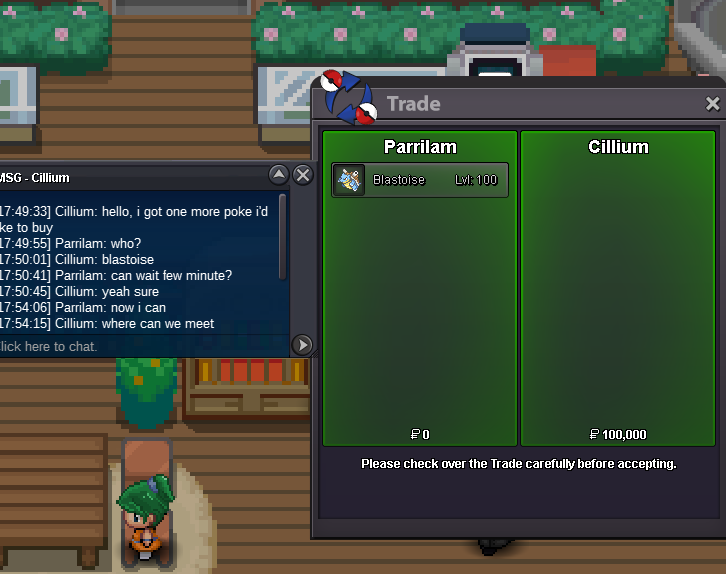
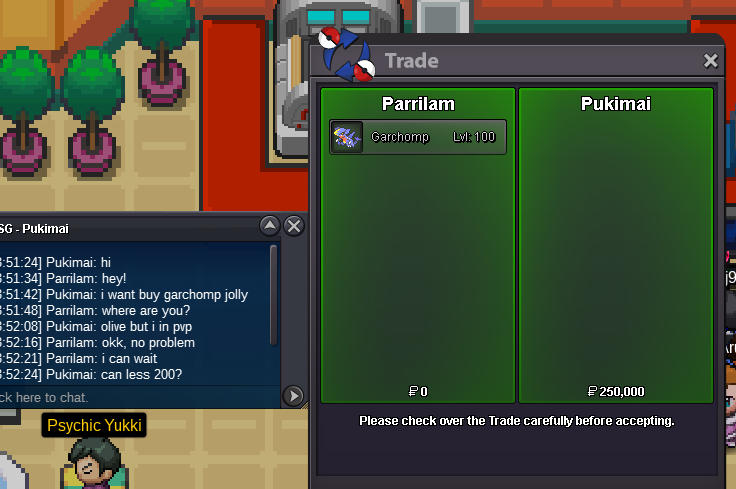
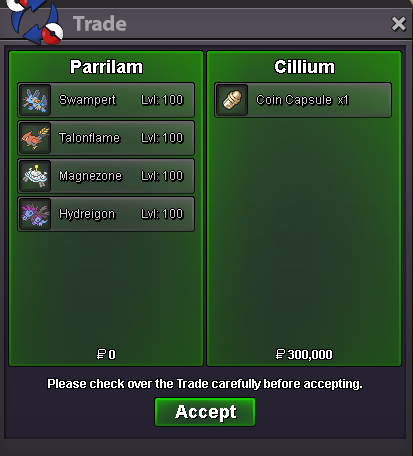
 Now i can be on game, i write you1mHey Everyone!)) This is my pokemon shop Can write here in forum, in discord:(Parrila) and name in game(Parrilam) Payment variant: rare candy 6.5k each, cc 400k, reroll nature 270k, reroll ticket 540k, negotiable only if you buy 2+ mons Trained pokemon =<100k =<200k =<400k >=500k No trained =<100k =>200k =>300k >=500k Sold Mons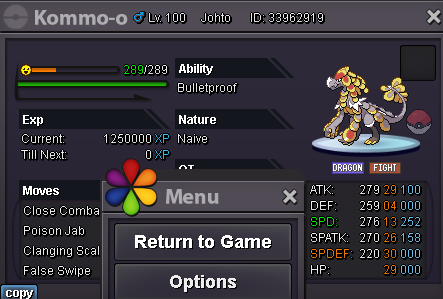
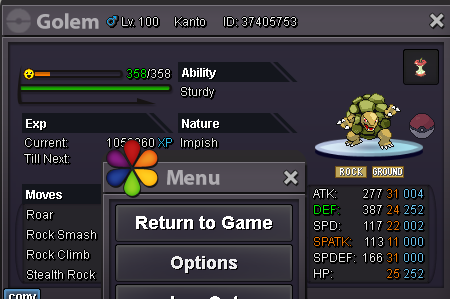
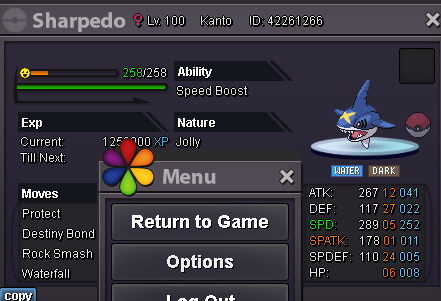
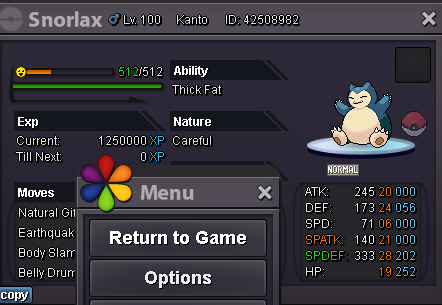
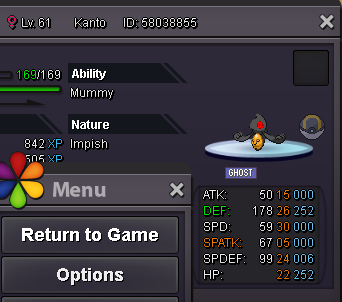
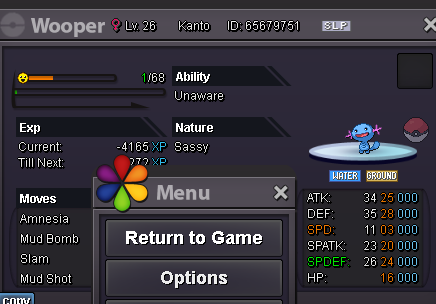
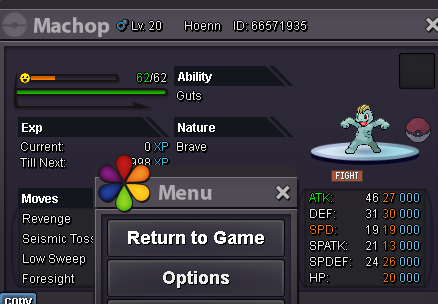
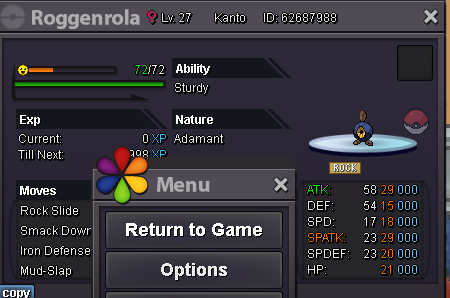
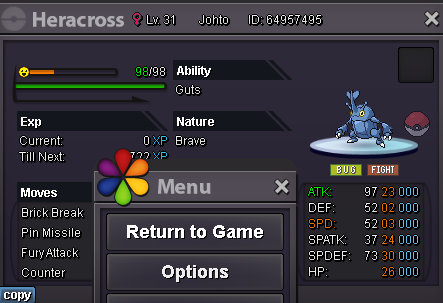
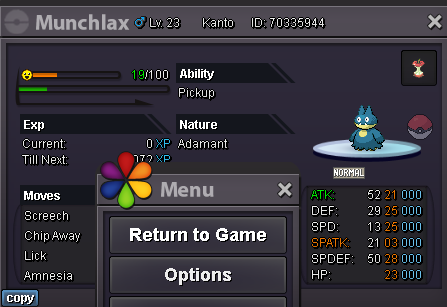
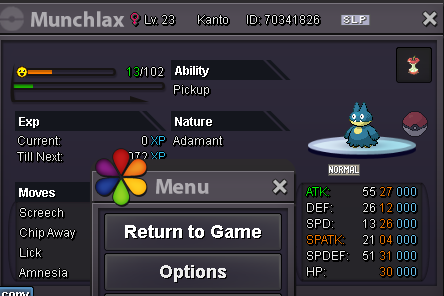
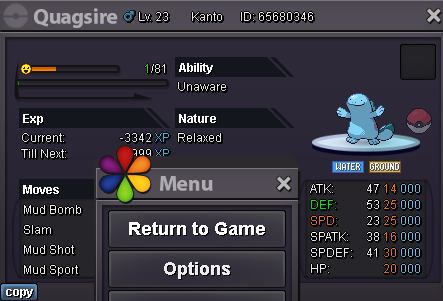
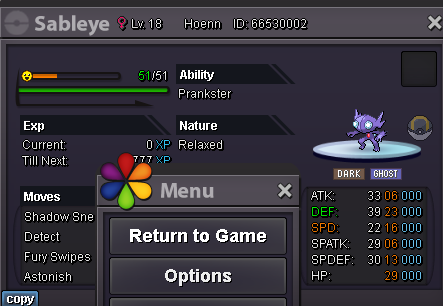
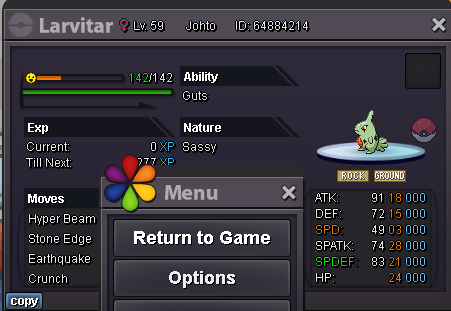
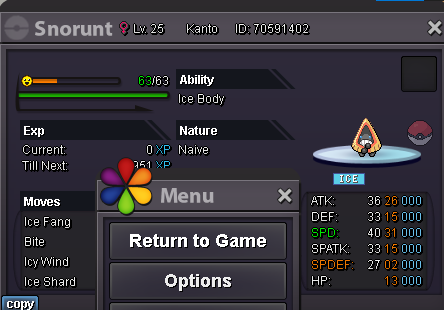
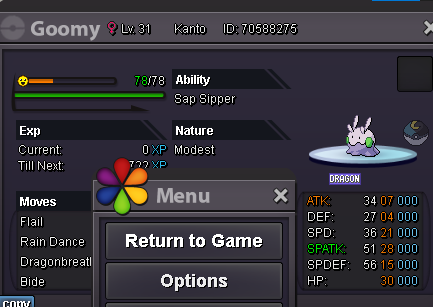
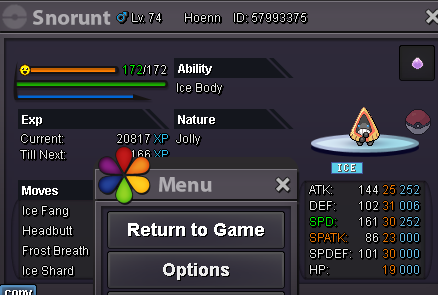
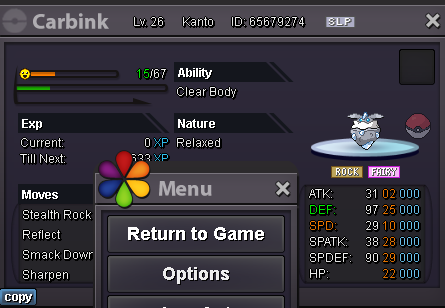
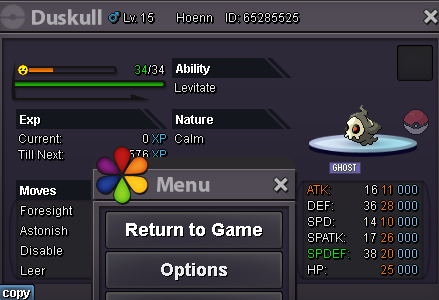
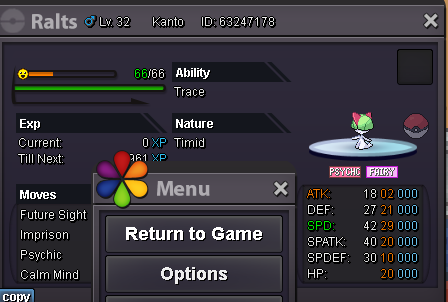
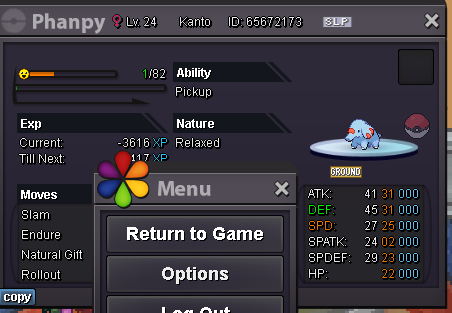
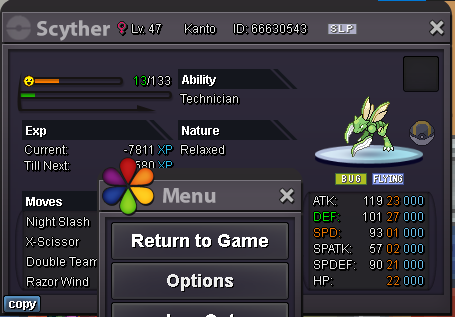
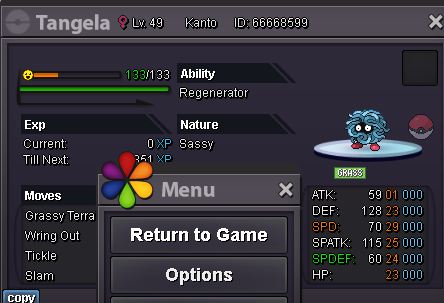
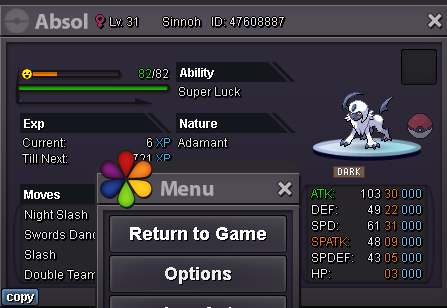
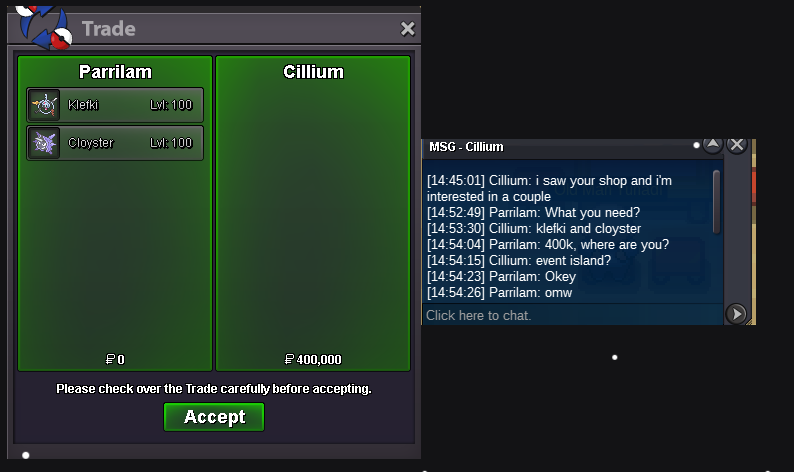
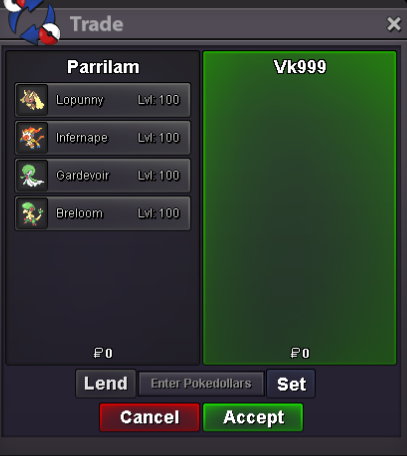
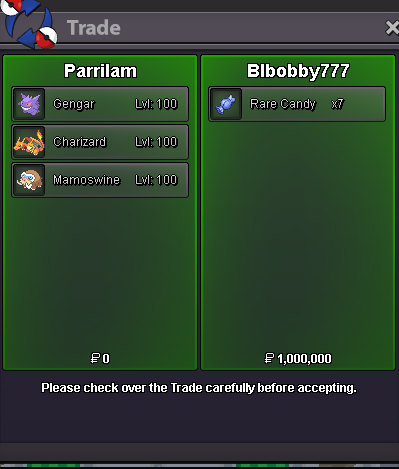
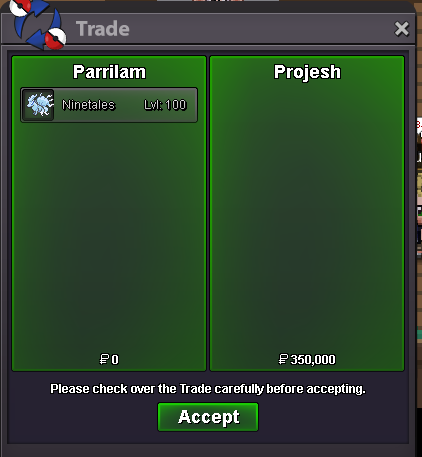
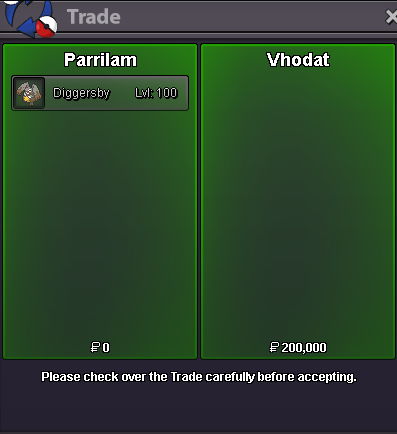
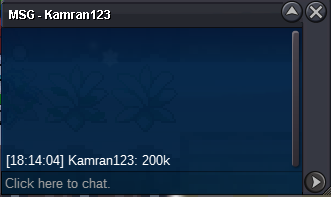
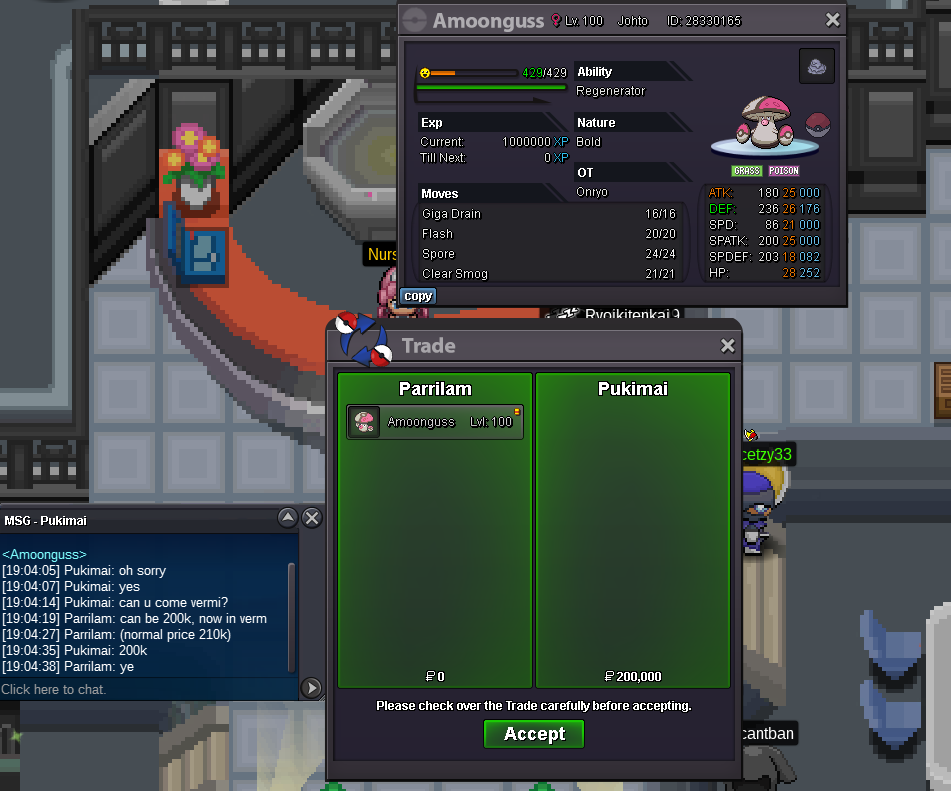 400k kommo-o250k kommo-o


Account
Navigation
Search
Configure browser push notifications
Chrome (Android)
- Tap the lock icon next to the address bar.
- Tap Permissions → Notifications.
- Adjust your preference.
Chrome (Desktop)
- Click the padlock icon in the address bar.
- Select Site settings.
- Find Notifications and adjust your preference.
Safari (iOS 16.4+)
- Ensure the site is installed via Add to Home Screen.
- Open Settings App → Notifications.
- Find your app name and adjust your preference.
Safari (macOS)
- Go to Safari → Preferences.
- Click the Websites tab.
- Select Notifications in the sidebar.
- Find this website and adjust your preference.
Edge (Android)
- Tap the lock icon next to the address bar.
- Tap Permissions.
- Find Notifications and adjust your preference.
Edge (Desktop)
- Click the padlock icon in the address bar.
- Click Permissions for this site.
- Find Notifications and adjust your preference.
Firefox (Android)
- Go to Settings → Site permissions.
- Tap Notifications.
- Find this site in the list and adjust your preference.
Firefox (Desktop)
- Open Firefox Settings.
- Search for Notifications.
- Find this site in the list and adjust your preference.