




New Trade Zone
Trade Zone is now live
Use the new Trade Zone for auctions and instant-price trades so Pokemon and item offers are easy to find.

Jackstermac
Registered User
-
Joined
-
Last visited
Everything posted by Jackstermac
-
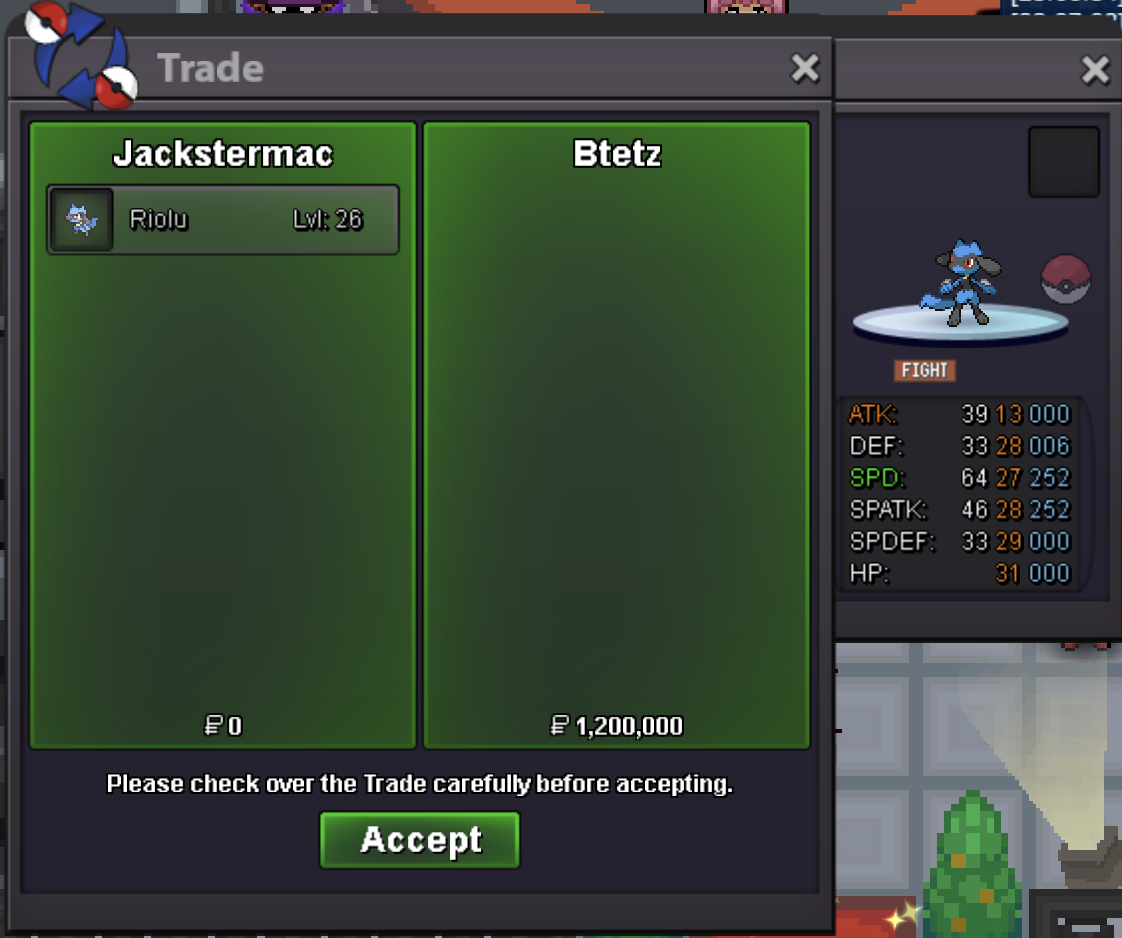
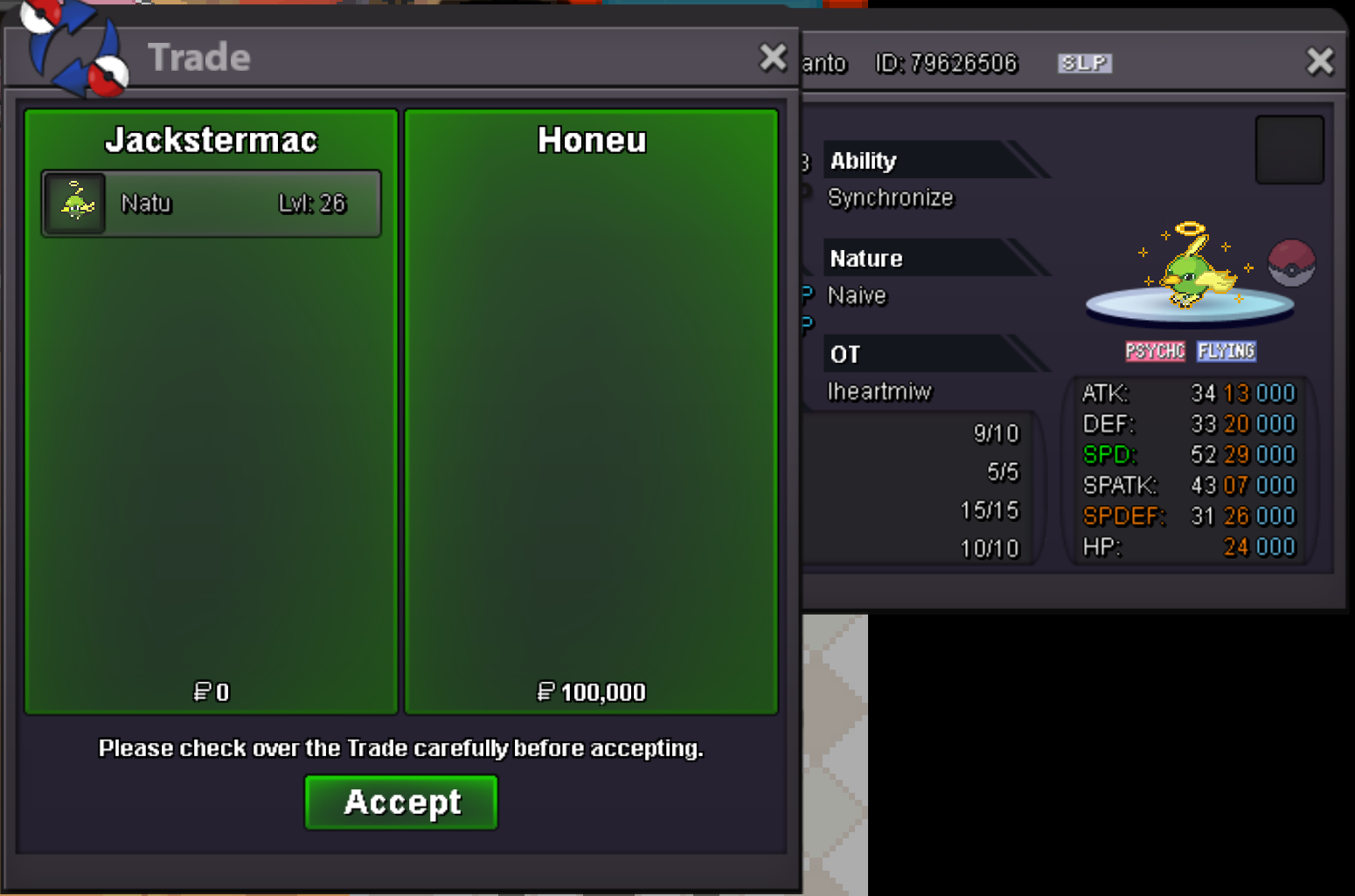
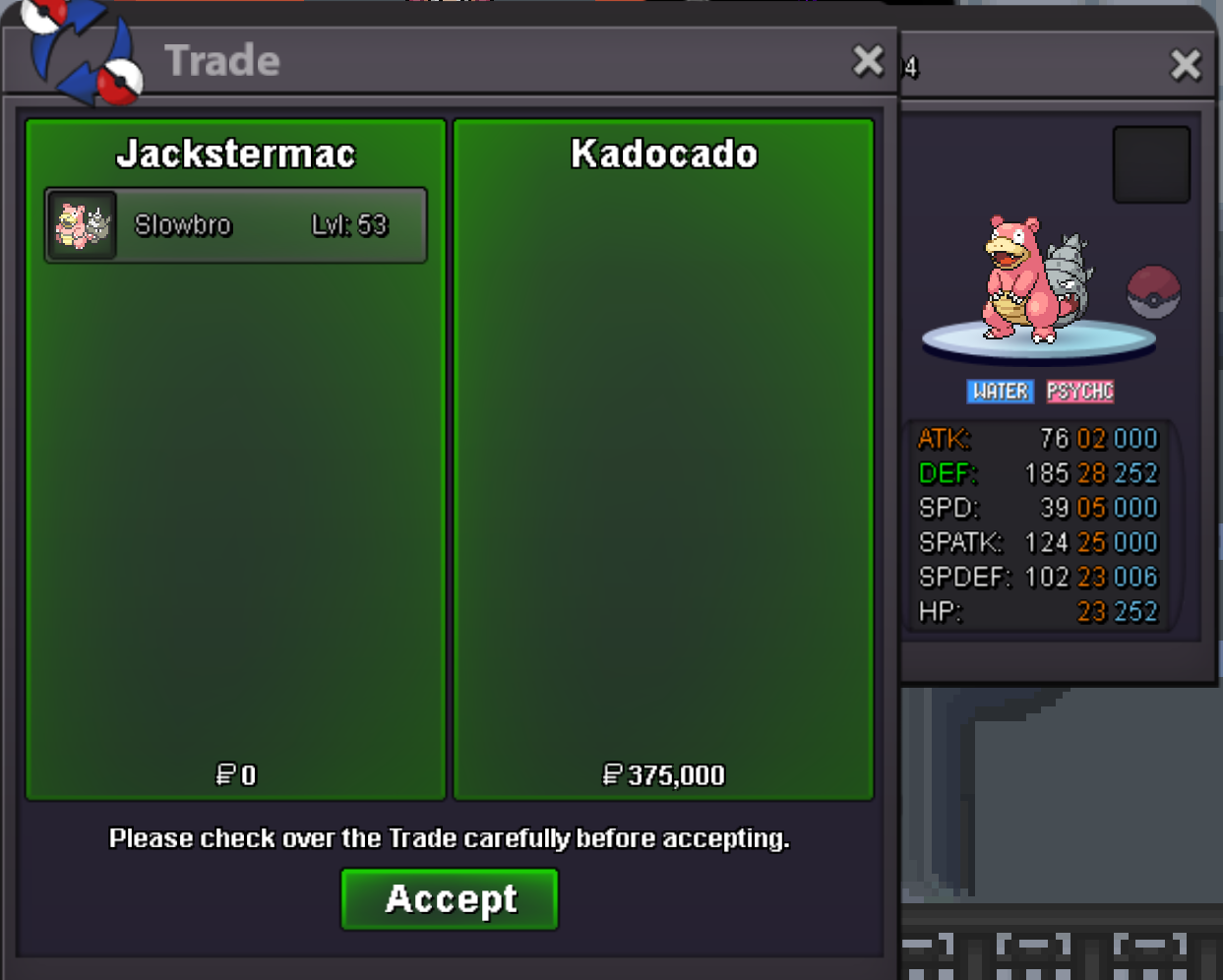
can you add a countdown to the post please? 711k Feraligatorif auction not over: 103k growlithe 223k buizel@Unbannedme - auction officially over?221k buizel200k buizel101k growlithe 702k feraligatoryou cant borrow for quest.. needs to be OTstart150k mankey@Diluguu - pm me on discord, I have a chanset + cloyster >> jackwmac@Lol1hp - pm me on discord, I have a bold pelipper >> jackwmac@Hypethecrowd - pm me on discord, I have a few of these >> jackwmac@Minhngu1508 - pm me on discord, i have one >> jackwmac@Cyanirl - On average, how much u paying for commons vs. uncommons vs. rares on your 20+ list?^Updated2.1m700k@Gigicuccu - i won 🙂 pm me on discord to coordinate trade >> jackwmacstart clef250k1.1m ditto@Gal1leo - i won, right?

Account
Navigation
Search
Configure browser push notifications
Chrome (Android)
- Tap the lock icon next to the address bar.
- Tap Permissions → Notifications.
- Adjust your preference.
Chrome (Desktop)
- Click the padlock icon in the address bar.
- Select Site settings.
- Find Notifications and adjust your preference.
Safari (iOS 16.4+)
- Ensure the site is installed via Add to Home Screen.
- Open Settings App → Notifications.
- Find your app name and adjust your preference.
Safari (macOS)
- Go to Safari → Preferences.
- Click the Websites tab.
- Select Notifications in the sidebar.
- Find this website and adjust your preference.
Edge (Android)
- Tap the lock icon next to the address bar.
- Tap Permissions.
- Find Notifications and adjust your preference.
Edge (Desktop)
- Click the padlock icon in the address bar.
- Click Permissions for this site.
- Find Notifications and adjust your preference.
Firefox (Android)
- Go to Settings → Site permissions.
- Tap Notifications.
- Find this site in the list and adjust your preference.
Firefox (Desktop)
- Open Firefox Settings.
- Search for Notifications.
- Find this site in the list and adjust your preference.