




New Trade Zone
Trade Zone is now live
Use the new Trade Zone for auctions and instant-price trades so Pokemon and item offers are easy to find.


Medu5a
Registered User
-
Joined
-
Last visited
Everything posted by Medu5a
-
Up
-
BRO YOU CAN'T DUMB EVRY 10 HOURS STOP IT YOU NEED 24 HOURS OMG
-
Can pls stop all call epic moons when you do not know what epic is? EPIC = 22+ ALL STATS GODLY 25+ ALL STATS DO NOT CALL EPIC AND GODLY CAUSE IF I SEE AGAIN ANYONE CALLING EPIC AND GODLY SOMTHING THAT IS NOT I WILL REPORT INSTA! Have a nice day all 😄
-
That dosent matter , you try sell your moon after the time of bid and you make dumb so many times when you can normally do evry 24 hours! Pls read the rules , i am not gonna make the report cause for sure the Pyndo do it so gl with stuffs(admins)
-
Is your goal top 3?
-
PM HERE AND I WILL CONTACT YOU WHEN I WILL BE ONLINE OR LEAVE A COMMENT 😄 THANKS
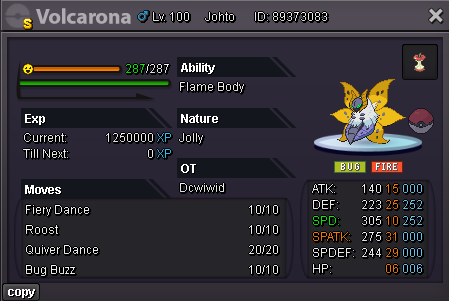
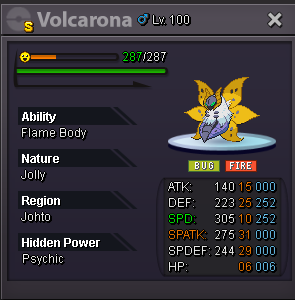 50k if i win i will transferupgible-veno claimLooking for offers (Thats not mean if you make better offer from the last one you seen i have to accept it) Thanks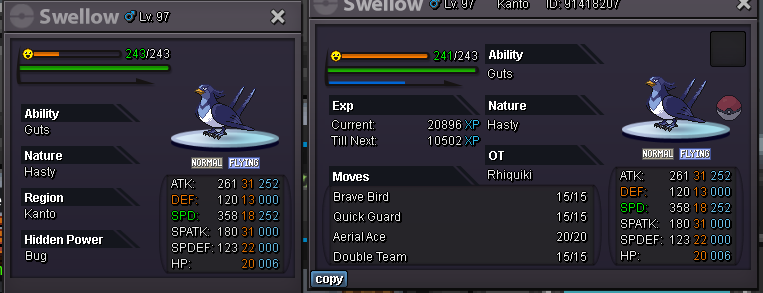
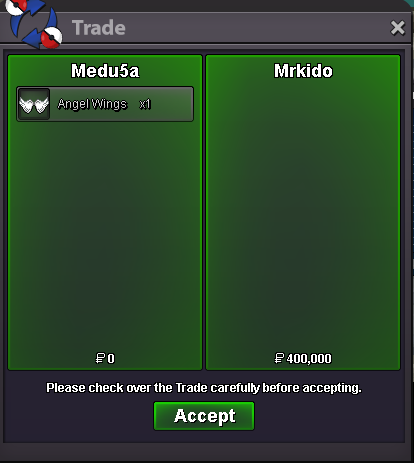
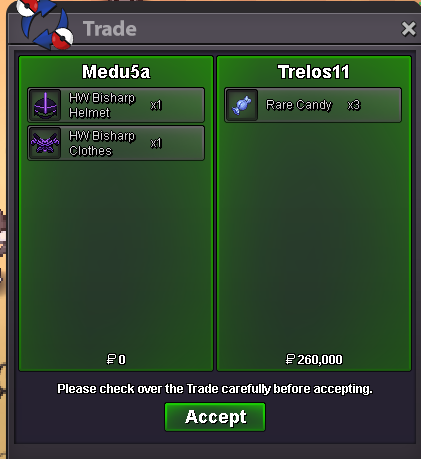
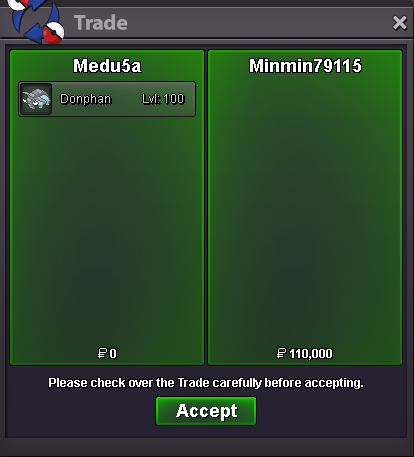
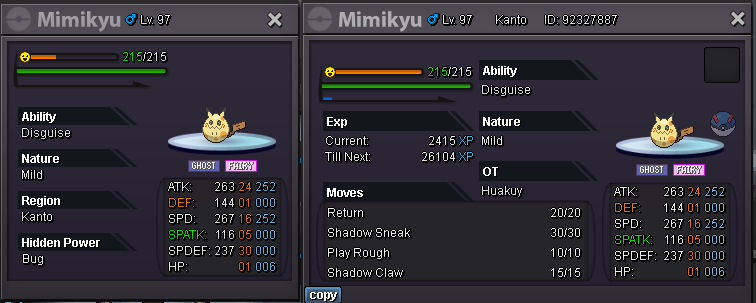 Closed for few daysUp (soon will be updated my shop)1mHope for new pokes soon 😄 nice shop brother ❤️upS.O 150K MIN BID 10K INSTA 400K 48HOURS AFTER FIRST BID Good Luck Have Fun evryone ❤️
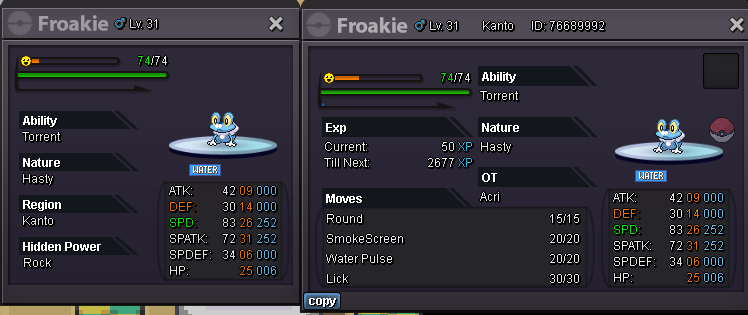 100ksemi epic its all stats near at 20 but anyway i start with 30k




Account
Navigation
Search
Configure browser push notifications
Chrome (Android)
- Tap the lock icon next to the address bar.
- Tap Permissions → Notifications.
- Adjust your preference.
Chrome (Desktop)
- Click the padlock icon in the address bar.
- Select Site settings.
- Find Notifications and adjust your preference.
Safari (iOS 16.4+)
- Ensure the site is installed via Add to Home Screen.
- Open Settings App → Notifications.
- Find your app name and adjust your preference.
Safari (macOS)
- Go to Safari → Preferences.
- Click the Websites tab.
- Select Notifications in the sidebar.
- Find this website and adjust your preference.
Edge (Android)
- Tap the lock icon next to the address bar.
- Tap Permissions.
- Find Notifications and adjust your preference.
Edge (Desktop)
- Click the padlock icon in the address bar.
- Click Permissions for this site.
- Find Notifications and adjust your preference.
Firefox (Android)
- Go to Settings → Site permissions.
- Tap Notifications.
- Find this site in the list and adjust your preference.
Firefox (Desktop)
- Open Firefox Settings.
- Search for Notifications.
- Find this site in the list and adjust your preference.