New Trade Zone
Trade Zone is now live
Use the new Trade Zone for auctions and instant-price trades so Pokemon and item offers are easy to find.

Exzxay
Registered User
-
Joined
-
Last visited
Everything posted by Exzxay
-
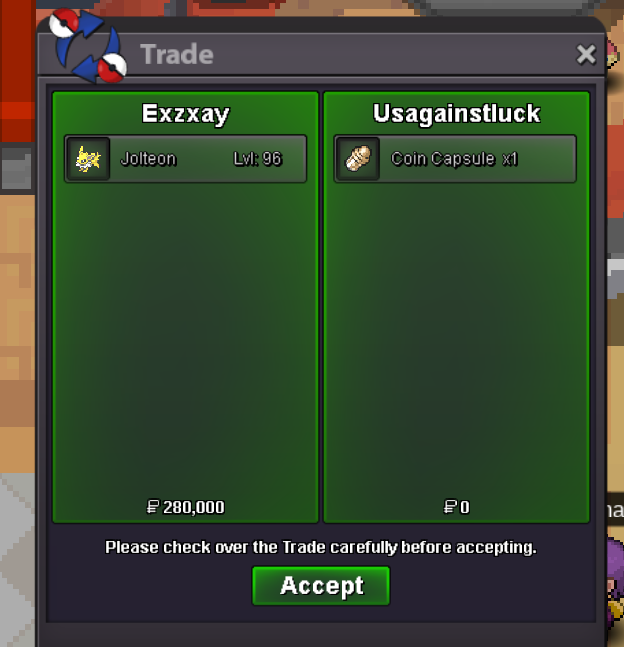
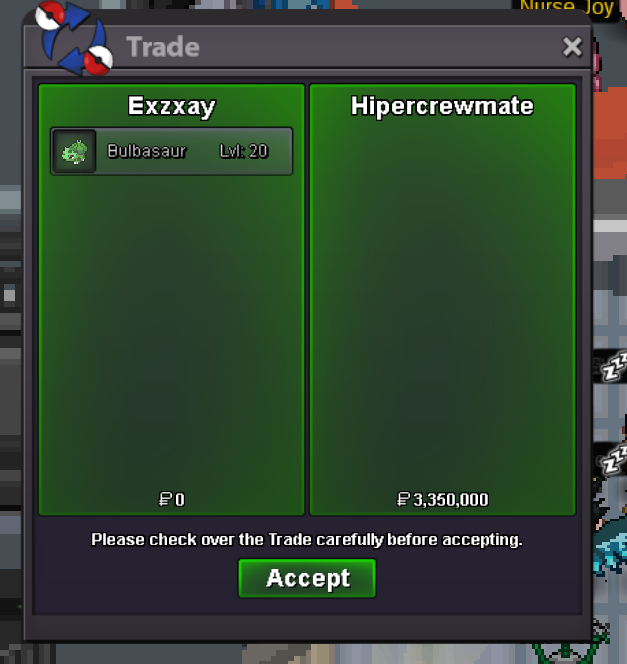
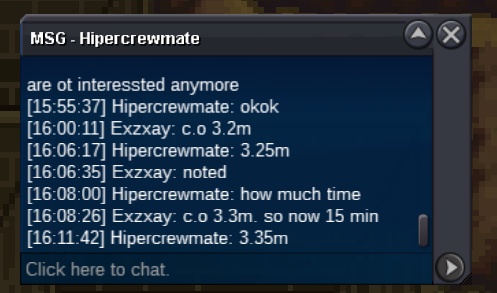
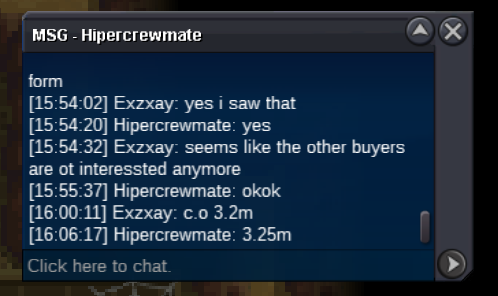
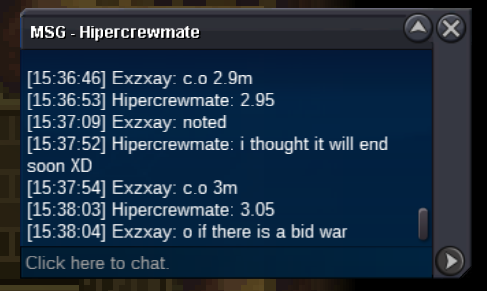
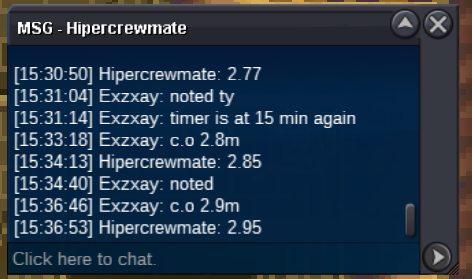
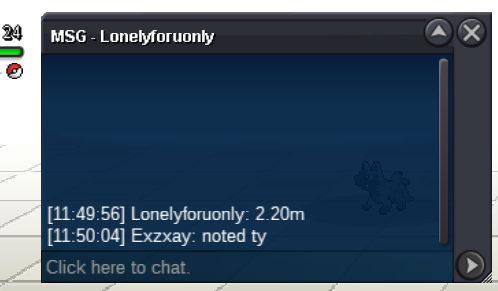
sure . pm me ingame or in case im offline feel free to pm me on discord: exzxay5m200kauction over. Hipercrewmate won with 3.35mplease make a new bid then, since technically you arent allowed to edit your bidc.o is 3.05msince the 2,76m bid was made 1 minute before the auctio ended the timer ends ow 15 min after that post(15:46 gmt+1)
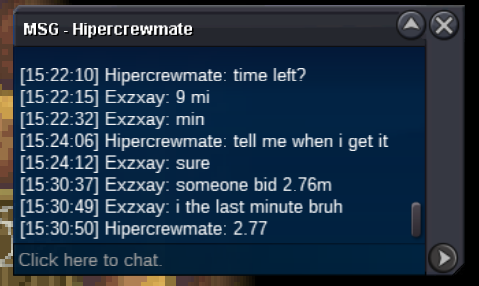 c.o is 2.3m sinnce the bidder made a mistake. I will ask a trademod if this is allowed also 18 min left
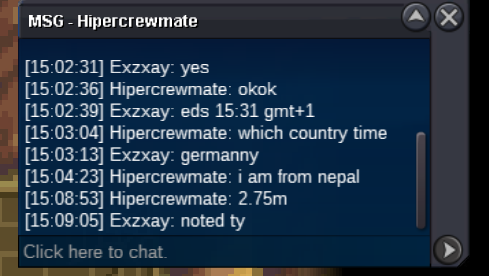
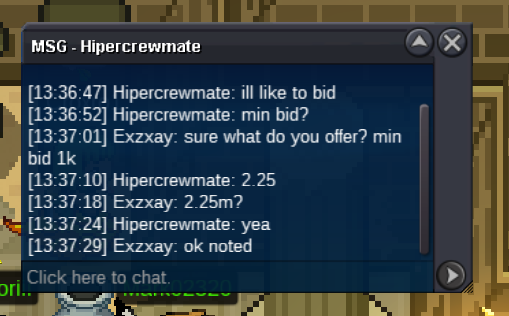
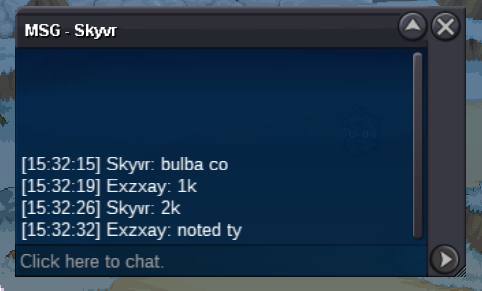
 bumpbumpbumpHi and welcome to my auction! Current Offer: 3.35m Start Offer: 1k Min bid: 1k Payment: Pokedollar and cc = 400k No insta Ends 3 days(72h) after first bid =>2.11.2023 15:31 gmt+1 ( 11/02/23 3:31 pm gmt+1) Good luck!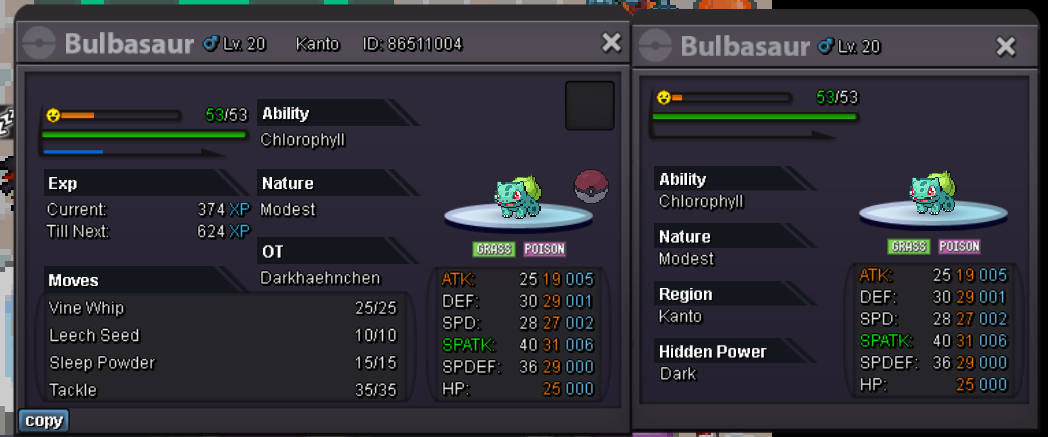
Account
Navigation
Search
Configure browser push notifications
Chrome (Android)
- Tap the lock icon next to the address bar.
- Tap Permissions → Notifications.
- Adjust your preference.
Chrome (Desktop)
- Click the padlock icon in the address bar.
- Select Site settings.
- Find Notifications and adjust your preference.
Safari (iOS 16.4+)
- Ensure the site is installed via Add to Home Screen.
- Open Settings App → Notifications.
- Find your app name and adjust your preference.
Safari (macOS)
- Go to Safari → Preferences.
- Click the Websites tab.
- Select Notifications in the sidebar.
- Find this website and adjust your preference.
Edge (Android)
- Tap the lock icon next to the address bar.
- Tap Permissions.
- Find Notifications and adjust your preference.
Edge (Desktop)
- Click the padlock icon in the address bar.
- Click Permissions for this site.
- Find Notifications and adjust your preference.
Firefox (Android)
- Go to Settings → Site permissions.
- Tap Notifications.
- Find this site in the list and adjust your preference.
Firefox (Desktop)
- Open Firefox Settings.
- Search for Notifications.
- Find this site in the list and adjust your preference.