




New Trade Zone
Trade Zone is now live
Use the new Trade Zone for auctions and instant-price trades so Pokemon and item offers are easy to find.

Exzxay
Registered User
-
Joined
-
Last visited
Everything posted by Exzxay
-
-
-
-
-
-
-
bump
-
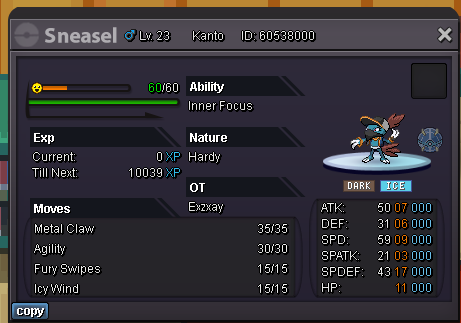
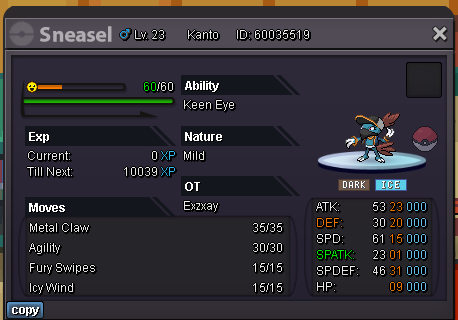
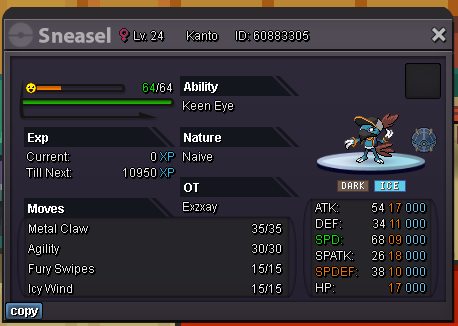
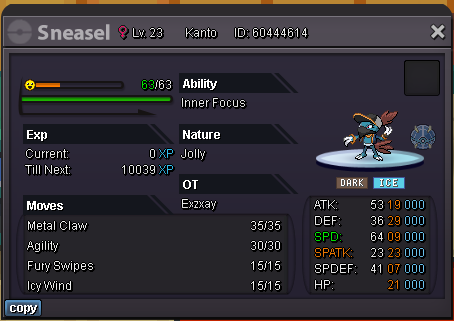
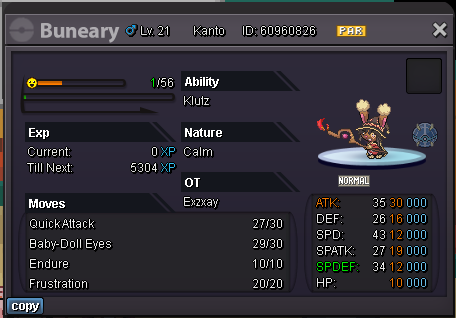
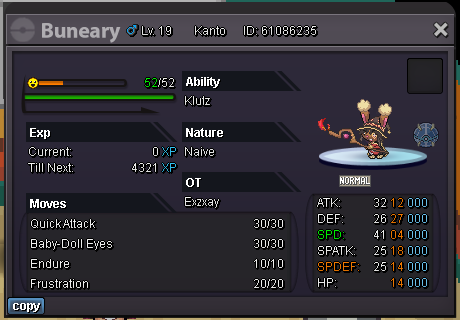
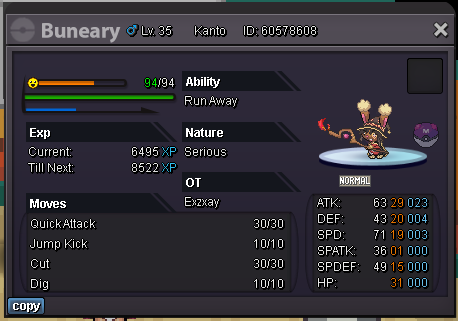
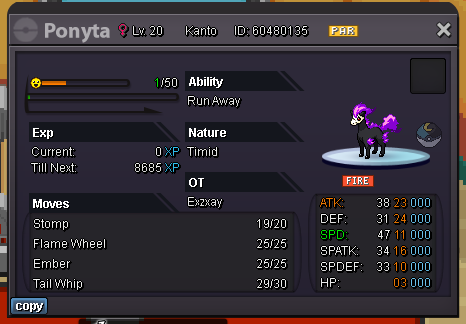
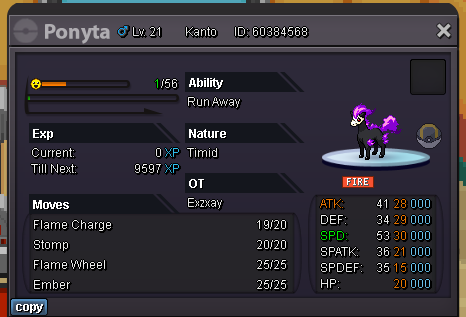
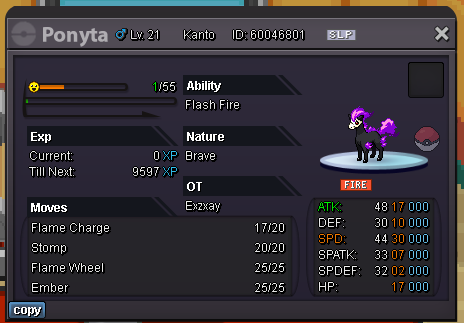
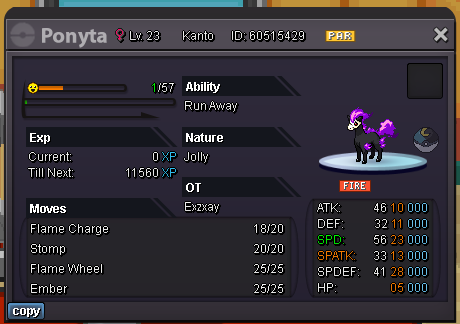
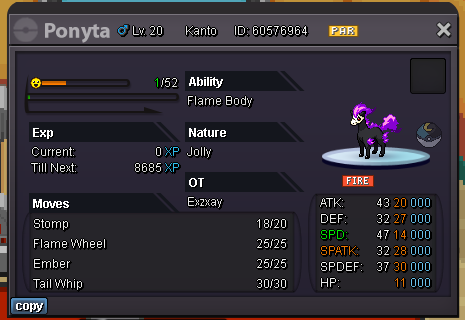
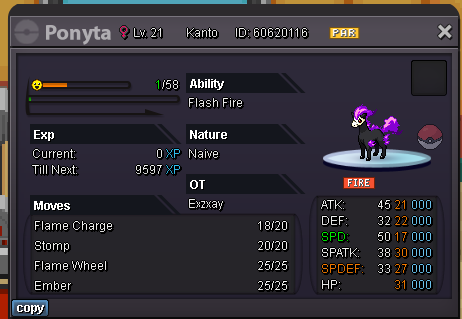
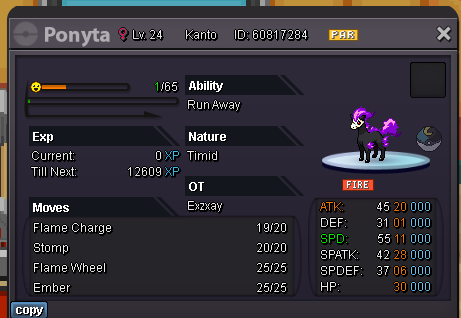
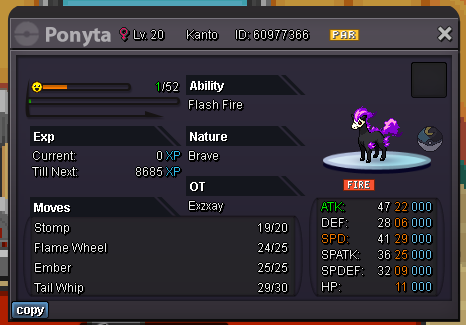
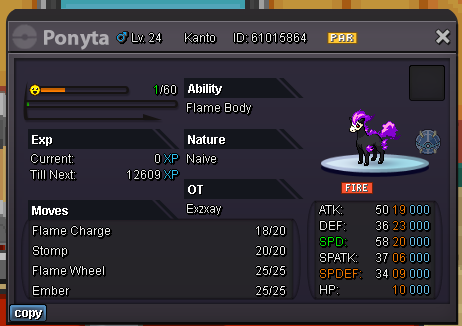
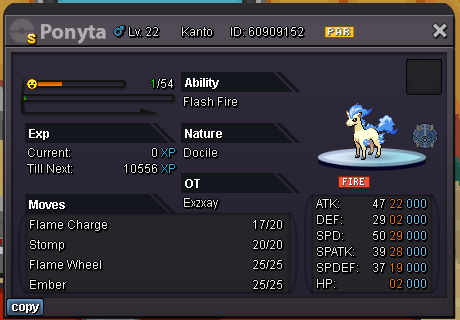
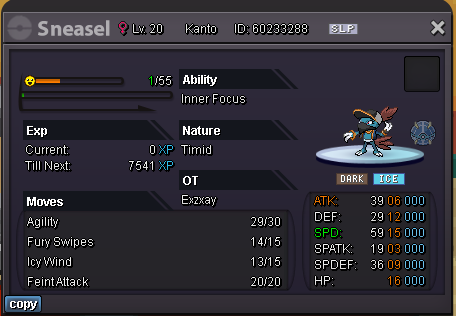
Changed some prices(buneary, some sneasels, ponyta)
-
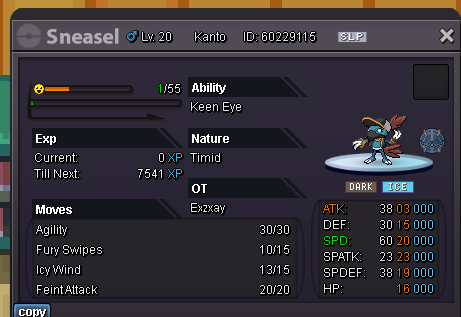
the 20 speed timid sneasel on Avanox2 secound account

-
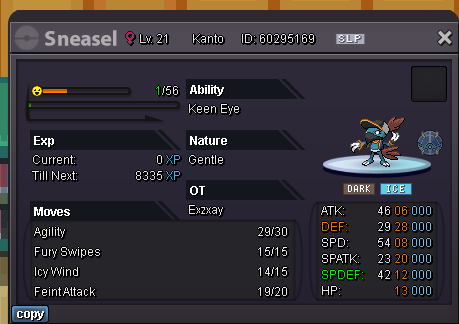
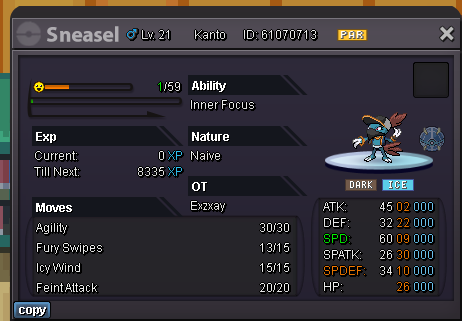
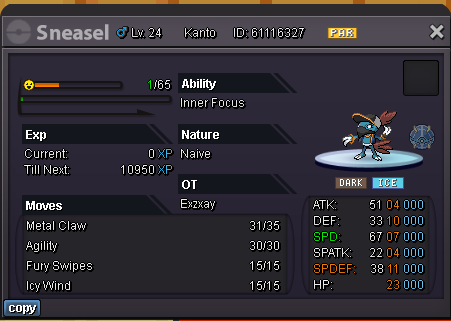
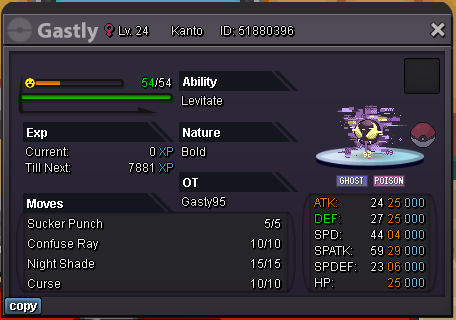
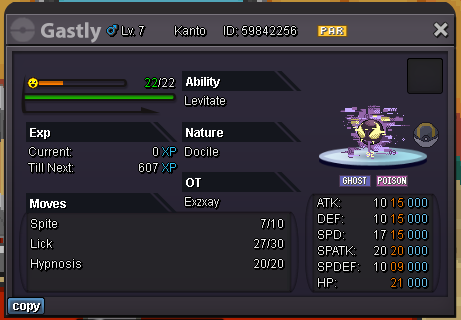
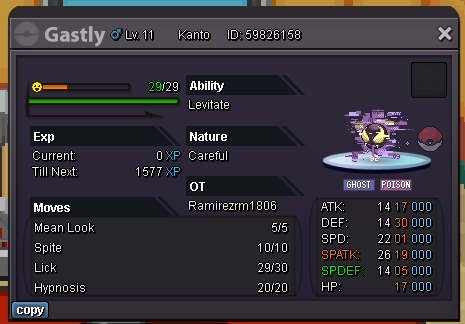
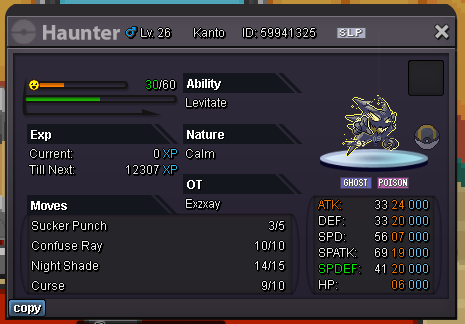
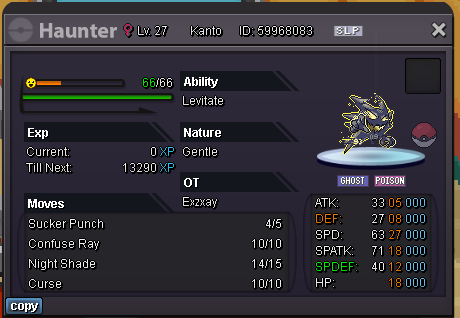
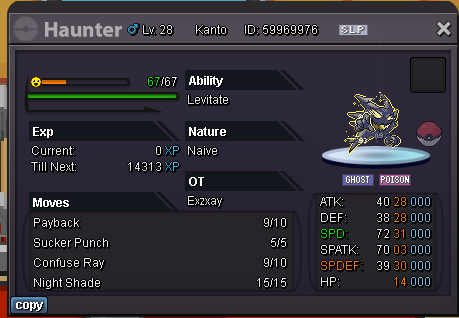
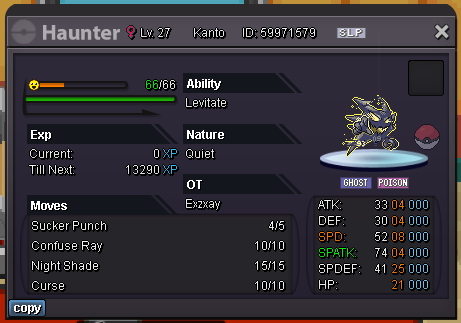
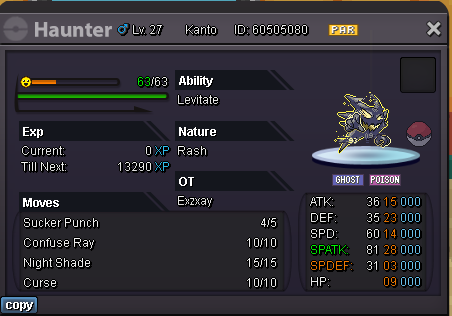
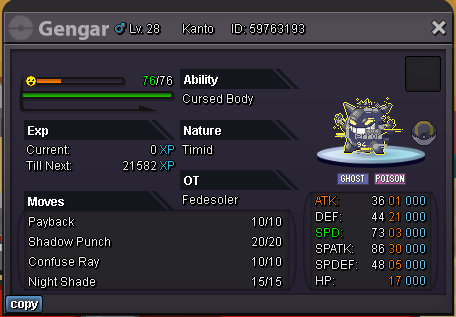
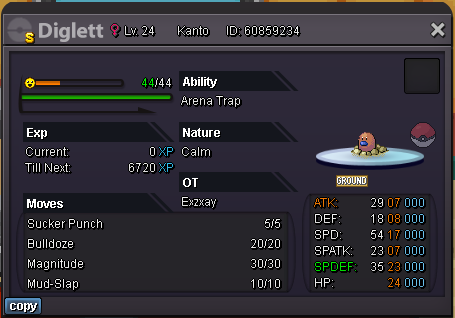
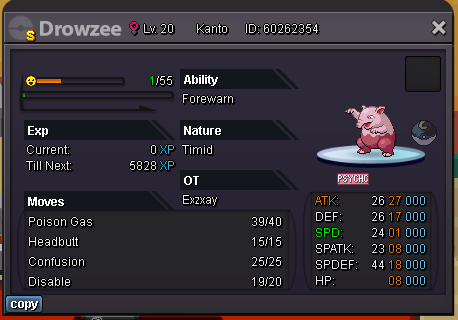
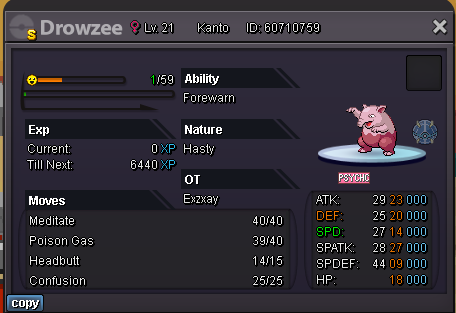
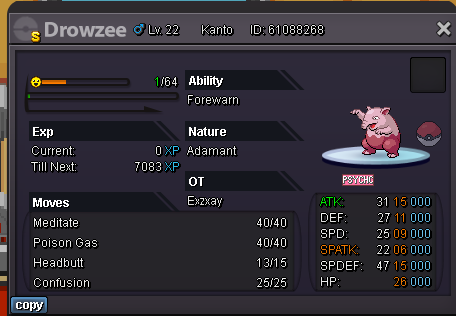
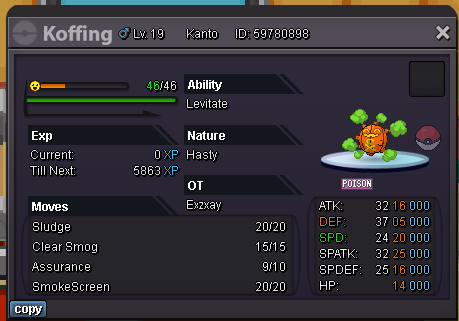
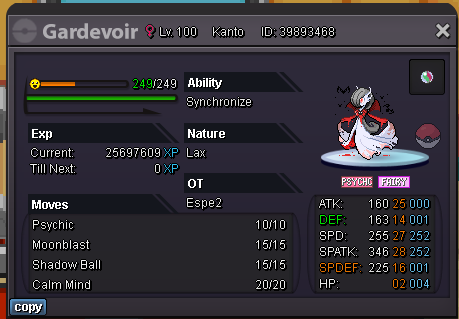
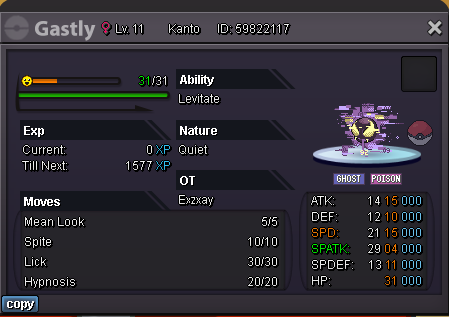
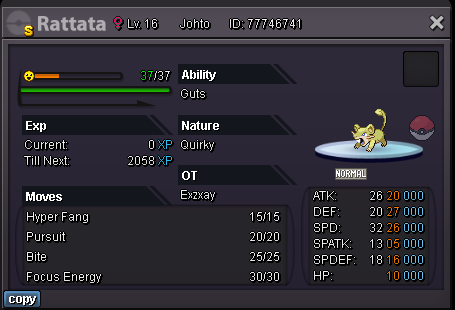
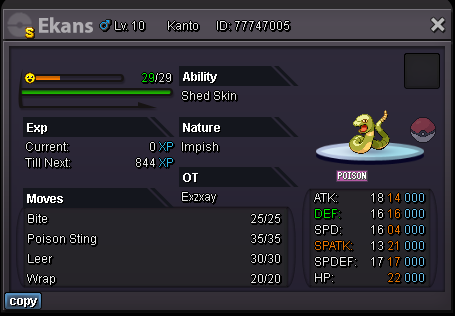
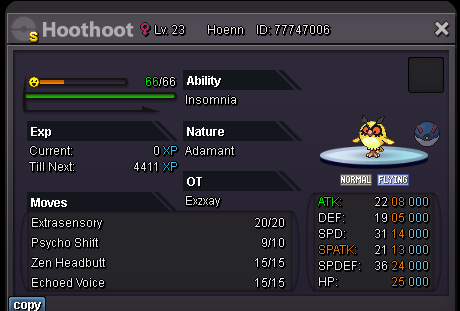
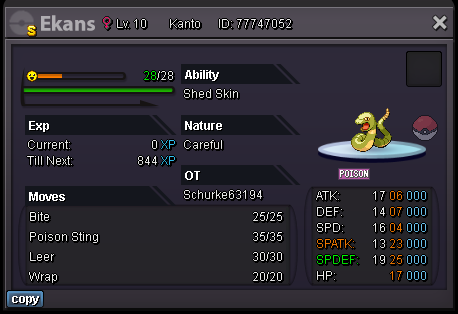
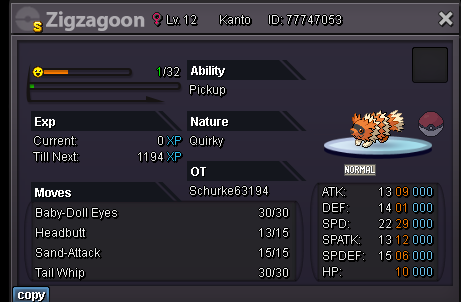
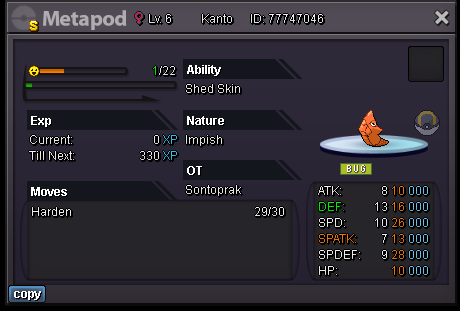
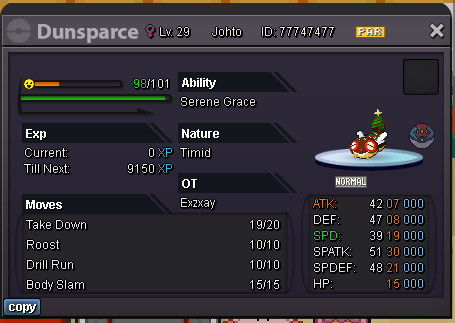
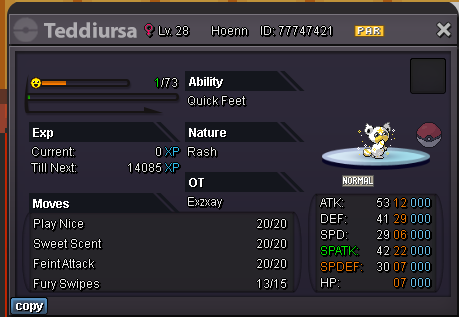
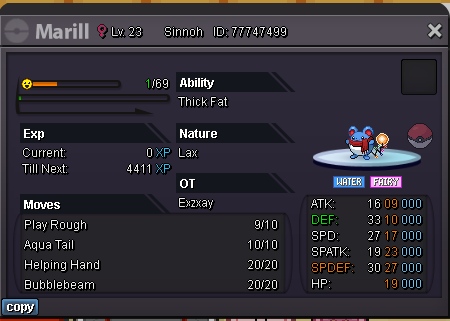
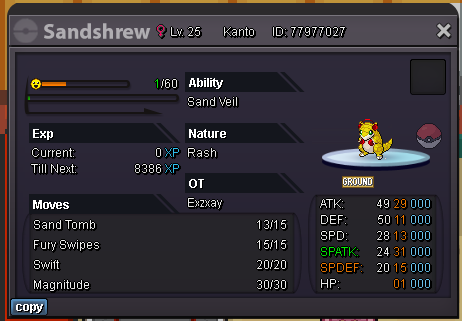
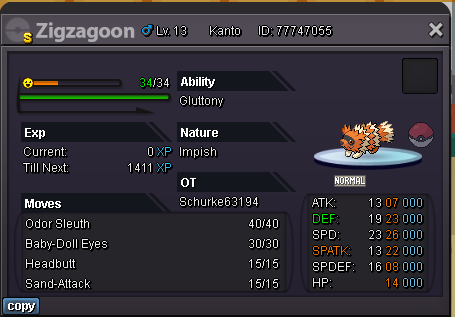
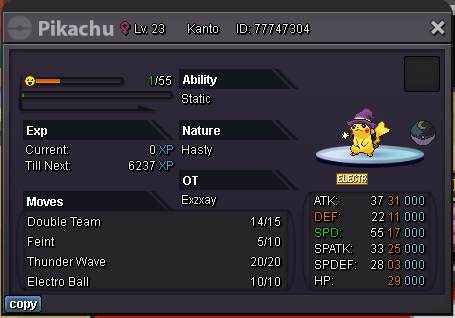
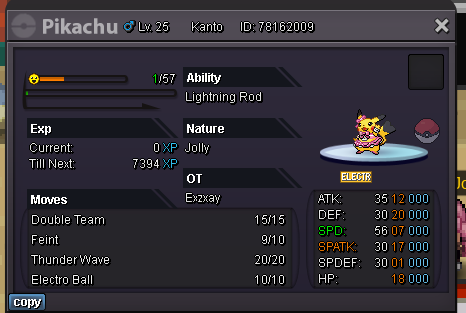
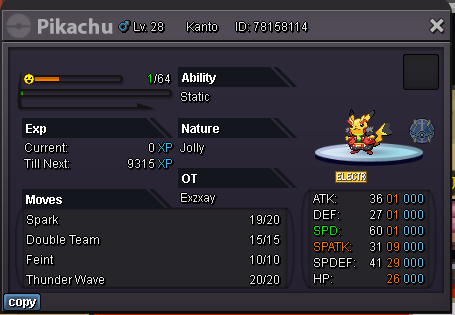
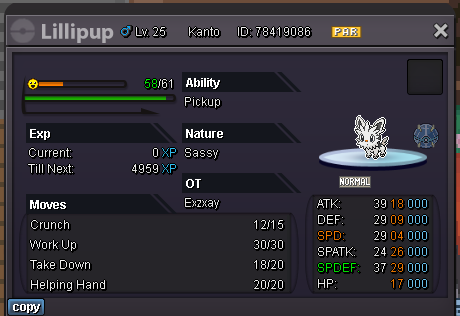
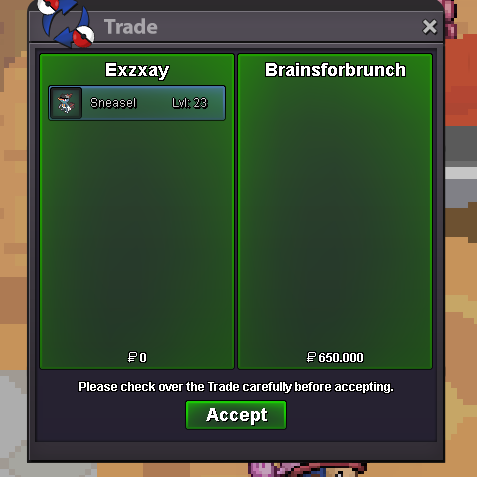
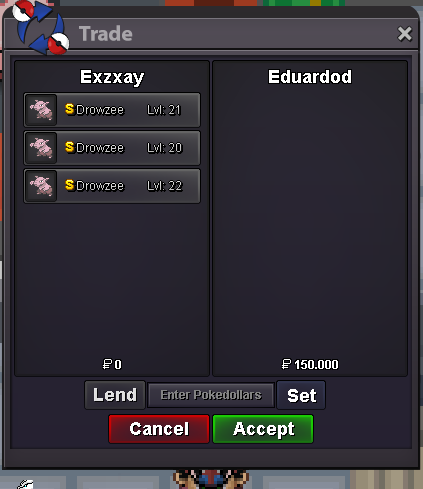
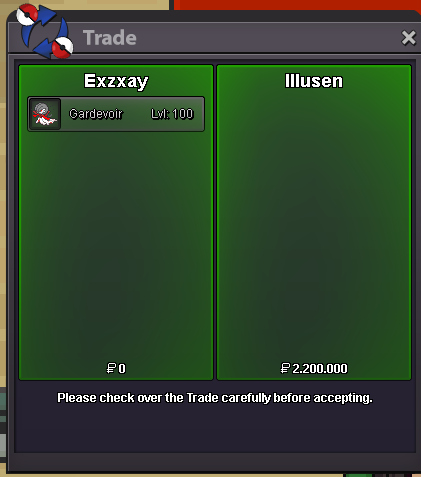
sure. are you online right now?depends on the time. I should be online around 8pm gmt+1 on saturday. if we still arent able to meet i will ask a trade mod for a forced trade@Avanox2 i have been online for 2 hours after the time you said you would be online. i will go offline now, but tomorrow im free.My name ingame is Exzxay, but you can also pm me on discord in case im not online in 1,5 hours. discord: Exzxay#1809on my way@Lustbugdeal. are you onlie right now?sure. are you onnline right now?i dont know man. got 11 sneasels, 5 bunnearys and 1 larvesta this halloween2.1m if you buy all. i dont give just a million for freeHello and welcome to my shop! I sell all these forms and shinies, most of them ot You can offer me with cc (350k), rc(7k), RARE shinies or forms and cash If you want to buy something pm me on Discord: Exzxay#1809 or Ingame: Exzxay. You can also post here, but keep in mind, that i will react on Discord faster. Also do not pm me on forum. If you are intewrested in PvP and PvE mons, check out my shop:https://pokemonrevolution.net/forum/topic/208999-exz-pvp-and-pve-shop-412023/ Currently closed! Halloween Xmas Some Pikachus Shinies My Wishlist Sold
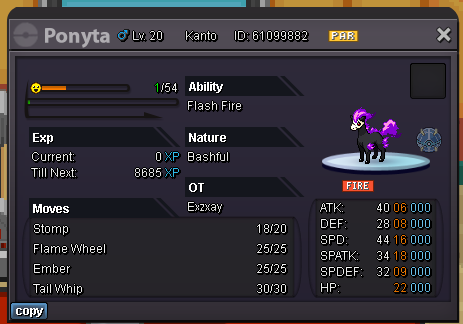
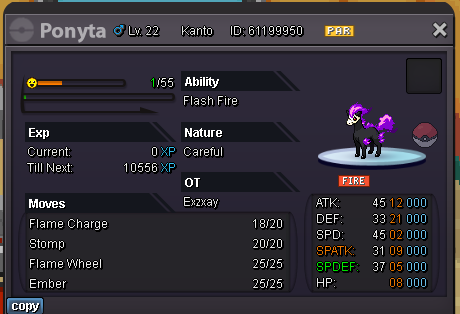
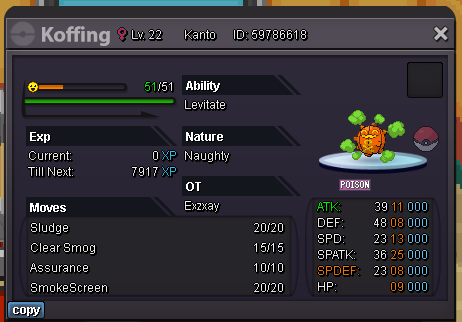
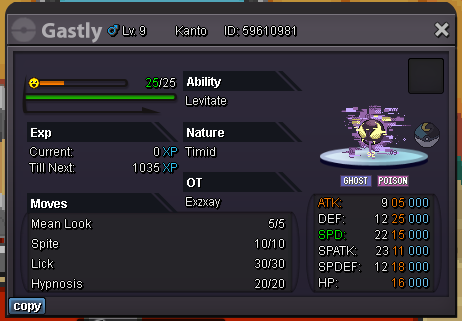
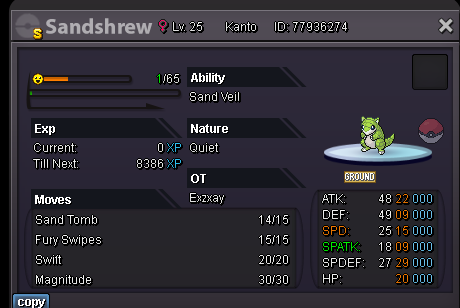
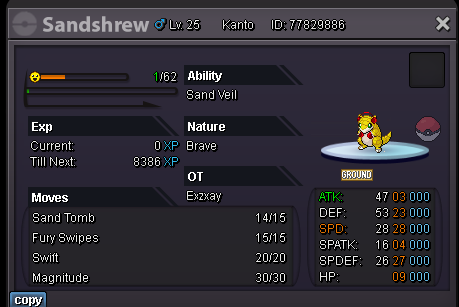
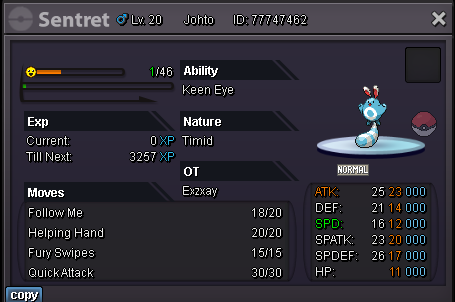
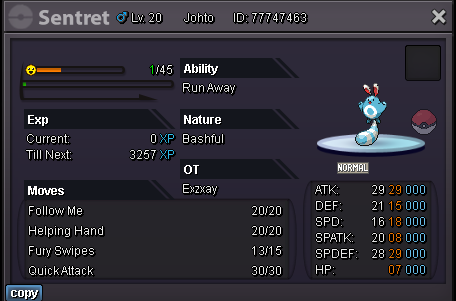
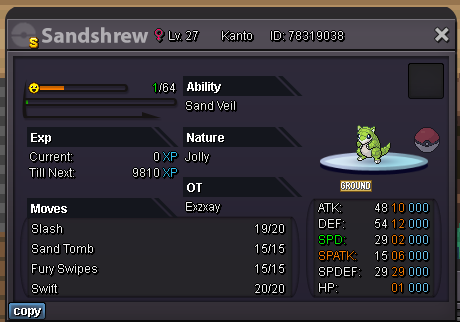
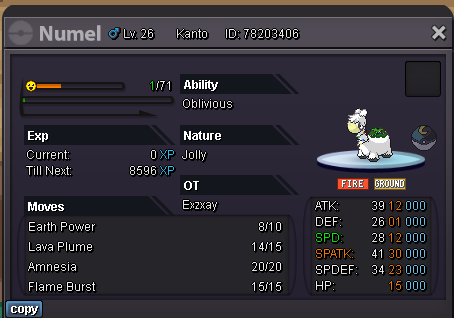
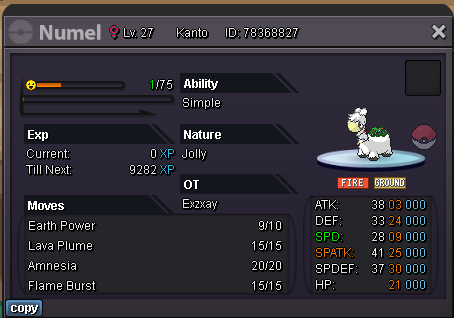
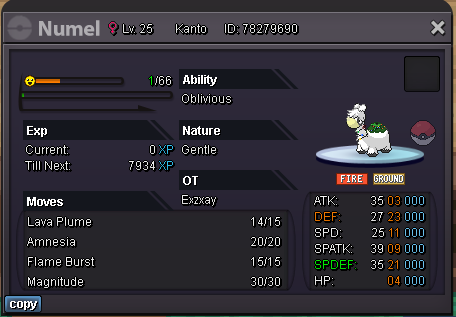


Account
Navigation
Search
Configure browser push notifications
Chrome (Android)
- Tap the lock icon next to the address bar.
- Tap Permissions → Notifications.
- Adjust your preference.
Chrome (Desktop)
- Click the padlock icon in the address bar.
- Select Site settings.
- Find Notifications and adjust your preference.
Safari (iOS 16.4+)
- Ensure the site is installed via Add to Home Screen.
- Open Settings App → Notifications.
- Find your app name and adjust your preference.
Safari (macOS)
- Go to Safari → Preferences.
- Click the Websites tab.
- Select Notifications in the sidebar.
- Find this website and adjust your preference.
Edge (Android)
- Tap the lock icon next to the address bar.
- Tap Permissions.
- Find Notifications and adjust your preference.
Edge (Desktop)
- Click the padlock icon in the address bar.
- Click Permissions for this site.
- Find Notifications and adjust your preference.
Firefox (Android)
- Go to Settings → Site permissions.
- Tap Notifications.
- Find this site in the list and adjust your preference.
Firefox (Desktop)
- Open Firefox Settings.
- Search for Notifications.
- Find this site in the list and adjust your preference.