New Trade Zone
Trade Zone is now live
Use the new Trade Zone for auctions and instant-price trades so Pokemon and item offers are easy to find.

Z4ngad0
Registered User
-
Joined
-
Last visited
Everything posted by Z4ngad0
-
+1
-
2° Metang 1.9m
-
-
Now I’ve downloaded a new patch and apparently everything is fine 🙂
-
If I relog, it’s still bugged. I have to fully close the game and open it again for it to disappear, but at least it’s playable 🙂
-
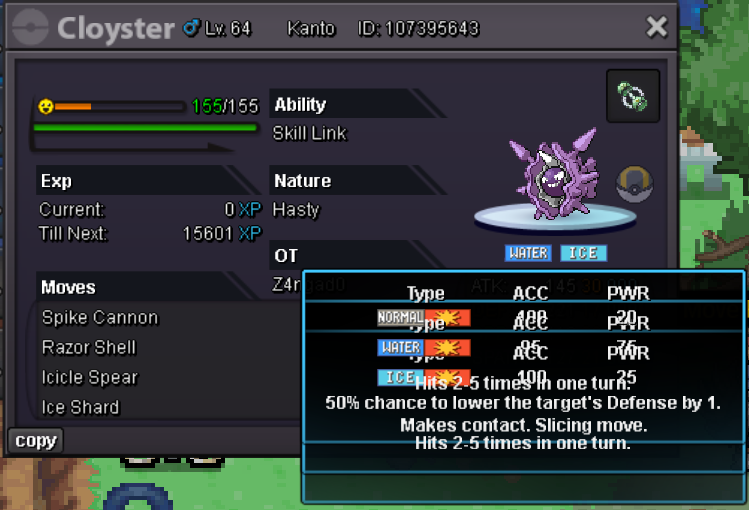
The RAM issue has been resolved. A new bug has appeared with the moves: when you read a move’s description, it doesn’t disappear. Even if you deselect the Pokémon and select it again, it still shows the old description.
-
I’ve already tried antivirus and changing the settings, but nothing changes. I’m going to stop playing because it’s unbearable. Goodbye for now
-
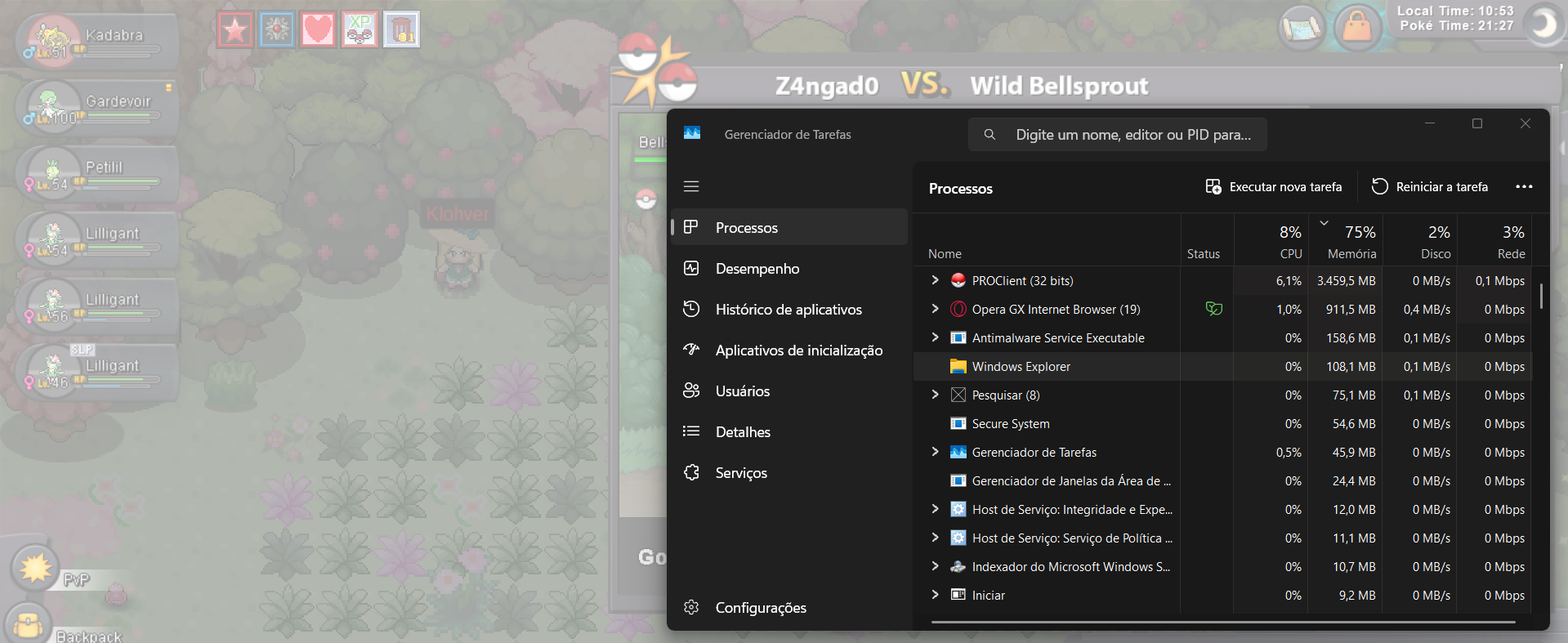
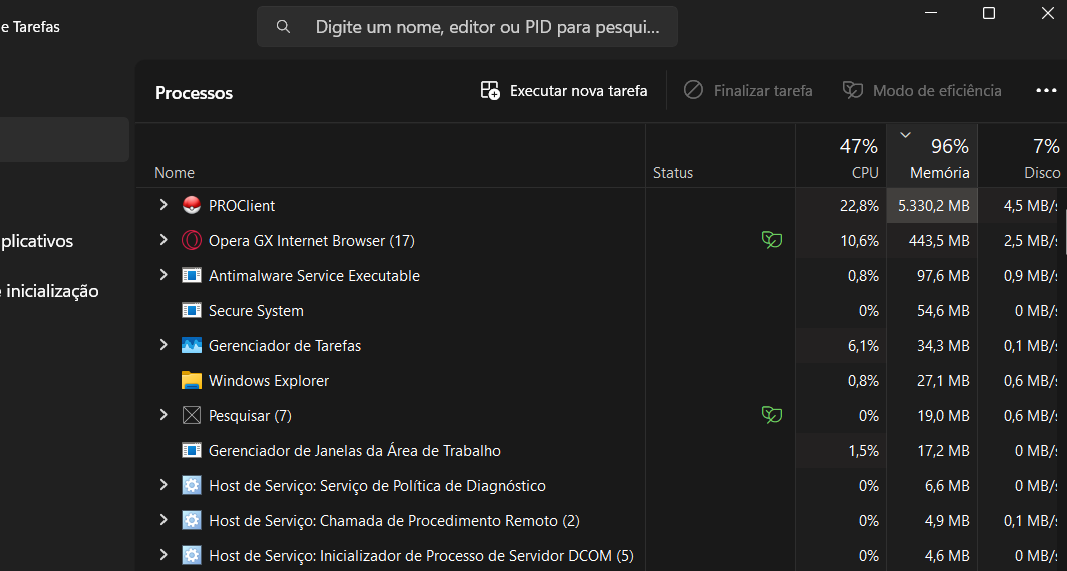
I uninstalled the 64-bit version of PRO and installed the 32-bit version to test it. It reached a peak of 3.4GB of memory usage and froze.
-
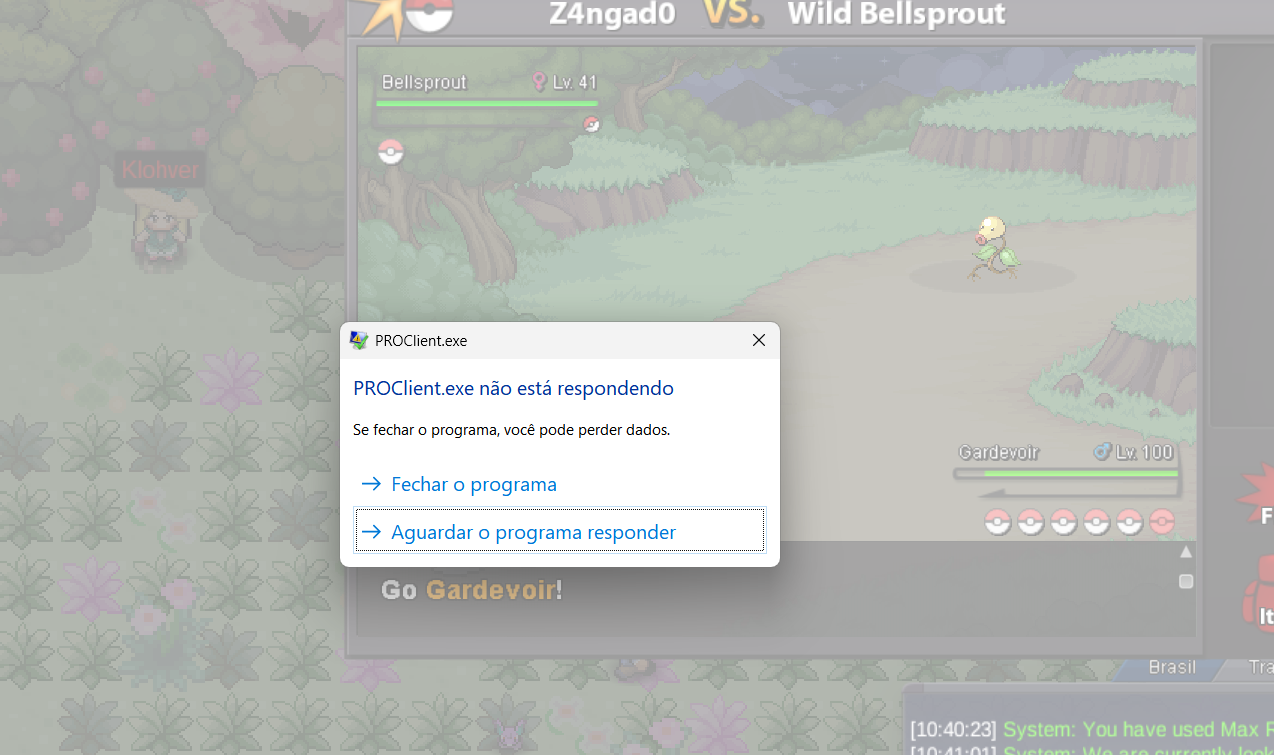
I've also noticed that I'm unable to exit the game normally. When I click 'Quit' on the login screen, the game stops responding.
-
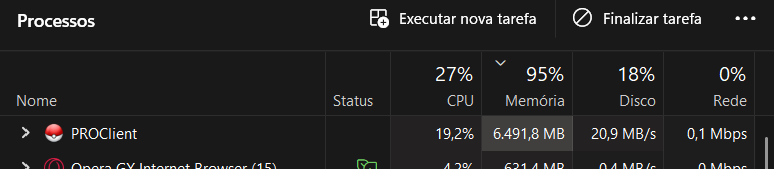
Hello. The PRO is using an abnormal amount of memory. I already deleted the game and downloaded it again, but it’s still the same. Sometimes it spikes to over 6GB of memory and causes some lag in the game.
 start1.3m3.5m3m+9k .-.1.1mstart1.6mstart