




New Trade Zone
Trade Zone is now live
Use the new Trade Zone for auctions and instant-price trades so Pokemon and item offers are easy to find.

Evan1011
Registered User
-
Joined
-
Last visited
Everything posted by Evan1011
-
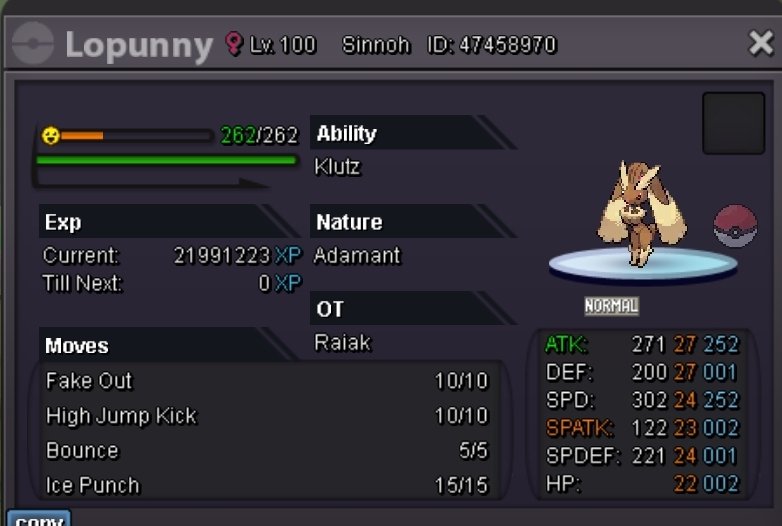
So:150k Min bid : 10k insta: 825k ends 24 hours after the first bid
-
And sold
-
Flying
-
15 minute extension as usual guys lol
-
You got that in the final SECONDS 😂
-
5 minutes 👀
-
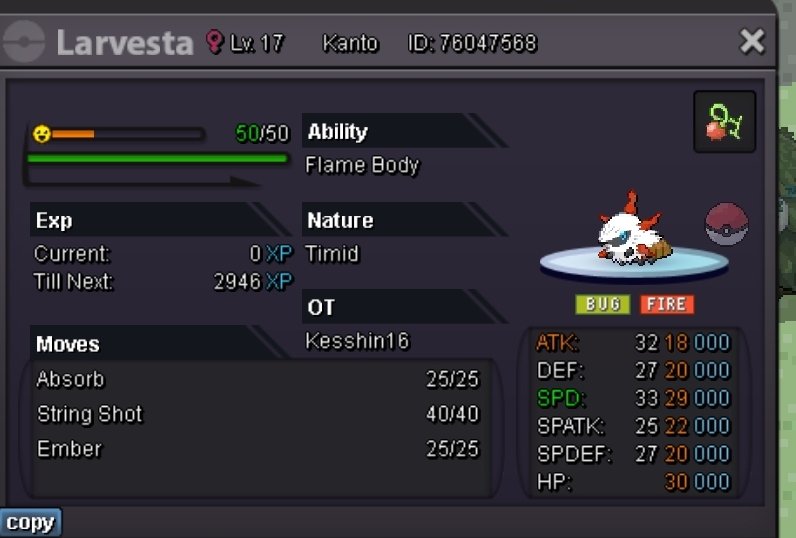
So :200k Min bid: any amount Hour starts after first bid.
-
Any bids after this point via forum trade rules will automatically start a 15 minute timer until the final bid has been posted for 15 minutes
-
30 minutes left
-
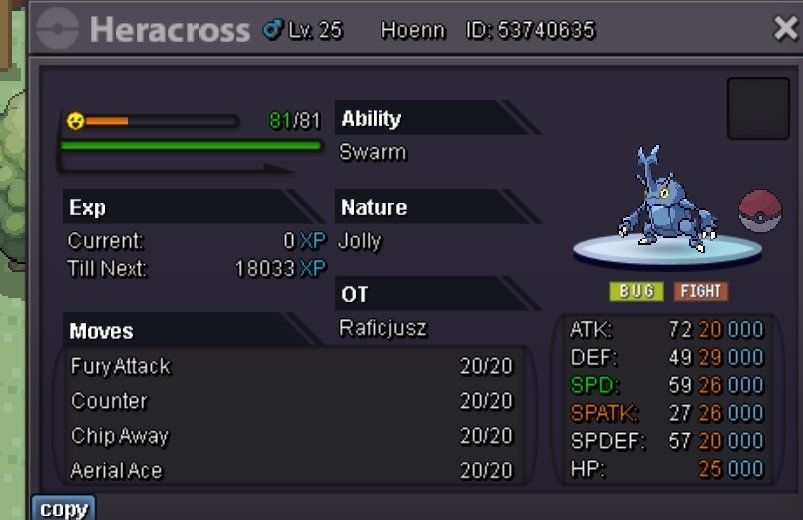
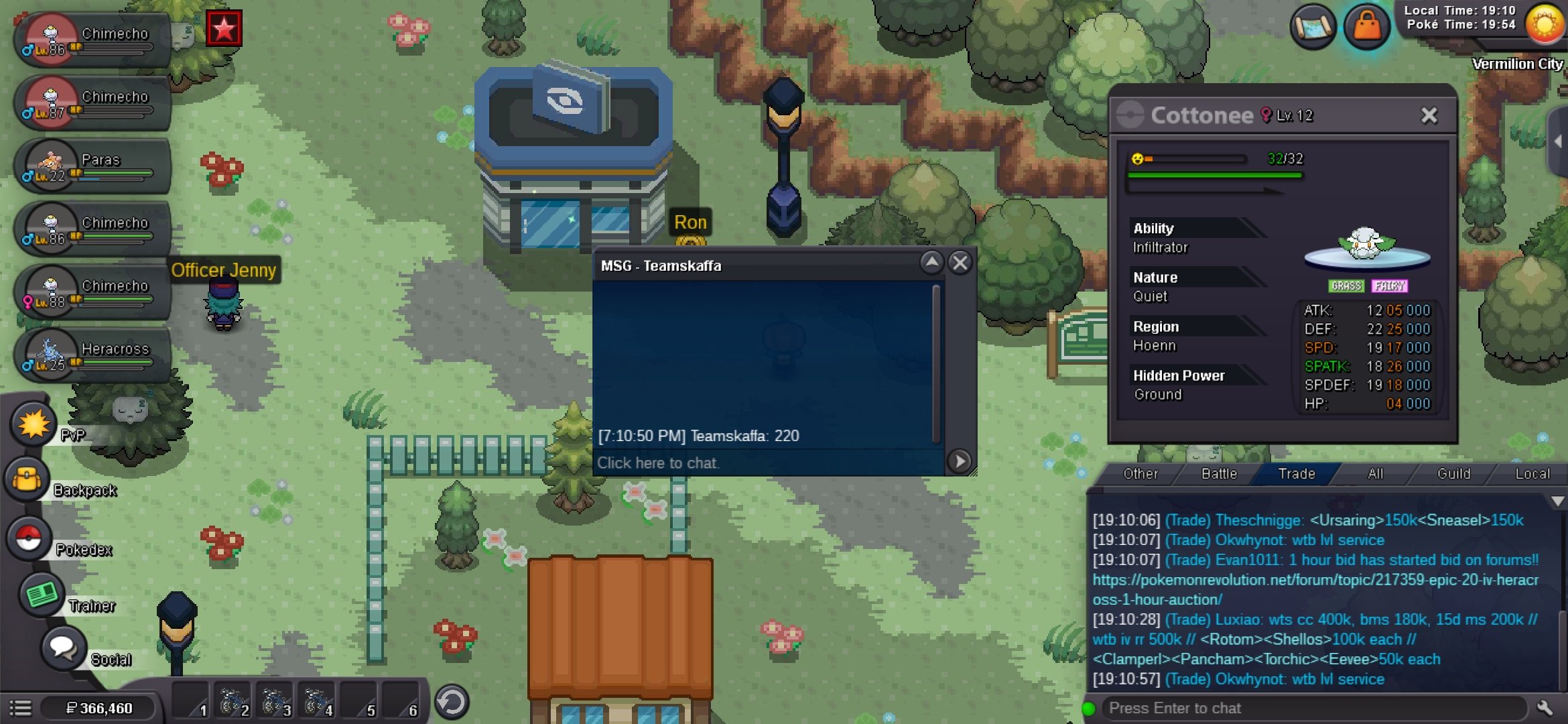
So 200k Min bid: any amount No insta Hour starts after first bid Updated 210k Updated 220k

-
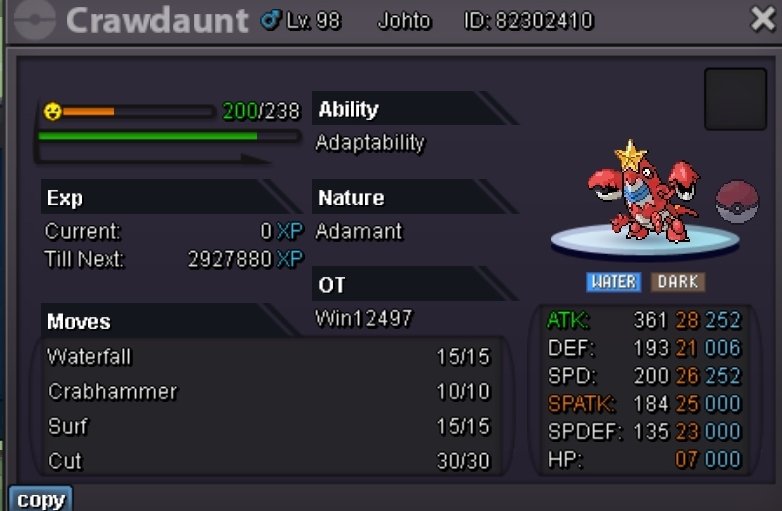
So : 250k Min bid 10k Insta :900k ends 24 hours after the first bid (+ 15 minute extension after every bid within the final 15 minutes )
-
Am on now, I messaged you on discord
-
You have won 🙂
-
Yes I will be on shortly to make the exchange, have to drive home
-
So: 100k Min bid 15k Insta 500k Ends 12 hours after first bid

-
I win 🙂
-
The way you worded it in the post made it seem like it was 2 poke in 1 auction, for that reason I'd like to withdraw
-
120k
-
Just saw its already 100k so 150k on marowak
-
-
-
-
-
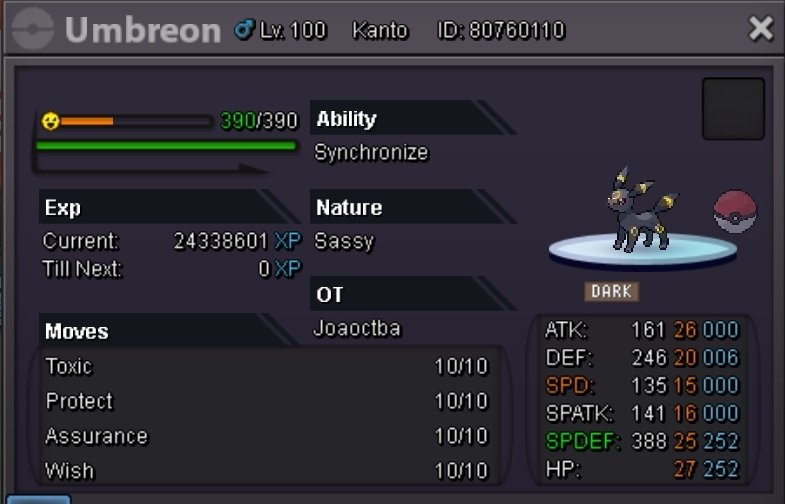
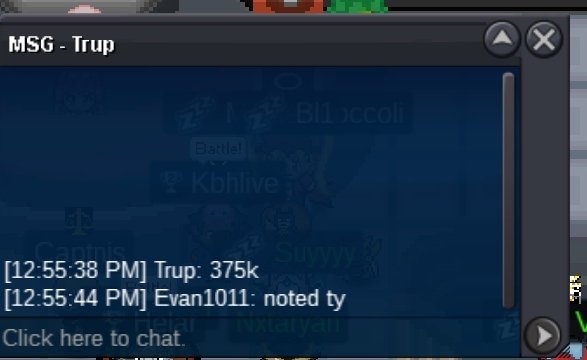
Welp this one hurts cause it's my personal favorite but time to invest 😭 So:350k Co:550k by Actavistt Min bid: 25k Insta 1.2 mil Ends 12 hours after the first bid.

-
What does that mean?

