New Trade Zone
Trade Zone is now live
Use the new Trade Zone for auctions and instant-price trades so Pokemon and item offers are easy to find.

Evan1011
Registered User
-
Joined
-
Last visited
Everything posted by Evan1011
-
Im confused did a bid get withdrawn?
-
I would but buying beldum , leveling and ev training it cost me 125k, so 130 is least id take
-
-
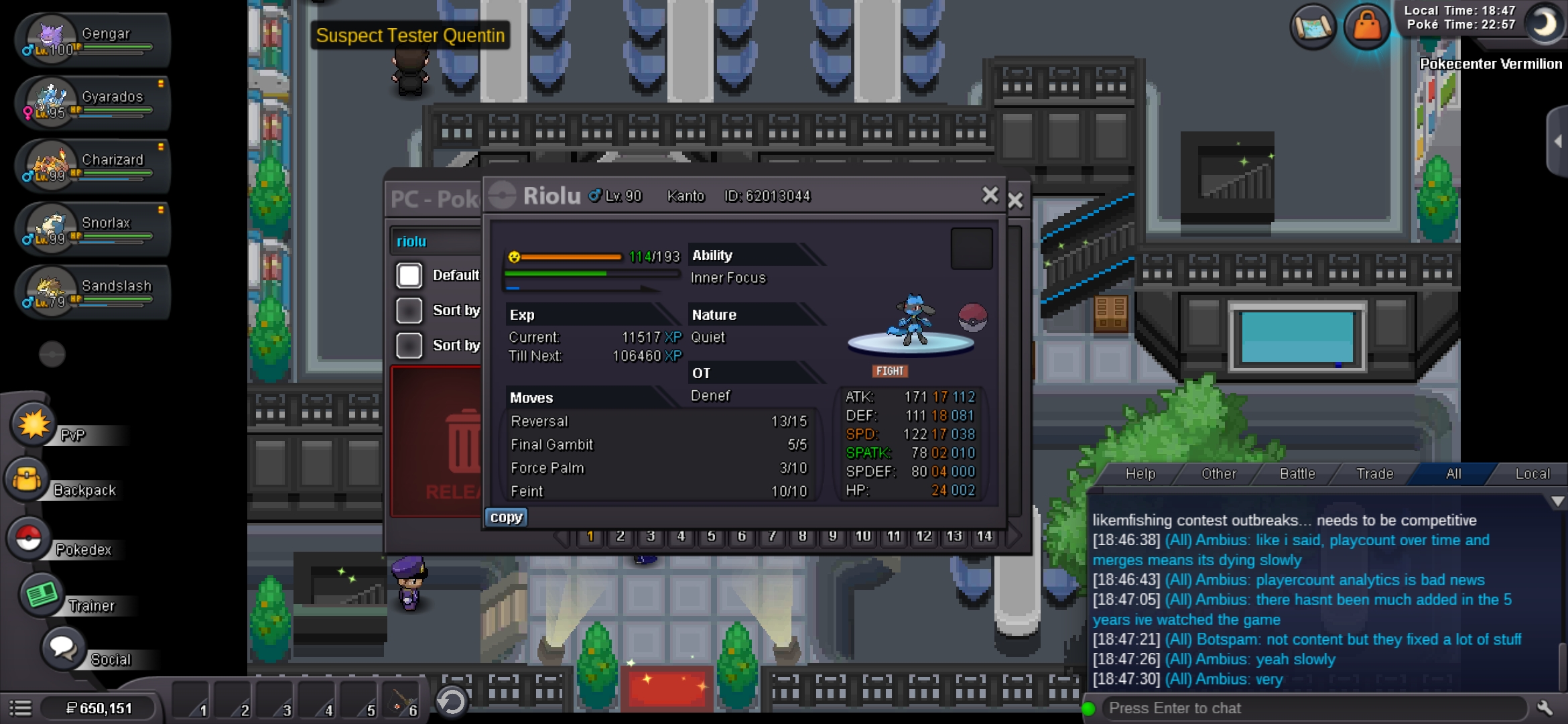
So: 130k Min bid: 10k Insta :300k ends 24 hours after first bid
-
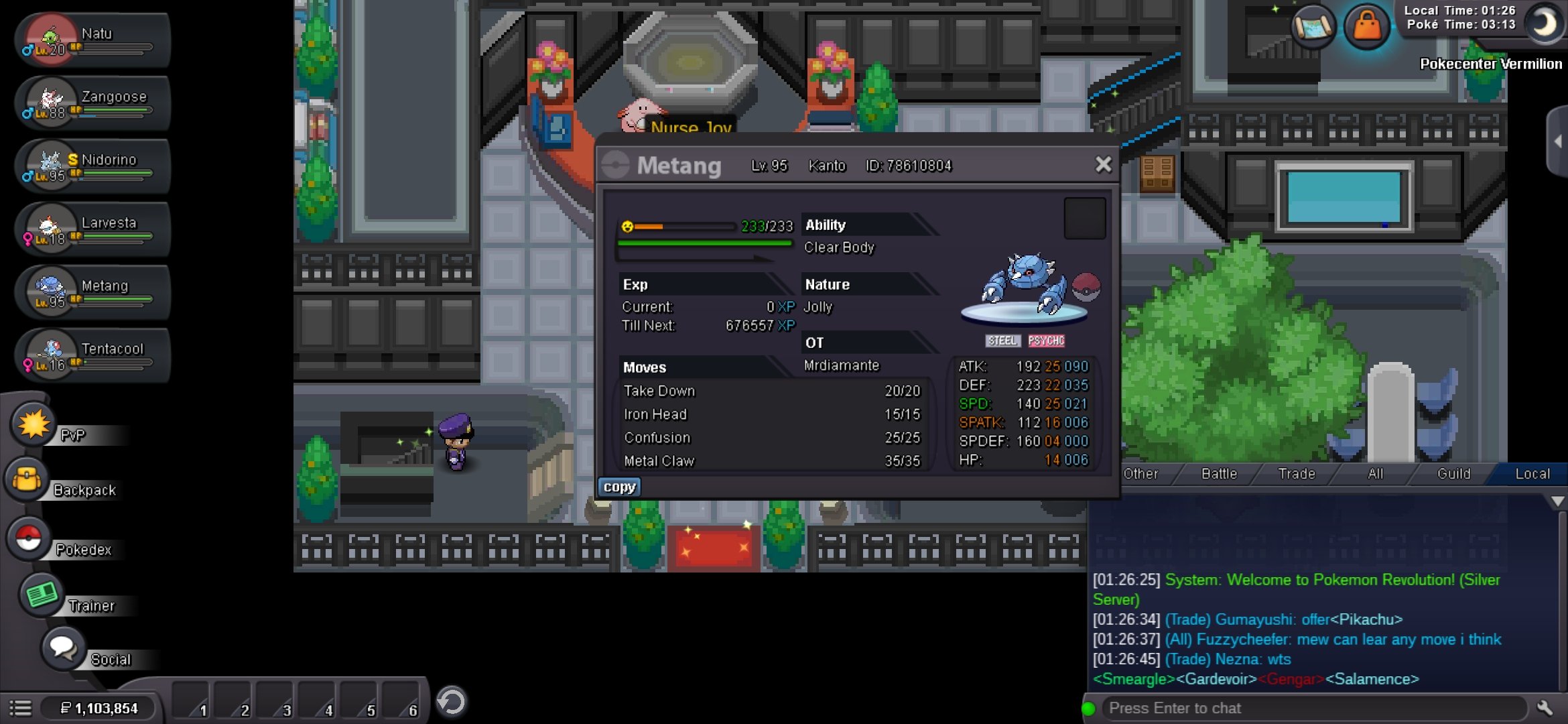
Co: 100k by acetzy So: 100k Min bid 20k No insta Ends 24 hours 1:25 eastern time no extension

-
Start
-
Will end 11 pm eastern time tomorrow (approximately 24 hours) , no extensions. Co: 200k acetzy So:200k Min bid: 20k Insta: 860k
-
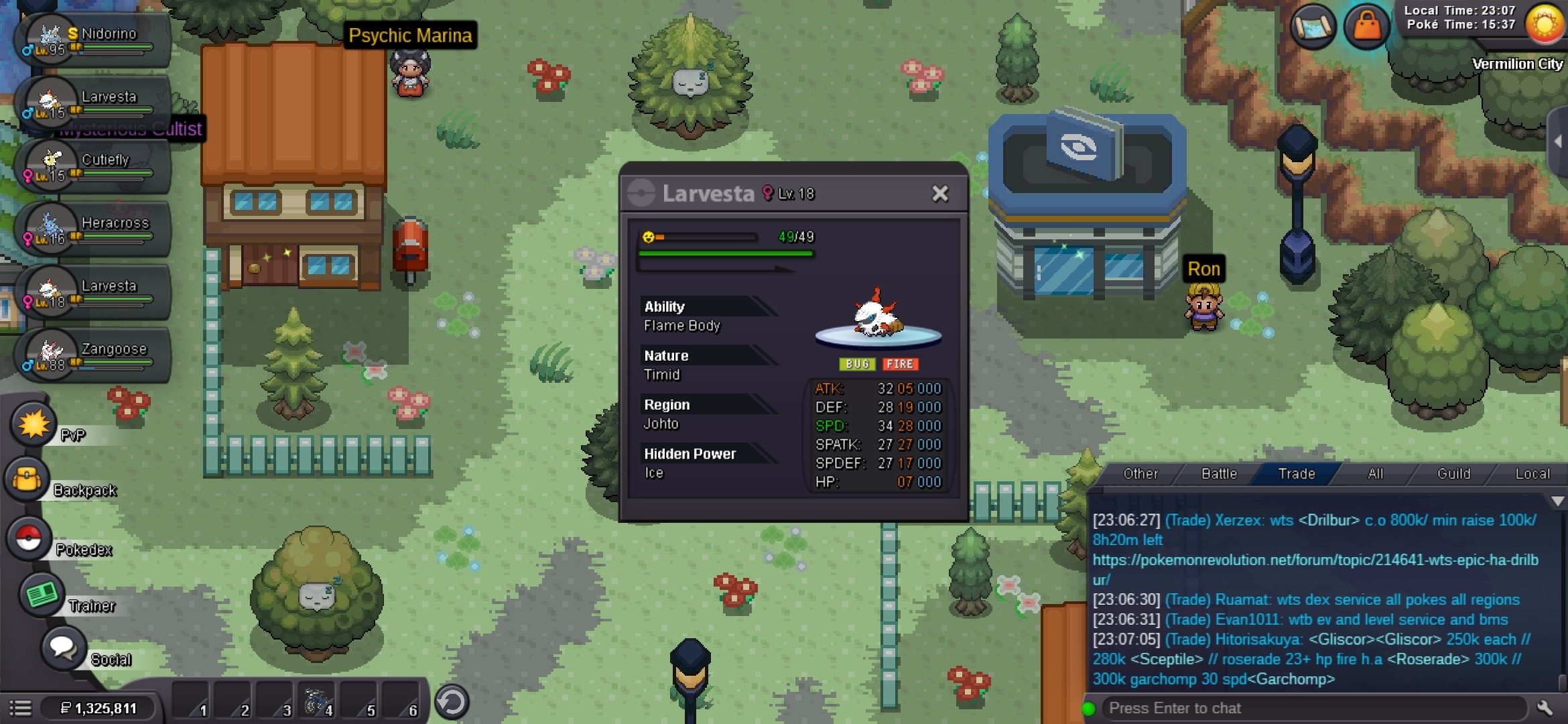
Ends 48 hours after the first bid Co: none So: 1.1m Min bid: 25k Insta: 3m

-
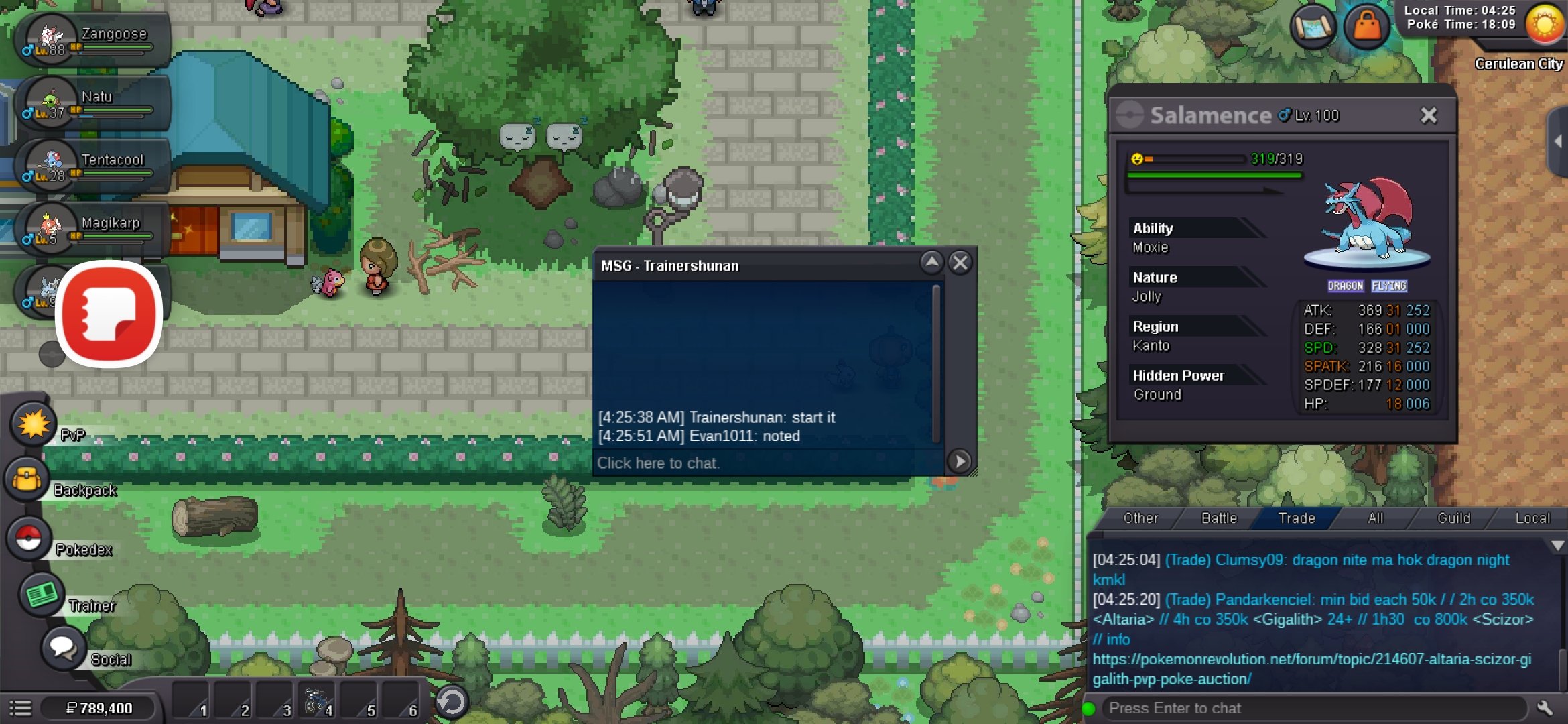
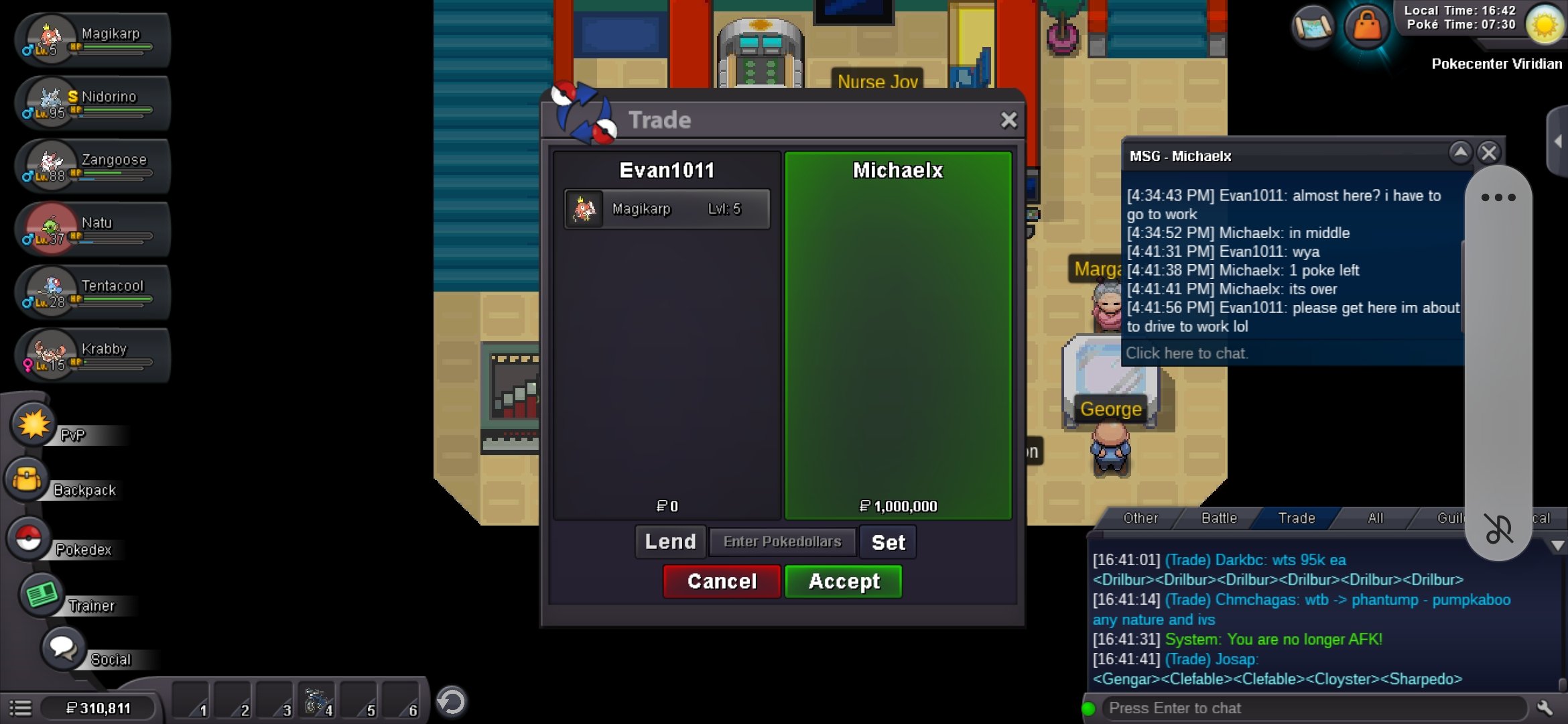
Co: 1m by mochael x So: 500k Min bid 50k Insta:2m Ends 12 hours after the first bid

-
110k on the clefable
-
Co: none So: 400k Min bid : 20k insta: 1.2 mil ends 4 hours after first bid

-
650k
-
-
1.3
-
-
Ends 24 hours after posted Starting offer: 300k Min bid: 25k Insta: 1 mil current offer: none

-
My first auction so bare with me please. Auction ends 24 hours after post. Starting bid 250k Minimum bid :20k difference after 1st bid Insta:700k No current offer AUCTION HAS ENDED, INSTA FOR 700K


-
Was looking for 180k Price negotiable . I respond quicker in game than on forum cause I'm on mobile.

-
I have been waiting all day for this guy to be online and get his poke that I agreed to level to 90 for 60k, I'd normally be more patient but I need to start sinnoh , is there a way to make the trade go through? His username is manav861 .