New Trade Zone
Trade Zone is now live
Use the new Trade Zone for auctions and instant-price trades so Pokemon and item offers are easy to find.

Lacomus
Registered User
-
Joined
-
Last visited
Everything posted by Lacomus
-
Enjoy @Jackstermac

-
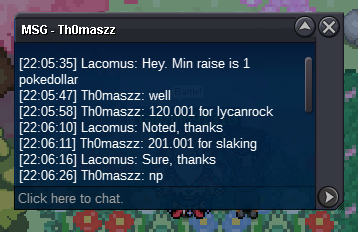
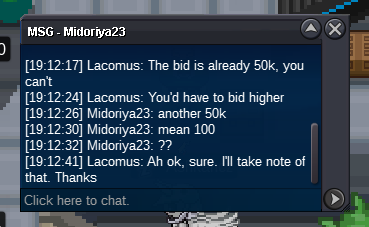
@Saba999 Appreciated, thanks@Saba999 leads at 200k@Saba999 Your bid was 200k, and you've edited it. You can't do thatStart: 1 Min bid: 1 Duration: 12 hours (after the first bid) Payment: Pokedollars, Coin Capsules (380k), IV Rerolls (500k) Insta: N/A Note: Gold Server Closed: @Riddoe 210,070
 Start: 1 Min bid: 1 Duration: 12 hours (after the first bid) Payment: Pokedollars, Coin Capsules (380k), IV Rerolls (500k) Insta: N/A Note: Gold Server Closed: @Romaniukf 300k
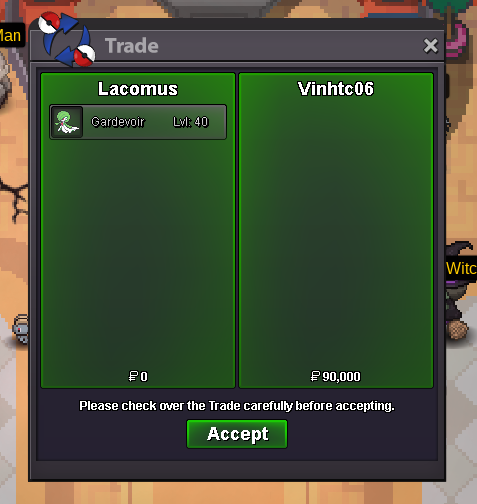
 Enjoy @Vinhtc06
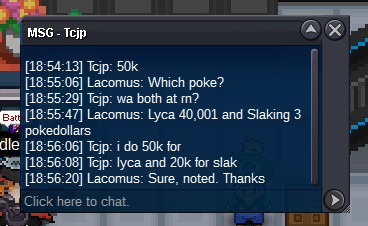
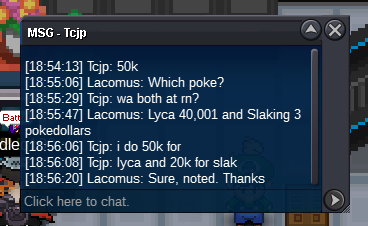
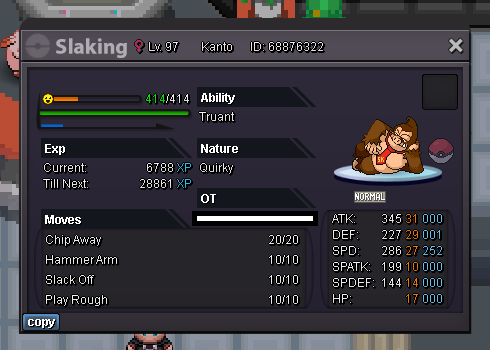
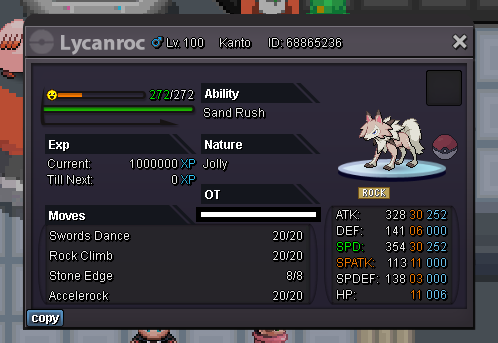
 Start (50k)Start (14,001)Start (150k)Note: Alt account (Luffey7). Enjoy @Sukuna7
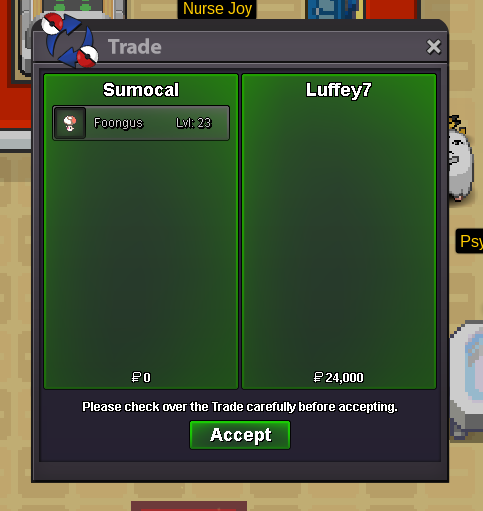 Removed, invalid (didn’t see others had raised more)
Account
Navigation
Search
Configure browser push notifications
Chrome (Android)
- Tap the lock icon next to the address bar.
- Tap Permissions → Notifications.
- Adjust your preference.
Chrome (Desktop)
- Click the padlock icon in the address bar.
- Select Site settings.
- Find Notifications and adjust your preference.
Safari (iOS 16.4+)
- Ensure the site is installed via Add to Home Screen.
- Open Settings App → Notifications.
- Find your app name and adjust your preference.
Safari (macOS)
- Go to Safari → Preferences.
- Click the Websites tab.
- Select Notifications in the sidebar.
- Find this website and adjust your preference.
Edge (Android)
- Tap the lock icon next to the address bar.
- Tap Permissions.
- Find Notifications and adjust your preference.
Edge (Desktop)
- Click the padlock icon in the address bar.
- Click Permissions for this site.
- Find Notifications and adjust your preference.
Firefox (Android)
- Go to Settings → Site permissions.
- Tap Notifications.
- Find this site in the list and adjust your preference.
Firefox (Desktop)
- Open Firefox Settings.
- Search for Notifications.
- Find this site in the list and adjust your preference.