




New Trade Zone
Trade Zone is now live
Use the new Trade Zone for auctions and instant-price trades so Pokemon and item offers are easy to find.


Everything posted by Lacomus
-
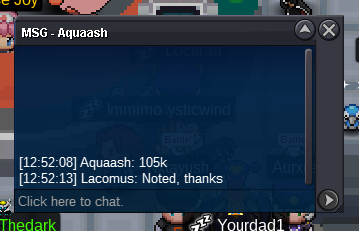
Started: https://www.tickcounter.com/countdown/4192330/hydreigon-staraptorStart: 1 Min bid: 1 Duration: 24 hours (after the first bid) Payment: Pokedollars Note: Hydre HP Water, Stara HP Ghost. This is a bundle. No cancellations, no insta Countdown: https://www.tickcounter.com/countdown/4192330/hydreigon-staraptor Closed: @Juanluispf 55k
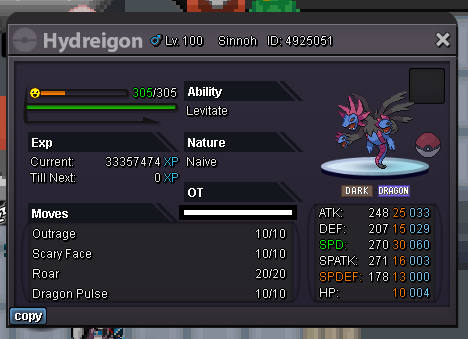
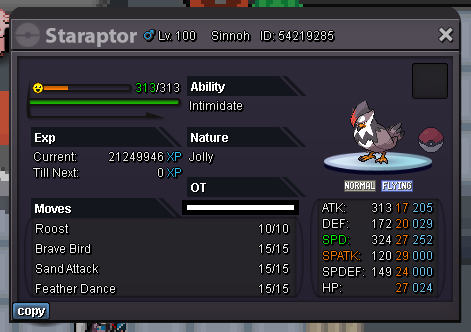 @Sayainji All gone now@Liduix Very awesome@Liduix Hidden power?Enjoy! @Aquaash
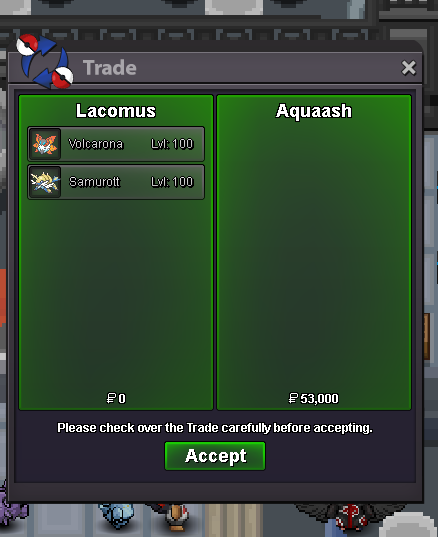 @Suncity Its over, can't accept this bid Congrats @Aquaash you win. I'm now online to trade. Let me know if its convenient@Taelfan leads at 18,001Don't need to say "each" as its a bundle. Bare this in mind guys...Thanks! @Rajatsardar
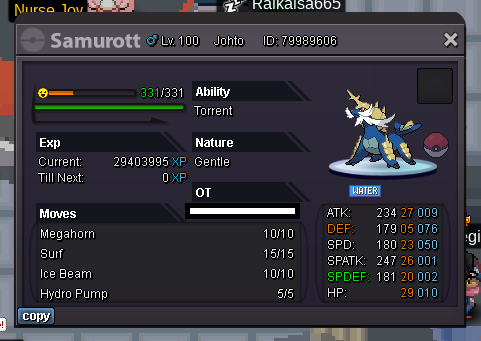
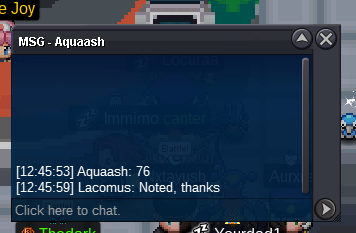
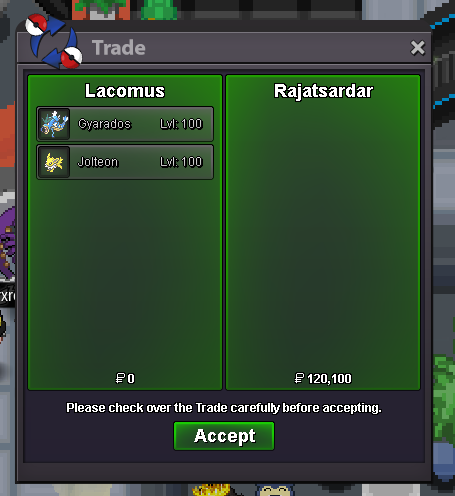 I'm here too @RajatsardarStarted: https://www.tickcounter.com/countdown/4163136/volcarona-samurottStart: 1 Min bid: 1 Duration: 24 hours (after the first bid) Payment: Pokedollars Note: Volca HP Fighting, Samu HP Ground. This is a bundle. No cancellations, no insta Countdown: https://www.tickcounter.com/countdown/4163136/volcarona-samurott Closed: @Aquaash 53k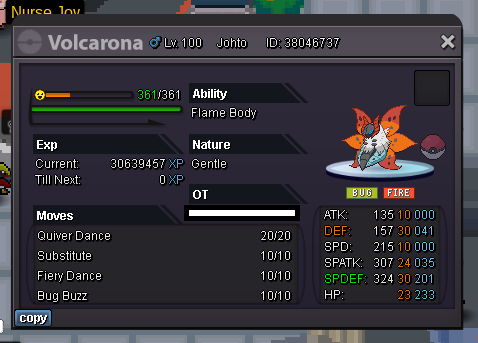
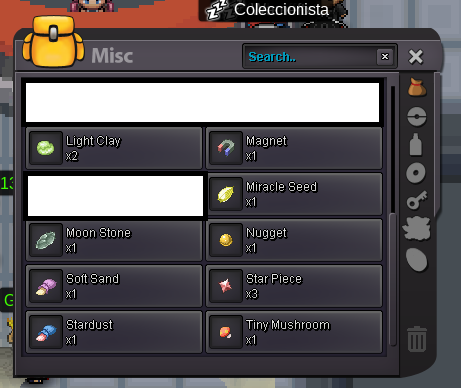
 Some of this stuff isn't tradable, but if it is, then take itStuff that I've picked up / don't care to have or use
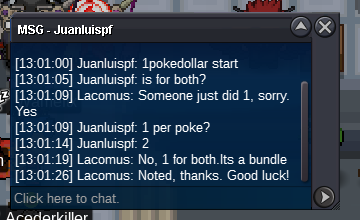
 Auction over, you win @Rajatsardar I'm in vermi to trade, if you're around. Let me know@Rajatsardar leads at 80k

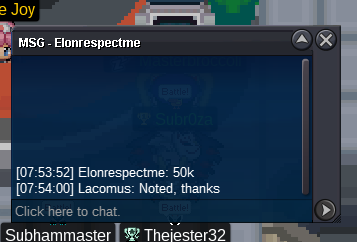

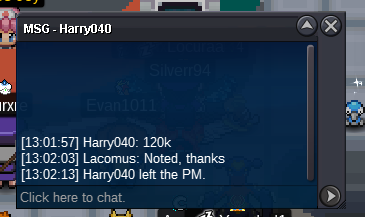
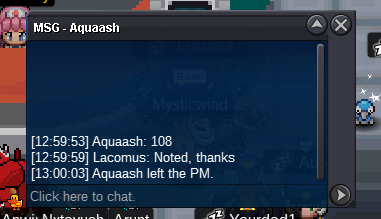
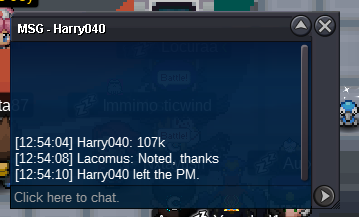
Account
Navigation
Search
Configure browser push notifications
Chrome (Android)
- Tap the lock icon next to the address bar.
- Tap Permissions → Notifications.
- Adjust your preference.
Chrome (Desktop)
- Click the padlock icon in the address bar.
- Select Site settings.
- Find Notifications and adjust your preference.
Safari (iOS 16.4+)
- Ensure the site is installed via Add to Home Screen.
- Open Settings App → Notifications.
- Find your app name and adjust your preference.
Safari (macOS)
- Go to Safari → Preferences.
- Click the Websites tab.
- Select Notifications in the sidebar.
- Find this website and adjust your preference.
Edge (Android)
- Tap the lock icon next to the address bar.
- Tap Permissions.
- Find Notifications and adjust your preference.
Edge (Desktop)
- Click the padlock icon in the address bar.
- Click Permissions for this site.
- Find Notifications and adjust your preference.
Firefox (Android)
- Go to Settings → Site permissions.
- Tap Notifications.
- Find this site in the list and adjust your preference.
Firefox (Desktop)
- Open Firefox Settings.
- Search for Notifications.
- Find this site in the list and adjust your preference.