New Trade Zone
Trade Zone is now live
Use the new Trade Zone for auctions and instant-price trades so Pokemon and item offers are easy to find.
.jpg.3a01b43c20ee920528a062f545f14b11.jpg)

Abhi9797
Registered User
-
Joined
-
Last visited
Everything posted by Abhi9797
-
2.3m
-
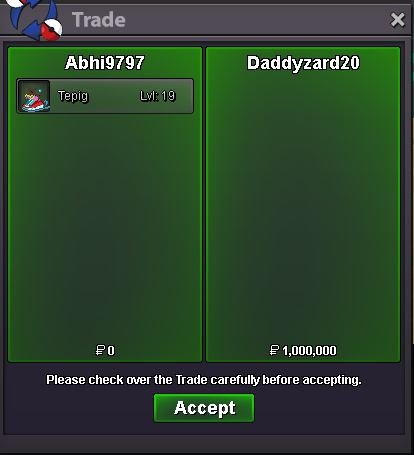
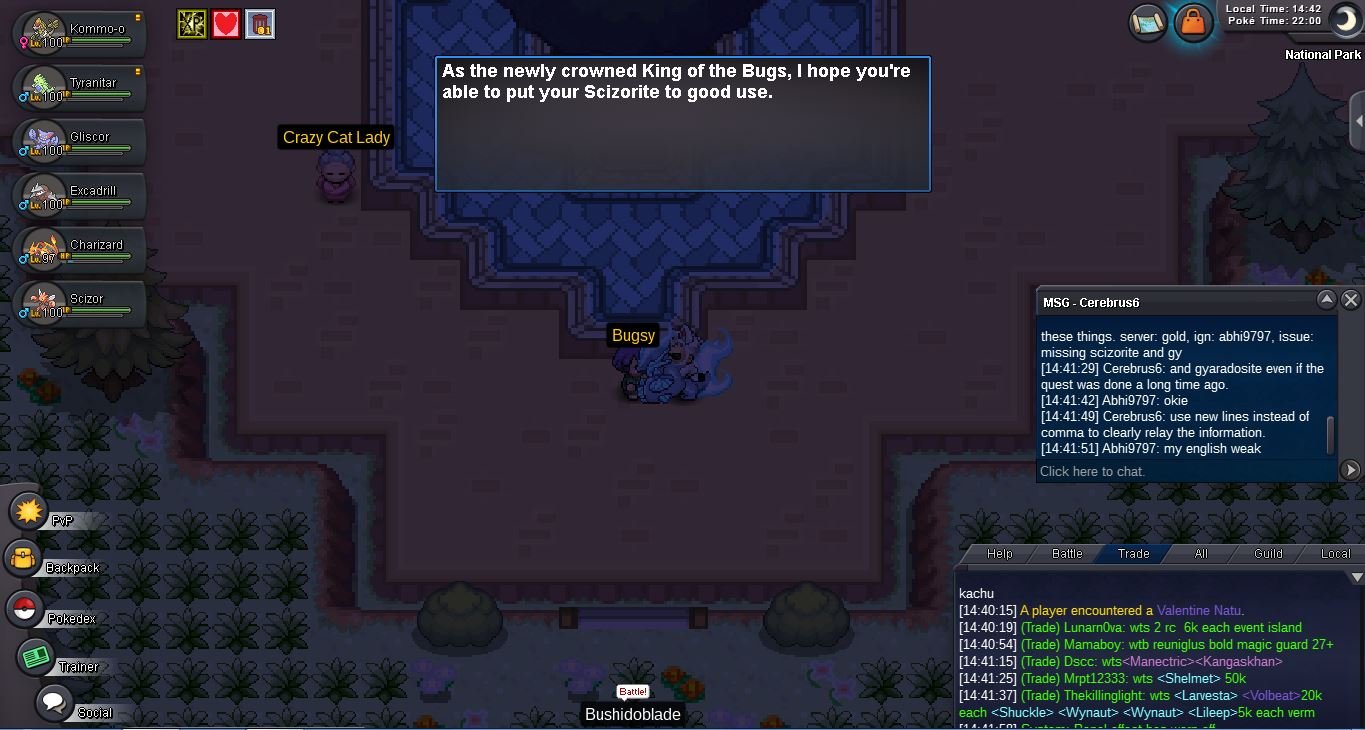
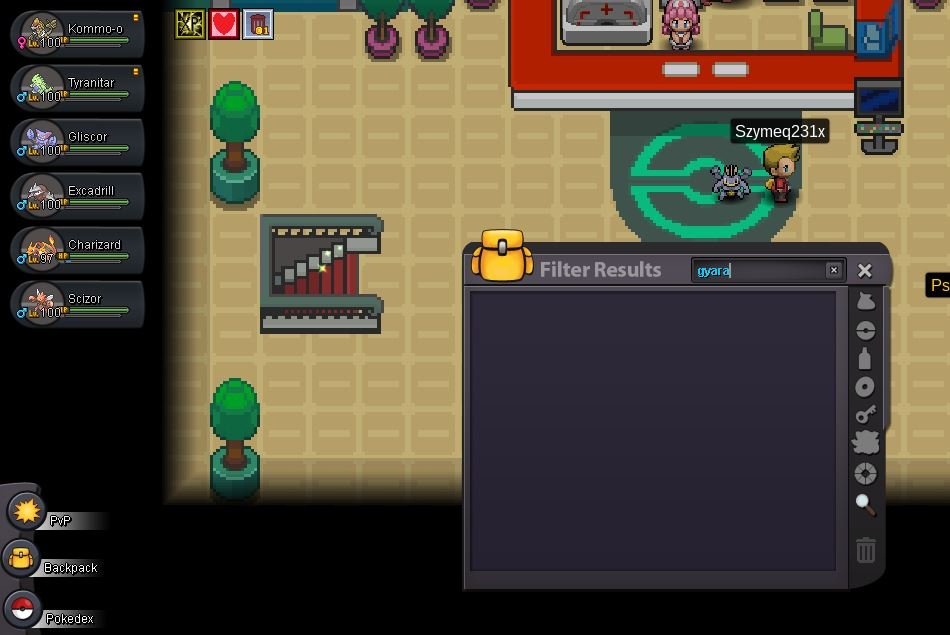
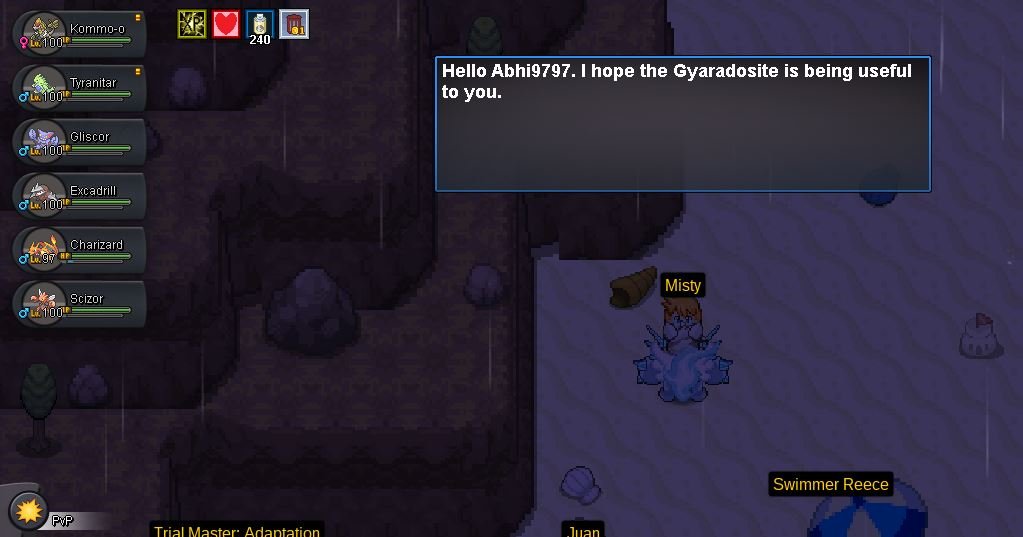
The auction is ended and Daddyzard20 is the winnerBump.notednotedSTART = 500k MIN-RAISE = 100k END = 48 HOURS AFTER FIRST BID ACCEPTABLE PAYMENT METHOD CC=500k RR=550k Nat RR=250ki already check my all pokemons in pc.Hello I thought to use scizor as a mega and when i saw my scizorite and gyaradosite was missing from bag. And when i went to re obtain the stones the quest did not starts it is already done. And I check my all boxes if any pokemon was helding it.

 Its seem no one interested can this topic be closed.ok thanks first time doing auction didnt know much.start : 150k min. bid : 20k insta :1m 72 hours after the 1st bid accept item: -Rc 6k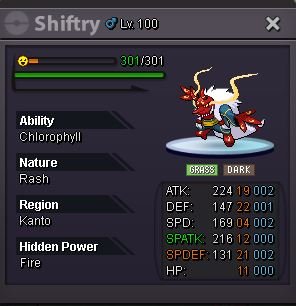
 i want to buy exp boost in gold server tell me price.My game is not opening i re-downloaded and open it 3-4 times and i block antivirus also and i added parameters also in target zone then also my game not launching.as the title suggest i wanted to suggest a shiny and form button in pc , because its too hard to find shinies and forms among 1000 pokemons and there are many that we forget about but if there will be a button for it in pc then we can see all of them . please tell me if you like the idea : )